
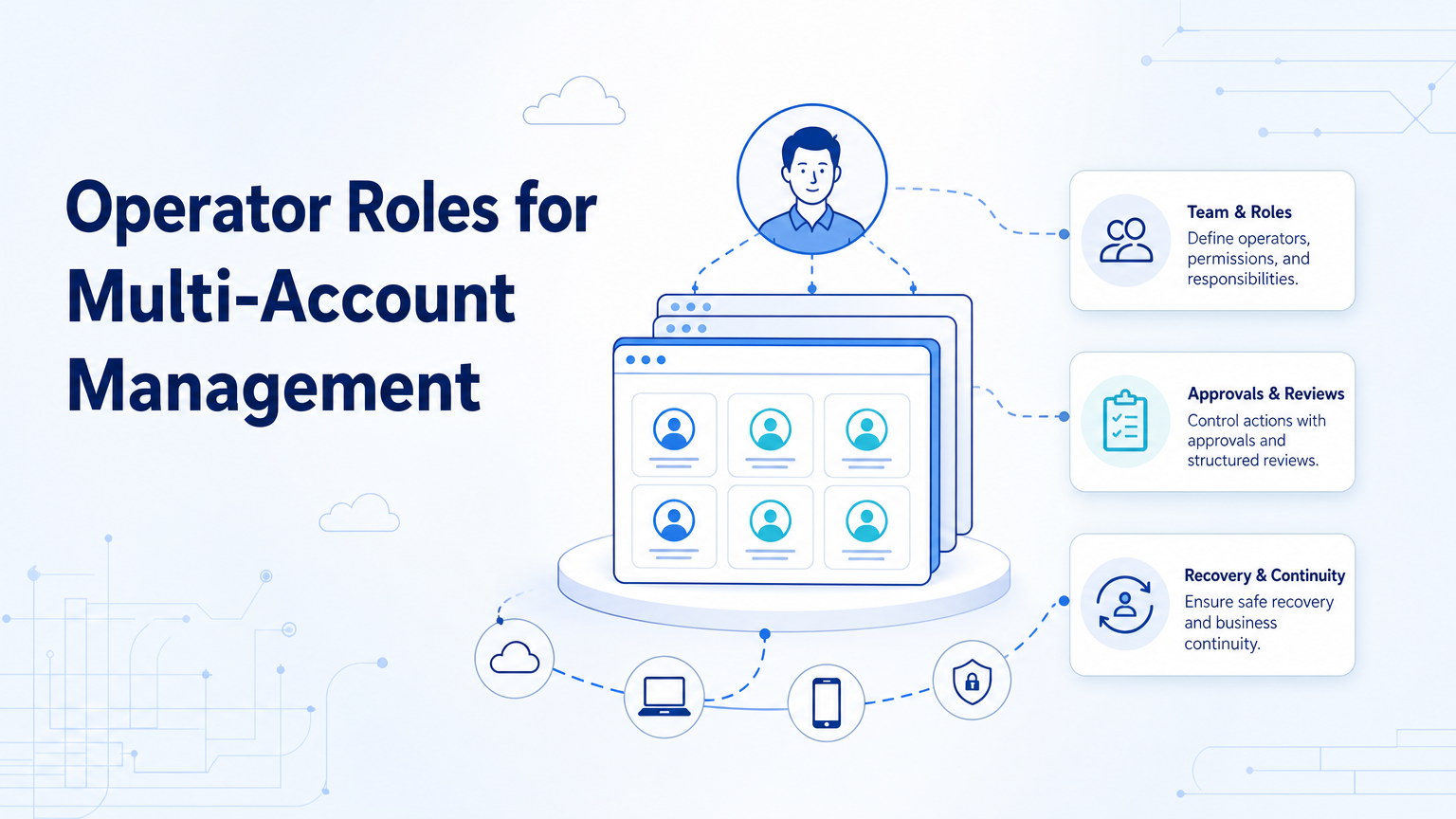
Operator roles for multi-account management are the access and responsibility rules that define who can run, approve, manage, and recover account workflows. For social media and ecommerce teams, role design is the difference between controlled operations and shared-login confusion.
The topic is practical. Teams do not only need more accounts. They need account owners, operators, reviewers, workflow managers, and admins working inside clear multi-account management rules.
Key Takeaways
- Role design should come before scaling accounts.
- Operators should not share one uncontrolled workspace.
- Reviewers need approval authority without unnecessary environment access.
- Admins should manage workspaces, routing, and permissions.
- A pilot should test role handoff, approval speed, and recovery steps.
What Operator Roles for Multi-Account Management Include
Operator roles for multi-account management separate access from responsibility. One person may prepare content. Another may approve it. A third may manage account environments and recovery.
This separation matters because multi-account teams often work across brands, regions, clients, and channels. Without roles, teams fall back to shared passwords, unclear approvals, and manual tracking.
MoiMobi supports this model by treating accounts as workspaces. Browser profiles, cloud phones, device isolation, and logs help teams assign tasks without giving every operator the same level of control.
Core Roles to Define
Start with five roles. Smaller teams can combine roles, but they should still define the responsibilities.
| Role | Main responsibility | Access boundary |
|---|---|---|
| Account owner | Owns business outcome and final accountability. | Can request changes and approve strategy. |
| Operator | Runs daily publishing, reply, monitoring, or research tasks. | Uses assigned workspaces only. |
| Reviewer | Approves posts, replies, sensitive changes, and exceptions. | Reviews outputs without needing broad admin access. |
| Workflow manager | Maintains SOPs, task queues, and escalation rules. | Can adjust workflow settings and review fields. |
| Environment admin | Manages browser profiles, cloud phones, routing, and recovery. | Controls infrastructure, not daily content decisions. |
This split keeps decisions cleaner. It also makes mistakes easier to trace.
Why Roles Matter in Browser and Mobile Workflows
Multi-account work often crosses browser and mobile environments. An operator may prepare a post in a browser, check account status in a dashboard, and finish a step in a mobile app.
Role design keeps those steps inside the correct workspace. The operator should use assigned browser profiles and cloud phones. The reviewer should see task output and context. The admin should fix environment issues without taking over content decisions.
Official business-device frameworks make a similar distinction. Android Enterprise frames Android in work contexts with management needs. Multi-account operations should apply the same discipline: separate device control, work access, and business approval.
How to Assign Roles in Practice
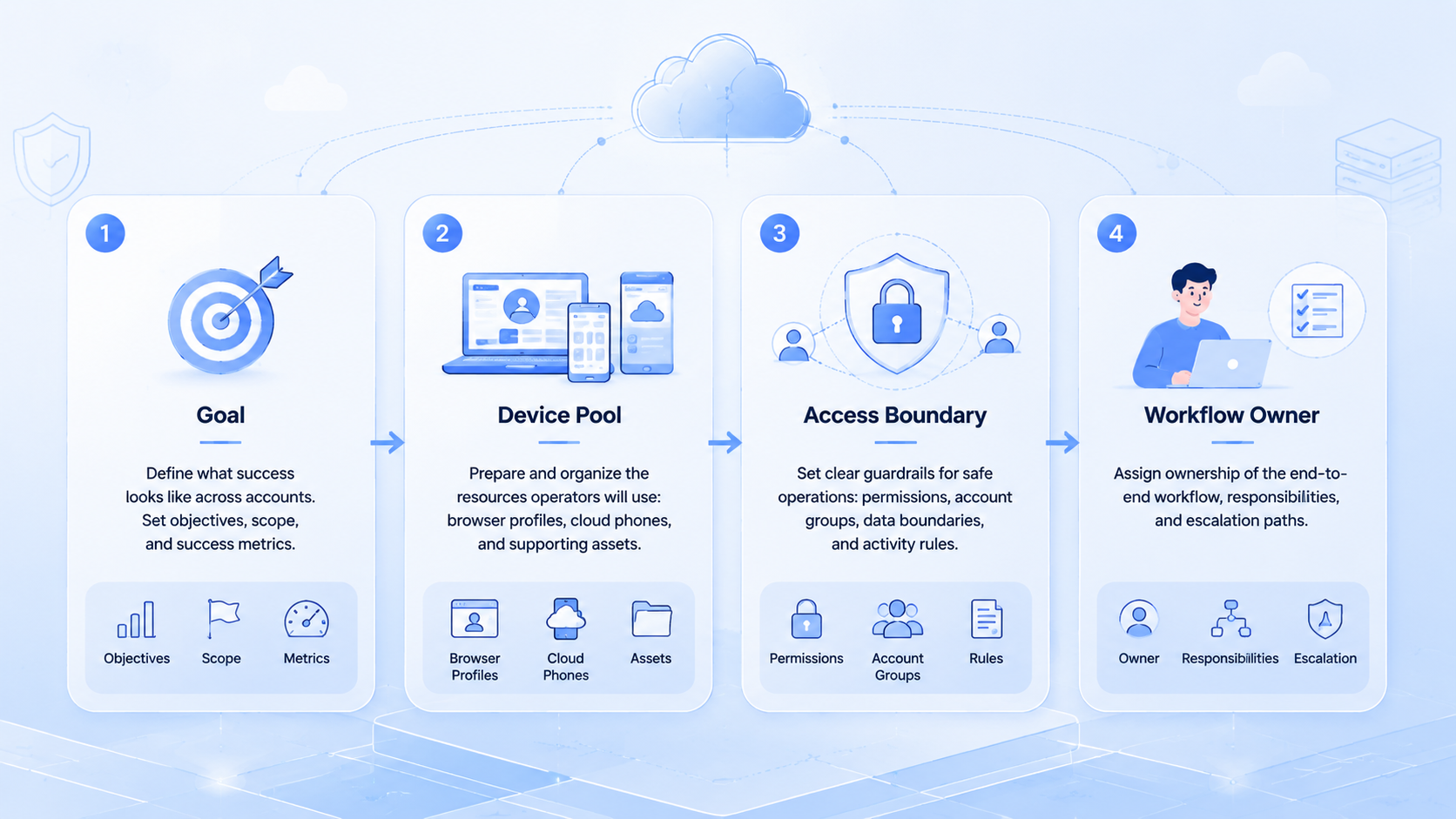
Use account risk and workflow type to decide role access.
- List all accounts and group them by brand, client, region, or platform.
- Assign one owner for each account group.
- Give operators only the workspaces needed for assigned tasks.
- Route public posts, customer replies, and account-setting changes to reviewers.
- Let environment admins manage device isolation, routing, and recovery.
- Review logs weekly to find unclear ownership or repeated failures.
This keeps role design tied to real work. It also avoids giving broad access just because setup is easier.
Common Mistakes to Avoid
The first mistake is making every operator an admin. That may feel faster during setup, but it creates confusion when something fails.
The second mistake is giving reviewers too little context. A reviewer needs the draft, account, campaign, prior task notes, and escalation reason. Without context, approval becomes guesswork.
The third mistake is treating role design as a security-only topic. It is also an efficiency topic. Clear roles reduce handoff time because each person knows when to act.
For browser-based access, standards such as W3C WebDriver reinforce that sessions and commands have state. Operations teams should respect the same idea by tying actions to account workspaces and users.
Fit and Not-Fit Guide
Role design fits any team managing more than a few accounts, brands, or operators. Agencies need it for client separation. Ecommerce teams need it for seller accounts. Social media teams need it for publishing, replies, and monitoring.
It may be overbuilt for one person managing one account. In that case, a simple checklist is enough.
The need becomes stronger when teams add cloud phone workspaces or mobile app workflows. Mobile execution creates more places where ownership, review, and recovery must be clear.
Pilot Rollout and Review Checks
Test roles on one account group first. Do not redesign every permission at once.
Track:
- Who created the task.
- Which workspace was used.
- Who approved the output.
- What failed, if anything.
- Who recovered the workflow.
- Whether access was too broad or too narrow.
After one week, review where tasks slowed down. If approvals are slow, improve context. If operators request admin access often, refine the workspace design. If admins handle content decisions, split responsibilities again.
Frequently Asked Questions
What is the most important role?
The account owner is most important for accountability. Operators and reviewers need that owner to define priorities.
Should operators have admin access?
Usually no. Operators should use the workspaces needed for their assigned tasks.
Can one person hold multiple roles?
Yes, especially in small teams. The responsibilities should still be documented.
How do roles help account isolation?
Roles reduce unnecessary access and keep tasks inside assigned browser or mobile environments.
What should reviewers see?
Reviewers need the draft, account context, task history, and escalation reason.
How often should roles be reviewed?
Review roles after account growth, staff changes, workflow failures, or new platform launches.
How does MoiMobi support role-based operations?
MoiMobi provides browser and mobile workspaces that help teams separate account tasks and review flows.
Conclusion
Operator roles for multi-account management should be defined before scale. Start with owners, operators, reviewers, workflow managers, and environment admins.
The next step is to test one account group. Confirm that each task has the right workspace, owner, reviewer, and recovery path before adding more accounts.



