
Key Takeaways
- Operator activity history is a shared record of who acted, where, and what happened next
- It helps teams review handoffs, failed tasks, and account changes
- The log should connect operator, account, device, task, result, and next step
- Moimobi teams can use this model across cloud phones, browser profiles, and mobile workspaces
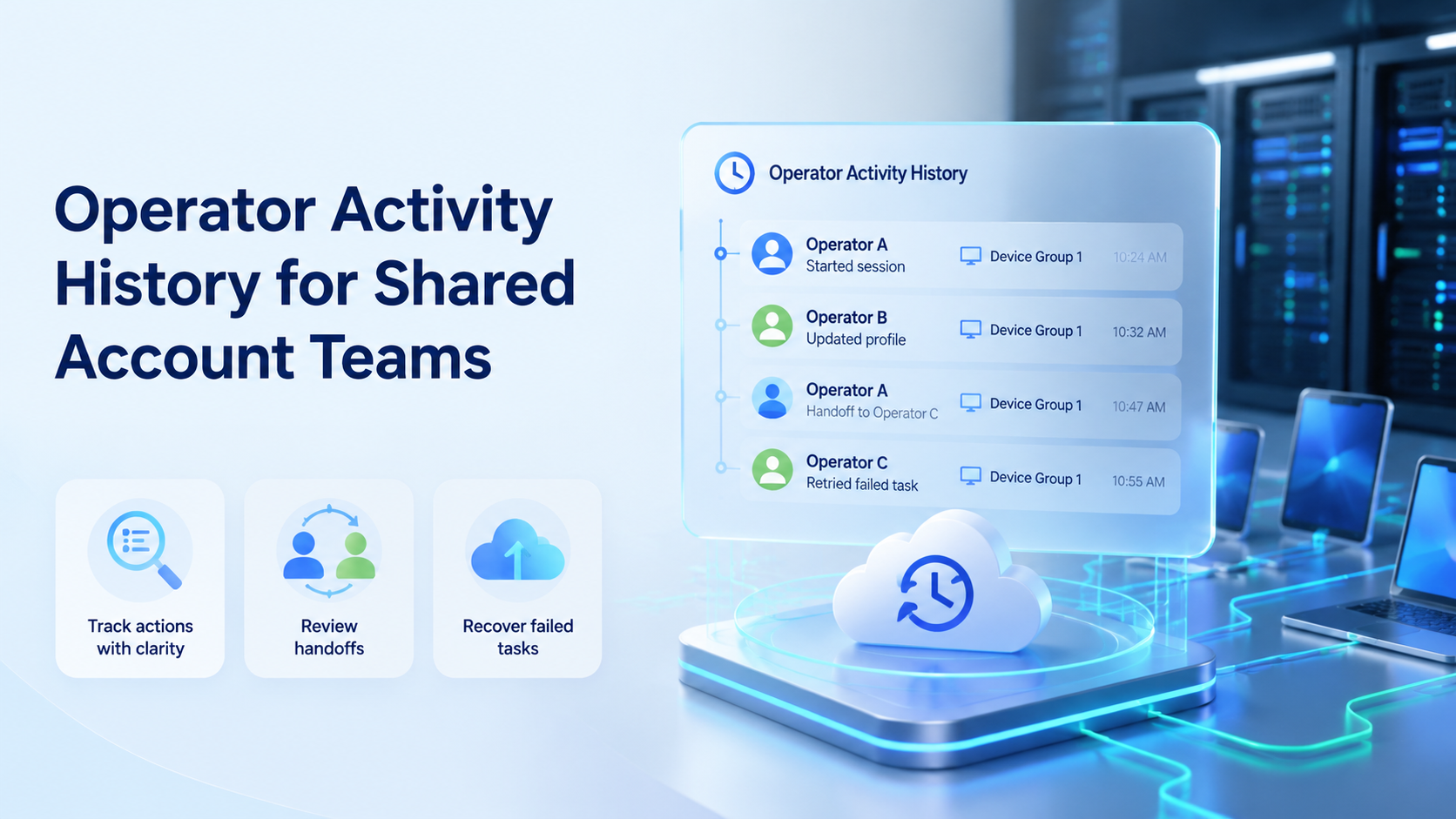
Operator activity history is a shared record of actions taken inside team account environments. It shows who acted, which account or device was used, and what result followed.
This matters when several people work on the same account pool. Without a clear log, a team may know that something changed, but not who touched it or how to recover the task.
What Operator Activity History Means
Operator activity history is not the same as a broad analytics report. Analytics may show volume. A work log shows responsibility.
Atlassian describes audit logs as records used to review admin and security events (Atlassian Support). Shared account teams need a similar habit for daily work: keep a trail that explains the action, not just the count.
For Moimobi, the trail should sit close to multi-account management. Account state, device state, and task state should not be split across chat, sheets, and memory.
Why Operator Activity History Matters for Shared Account Teams
The main reason is handoff. One person may publish content in the morning. Another may reply to messages at night. A lead may review a failed task later.
Microsoft Entra audit logs are designed to help teams review actions in an identity system (Microsoft Learn). The same idea works for account operations. When access is shared, the record must be clearer than the chat around it.
A shared team needs three answers fast:
- Who worked on the account?
- Which device or workspace carried the task?
- What should the next person do?
Operator Activity History Fields to Log
Keep the format simple. A small, fixed log is better than a long note that no one fills in.
| Field | What to record |
|---|---|
| Operator | The person who ran the task |
| Account | The account, client, region, or brand |
| Device | Cloud phone, browser profile, or mobile workspace |
| Task | Publish, reply, review, monitor, recover, or check |
| Result | Done, failed, skipped, review, or recovered |
| Next step | The owner and next action |
AWS CloudTrail frames event history as a way to review account activity across supported services (AWS Documentation). The lesson is plain: a record is useful when it explains the next decision.
Pilot and Recovery Checks
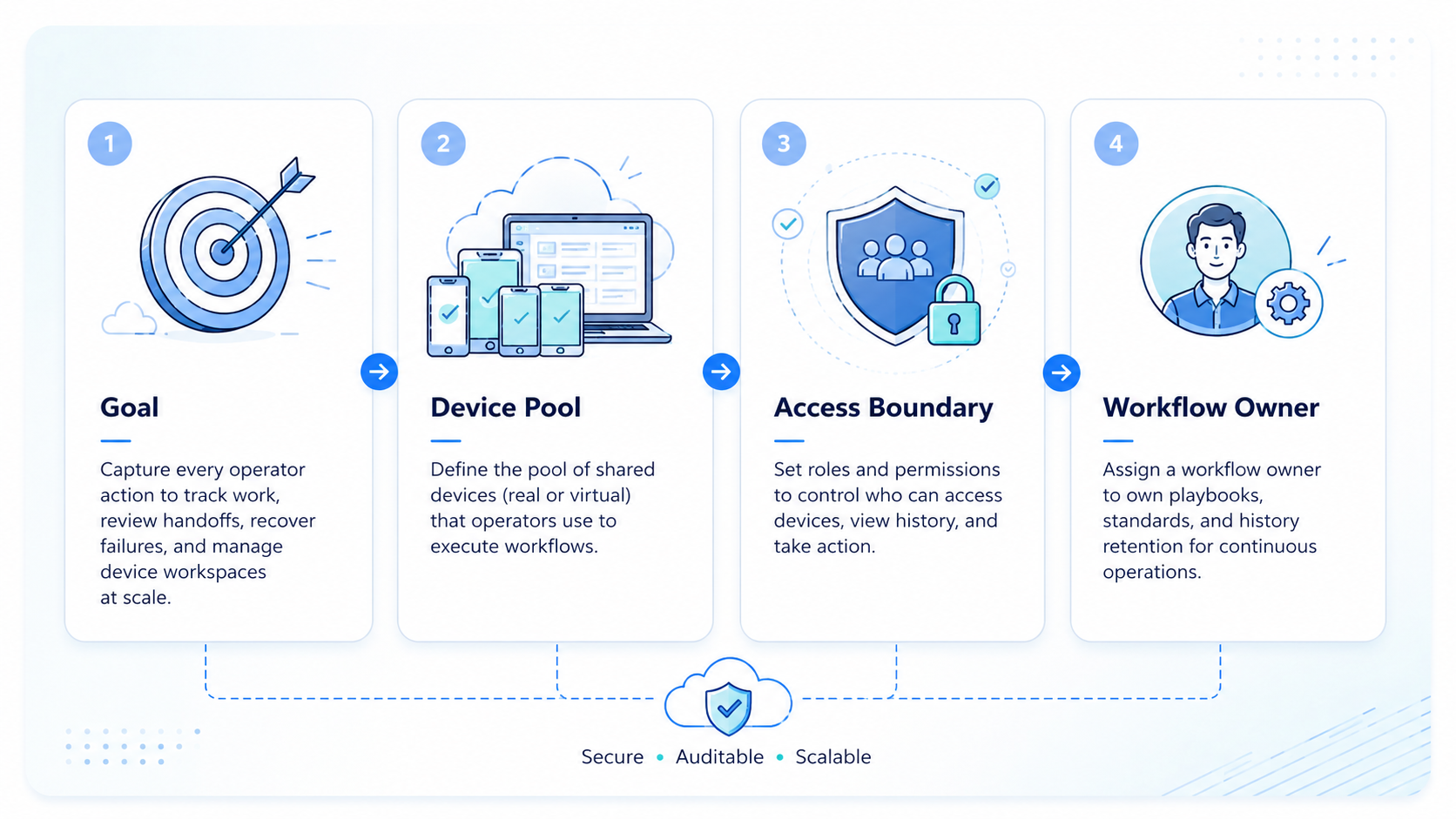
Start small. Pick one workflow, three accounts, and one team role. Run the pilot for 7 days.
During the pilot, count:
- Tasks done
- Tasks sent to review
- Failed tasks
- Recovery notes
- Unclear handoffs
The recovery check is the most useful part. If a failed task has no owner and no next step, the log is incomplete. Fix that before adding more accounts or operators.
Moimobi teams can connect this pilot to mobile automation once the manual path is stable. Automation should follow a clear trail, not hide a weak one.
Fit and Not-Fit Boundaries
This approach fits shared teams that rotate shifts, manage client accounts, or run work across cloud phones and browser profiles. It also fits teams that need review before sensitive replies, publishing, or recovery.
It is a weaker fit for one person using one account. It may also be unnecessary when all work already lives inside one mature help desk, CRM, or platform admin tool.
Use a simple line: if more than one person can change account state, keep a work trail.
Frequently Asked Questions
What is operator activity history?
It is the record of actions taken by users inside shared accounts, devices, or workspaces.
Why does it matter for shared account teams?
It cuts handoff confusion. A manager can review the trail instead of asking every teammate what happened.
What should be included in the log?
Include operator, account, device, task, result, reviewer, recovery note, and next step.
Is this only for security teams?
No. Security teams may care about audits, but operations teams care about continuity and recovery.
Can it work with cloud phones?
Yes. The log should show which cloud phone or mobile workspace was used.
Does it replace SOPs?
No. It supports SOPs by showing whether the team followed the workflow.
When should a team start tracking it?
Start when more than one person can work inside the same account environment.
Conclusion
Operator activity history works when it answers real operating questions: who acted, what changed, where it happened, and what comes next.
Begin with one workflow and a short status list. After 7 days, review failed tasks and unclear handoffs. If the team can explain each account change without searching chat, the trail is doing its job.



