
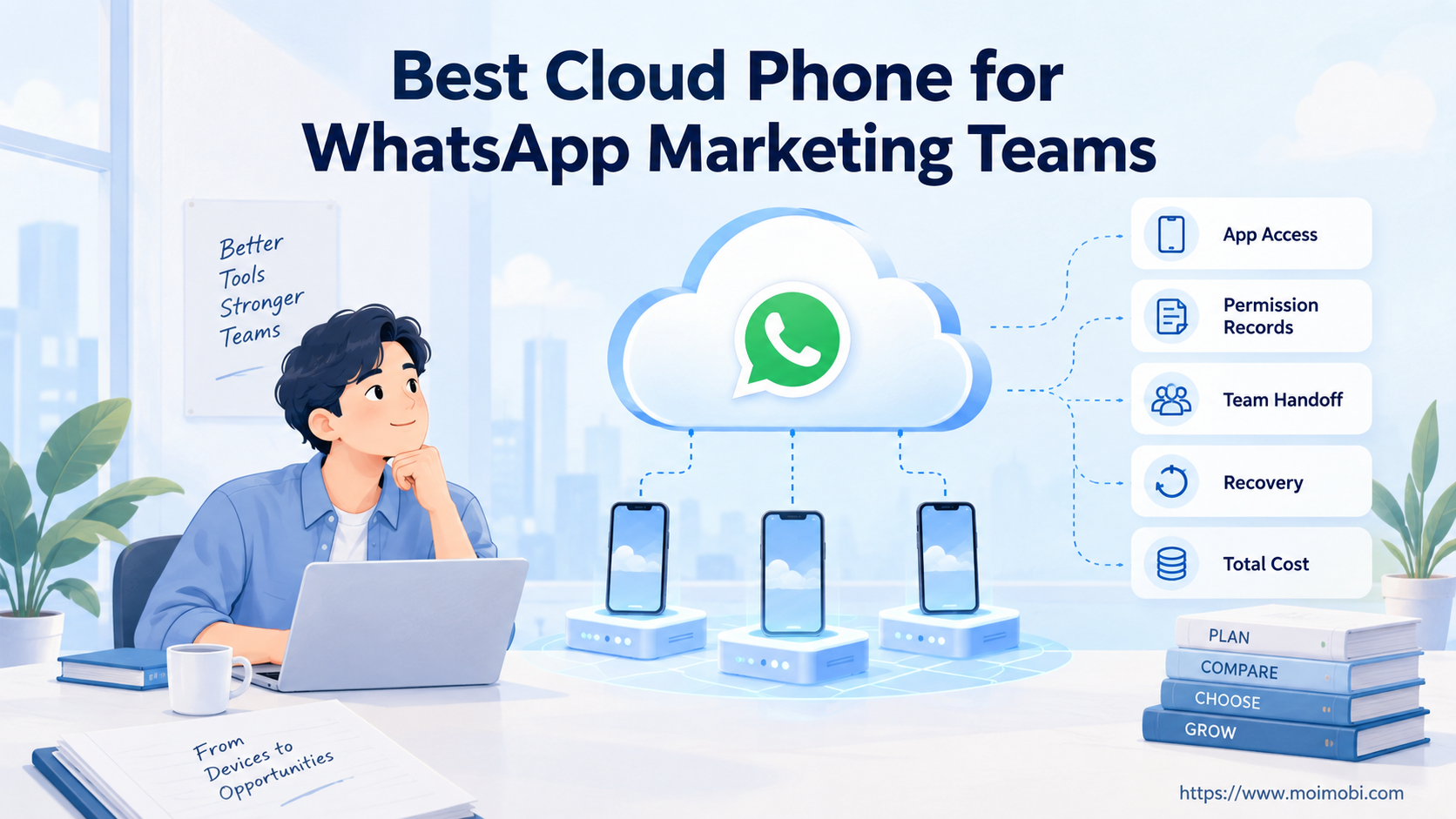
The best cloud phone for WhatsApp marketing is the environment that supports your approved mobile task with clear ownership and recovery. There is no evidence-backed universal winner in this comparison. Choose an API-first route when the work is business messaging and integration. Evaluate a remote Android workspace only when a documented task genuinely needs the mobile app.
A cloud phone is an execution environment, not permission to contact customers. Before buying devices, identify the account, intended message, recipient permission and operator. Those inputs can change the shortlist more than storage size or the number of device tiles on a dashboard.
This article compares operating approaches rather than ranking untested vendors. It adds a WhatsApp-specific purchasing test to the broader device comparison: can the team manage permitted conversations, handoff and exceptions without confusing app access with campaign authorization?
Key Takeaways
- Separate business messaging integration from mobile app access.
- Check consent and withdrawal handling before comparing device features.
- Require an observed result for each provider capability you need.
- Include operator time, recovery and exit costs in the quotation.
- Reject unsupported claims about compatibility or account protection.
Best cloud phone for WhatsApp marketing: compare the operating routes
Three routes deserve separate evaluation: a business messaging integration, a remotely managed Android workspace, and a local emulator. They are not interchangeable products. The table below is a decision framework, not a benchmark or a statement that every provider supports WhatsApp.
| Requirement | Business messaging integration | Remote Android workspace | Local emulator |
|---|---|---|---|
| Main decision | Does the documented messaging interface cover the task? | Does the approved task require app-side access? | Is the job a controlled software or workflow test? |
| Team handoff | Evaluate conversation routing and assigned ownership | Demonstrate operator access and account identity | Define who maintains the host and test state |
| Campaign controls | Review recipient permission and messaging rules | Keep those controls outside device availability alone | Do not treat a test environment as campaign approval |
| Continuity | Review the integration's own failure and recovery path | Test state retention and reconnect behavior with permission | Record reset behavior before relying on saved state |
| Evidence needed | Current interface documentation and a permitted test | Supported app path, observed handoff and recovery | Named image, host setup and repeatable test result |
| Purchasing risk | Paying for features outside the required task | Buying device capacity without proven app suitability | Underestimating local maintenance and workflow limitations |
Meta's Business Platform documentation describes programmatic messaging through its Cloud API. That makes an integration route a relevant starting point for structured messaging requirements. It does not prove that a particular vendor connector works or that every marketing workflow is approved. Evaluate the missing action against the documented interface.
The emulator option serves a different question. Android's virtual device documentation defines an AVD as a configuration for a simulated device. That definition supports an emulator distinction, not a claim about WhatsApp compatibility. A cloud-hosted product could also use virtualization; ask what the provider actually supplies.
Read the separate cloud phone vs emulator guide for the broader environment distinction. Here, the decisive issue is whether the proposed environment meets the team's permitted WhatsApp task.
Which route fits a WhatsApp marketing team?
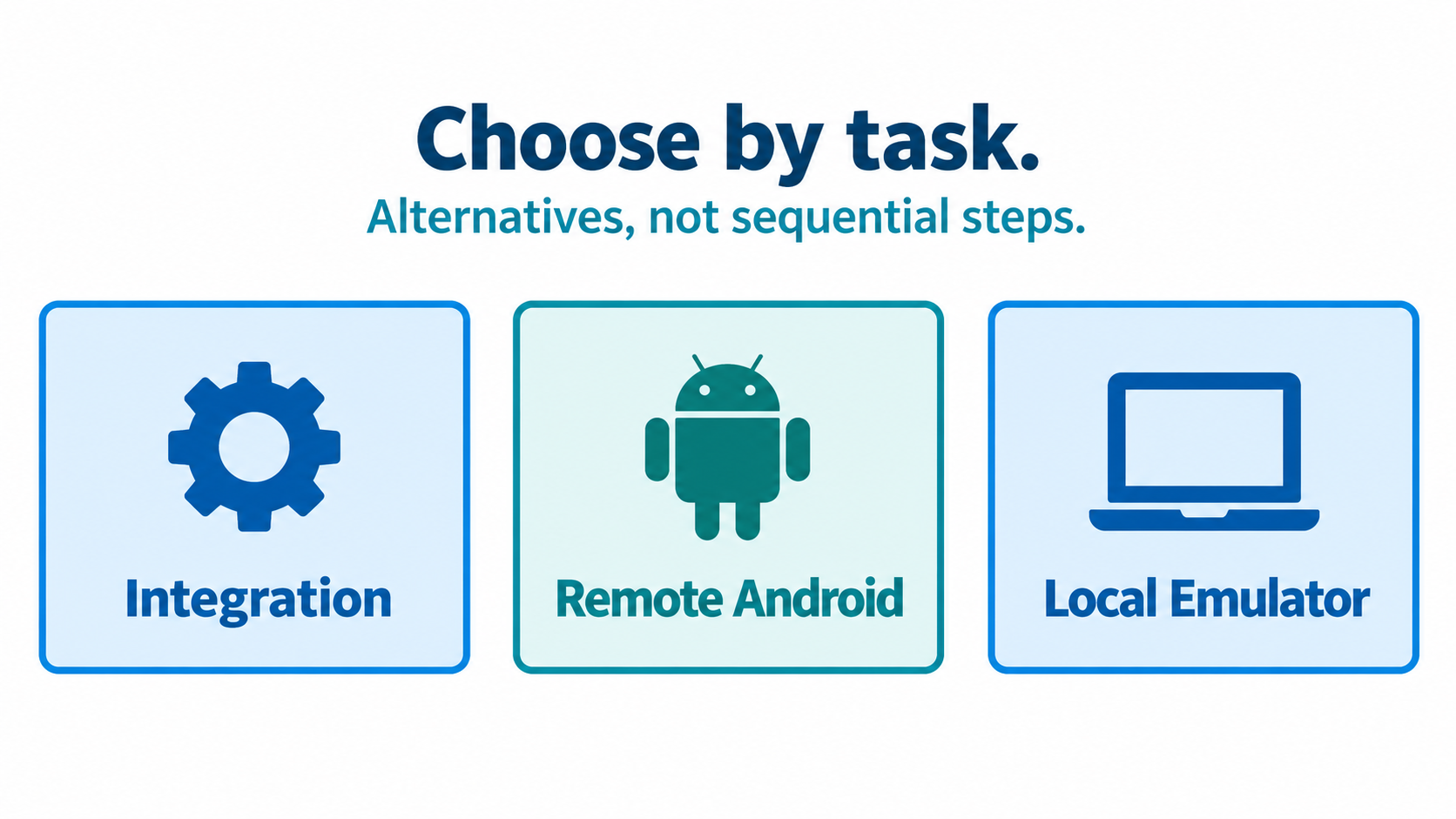
An integration-led team should start with its conversation requirements. Write down the incoming event, approved response, responsible person and desired CRM record. If an authorized integration covers that chain, a mobile workspace may add maintenance without closing a real gap. Ask the integration supplier to demonstrate the missing action before adding another environment.
An app-led team may have a documented reason to retain mobile access. For example, an operator may need to review an account-specific app state during an approved support workflow. A remote workspace then becomes a candidate, subject to supported access and compatibility checks. Device availability alone is insufficient evidence that the task works.
A testing team should name the test objective separately from production messaging. It might examine its own workflow prototype or a device configuration. Compare reproducibility, resets and evidence collection rather than campaign capacity. Do not move real customer contacts into a test merely because the environment is easy to duplicate.
Agencies need one more constraint: client ownership. Establish who controls each account, who approves communications and who can revoke operator access. Shared infrastructure does not erase separate client responsibilities. An environment that makes handoff convenient but ownership unclear is a poor fit, even when its monthly price is attractive.
The recommendation reverses when the required action changes. A team buying remote app access for manual review may later need structured messaging integration. Conversely, an integration may leave an approved app-side review unresolved. Describe that gap precisely; do not assume a large device pool is the answer to every workflow problem.
Permission and conversation rules change the buying decision
Meta's WhatsApp opt-in guidance says businesses must obtain permission before messaging people. It also advises clear withdrawal instructions and honoring requests. The Business Platform overview explains template approval and use outside a customer service window. These requirements concern messaging, not cloud-device capabilities.
Translate those requirements into purchasing questions. Where does the team record permission? How does a withdrawal reach every responsible operator? What prevents a queued follow-up from continuing after the recipient opts out? A useful answer names the record, owner and stop action, rather than pointing only to a device dashboard.
Account separation is not permission for unwanted contact. Separate environments can help a team organize its work, but the rules still concern the message itself. Reject proposals that rely on hiding ownership, cycling accounts after restrictions, or continuing contact after withdrawal.
Human review matters when a conversation becomes unclear. As a proposed team control, assign a person to handle complaints, uncertain permissions and exceptions before further contact. Define how the operator pauses the task and records the unresolved issue. The control should be usable during a real shift, not merely described in a sales presentation.
Keep customer content out of shared purchasing evidence. Use a permitted test scenario and remove names and identifiers before sharing records with suppliers. Request only the information needed to explain the failure. A clear test result can show account selection and handoff without exposing a customer's chat history.
Costs that change the shortlist
The device fee is only part of the cost. Request a quote for the named workflow and keep each charge separate. Device rental, staff access, integration work, storage, support and recovery may have different billing rules. The supplier must explain which items apply; this article does not supply vendor prices.
Use a proposed worksheet with columns for charge, billing unit, inclusion, cancellation terms and unanswered questions. Record whether an idle environment still incurs charges. Ask what happens to retained state when the subscription ends. Missing answers are procurement gaps, not reasons to insert estimated numbers into the comparison.
Operator time is also an input. During an approved evaluation, record how long account checks, reconnects and handoffs actually take. Avoid converting those observations into a savings claim without a comparable baseline. Include the work outside the demonstrated screen in your proposed measurement.
Recovery changes economics too. An inexpensive environment may be unsuitable if the team cannot restore the required state. Request the supported recovery procedure and test it only within the provider's approved boundaries. Treat a sales assurance as pending evidence until the expected result is observed and documented.
For a vendor-specific starting point, use the cloud phone provider comparison. Confirm current terms independently. A comparison page helps organize questions; it cannot replace the quotation and compatibility evidence for your own account and workflow.
Best cloud phone for WhatsApp marketing: an evaluation scorecard
Start with a written task brief. Name the business owner, operator role, authorized account, intended interaction and required result. List what the environment must preserve and what it must never expose. This keeps the evaluation anchored to a specific purchase rather than a demonstration of unrelated features.
Next, ask each shortlisted supplier for evidence against the same criteria. Leave untested fields marked unknown. Use pass, unresolved and unsuitable labels rather than invented numerical ratings. These labels make the reasoning visible without implying that a subjective score is a measured benchmark.
| Criterion | Evidence to request | When to stop |
|---|---|---|
| Supported task | Current documentation plus a permitted demonstration | Required app action remains unsupported |
| Account ownership | Named owner and visible account check | Identity or access approval is unclear |
| Team handoff | Observed transfer between authorized operators | The receiving operator cannot verify the account |
| Withdrawal handling | Proposed record and a demonstrated stop path | Follow-up can continue after a stop request |
| Recovery | Supported procedure and recorded outcome | State recovery depends on undocumented actions |
| Commercial exit | Written cancellation and data handling terms | Ownership or retained information cannot be resolved |
Run a small, authorized evaluation against those criteria. Record the observed result, unresolved limitation and person responsible for deciding. Repeat a failed check only after identifying a plausible cause. Do not treat repeated retries as evidence of reliability or expand contact volume to force a success.
Moimobi belongs in the execution-environment discussion: browser profiles, cloud phones and Android workspaces. Whether its current offering meets a WhatsApp task requires a product-specific check. This article does not establish a tested WhatsApp connector, an approved integration partnership or an automatic campaign capability.
Frequently Asked Questions
What is the best cloud phone for WhatsApp marketing?
There is no verified universal winner here. Select the environment that passes your supported-task, ownership, handoff and recovery checks. Use an integration-first route when mobile access is unnecessary.
Do cloud phones replace the WhatsApp Business Platform?
No. A device workspace and a business messaging interface solve different problems. Compare the documented task before deciding that one replaces the other.
Can cloud phones for WhatsApp marketing send unsolicited messages?
Device access does not authorize unwanted contact. Follow the current messaging policy and preserve recipient permission and withdrawal handling in the workflow.
Is a cloud emulator the same as a cloud phone?
Not necessarily. Product labels do not establish the underlying architecture or continuity behavior. Ask the provider for its implementation and supported usage.
How should a team compare costs?
Request a workflow-specific quotation. Include recurring charges, setup, operator work, support and exit terms. Keep unknown prices unresolved rather than estimating savings.
Can a cloud phone for TikTok automation also handle WhatsApp?
That capability does not transfer automatically. App requirements, access permissions and supported tasks differ. Evaluate WhatsApp separately instead of relying on another platform's demonstration.
What should an agency verify first?
Confirm client ownership and operator permission. Then test account identity, withdrawal handling and handoff before considering more environments or broader workflow access.
Conclusion
Buy the environment that closes a documented workflow gap. Start with business messaging integration when it fits the approved task. Consider remote Android access when an app-side requirement remains, and use emulators for clearly scoped testing rather than assuming production suitability.
The next step is a supplier brief with pass criteria and unresolved questions. Require observed evidence before expanding the purchase. This approach produces a defensible shortlist without invented rankings, unsupported compatibility claims or promises about account outcomes.



