
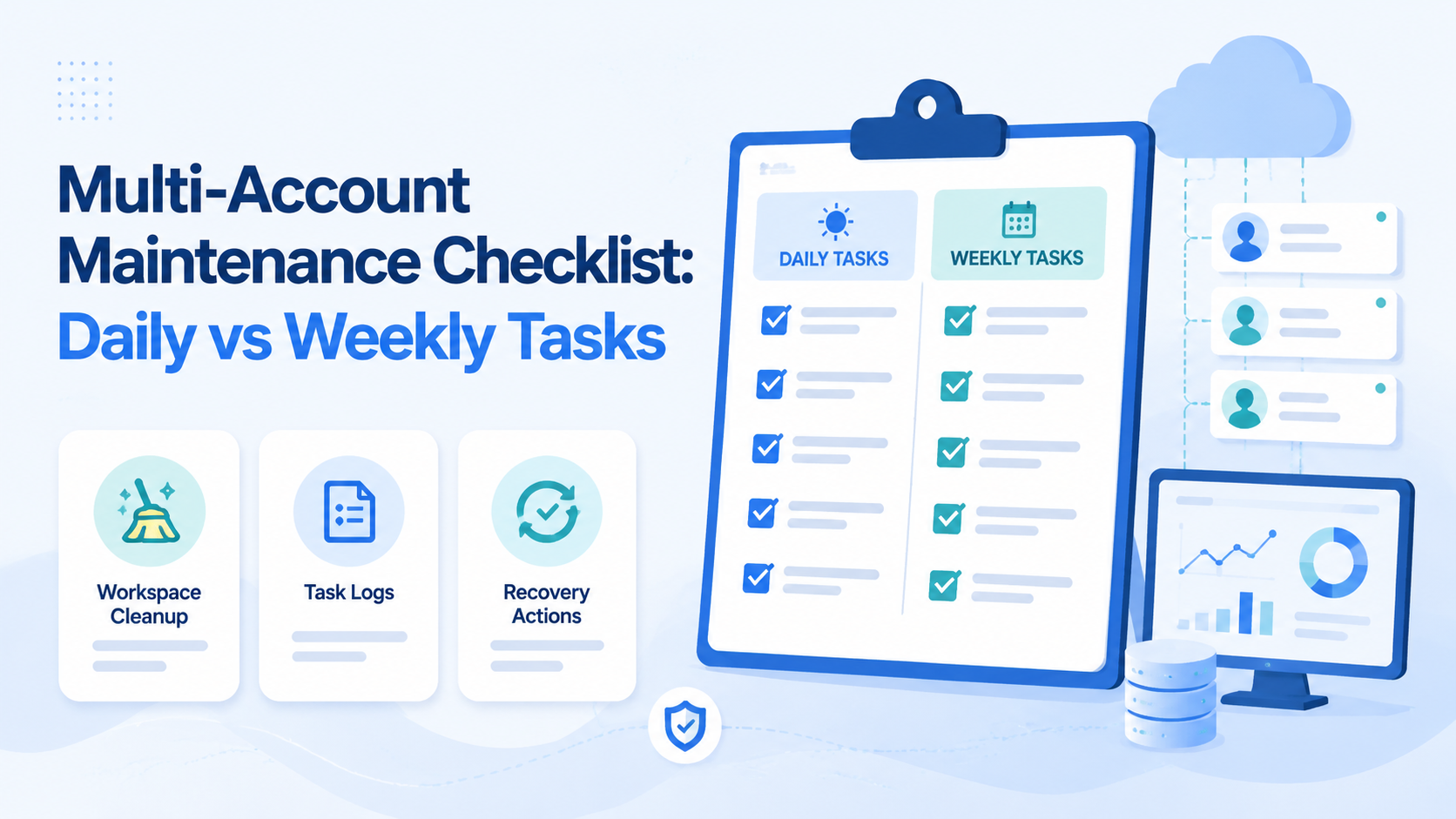
A multi-account maintenance checklist is a repeatable operating list that keeps account owners, workspaces, tasks, reviews, and recovery steps visible. The daily vs weekly decision matters because teams need two rhythms: one for active execution and one for structural cleanup.
For teams using cloud phones or mobile workspaces, this split prevents account work from becoming a loose set of operator habits. Daily work catches active issues. Weekly work fixes structure, ownership, unused environments, and repeated failures. Moimobi supports this model through multi-account management, cloud phone, and device isolation.
Key Takeaways
- Daily checks should focus on active accounts, tasks, messages, and failures.
- Weekly reviews should focus on ownership, workspace cleanup, and repeated issues.
- Each account should have one owner and one primary execution environment.
- Failed tasks need an owner, reason, and next action.
- Do not scale account volume until maintenance is easy to audit.
Daily multi-account maintenance checklist
Daily maintenance should be short enough to finish. It should catch problems before they spread across more accounts.
| Daily task | What to check |
|---|---|
| Account access | Can the assigned operator reach the account? |
| Workspace match | Is the account still tied to the correct cloud phone or mobile workspace? |
| Publishing queue | Are approved posts ready, blocked, or missing assets? |
| Messages and comments | Which replies need human review? |
| Failed tasks | Which tasks failed and who owns the next step? |
| Alerts | Are there unusual account states or workflow pauses? |
Keep the daily checklist focused on active execution. Do not turn it into a strategy meeting. Operators should leave with clear fixes, not a long discussion.
Weekly checklist for structure and cleanup
Weekly maintenance is for system health. It asks whether the team setup still matches the real workload.
Review these items:
- accounts with no active owner
- accounts assigned to the wrong workspace
- unused cloud phones
- repeated failed tasks
- tasks that require too much manual takeover
- review rules that operators ignore
- accounts with unclear platform role
- outdated content or campaign notes
This review is where mobile automation should be adjusted. If the same task fails every week, the issue is probably the workflow design, not only the operator.
Daily vs Weekly Decision Rules
Use a simple rule. Daily checks protect execution. Weekly checks improve the system.
- today's publishing queue
- new comments and messages
- failed upload tasks
- urgent account access problems
- owner drift
- workspace cleanup
- repeated workflow failures
- role and permission changes
This split keeps operators from overreacting to every small issue. It also keeps managers from ignoring patterns that need system-level fixes.
Daily vs Weekly Comparison Framework
Daily maintenance should answer, "Can today's account work run cleanly?" Weekly maintenance should answer, "Is the account system still healthy enough to scale?"
| Comparison point | Daily maintenance | Weekly maintenance |
|---|---|---|
| Main goal | Keep active tasks moving | Improve the operating model |
| Time horizon | Today or next shift | Last 7 days and next week |
| Owner | Operator or shift lead | Manager or account operations lead |
| Best output | Fixed task, reply, upload, or alert | Updated owner, workspace, rule, or SOP |
| Common mistake | Turning every issue into a meeting | Ignoring patterns because daily work looks busy |
| Success signal | No unowned active issues | Fewer repeated failures next week |
This comparison matters for team discipline. Daily checks should not redesign the whole account system. Weekly reviews should not get trapped in one urgent comment thread.
When a task appears in both lists, decide by urgency. A failed upload for today's campaign is daily. A recurring failed upload across three accounts is weekly. A reply that needs approval today is daily. A weak approval rule is weekly.
Role-Based Checklist for Operators and Managers
Different people should own different checks. Otherwise the maintenance process becomes a shared document nobody actually owns.
Operators should handle:
- today's publishing queue
- assigned comments and DMs
- failed tasks in their account group
- login or workspace access problems
- notes on anything that needs manager review
Managers should handle:
- accounts with no owner
- repeated task failures
- unused or duplicated workspaces
- workflow rules that no longer match the team
- review queues that are too slow or too loose
Technical operators should handle:
- mobile environment assignment
- routing or proxy notes when relevant
- automation task failures
- device state checks
- logs needed for recovery review
This role split is especially useful for agencies. Client account work should not depend on one operator remembering the whole system. The account, workspace, owner, and reviewer should be visible before work starts.
Example Weekly Review Agenda
A weekly review does not need to be long. It needs to be consistent.
Use this agenda:
- Review accounts with failed daily tasks.
- Find repeated failures across the same workflow.
- Check whether account ownership changed.
- Remove or pause unused account workspaces.
- Update review rules for sensitive replies or campaigns.
- Decide which workflow can be automated next.
- Assign recovery owners for unresolved issues.
For social teams, platform rules should remain part of the review. TikTok's Community Guidelines help frame content and engagement boundaries. Meta's Platform Terms are useful when teams also manage Facebook or Instagram account workflows.
The weekly review should end with decisions, not just observations. If a workflow failed three times, assign a fix. If an account has no owner, pause non-essential tasks until ownership is clear.
Mistakes That Break Account Maintenance
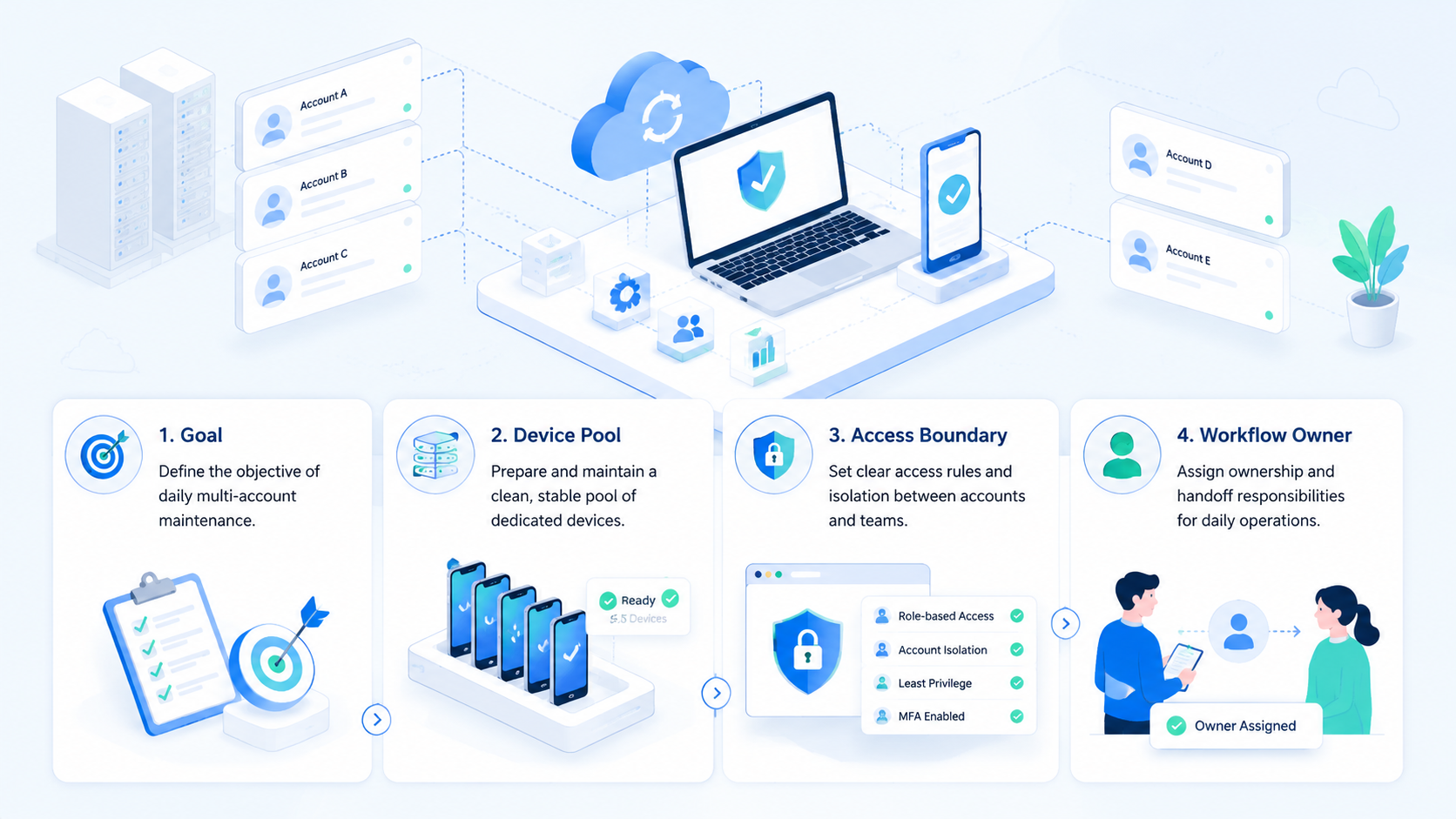
The first mistake is checking only content output. Teams also need to check account ownership, workspaces, task history, and failed actions.
The second mistake is letting all accounts share unclear environments. For mobile work, a defined workspace helps teams know where each account runs and who controls it.
The third mistake is skipping policy review. Platform rules matter when content, ads, claims, or creator campaigns are involved. TikTok's Community Guidelines and Meta's Platform Terms are useful references for social workflows.
Recovery Checks for Failed Tasks
Every failed task should answer six questions:
- Which account was affected?
- Which workspace was used?
- What task failed?
- Who owns the next step?
- Was human review needed?
- What should change before retrying?
This record protects the team from repeating the same failure. It also helps managers decide whether the problem is content, access, device state, routing, or workflow design.
How to Compare Maintenance Tools
Tool choice should follow the checklist. A tool that helps daily tasks but hides weekly patterns will not solve the management problem.
Compare tools by asking:
- Can accounts be grouped by owner, platform, client, or campaign?
- Can each account link to one primary mobile workspace?
- Can task status be reviewed without asking the operator directly?
- Can failed tasks be filtered by workflow type?
- Can review rules separate routine work from sensitive actions?
- Can managers see unused accounts and stale workspaces?
Moimobi is strongest when account operations depend on mobile execution, isolated workspaces, and repeated workflows. A lighter tool may be enough if the team only needs a content calendar.
When to Move a Task from Daily to Weekly
Move a task to weekly review when it keeps repeating. One failed upload is a daily fix. Five failed uploads from the same workflow deserve a weekly process change.
Move a task to daily review when it affects today's account state. A login problem, urgent comment, missed post, or active customer message should not wait for a weekly meeting.
The rule is simple: daily protects active execution; weekly improves the system. When teams keep that boundary, maintenance becomes easier to run and easier to audit.
Compare Daily and Weekly Tasks by Risk
Compare task frequency by risk, not by habit. A task belongs in the daily checklist when delay can affect today's account work. A task belongs in the weekly review when repetition shows a process issue.
For example, one missed comment is a daily action. Ten missed comments across three accounts is a weekly workflow problem. One unused workspace is a cleanup item. A pattern of unused workspaces means the team should review account assignment rules.
This is the main decision point for a multi-account maintenance checklist: daily tasks keep accounts moving, while weekly tasks make the system easier to manage next week.
Frequently Asked Questions
What is a multi-account maintenance checklist?
It is a repeatable list for reviewing account status, owners, workspaces, tasks, failures, and recovery actions.
What should be checked daily?
Check access, active tasks, publishing queue, comments, messages, failed actions, and urgent account states.
What should be checked weekly?
Review ownership, workspace cleanup, repeated failures, review rules, and unused account environments.
Why separate daily and weekly tasks?
Daily tasks protect execution. Weekly tasks improve the operating system behind the accounts.
How does this apply to cloud phones?
Each cloud phone can act as an assigned account workspace. Maintenance checks whether that assignment still makes sense.
Should failed tasks be retried immediately?
Not always. Record the reason first, then decide whether to retry, review, or change the workflow.
Where does Moimobi fit?
Moimobi fits teams that need isolated mobile workspaces, task automation, and multi-account review routines.
Conclusion
A maintenance checklist turns multi-account work into a managed system. Daily checks keep active work moving. Weekly reviews fix account ownership, workspace drift, and repeated failures.
Start with one account group. Run the checklist for one week, then review which tasks were unclear, repeated, or hard to recover. Improve those before adding more accounts.



