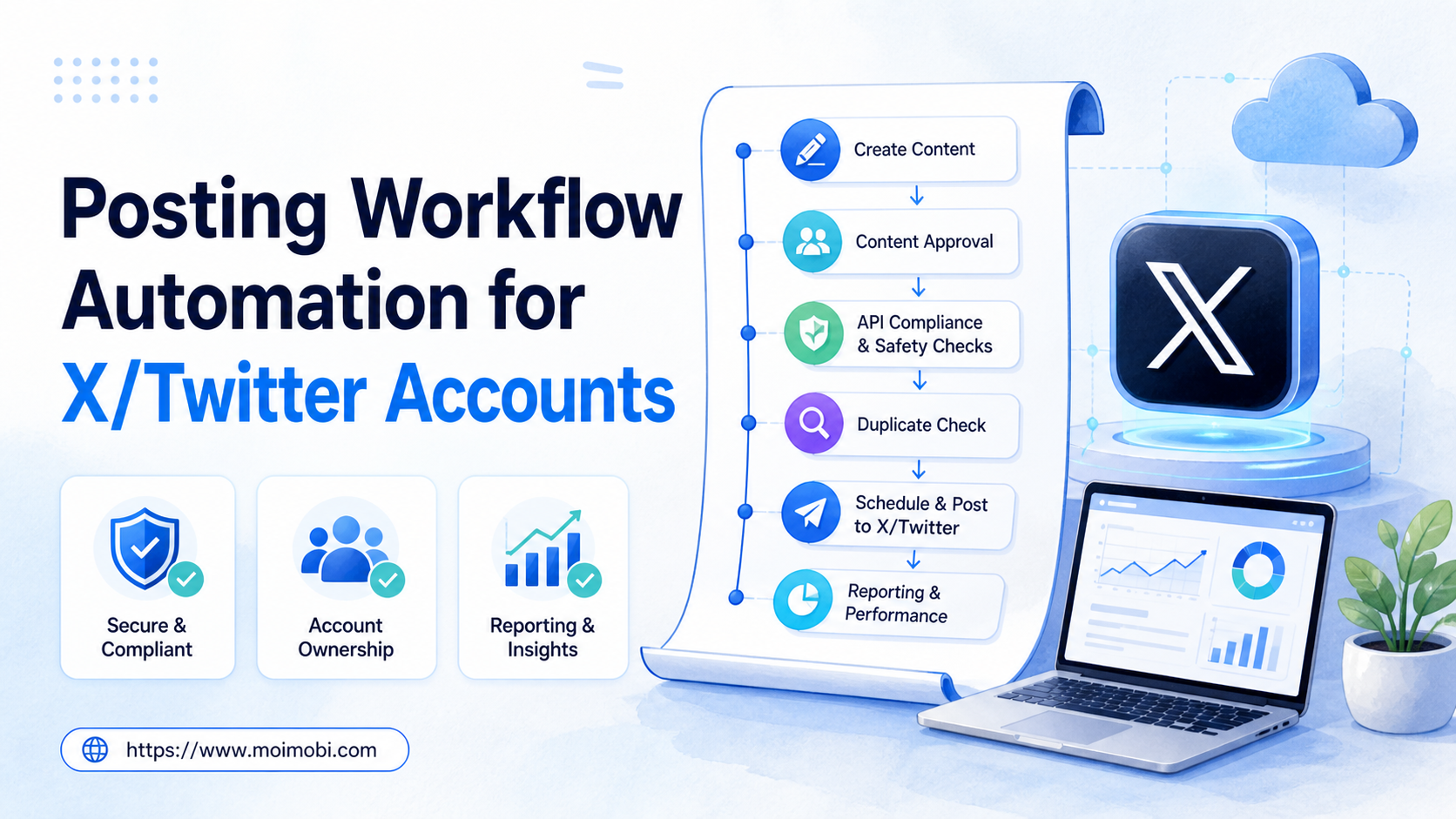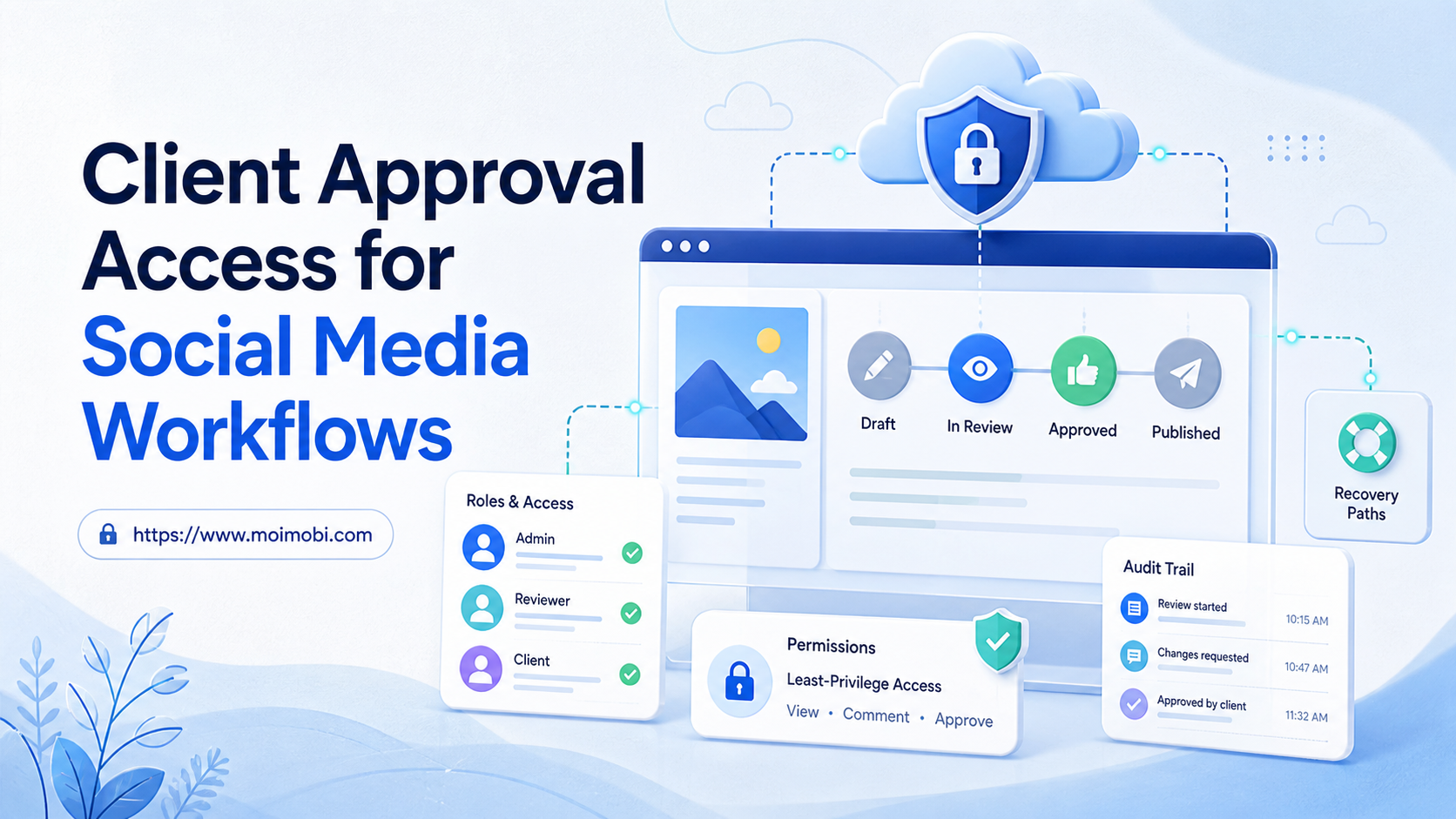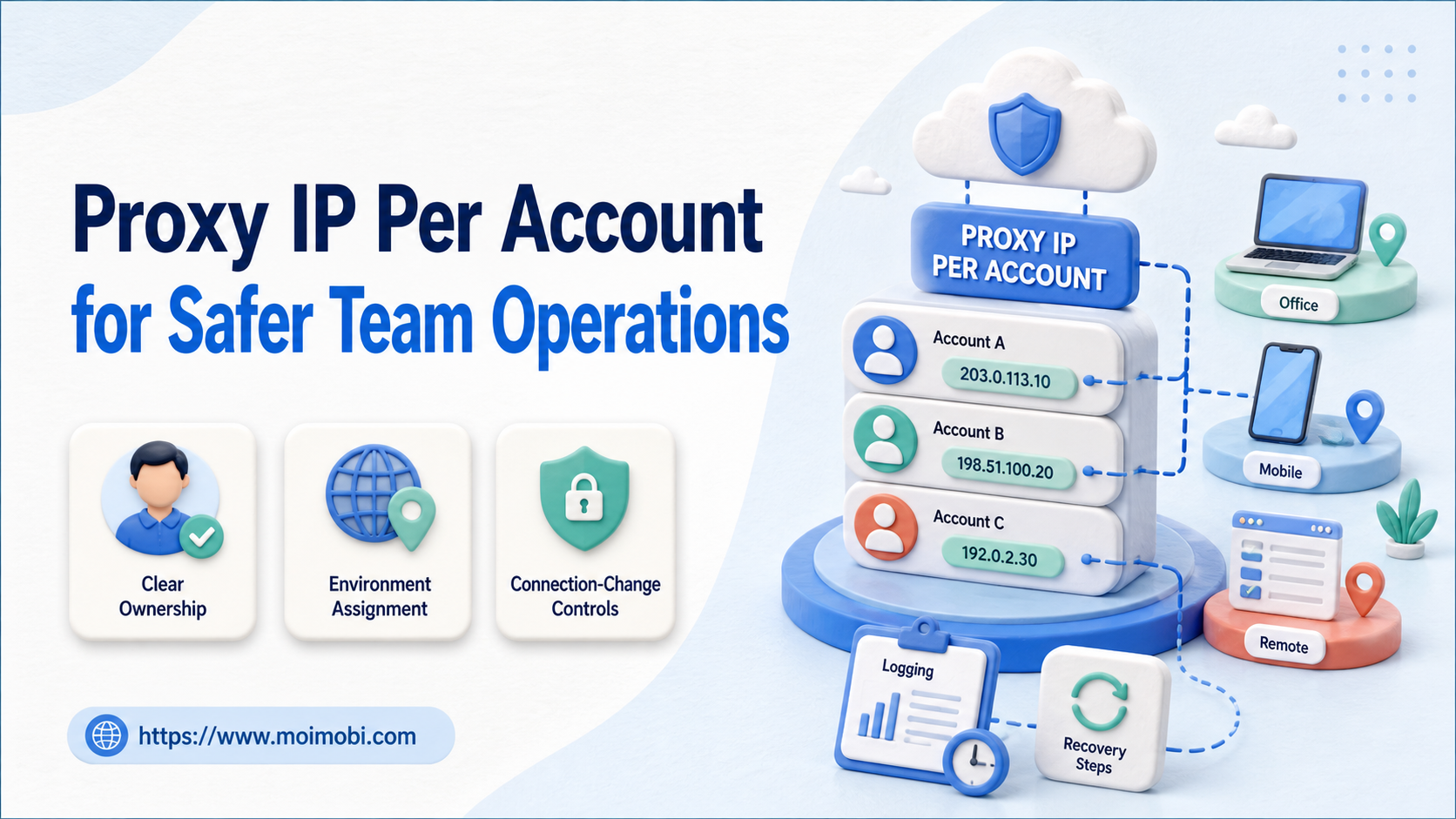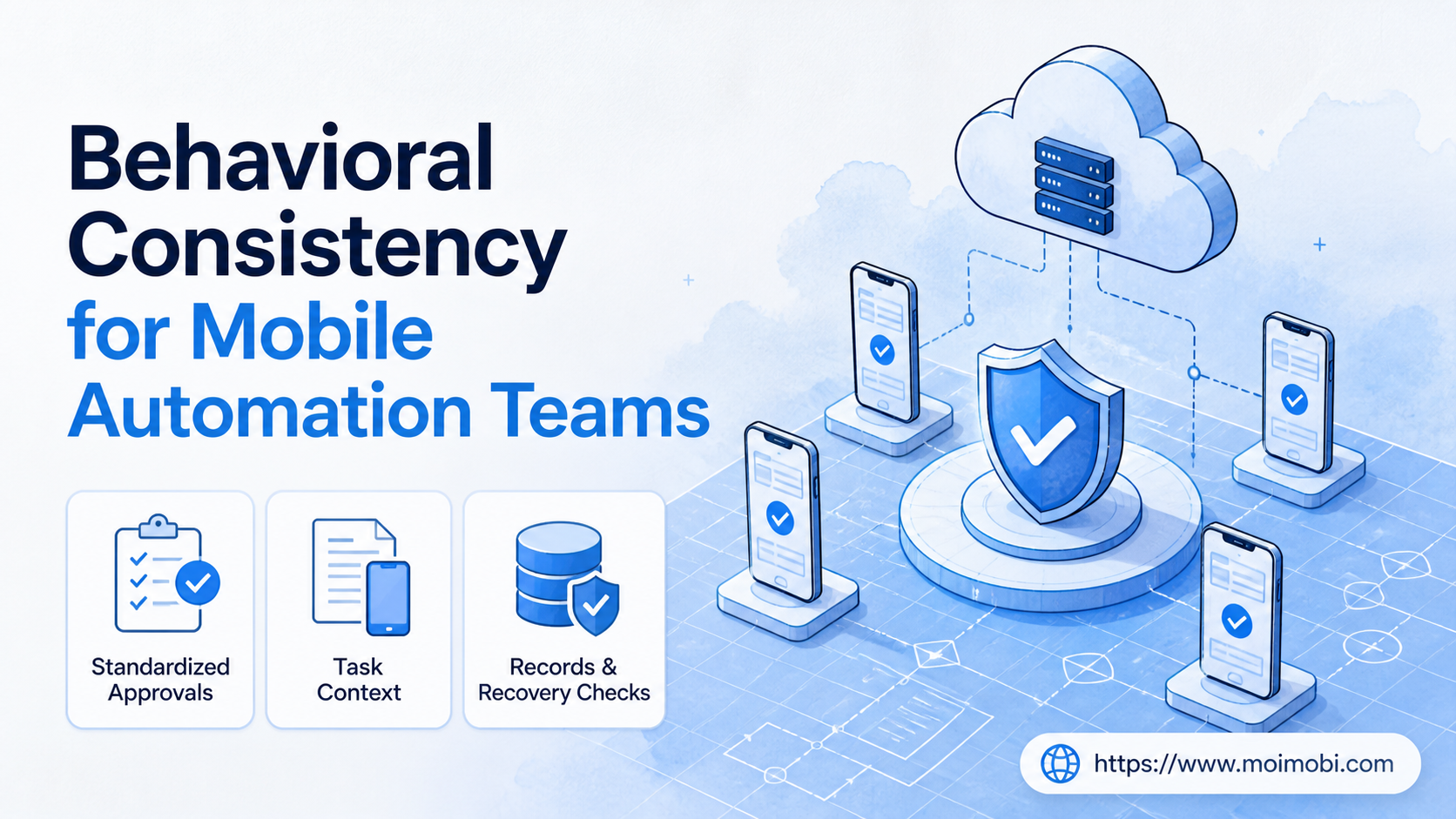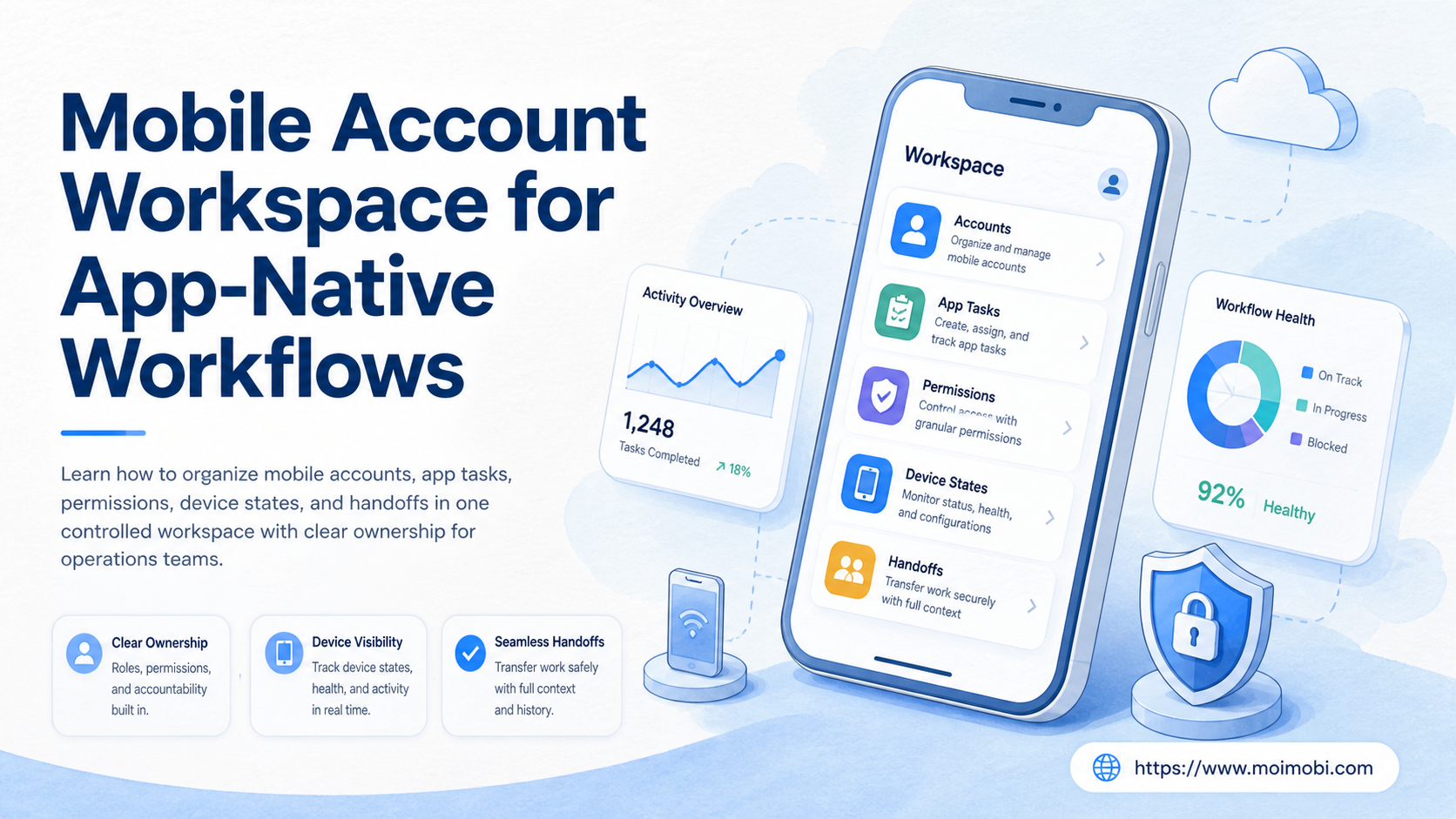
A mobile account workspace for app-native workflows is a controlled operating layer that connects accounts, mobile environments, task queues, operators, permissions, and evidence. It gives a team a shared view of what should run, where it should run, who owns the action, and what happens when the normal path fails.
This model matters when work happens inside native apps rather than only through browser APIs. Publishing, inbox review, customer replies, account checks, and mobile-first commerce tasks may require different environments and different reviewers. A workspace makes those differences explicit instead of leaving them in private messages or an unmanaged spreadsheet.
A cloud phone can be one execution endpoint inside the workspace. It is not the whole operating model. The useful combination is an assigned environment, a clear task lane, a permission boundary, and a recorded result.
Key Takeaways
- A mobile account workspace connects account identity to an app-native execution environment and an accountable owner.
- The minimum useful record includes environment state, task status, permissions, evidence, and recovery instructions.
- App-native workflows need preflight checks because an online device does not prove that the correct account or app state is ready.
- Start with one workflow lane, measure assignment and recovery quality, then expand capacity.
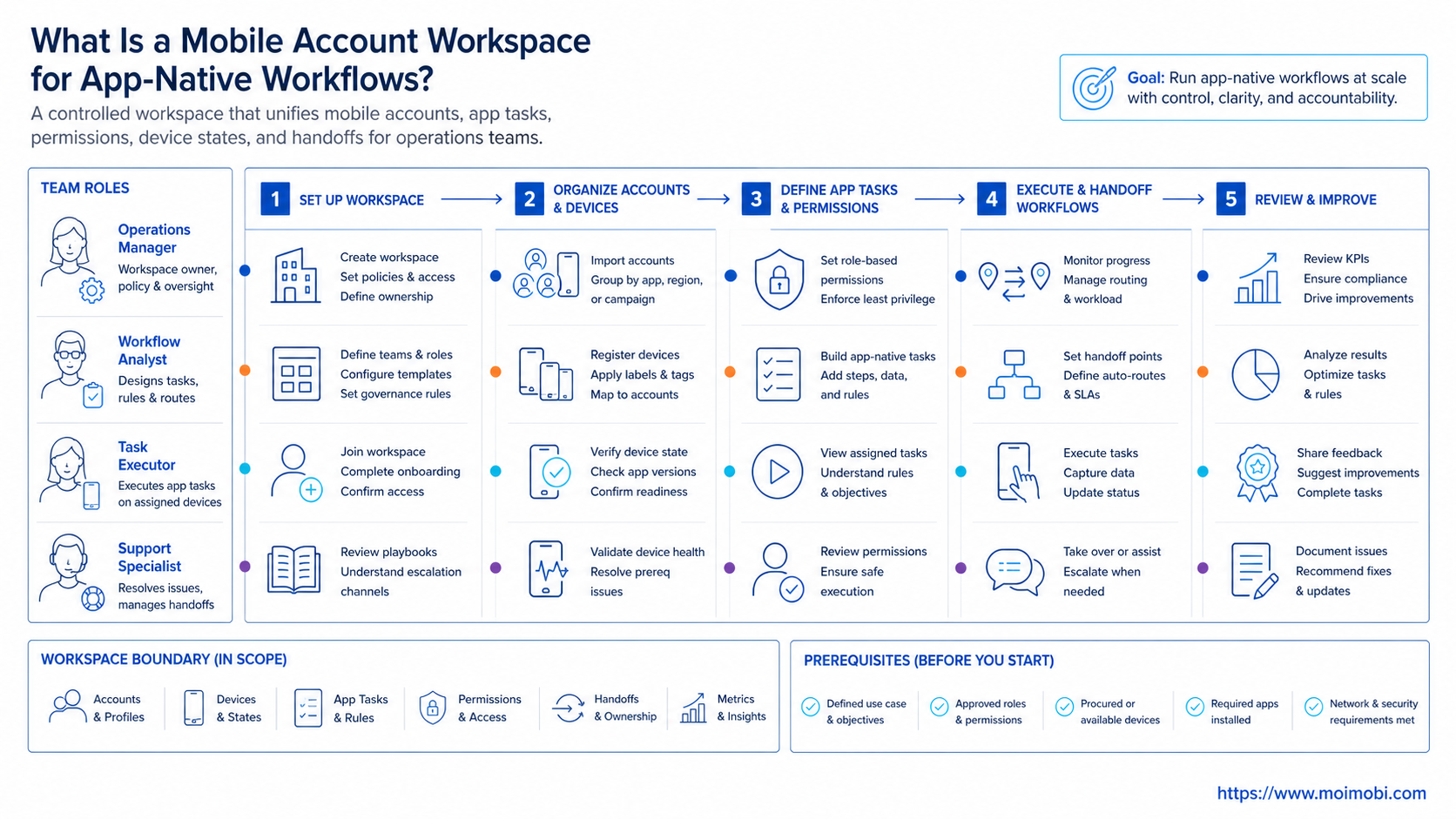
What Is a Mobile Account Workspace for App-Native Workflows?
For app-native teams, the mobile account workspace is the shared control surface for accounts operated through mobile apps. It combines the account registry, device or cloud environment, work queue, operator roles, review state, and activity history.
The phrase “app-native” is important. A browser session and a mobile app session may expose different controls, navigation, notifications, and state. A team that treats them as interchangeable may assign a task to an environment that cannot complete it or may lose the context of a previous handoff.
Before an action starts, the workspace should answer six questions:
- Which account, client, market, or business lane is involved?
- Which device or mobile environment is assigned?
- Which app and app state are expected?
- Who may execute, review, reassign, or stop the task?
- What evidence is required when the task finishes?
- What is the recovery route if the device, app, or account is not ready?
That structure separates business identity from runtime identity. The account is the object being operated. The environment is where the action runs. The task is the unit of work. The operator is responsible for execution, while the reviewer controls the quality gate when one is needed.
Why Mobile Account Workspace for App-Native Workflows Matters
Teams usually need this model after simple device lists stop answering operational questions. A list may show that six devices exist, but it does not show which environment is reserved for a client, whether an app is signed in, whether a task is waiting for approval, or whether another operator is already working on the account.
Assignment clarity comes first. Each task has a destination before it enters execution. Handoff continuity follows because a replacement operator receives the state, evidence, and next action instead of asking for a verbal explanation. Recovery becomes a named state with an owner, not an endless retry.
| Workspace area | Minimum record | Operational question answered |
|---|---|---|
| Account | Platform, account label, client, market, workflow lane | What business object is being operated? |
| Environment | Device ID, environment type, app set, connection state | Where can the action run? |
| Task | Action, priority, schedule, approval, expected result | What must happen next? |
| Ownership | Operator, backup, reviewer, change time | Who is accountable? |
| Evidence | Screenshot, log, result, timestamp, task ID | What proves the outcome? |
| Recovery | Failure reason, stop rule, next owner | What happens when the path breaks? |
Keep the record separate from credentials. Passwords belong in the project’s controlled account boundary. The workspace should keep references, permissions, and operational state rather than exposing secrets to the whole team.
How a Mobile Account Workspace for App-Native Workflows Differs from Browser Workspaces
Browser work often centers on profiles, tabs, cookies, and web sessions. App-native work also depends on mobile operating-system state, app version, notifications, permissions, device availability, and the last screen or task left open. Those extra states make a simple URL-based task model incomplete.
Android Management API provides a useful official example of resource-based device administration. Its model includes enterprises, devices, policies, enrollment tokens, and long-running operations. The lesson for an operations workspace is practical: enrollment and device state should be represented as managed resources, not as an informal setup note. See the Android Management API reference.
Real-device testing systems make a similar distinction between a device session and the evidence around that session. AWS Device Farm documents remote access to selected physical devices and exposes screenshots, video, and logs. That service is designed for testing, not account operations, but its evidence model illustrates why a mobile task should retain more than a success label. See AWS Device Farm remote access.
For teams managing Apple-owned hardware, Apple Business also treats device assignment as an explicit operation that can be assigned, reassigned, or unassigned. That pattern supports a broader rule: changes to the account-to-environment relationship should be recorded as events. See Apple Business device assignment guidance.
Mobile Account Workspace Setup Checklist
Before adding automation, complete a small preflight exercise. The goal is to prove that the team can identify the correct account and continue work after a handoff.
Account and ownership checks
- Separate accounts by client, platform, market, and task lane.
- Name a primary operator and a backup operator for each active lane.
- Keep reviewer and reassignment permissions separate from execution permissions.
- Record the owner of the business relationship, not only the person who last logged in.
- Define which accounts may share an environment and which must remain separated.
Environment checks
- Register each physical device, cloud phone, or managed Android environment.
- Record the platform, app set, connection state, last health check, and allowed task types.
- Record whether the environment is available, reserved, paused, or under recovery.
- Confirm that the required app is installed and that its expected state is known.
- Add a stop rule for a missing app, unexpected account, expired session, or unresolved exception.
Workflow checks
- Define the input, expected result, reviewer, evidence, and next action for each task type.
- Keep publishing, customer support, research, and recovery lanes distinct when their permissions differ.
- Add a task ID before execution begins.
- Make the queue show ready, running, waiting for review, paused, failed, and complete states.
- Do not treat an online indicator as proof that a task is executable.
Mobile Account Workspace Workflow for App-Native Tasks
A pilot sequence can stay simple. The order below keeps the account, environment, and task relationship visible throughout execution.
1. Create the account lane
Start with a concrete unit such as “Instagram customer replies for Client A” or “TikTok publishing for Market B.” Avoid a broad label such as “social media.” A narrow lane lets the team define permissions and success criteria.
2. Register the environment
Assign a device or mobile environment to the lane. Record the environment type and current state. If the lane uses several environments, identify the primary and fallback endpoints instead of leaving the queue to guess.
3. Validate app and account state
Run a preflight check for the installed app, expected account, current task, notification or permission state, and open exceptions. A replacement environment must pass the same checks as the original environment.
4. Assign and review the task
Queue design matters. Show the task owner, priority, schedule, approval state, and expected output. A task that needs human review should not look identical to an automatically executable task.
5. Execute with a stop condition
During execution, the operator follows the defined workflow and stops when the app state differs from the expected state. This avoids turning an ambiguous screen into repeated clicks. A pause is a useful result when the next action needs a person with different permission.
6. Capture evidence and close the loop
Record the result, timestamp, environment, task ID, and evidence reference. Mark the next state explicitly. If the work is handed off, include the unresolved question and the next owner.
The account-isolated mobile workspace model is useful when environment boundaries must be visible to the team. For task execution across mobile apps, a mobile workflow automation layer can sit beside the workspace rather than replacing its assignment and review records.
Fit and Non-Fit Boundaries
This approach fits teams with repeated app tasks, several operators, account ownership changes, client separation, or a need to review work after execution. It is particularly useful when a manager needs one operational view across many environments.
A one-person workflow on one device may not need this layer first. The workspace is also not a substitute for defining the task itself. Adding a dashboard before the team can describe the expected result only hides ambiguity behind more fields.
| Situation | Practical starting point |
|---|---|
| One operator, one account lane | Manual checklist with an owner and stop rule |
| Several operators, repeated mobile tasks | Account and environment workspace |
| Agency with separate client lanes | Workspace plus role and handoff history |
| Mobile-first work across many devices | Workspace plus preflight and capacity checks |
| Browser-only process | Browser profile mapping may be sufficient |
| Unclear outcome or review rule | Define the task contract before automating |
Do not promise that an isolated workspace removes platform or account risk. Isolation improves operational separation. It does not replace platform rules, consent, human review, or responsible task design.
Pilot Measurement and Recovery Review
Run the first pilot with one platform, one task family, and a limited environment set. Keep the account ownership stable for the first cycle. This makes it easier to distinguish workflow problems from assignment churn.
Track these measures:
- percentage of tasks with a valid account and environment assignment;
- number of conflicting or duplicate assignments;
- handoff time from one operator to the next;
- percentage of tasks with usable evidence;
- time from failure detection to a named recovery owner;
- retry count caused by missing context;
- review delay after execution;
- percentage of tasks closed with an explicit next state.
Use a recovery review at the end of each work window. Ask whether the failure came from account state, app state, environment capacity, permission, task input, or an unclear stop rule. Assign the fix to the right layer. A new device will not fix a missing approval rule, and a new automation step will not fix an incorrect account assignment.
Expand only when a backup operator can continue a task from the record without asking for private context. That is a useful readiness test because it measures the workspace itself, not the memory of the original operator.
Common Mistakes
Treating a device list as a workspace
A list describes inventory. A workspace describes ownership, task state, evidence, and recovery. Add those relationships before adding more environments.
Mixing app-native and browser assumptions
A browser profile may preserve one kind of state. A mobile app may depend on operating-system permissions, notifications, and the last visible task. Use an environment-specific preflight checklist.
Giving every operator reassignment rights
Execution access and ownership changes are different capabilities. Keep reassignment controlled and preserve the previous owner and reason.
Retrying before checking state
Repeated failure may indicate the wrong account, wrong environment, missing approval, or an unresolved exception. Check the record before adding another retry.
Capturing screenshots without context
A screenshot alone does not identify the task, account, environment, or time. Attach evidence to a structured result record.
Measuring only volume
More completed actions do not prove better operations. Include assignment accuracy, recovery time, review delay, and evidence completeness.
Frequently Asked Questions
What is a mobile account workspace?
In practical terms, it is a shared operating layer for mobile accounts, environments, tasks, permissions, evidence, and recovery decisions.
Is it the same as a cloud phone platform?
No. A cloud phone is an execution environment. The workspace adds account mapping, ownership, task control, review, and history around that environment.
Can one workspace include browser and mobile accounts?
Yes, when the environment type is explicit. Browser profiles and mobile environments should not be treated as identical runtime states.
Should one account always stay on one device?
Not necessarily. The team should define when reassignment is allowed, what must be checked, and who approves the change.
What should the operator do when the app opens to an unexpected account?
Stop the task, record the mismatch, and assign the recovery owner. Do not continue until the account-to-environment relationship is verified.
What evidence should a task retain?
Keep the task ID, environment, timestamp, result state, and the relevant screenshot or log reference. The exact evidence depends on the workflow.
Does the workspace replace a task queue?
No. The workspace explains where work belongs. The task queue explains what is ready, running, paused, failed, or complete.
How should a team start a pilot?
Choose one platform and task family. Map a small environment set, define the preflight checks, run real handoffs, and review assignment and recovery measures.
Does account isolation make platform compliance automatic?
No. Isolation supports cleaner operations, but teams still need to follow platform rules, obtain appropriate permissions, and keep human review where the workflow requires it.
Conclusion: Make App-Native Work Traceable
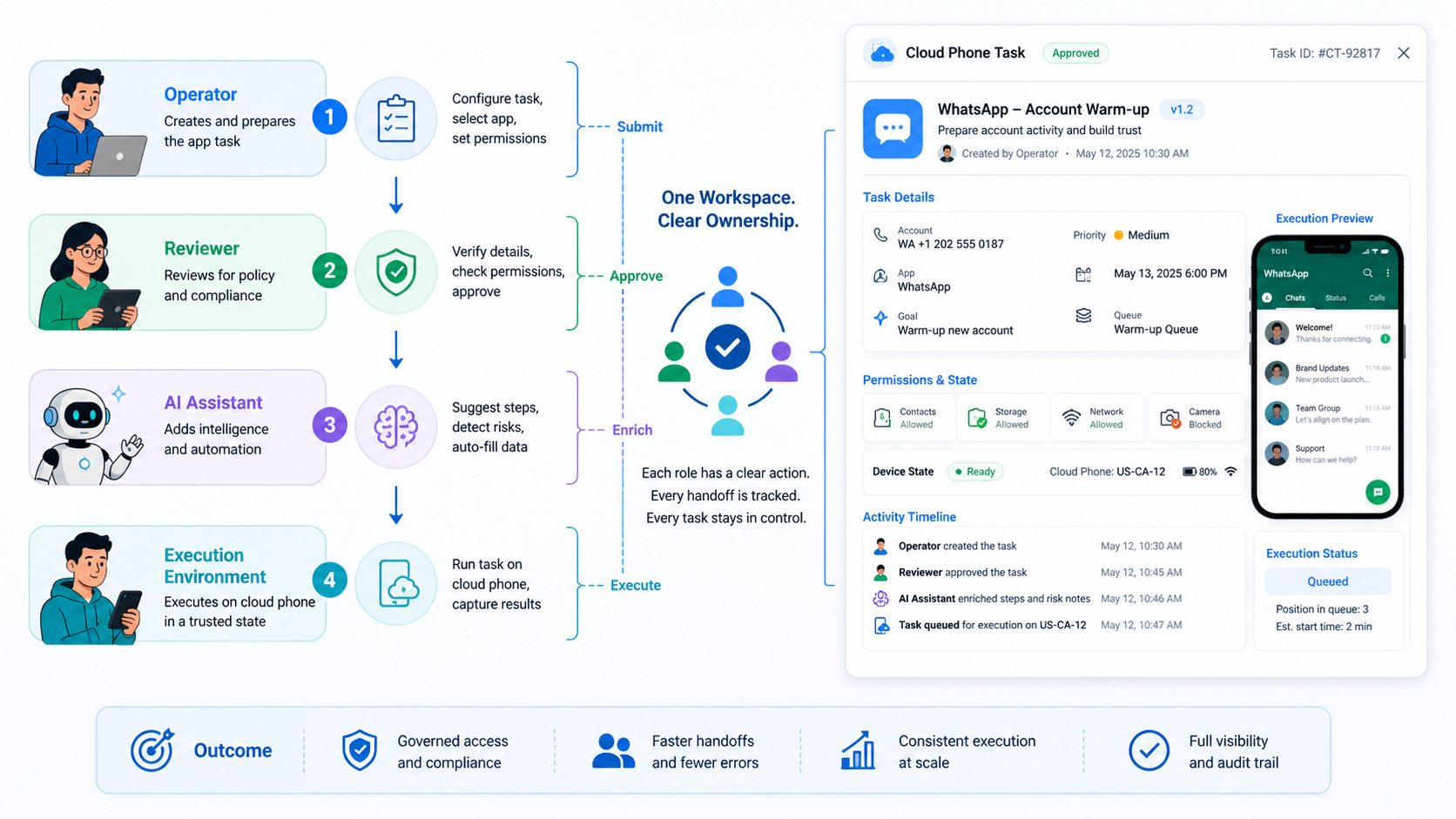
At its core, a mobile account workspace turns app-native operations into a sequence the team can see and continue. The operating model has a clear order: map the account, environment, task, owner, evidence, and recovery route before increasing volume.
Start with one lane. Test the preflight, run one handoff, record the result, and review the failure path. When another operator can continue without private explanations, the workspace is doing its job. Only then add more accounts, environments, or automation.