
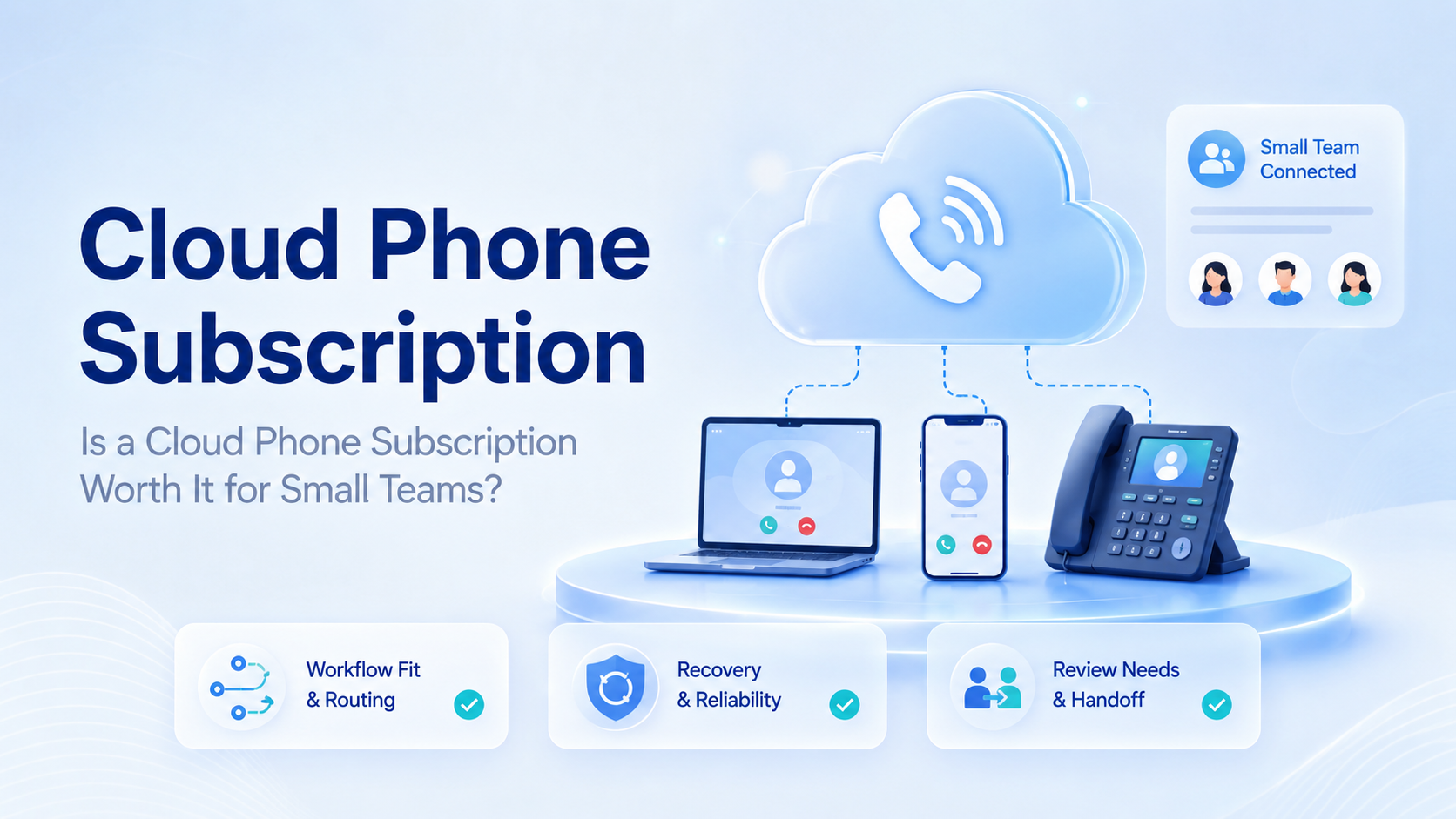
Key Takeaways
- A cloud phone subscription is worth considering when mobile work repeats across accounts or operators.
- Small teams should evaluate workflow control, not only monthly device cost.
- Start with one workflow and 3 to 5 devices before committing to a larger plan.
A cloud phone subscription is a recurring plan that gives a team access to remote Android devices for mobile app work. For small teams, it is worth considering when the team needs persistent app state, account workspaces, review proof, and handoff without buying or passing physical phones around.
It is not worth it for every team. If a normal web dashboard or scheduling tool handles the task, a subscription may add cost without solving a real operating problem.
When a Cloud Phone Subscription Makes Sense
A cloud phone subscription makes sense when mobile work is repeated, account-based, and hard to manage with shared physical phones. Social media teams may need mobile app checks. Ecommerce teams may need marketplace app review. Support teams may need mobile inbox access.
The key signal is persistence. When the same account needs the same app state tomorrow, a remote phone workspace can reduce handoff confusion. For a one-time app preview, a local emulator may be enough.
Use the simplest test first:
| Team type | Repeated mobile task |
|---|---|
| Social media team | App checks and content review |
| Ecommerce team | Marketplace app monitoring and order review |
| Support team | WhatsApp, Telegram, or mobile inbox follow-up |
MoiMobi's cloud phone layer is designed around mobile execution, account assignment, and team workflows rather than simple screen rental.
What Small Teams Should Check First
Small teams should check whether the subscription removes a real bottleneck. The wrong question is "how many devices do we get?" The better question is "which repeated task becomes easier to run and review?"
Use this checklist before signing up:
| Check | Pass signal |
|---|---|
| Workflow | One repeated mobile task is named |
| Account routing | Each account maps to a device or workspace |
| Review | Screenshots, notes, or task status can be saved |
| Recovery | Blocked steps have an owner |
| Scale | More devices are added only after the pilot works |
This forces the team to connect the subscription to work that already exists.
Cloud Phone Subscription vs Emulator
A cloud emulator often fits testing, preview, or short sessions. A cloud phone subscription usually fits ongoing mobile operations where the same account, app state, and review context need to remain available.
Google's Android Emulator documentation is useful background for developer testing. Business teams should compare that model with their operating needs. A subscription may be unnecessary if the team only needs app preview.
For daily operations, the stronger test is ownership. Can the team explain which account used the device, who ran the task, what proof exists, and what happened when the app blocked progress?
Common Use Cases for Small Teams
Small teams usually benefit when they handle several accounts but do not have enough staff to pass physical devices around. A few remote phones can become controlled workspaces for routine tasks.
Common use cases are easier to judge when they are tied to a clear owner:
| Use case | Practical value |
|---|---|
| TikTok or Instagram app checks | Operators can review mobile-only states without sharing a handset |
| WhatsApp or Telegram customer reply review | Managers can inspect the reply path before or after handoff |
| Ecommerce marketplace app monitoring | Teams can keep app context available for repeated checks |
| App testing and screenshot collection | Review evidence is easier to capture and compare |
| Mobile campaign review before approval | Teams can inspect the actual mobile path before launch |
| Operator-to-manager handoff | Device context stays with the account instead of one person's phone |
For social workflows, multi-account management often matters more than raw device count. The account map is the operating system.
Mistakes That Make the Subscription Feel Expensive
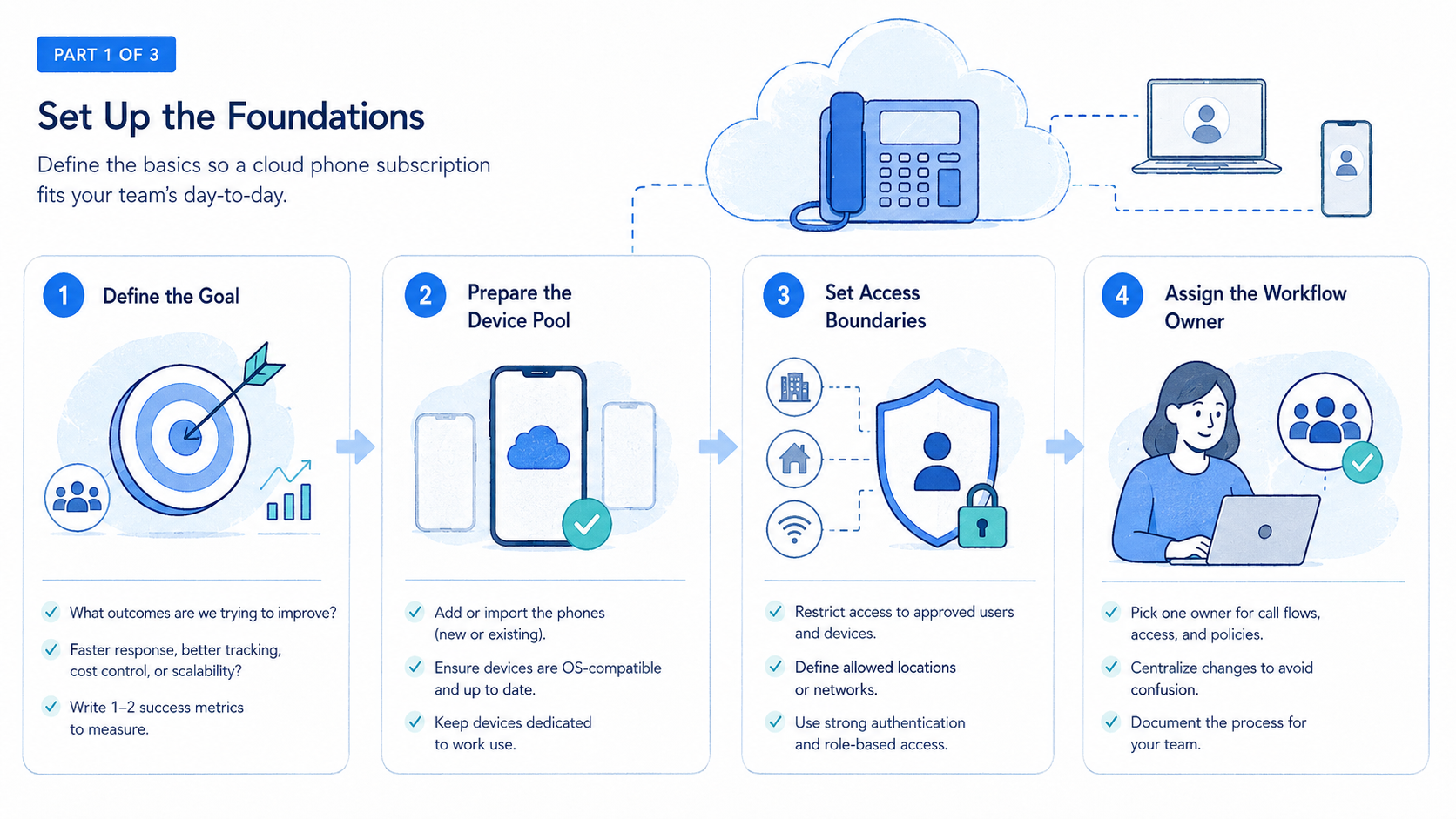
The subscription feels expensive when the team buys devices before defining work. Idle phones, shared logins, and unclear owners turn a useful execution layer into another monthly cost line that nobody can defend.
Avoid using one remote phone for unrelated accounts because that shortcut makes review harder, weakens task ownership, and slows recovery when an app asks for verification.
Teams should also review app and platform rules before designing workflows. The Google Play policy center is one official reference for app ecosystem expectations. Each platform may set its own terms for account access, automation, and user behavior.
How to Pilot a Cloud Phone Subscription
Start with one workflow instead of testing every possible use case at once. A narrow pilot makes the answer visible faster because the team can see whether the subscription improves one real process.
- Pick one task, such as customer reply review or social app checks.
- Assign 3 to 5 remote phones to one account group.
- Define the owner, reviewer, and recovery path for each device.
- Capture task status, screenshots, and failure reasons.
- Review the results before adding more devices.
Use mobile automation only after the manual route is stable. Automation should repeat a known process, not cover up missing workflow design.
Who Should Not Buy Yet?
Do not buy yet if the team cannot name the first workflow. The subscription should attach to a real task, not a vague plan to "do more mobile automation."
It may also be too early when one person owns every account and the workload is light. In that case, a basic phone, a scheduler, or an isolated browser profile may be simpler.
The strongest fit appears when the team has repeated mobile app work, multiple accounts, handoff between people, and a need for review evidence. That is when a subscription starts to act like infrastructure.
Frequently Asked Questions
What is a cloud phone subscription?
It is a recurring plan that gives access to remote Android devices for mobile app workflows. Teams use it when they need app state, account context, and task evidence to stay available after a session ends.
Is it worth it for small teams?
Yes, when repeated mobile tasks, multiple accounts, and review needs create real operational friction. Occasional previews usually do not justify a subscription.
How many devices should a team start with?
Start with 3 to 5 devices and one workflow, then expand only after review, ownership, and recovery are clear. This keeps cost tied to proven usage.
Is a cloud emulator cheaper?
It may be cheaper for testing or preview. Operations teams should compare workflow fit, account persistence, handoff needs, and review evidence instead of choosing only by price.
Can it support social media workflows?
Yes, when the task needs app access, account routing, and task records. Teams should still review platform rules and avoid workflows that create account risk or unclear responsibility.
What should managers measure?
Measure completed tasks, failed steps, review time, recovery time, and idle device time.
When should a team cancel or pause?
Pause when devices stay idle, account ownership is unclear, or task records do not improve decision making.
Conclusion
Evaluate a cloud phone subscription by workflow value, not by device count. For small teams, the first priority is proving that one repeated mobile task becomes easier to assign, review, and recover.
Before scaling, run a small pilot. The subscription is likely useful when the team can explain the account, device, task, owner, proof, and recovery path.



