
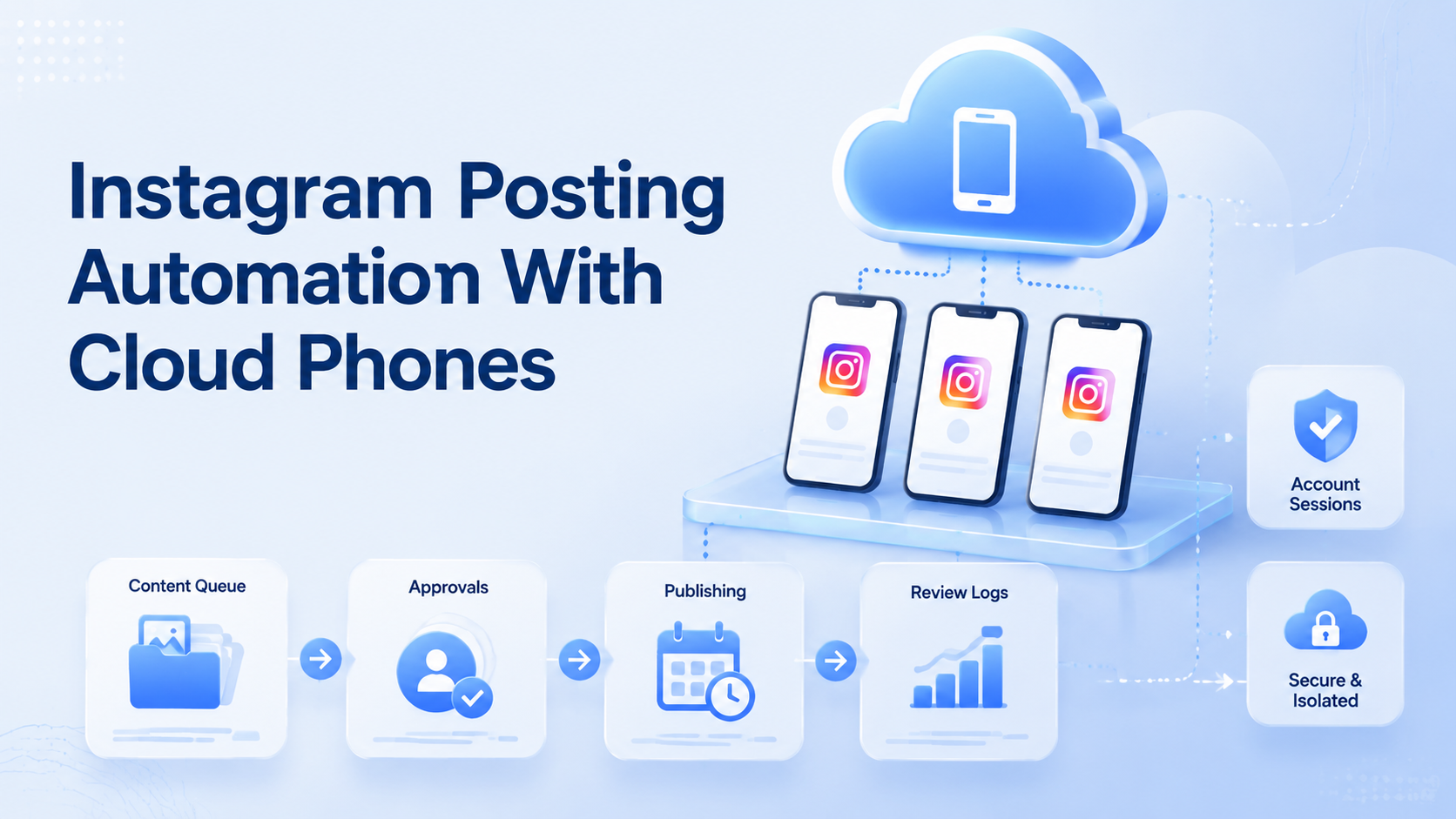
Instagram posting automation with cloud phones is useful when a team needs to prepare, review, publish, and confirm content across multiple mobile-first accounts. The goal is not to turn posting into an uncontrolled script. The goal is to make repeatable Instagram work easier to assign, execute, review, and measure.
For teams that manage creators, brand accounts, e-commerce stores, or agency clients, the hard part is often not writing one caption. It is keeping every account in the right environment, making sure content is approved, checking that a post actually went live, and recording what happened.
A cloud phone gives the team a remote mobile environment for this work. Moimobi connects that environment with account workspaces, mobile automation, and multi-account operations so Instagram workflows can be handled with more structure.
Key Takeaways
- Use cloud phones as mobile workspaces for Instagram accounts, not just remote screens.
- Separate planning, approval, mobile execution, and post-check steps.
- Keep a log with account, content item, cloud phone, operator, status, and review notes.
- Use automation for repeatable work, while keeping human approval for public brand content.
Why Instagram Posting Needs a Mobile Workflow
Instagram is a mobile-first platform. Some account checks, content previews, notifications, and publishing flows are easier to verify in a mobile environment. A web dashboard may help with planning, but many teams still need mobile execution for final checks.
For multi-account teams, the workflow becomes more complex. One operator may prepare content. Another may approve it. A third may publish it from a cloud phone assigned to that account. Without a clear workflow, teams can mix accounts, miss approvals, or lose track of which post was completed.
This is why mobile automation should be designed around task stages rather than random device access.
The workflow should also respect first-party product guidance. Instagram's Help Center is the right starting point for account and publishing behavior, while Meta's broader platform terms define responsibilities for platform use.
The Practical Workflow
Start with a simple six-step workflow.
| Stage | Owner | Output |
|---|---|---|
| Content queue | Content operator | Asset, caption, hashtags, account |
| Review | Brand or account owner | Approved or needs edits |
| Environment assignment | Ops manager | Cloud phone and account workspace |
| Posting | Execution operator | Post submitted or blocked |
| Verification | Operator or reviewer | Live URL, screenshot, or status note |
| Reporting | Analyst | Result, failure reason, next action |
This structure keeps the workflow readable. It also makes failures easier to diagnose. If a post is blocked, the team can see whether the issue came from content approval, account access, mobile execution, or verification.
2026 example rule: if the content item is marked approved, the assigned operator opens cloud phone IG-US-03, publishes to account brand-west, captures 1 screenshot, and records status as live, blocked, or needs_review within 24 hours.
Account and Environment Assignment
Each Instagram account should have a clear workspace. The workspace can include the assigned cloud phone, account owner, content queue, approval rules, and recent task history.
Moimobi's device isolation helps teams separate browser and mobile environments. For Instagram posting, this means the account should not be opened casually across random devices. A known environment makes the workflow easier to review.
For agencies and social teams, multi-account management is the control layer. It helps decide who can work on each account, which device should run the task, and which actions require approval.
Instagram Posting Automation with Cloud Phones Approval Rules
Automation should not remove review from public content. Instead, it should make review easier.
Use a 2-step approval rule for:
- Campaign posts tied to pricing or offers.
- Posts that mention partners, customers, or competitors.
- Sensitive brand statements.
- Product claims.
- Sponsored content.
- Content for new or high-value accounts.
The FTC guidance on AI claims is a useful reminder that teams should avoid overstating AI or automation capabilities. AI can draft captions and organize tasks, but the team should still review claims, tone, and business risk.
Teams should also check platform rules. Instagram is part of Meta, and Meta's Platform Terms are a first-party source for platform-related obligations. Workflows should support compliant operations, not shortcuts.
Where AI Fits
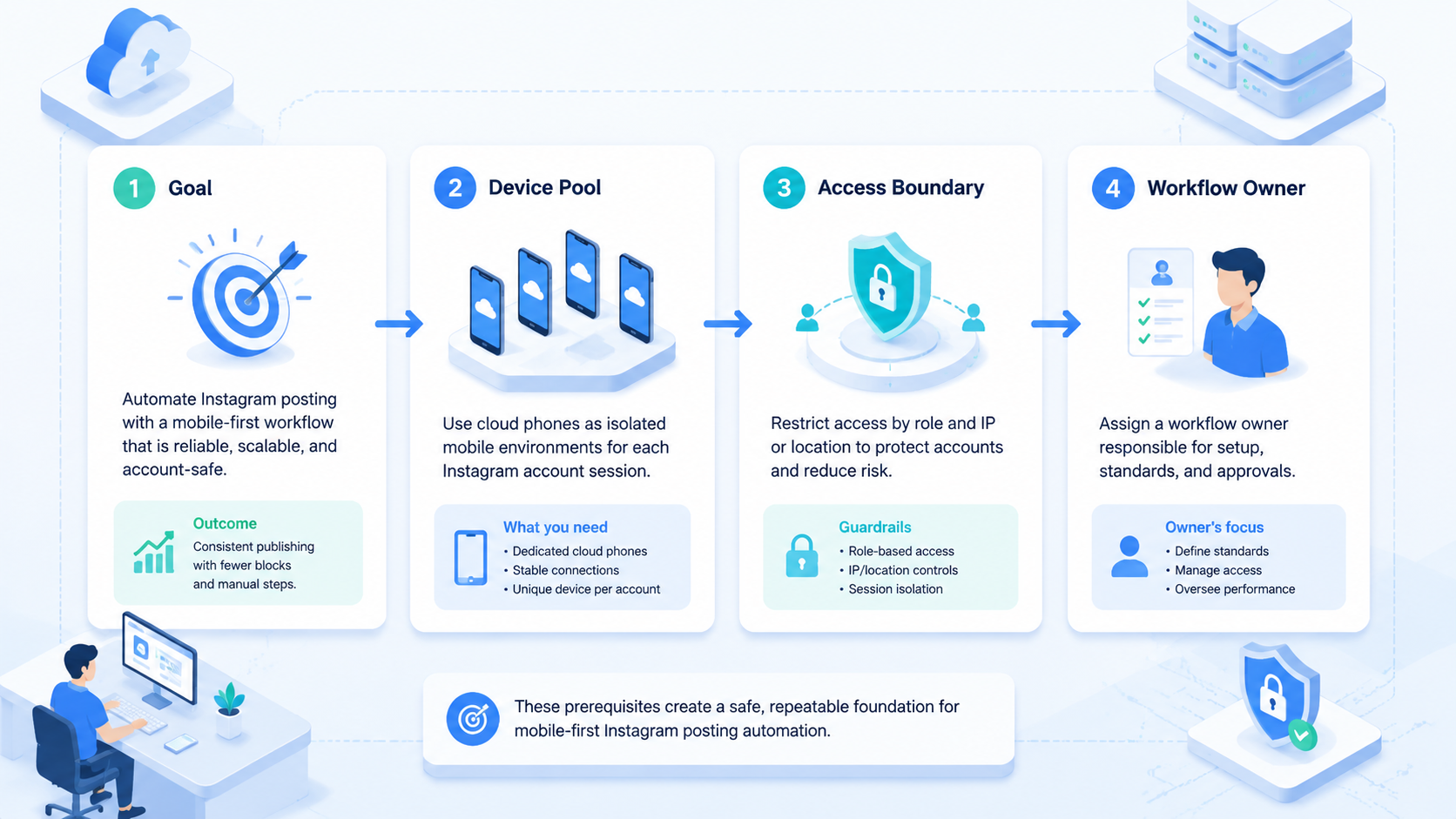
AI can help before and after the posting step.
Before posting, AI can draft captions, create hook variations, summarize campaign context, format task notes, and check whether a post matches the brief. After posting, AI can summarize result logs, group failure reasons, and suggest edits for the next batch.
The mobile execution step still needs clear guardrails. For example, an AI-assisted workflow may prepare a caption and checklist, but the operator or reviewer confirms the final content before it is posted.
This keeps the system practical: AI speeds preparation, cloud phones provide the mobile workspace, and review rules protect the account.
Metrics to Track
Track 7 metrics that show workflow quality, not only posting volume.
- Approved posts by account.
- Posts completed on time.
- Failed posts by reason.
- Manual correction rate.
- Average time from approval to publishing.
- Accounts with missing verification.
- Posts that needed after-the-fact edits.
These metrics help managers find bottlenecks. If many posts fail during verification, the team may need better environment assignment or clearer post-check rules. If captions need frequent edits, the AI prompt or brand brief may need work.
Common Mistakes
The first mistake is treating cloud phones as a shared device pool. For Instagram posting, each account should have a known environment and task history.
The second mistake is automating without approval. Public content can affect brand reputation, so review rules should be explicit.
The third mistake is skipping verification. A workflow should not stop at "operator clicked publish." It should confirm whether the post is live, blocked, or waiting.
The fourth mistake is using the same workflow for every account. New accounts, flagship accounts, client accounts, and test accounts may need different review rules.
Frequently Asked Questions
What is Instagram posting automation with cloud phones?
It is a workflow that uses cloud phones as mobile execution environments for preparing, publishing, checking, and logging Instagram posts.
Why use cloud phones for Instagram posting?
Cloud phones give teams remote mobile workspaces that can be assigned to accounts and reviewed as part of a workflow.
Can AI publish Instagram posts by itself?
Teams should avoid unchecked publishing for public brand content. AI can help draft and prepare tasks, while humans review higher-risk posts.
What should be logged after publishing?
Log the account, content item, cloud phone, operator, status, timestamp, screenshot or URL, and any failure reason.
Is this only for agencies?
No. Creator teams, e-commerce teams, brand teams, and cross-border sellers can also use this workflow.
How many accounts should one workflow cover?
Start with a small account group. Expand only after the approval, posting, and verification steps are stable.
What is the first workflow to build?
Start with approved content publishing and post verification. It is easier to control than full end-to-end social automation.
Conclusion
Instagram posting automation with cloud phones works best when the workflow is structured. Plan the content, approve the post, assign the right mobile environment, execute the posting step, verify the result, and record what happened.
That approach turns cloud phones into mobile execution workspaces for social media teams, not just remote devices.



