
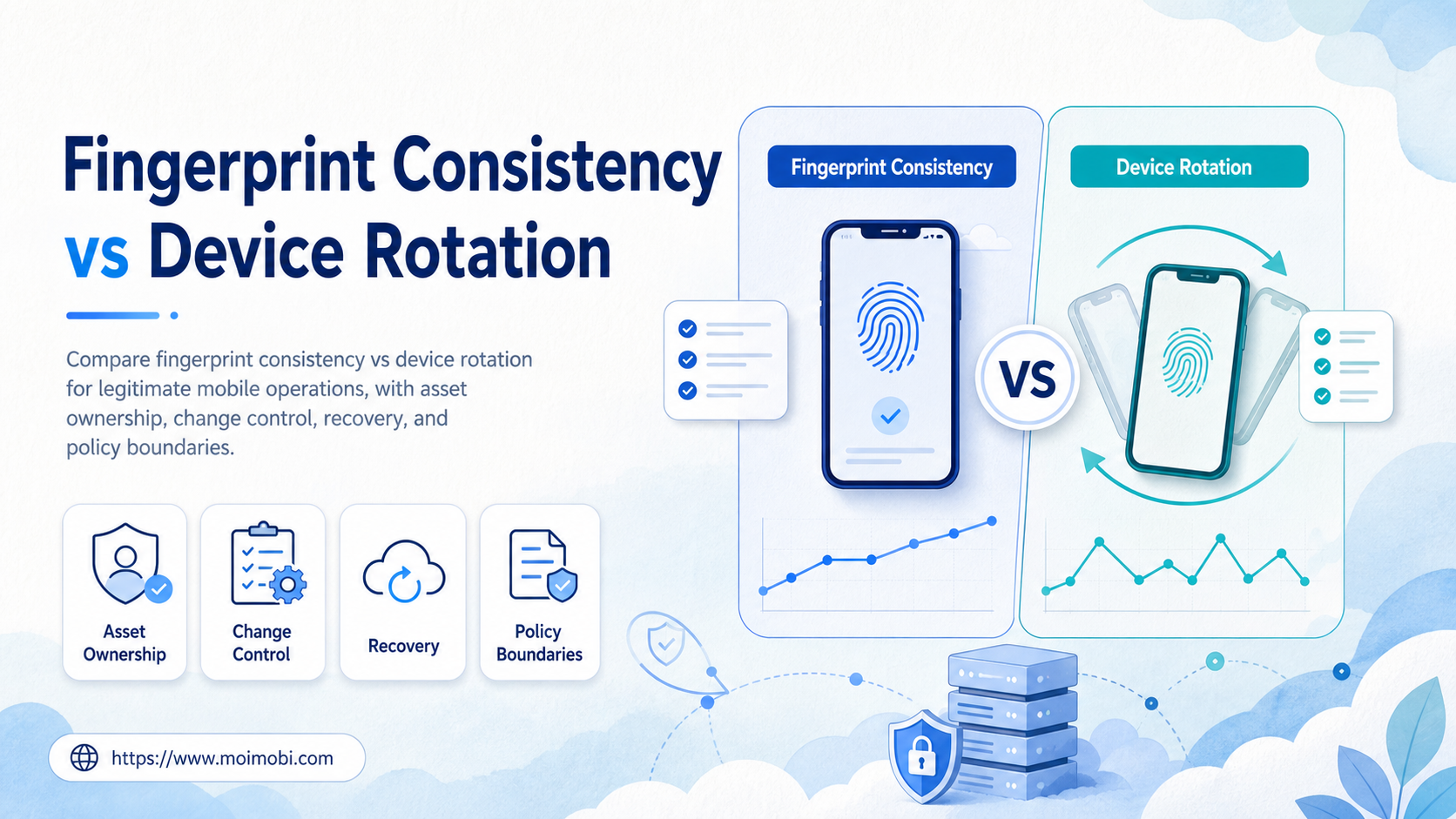
Device fingerprints are the technical characteristics and configuration signals associated with a device or browser environment. For legitimate teams, fingerprint consistency means keeping an assigned workspace stable and documented for its approved role. Device rotation means replacing, retiring, or reassigning that workspace through a recorded lifecycle process. The better option is not a universal winner: use consistency for an active, well-owned workflow and use rotation only when an approved operational reason requires a controlled change.
This comparison is about asset governance, not evasion. A team should not alter or fabricate device signals to misrepresent identity, avoid platform controls, or operate prohibited activity. Platform rules, user consent, and access policies still apply regardless of how a browser or mobile workspace is managed.
The decision becomes clearer when the team asks four questions. Who owns the workspace? What business purpose does it serve? Which approved task may run there? Can the next operator reconstruct its configuration and change history? Those answers matter more than treating device management as a purely technical setting.
Key Takeaways
- Consistency supports clearer task history and simpler incident review for an active workspace.
- Rotation is a controlled asset-lifecycle event, not a shortcut for unclear or restricted activity.
- Every environment needs a purpose, owner, access record, and change history.
- Teams should test handoffs, rollback, and evidence capture before a broad migration.
- No device configuration guarantees a platform outcome or overrides platform policies.
A Practical Comparison Framework for Device Fingerprints
Start with the operating context. A managed browser or Android workspace can contain app state, permissions, task records, and approved account access. Consistency means preserving the workspace relationship while that approved work remains active. Rotation means moving the work to another environment because of a planned replacement, capacity change, device issue, or a documented handoff.
The operational risk is not simply that a configuration changes. The risk appears when a configuration changes without a reason, an owner, or an evidence trail. An unexplained rotation can make it hard to distinguish a device problem from an access problem, a task collision, or an upstream platform issue.
The NIST SP 800-53 control catalog groups configuration management, access control, and audit accountability as distinct control areas. The same separation is useful in day-to-day operations. Record what environment exists, who may use it, which change was made, and what evidence supports that change.
| Decision area | Fingerprint consistency | Controlled device rotation |
|---|---|---|
| Primary goal | Maintain a stable assigned workspace | Replace or reassign an environment for a documented reason |
| Best for | Active repeatable work with clear ownership | Planned lifecycle events, failures, or capacity changes |
| Main control | Task, owner, and configuration records | Approval, handoff, rollback, and retirement records |
| Main failure mode | Stale access or undocumented drift | Lost context, duplicate work, or unclear assignment |
| Success evidence | Stable approved execution and traceable task history | Verified handoff with a clean old-workspace closure |
This is a governance matrix, not an account-outcome model. Neither pattern makes unapproved activity acceptable. A team still needs to comply with the platform’s terms and its own data, security, and customer obligations.
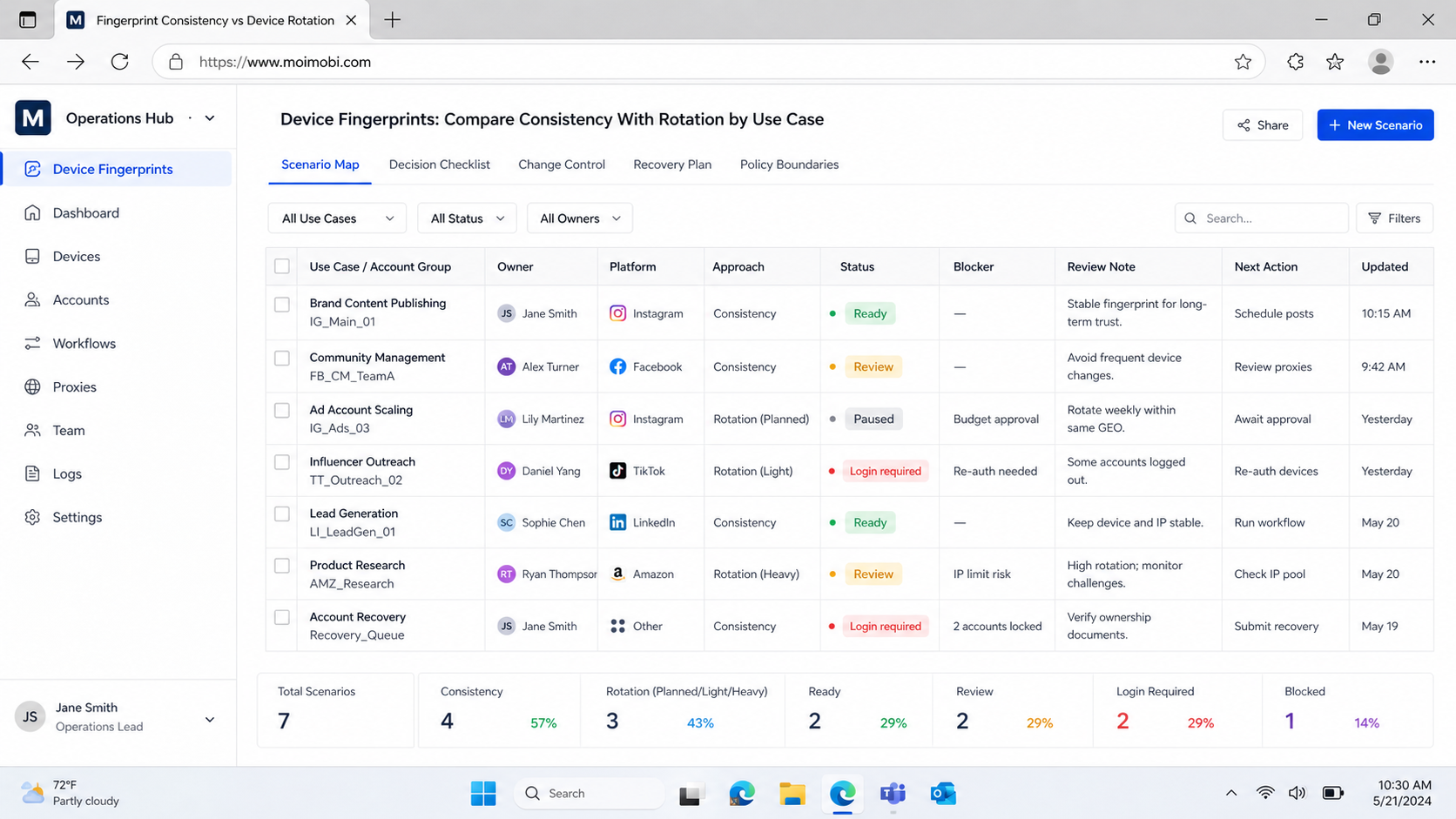
Device Fingerprints: Compare Consistency With Rotation by Use Case
Choose consistency when a workspace supports a current, permitted role and the team benefits from a continuous operational record. For example, a support team may use one assigned environment for a documented queue, with a named owner and a reviewer who can inspect exceptions. Preserving that context reduces handoff confusion.
Choose rotation when the environment has reached an approved end state. Examples include a device fault, a capacity reallocation, a scheduled upgrade, a person leaving a role, or a clean shift from a test workspace to a production workspace. The change must be explicit. Record the old environment, the new environment, the reason, the responsible owner, and the test that confirmed the new assignment.
Android Enterprise’s dedicated-device guidance provides a helpful model: enterprise devices are managed as purpose-bound assets. A cloud or remote Android environment should receive the same treatment. Its value comes from the approved task it supports, not from an attempt to appear as something it is not.
For a legitimate mobile workflow, a cloud phone can provide an assigned execution environment. The record should show the environment identifier, role, owner, access permissions, task scope, and recent change history. That creates an operational boundary while keeping the business purpose reviewable.
Operational Trade-Offs for Teams
Consistency reduces operational uncertainty when a team needs to investigate a current task. The latest successful run, current owner, access role, and configuration record remain easier to compare. This does not mean an environment should never change. It means that changes should be visible enough for a support lead to explain later.
Rotation supports resilience when a workspace must be retired or replaced. However, it adds handoff work. The team must close pending tasks, review access, preserve necessary business evidence, update the asset register, test the new workspace, and retire the old one. Skipping these steps creates an ambiguous state where two environments may appear to own the same task.
Do not treat rotation as a response to every unexpected outcome. A sudden change may hide the original problem. First review the task, access, configuration history, and platform message. If an approved replacement is necessary, make one controlled move and preserve the evidence needed to compare results.
Use device isolation to support distinct workspace boundaries where the business workflow requires them. Isolation is useful only when it is paired with role assignments, permissions, task records, and a recovery owner. It is not a method for bypassing enforcement or operating deceptive workflows.
Cost, Change Control, and Management Overhead
The lower-cost option is not always the one with fewer devices. Consistency has ongoing costs: access reviews, patch checks, task monitoring, and periodic ownership confirmation. Rotation has transition costs: provisioning, verification, handoff, documentation, and the time required to close the old asset safely.
Budget for the work your team will actually perform. A small team may keep an asset register and a concise handoff checklist. A larger team may use role-based access, scheduled reviews, and task-level evidence. Both models need an accountable person who can explain why a workspace exists and who may change it.
The OWASP Logging Cheat Sheet recommends collecting event context that supports operations and security while avoiding unnecessary sensitive information. Apply that boundary to environment records. Keep identifiers, actions, outcomes, and approval evidence. Keep credentials and personal data in the approved secure system rather than in a broad operations log.
Which Option Fits Different Teams Best?
- An active task has one approved owner
- The team needs continuity for review and support
- Changes are infrequent and traceable
- The workspace has a defined business purpose
- A documented lifecycle event requires replacement
- The old workspace is retired, unavailable, or reassigned
- A handoff owner and verification step are named
- Pending work can be closed or transferred cleanly
An agency or multi-brand team may use both patterns. It can keep a workspace stable through an active campaign or customer-support period, then rotate it through a controlled handoff when the role changes. The decision should follow ownership and workflow boundaries, not a generic idea that frequent change is inherently better.
Teams with several approved account workspaces can use multi-account management to see ownership, task queues, and assignments in one place. The goal is accountability. Do not use a multi-account system to obscure responsibility or create activity that conflicts with platform policy.
A Controlled Rotation Checklist
Use a checklist before replacing or reassigning a workspace:
- Confirm the reason. Record the lifecycle event, incident reference, or approved capacity change.
- Freeze ambiguous work. Pause tasks that lack a clear owner or completion state.
- Close or transfer tasks. Document the handoff and the owner who accepted it.
- Review access. Remove access that no longer matches the new assignment.
- Provision the new workspace. Apply only the approved configuration and role scope.
- Run a verification task. Test a low-impact, permitted workflow and save the result.
- Retire the old workspace. Mark it as retired or unavailable and preserve the evidence location.
The checklist is intentionally operational. It does not instruct teams to manipulate device signals, impersonate users, or evade a service’s controls. If a requested action would require that behavior, do not proceed. Escalate it to the appropriate policy, security, or compliance owner.
Pilot, Measurement, and Recovery Checks
Test the policy on a small number of legitimate workspaces before a large rollout. Choose one active environment and one planned replacement scenario. Assign a primary owner and a reviewer. Then document the baseline: how long does a normal handoff take, which evidence is required, and how quickly can another operator understand the current state?
Measure the quality of recovery, not just the number of completed tasks. After a controlled rotation, check whether the team can identify the new owner, confirm that the old workspace is closed, locate the verification task, and explain any exception. If those answers are unclear, improve the record before adding more environments.
Keep the review note compact but specific: previous workspace, replacement reason, approver, verified task, unresolved exception, and next review date. Those fields turn a one-time handoff into an auditable operating decision.
For mobile task flows, mobile automation should preserve the same ownership model. A workflow can repeat a known sequence, but it cannot determine whether a poorly documented handoff is appropriate. Keep exception review with a person who has the authority to pause the work.
Frequently Asked Questions
What are device fingerprints in this context?
They are technical and configuration characteristics associated with a device or browser environment. Teams should manage them as part of an approved asset record, not as a way to misrepresent identity.
Is fingerprint consistency always better than rotation?
No. Consistency suits an active, stable assignment. Rotation suits an approved replacement or handoff. The deciding factor is whether the team can explain the reason and verify the result.
When should a team rotate a mobile environment?
Rotate after a documented lifecycle event, such as a failure, role change, capacity plan, or retirement. Do not rotate blindly during an unexplained incident.
Does device isolation guarantee account safety?
No. It supports clearer workspace boundaries. Platform outcomes also depend on policy compliance and the underlying activity.
What should the asset record contain?
Record the environment identifier, approved role, owner, access history, task scope, recent changes, verification evidence, and retirement status.
Can several operators share one workspace?
Only when the business process explicitly allows it and ownership, access, and handoff rules remain clear. A named primary owner is still useful for incident response.
How should a team handle an unknown configuration change?
Pause high-impact work, preserve the evidence, review access and change history, and assign an incident owner. Avoid making several changes before the cause is understood.
Is device spoofing part of a legitimate rotation workflow?
No. This guide does not recommend device spoofing, deceptive identity practices, or methods to bypass platform enforcement. Rotation is an accountable asset-management process.
Conclusion
Fingerprint consistency and device rotation solve different operational needs. Consistency keeps an active, approved workspace understandable. Rotation handles a documented change in that workspace’s lifecycle. Both require clear ownership, access discipline, task evidence, and a recovery path.
Before choosing either approach, verify the business purpose, current owner, change reason, and stop rule. If the team cannot explain those four items, it should pause rather than change the environment. This produces more reliable operations without making claims that device management can guarantee a platform outcome.



