
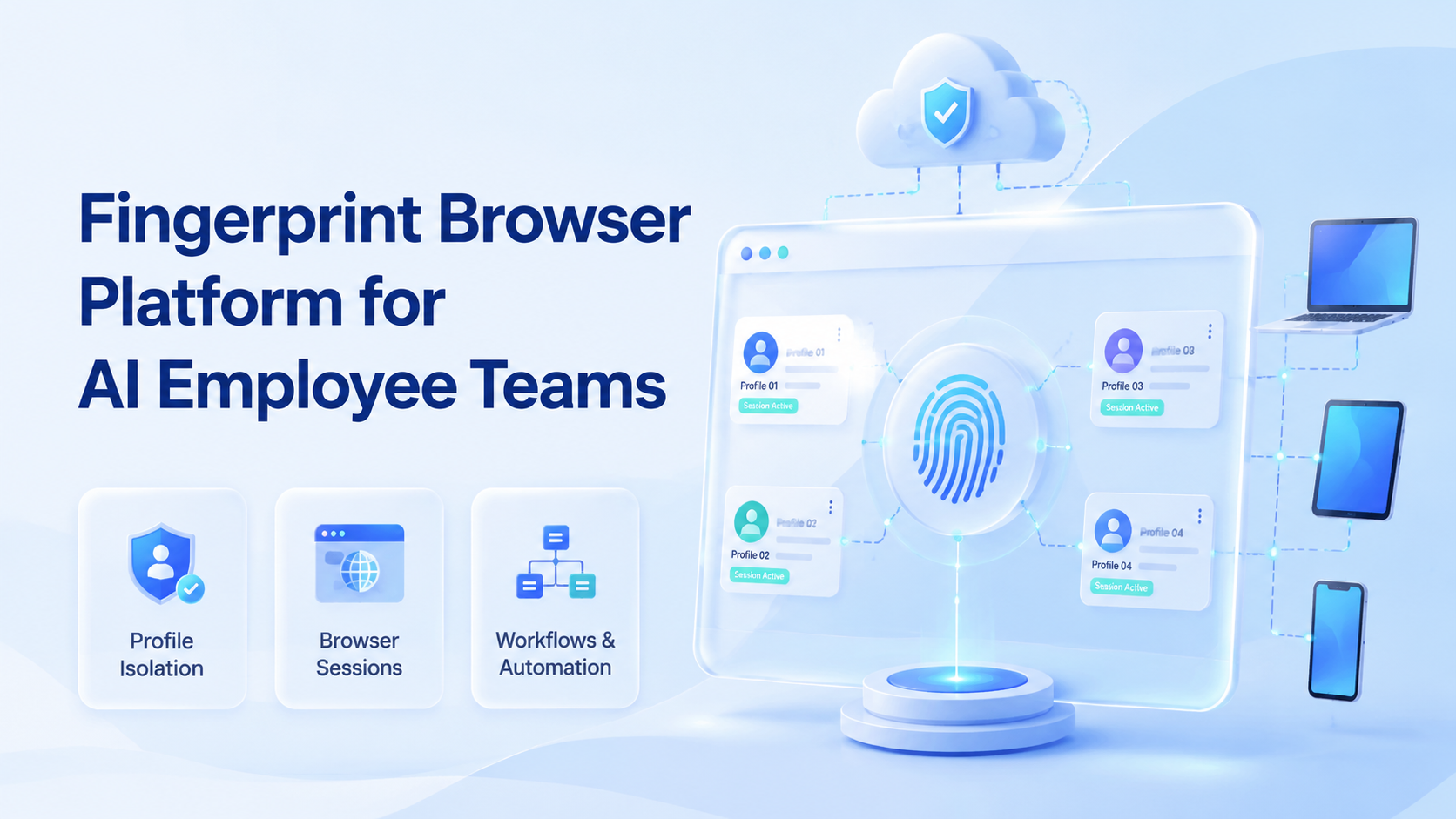
A fingerprint browser is a browser environment designed to keep account profiles, browser settings, cookies, sessions, and workspace context separated. For AI employee teams, the point is not clever masking. The practical value is assigning each AI worker a controlled browser profile that can repeat logged-in web tasks without mixing accounts.
This matters when a team runs content publishing, customer replies, lead research, dashboard checks, or account operations across many online accounts. A normal browser becomes hard to govern once several people and AI agents share access. A fingerprint browser platform turns that work into a structured workspace with clearer ownership, review, and execution boundaries.
Key Takeaways
- A fingerprint browser should be evaluated as an account workspace layer, not as a shortcut around platform rules.
- AI employee teams usually need profile ownership, task permissions, review gates, and execution logs.
- Browser profiles work best for web workflows; cloud phones are needed when the workflow moves into Android apps.
- A pilot should measure task completion, human corrections, profile errors, and handoff time.
- The strongest operating model is one important account, one profile, and one accountable workflow.
The Core Idea Behind a Fingerprint Browser Platform for AI Employee Teams
The common misunderstanding is that a fingerprint browser is only an anti-detection tool. That framing is too narrow and often leads teams toward risky expectations. A better operational model is a separated browser workspace for account-based work.
Each profile should hold the right account session, proxy or routing policy, permissions, notes, and execution history. Then one AI employee can operate inside that profile with less context switching. A human operator can still review the work, take over the session, or adjust the workflow.
This model fits browser-based automation because modern browser control is already built around sessions, pages, contexts, and repeatable actions. The W3C WebDriver specification defines browser automation as a remote-control protocol for user agents. Playwright also documents browser contexts as isolated environments that can preserve authentication state when configured correctly in its authentication guide. Those ideas map well to account workspaces, even when the business layer is not purely developer-led.
For Moimobi, this connects to the broader idea of an AI browser and cloud phone platform rather than a standalone browser trick. Browser profiles become one execution layer. Cloud phones and Android devices cover mobile-first workflows where the browser is not enough.
Why Teams Search for This Topic
Teams search for this topic when manual account work starts breaking down. The issue is rarely one task. The issue is repeated work across many accounts, platforms, and operators.
Consider a small growth team managing social accounts for several brands. One person publishes updates. Another checks messages. An AI worker drafts replies and collects leads. Without profile separation, login sessions and workflow history become unclear. Mistakes become hard to trace.
A fingerprint browser platform helps teams move from shared access to account-based execution. One profile can represent one account or one client workspace. That does not remove the need for platform compliance or human judgment. It does make the operating model easier to audit.
This is also where multi-account management becomes more than a folder of logins. A real multi account workspace should answer four questions:
- Which account is this AI worker allowed to operate?
- Which profile, device, and routing policy belong to that account?
- What task is the worker running today?
- Who reviews the output before publishing or replying?
Who Benefits Most and In What Situations
The best fit is a team with repeatable web workflows and account-specific context. Agencies, e-commerce teams, customer support groups, and social media operators usually feel this first.
The pattern is simple. Each account has its own login state, content rules, audience, customer history, and review standard. A shared browser does not preserve those boundaries well. A profile-based workspace gives each account a more consistent operating lane.
Good fit
- Multiple client or brand accounts
- Repeated browser workflows
- Human review before sensitive actions
- Need for profile-level ownership
Poor fit
- One account with light manual use
- Workflows that only need official APIs
- No review or permission model
- Expectation of guaranteed account safety
Browser profiles are not the only execution environment. Teams that run app-based work should also evaluate device isolation and mobile automation. A customer reply workflow may start in a web dashboard, then move to an Android app. The execution platform needs both sides when the task crosses that boundary.
How a Fingerprint Browser Supports an AI Browser Profile
A good AI browser profile should carry enough state for the worker to act consistently. It should not be a blank browser every time. It should also not be a shared session that many workers touch without rules.
Three fields matter most:
- Account context: login state, workspace notes, allowed platforms, and task scope.
- Execution context: browser settings, routing policy, cookies, local storage, and tool access.
- Review context: logs, pending actions, error states, and human takeover points.
The Chrome DevTools Protocol shows why this level of control matters in browser operations. Modern browser tooling can inspect pages, network activity, runtime state, and storage. The AI employee platform should expose only the controls needed for the workflow, then record enough activity for review.
A profile is also where memory becomes operational. The AI worker may remember what type of post works for a brand, but the browser profile remembers where the account lives and what session it uses. Mixing those two layers creates confusion. Keeping them separate creates a cleaner system.
How to Evaluate or Start Using a Fingerprint Browser Platform
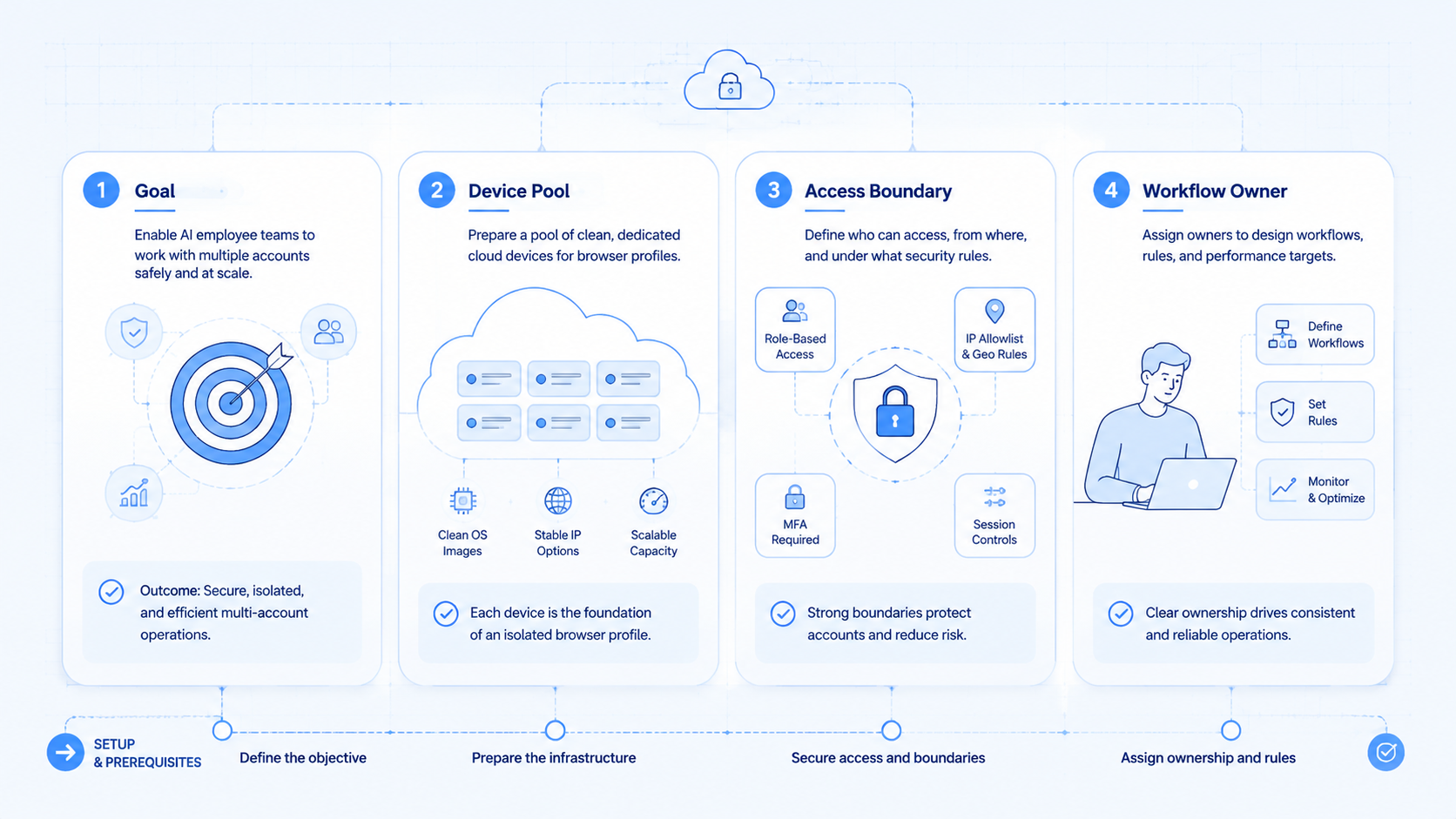
Do not start by connecting every account. Start with one workflow that is repetitive, low-risk, and easy to review. Publishing drafts, collecting leads, checking dashboards, or preparing reply suggestions are better pilots than fully autonomous customer conversations.
Use this sequence:
- Pick one account group with similar tasks.
- Create one profile per account or client workspace.
- Assign one AI worker role to each workflow.
- Define what the worker can do without approval.
- Define what always needs human review.
- Track errors, time saved, and handoff quality.
- Expand only after the review loop is stable.
For social media teams, the browser layer may need to connect with a browser profile and cloud phone workflow. Some tasks remain browser-based. Others require mobile execution, especially when the platform experience is app-first.
Mistakes That Reduce Results
The first mistake is treating profile isolation as a shortcut around platform rules. It is better to treat it as a governance tool. Profiles help separate workspaces, but they do not replace compliant behavior, quality control, or platform-specific limits.
The second mistake is letting AI workers share one profile. Shared profiles blur ownership. When something goes wrong, the team cannot tell which worker ran the action or which workflow created the output.
The third mistake is automating before the SOP is clear. AI workers need roles, inputs, stop rules, and review checkpoints. A weak manual process does not become reliable just because it runs inside a profile.
A practical operating rule is simple: one important account, one profile, one accountable workflow. Teams can add more roles later, but the first version should make ownership obvious.
Pilot Metrics and Review Loop
A pilot should measure execution quality, not only speed. Faster work is not useful if it creates review debt or account confusion.
Track these fields during the first two weeks:
| Metric | Why it matters | Review question |
|---|---|---|
| Successful task runs | Shows basic workflow reliability | Did the worker finish the intended task? |
| Human corrections | Reveals unclear instructions | What did reviewers fix repeatedly? |
| Profile errors | Finds session or access problems | Did the account stay in the right workspace? |
| Handoff time | Measures operational friction | Could a human take over quickly? |
| Output approval rate | Connects execution to business quality | Was the work ready to use? |
This review loop keeps the platform grounded. It also helps teams decide when a workflow belongs in a browser profile, a cloud phone, or a combined browser and mobile execution setup.
Frequently Asked Questions
Is a fingerprint browser the same as an AI browser?
No. A fingerprint browser manages profile separation and browser environment settings. An AI browser adds task planning, control, and execution logic.
Do AI employee teams need one profile per account?
For important account work, that is usually the cleaner model. It keeps ownership, sessions, and review history easier to understand.
Can this replace official APIs?
No. Use official APIs when they cover the workflow well. Browser execution is useful when teams still need to work inside web apps.
Is this only for social media teams?
No. It can also fit e-commerce dashboards, CRM updates, support portals, lead research, and admin workflows.
What should a first pilot automate?
Start with draft preparation, monitoring, or data collection. Avoid sensitive actions until review rules are proven.
How does this connect with cloud phones?
Browser profiles handle web workflows. Cloud phones handle Android and app-based workflows. Many teams eventually need both.
What is the main risk?
The main risk is weak governance. Without roles, stop rules, and logs, automation becomes hard to review.
How should teams judge success?
Judge success by task completion, fewer handoff mistakes, faster review, and clearer account ownership.
Conclusion
A fingerprint browser platform is most valuable when it gives AI employee teams a clean account workspace, not when it promises shortcuts. Start with profile ownership, then add AI worker roles, review rules, and workflow metrics.
The priority order is straightforward: separate accounts first, define worker permissions second, measure task quality third, and connect mobile execution only where the workflow requires it. That sequence keeps the system practical while the team learns which tasks deserve deeper automation.



