
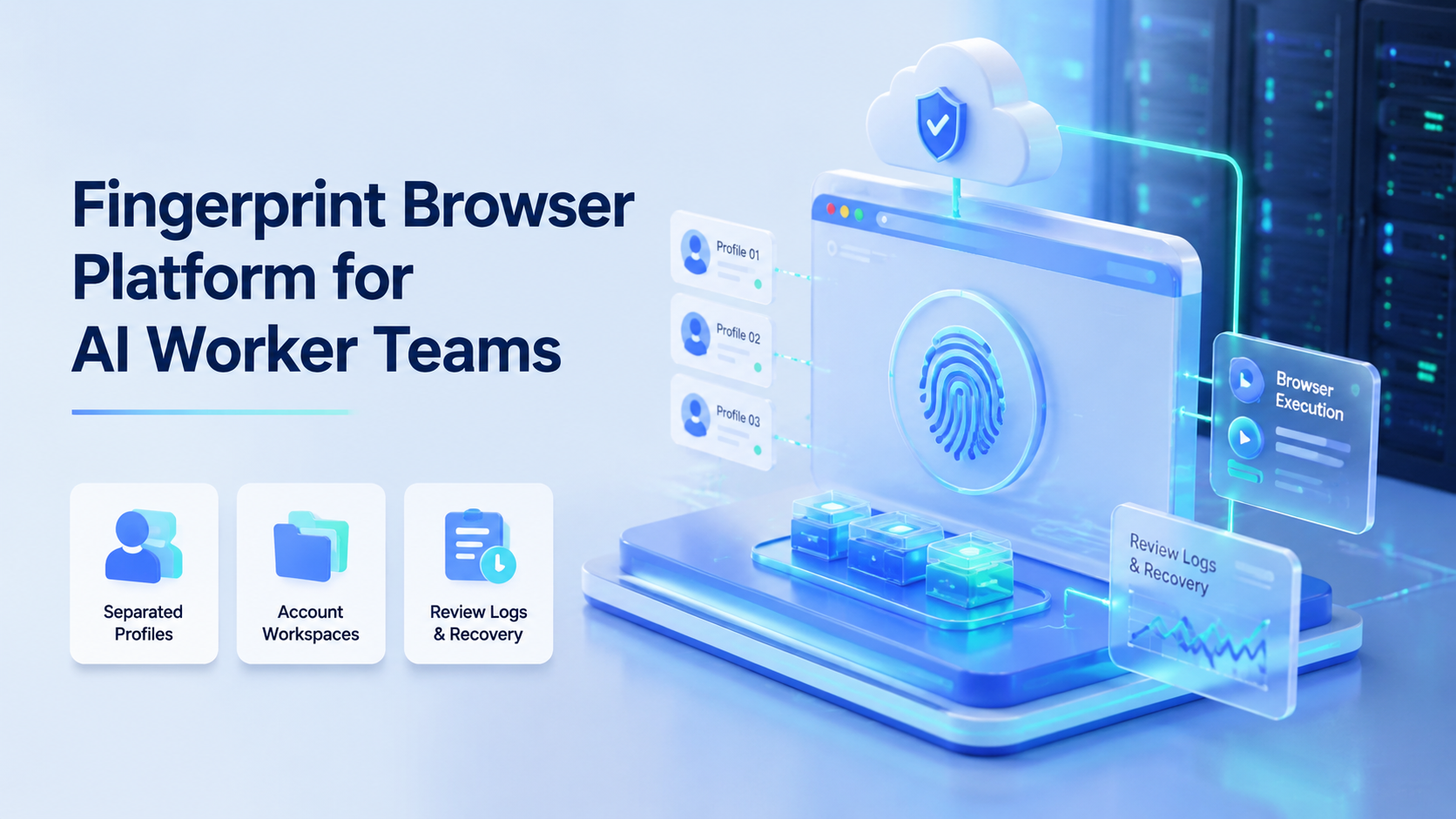
A fingerprint browser platform for AI worker teams is a system for running browser-based work in separated profiles. Each account gets its own workspace, session context, and task history. This matters when AI workers operate web apps, dashboards, social accounts, or ecommerce accounts.
The point is not to promise invisible automation. The point is operational control. AI worker teams need a browser surface, account boundaries, review logs, and recovery paths. Without those pieces, even a good AI workflow can become hard to inspect.
For MoiMobi, a fingerprint browser is one layer in a broader execution platform. Browser profiles can work with cloud phones, Android environments, and multi-account workflows when teams need both web and mobile execution.
Core Operating Takeaways
- Profile-based browsers give each AI worker a more controlled browser workspace.
- The real value is profile isolation, session continuity, and account-level task tracking.
- AI workers still need review rules, approval points, and recovery logs.
- Browser profiles fit web workflows; cloud phones fit mobile-first workflows.
- Teams should avoid risky claims and design workflows around account separation and auditability.
What Is a fingerprint browser Platform for AI Worker Teams?
A profile platform helps teams create and manage separate browser spaces for different accounts, workflows, or operators. Each profile can hold its own cookies, session state, browser settings, and operational context.
Browser fingerprinting is a real web concept. MDN's Fingerprinting glossary describes it as identifying a browser by combining features such as browser version, timezone, language, fonts, settings, and display details. The W3C fingerprinting guidance explains how specifications can reduce identifying surface.
For AI worker teams, the practical lesson is simple: account workspaces should not be mixed. A worker handling one client account should not accidentally reuse another account's session, profile, or operating context.
This is why MoiMobi frames browser profiles as execution environments. The profile is not only a login container. It becomes the workspace where an AI worker opens tools, follows SOPs, records results, and hands off exceptions.
Why Profile Infrastructure Matters
AI workers need places to work. A text-only agent can write a caption or reply, but browser-based operations require a controlled environment.
The W3C WebDriver specification defines browser automation as a remote-control interface for inspecting and controlling user agents. It covers interaction with page elements, navigation, cookies, scripts, screenshots, and windows. That helps explain why serious browser workflows need observable execution, not just a prompt.
The Playwright documentation emphasizes browser engines, isolation, parallel execution, tracing, and tooling. Those ideas are useful for AI operations because teams need repeatable runs, inspectable failures, and separated contexts.
OpenAI's Agents SDK frames agents around instructions, tools, handoffs, guardrails, sessions, tracing, and human review. That source is useful for AI worker teams because it shows why the execution environment around the model matters.
For teams comparing tools, MoiMobi's browser profile and cloud phone workflow is the more relevant frame than a standalone profile list. AI workers often need both account-level browser sessions and mobile execution paths.
Key Benefits and Use Cases
The clearest benefit is clean account ownership. Each AI worker can be assigned to a profile, account, client, or workflow lane. That makes the work easier to review.
| Use case | How profiles help | What to monitor |
|---|---|---|
| Social media operations | Separate accounts, drafts, publishing tasks, and engagement checks. | Account assignment, approvals, and task logs. |
| Customer support | Keep inbox sessions and brand context apart. | Reply quality, escalation, and send history. |
| Ecommerce workflows | Separate seller accounts, product updates, and order checks. | Account owner, error notes, and update history. |
| Lead research | Give workers a repeatable browser workspace for source checks. | Source records, CRM handoff, and duplicate checks. |
The second benefit is workflow recovery. If a run fails, the team can inspect the profile, account, task state, and last action. That is much easier than searching through a shared browser window.
The third benefit is team coordination. A profile can become a unit of assignment. One operator can own high-risk reviews, while AI workers handle drafts, checks, and lower-impact steps.
Setup Fields for AI Worker Profiles
Teams should define the profile record before assigning automation. A usable record usually includes the account name, platform, owner, region, proxy route, task type, allowed actions, review owner, and last recovery note.
| Profile field | Operational use |
|---|---|
| Allowed actions | Limits the worker to drafts, checks, replies, publishing prep, or research. |
| Review owner | Shows who approves public posts, replies, or account changes. |
| Last recovery note | Explains the latest login issue, failed upload, or manual correction. |
This field-level setup increases clarity. A worker can operate the profile, while an operator can still see what the worker was allowed to do and where recovery stopped.
How to Get Started with a Profile Platform
Start with profile design before automation. A messy account model will stay messy after AI workers are added.
Use these setup checkpoints:
- Account map: every account has a named owner, platform, purpose, and profile.
- Profile rules: each profile has clear session handling, routing expectations, and access limits.
- Workflow scope: each AI worker has a defined task, such as draft replies, check dashboards, or collect notes.
- Approval path: public posts, customer replies, or account changes need human review first.
- Recovery path: failed runs create a visible task instead of disappearing in logs.
MoiMobi connects this browser setup with multi-account management. The goal is to let teams see which account is active, which worker is assigned, and which task needs review.
If the workflow moves into mobile apps, add cloud phone capacity. Browser profiles work well for web tasks, but mobile-first workflows need Android execution environments.
Common Mistakes to Avoid
The first mistake is treating profile isolation as a shortcut. It should be used for separation, continuity, and team control. It should not be positioned as a way to ignore platform rules.
The second mistake is putting too many accounts into one workflow. Start with a small set of profiles. Measure completion, review load, and error types before scaling.
The third mistake is skipping logs. AI workers need task records: what was opened, what was drafted, what was approved, what failed, and who reviewed it.
The fourth mistake is choosing browser infrastructure when the real workflow is mobile. A team managing TikTok, Instagram, WhatsApp, or Telegram may need mobile automation alongside browser profiles.
Fit and Not-Fit Guidance
This setup fits agencies, growth teams, ecommerce operators, and support teams that manage repeated work across multiple accounts. It is especially useful when the same team needs browser sessions, AI-generated drafts, approval queues, and account-level records.
It is less useful for one-time web research, single-account manual work, or a workflow that only needs an API call. In those cases, a simpler tool may be enough.
The strongest fit is a recurring task with clear account boundaries. Examples include monitoring social accounts, preparing replies, collecting lead data, reviewing dashboards, or updating ecommerce listings.
Frequently Asked Questions
Is a profile browser the same as an AI browser?
No. A profile browser focuses on environment separation. An AI browser adds agent-driven task execution. The two can work together.
Why do AI worker teams need browser profiles?
Profiles help keep account sessions, work context, and task history separate. That makes team review and recovery easier.
Does this remove the need for human review?
No. Human review is still important for public posts, customer replies, account changes, and sensitive workflows.
Is a fingerprint browser enough for mobile apps?
No. Browser profiles help with web workflows. Mobile apps usually need cloud phones or Android execution environments.
What should teams measure first?
Measure task completion, review load, account assignment accuracy, and recovery time.
How many profiles should a team start with?
Start small. Use enough profiles to test the workflow, but not so many that failures become hard to diagnose.
What is the biggest red flag?
The biggest red flag is a workflow that hides account actions. Teams need logs, ownership, and stop rules.
Conclusion
A profile platform helps AI worker teams turn browser profiles into controlled account workspaces. The useful outcome is not louder automation. It is cleaner separation, better review, and more recoverable execution.
Start by mapping accounts to profiles, then assign one repeated task to one worker lane. After the team can inspect results and recover failures, add more profiles or connect mobile execution where the workflow requires it.



