
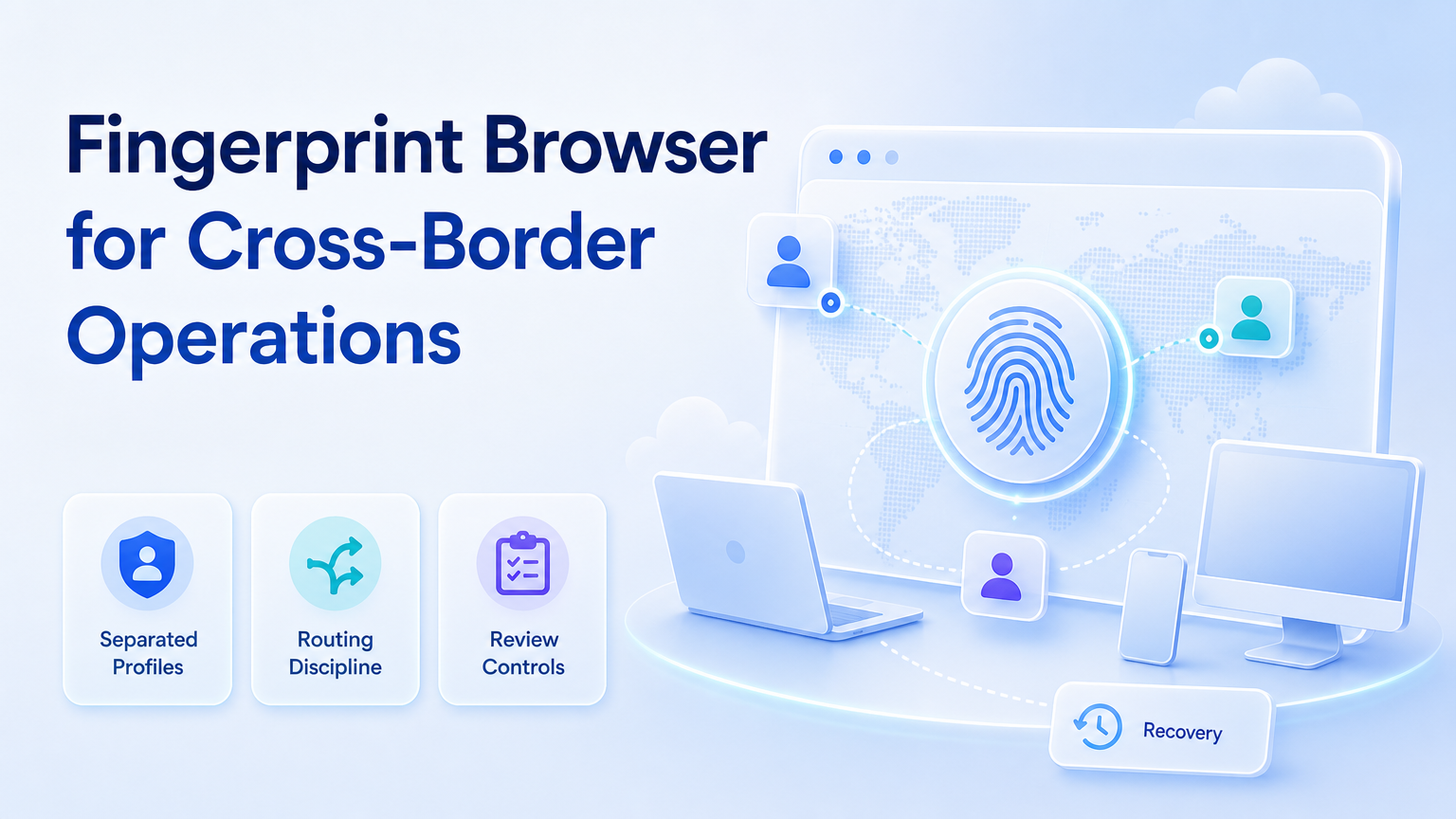
A fingerprint browser is a profile-based browser system that helps teams run separate account workspaces with controlled settings, sessions, and operational boundaries. For cross-border operations, the value is not aggressive growth. The value is keeping account work organized across markets, roles, and workflows.
Cross-border teams often manage many accounts, languages, regions, and platforms. Without separated browser environments, operators can mix sessions, lose context, and create review problems. A profile-based workspace gives the team a cleaner way to assign browser work.
Key Takeaways
- A profile browser should be positioned as isolation and workspace control.
- Cross-border teams need role design, routing discipline, and review logs.
- Browser profiles should map to accounts, markets, or client workspaces.
- Automation should stay inside defined tasks and approval rules.
- A controlled pilot starts with one market and one repeatable workflow.
What a Profile Browser Does
A profile browser manages browser profiles so different account workspaces can keep separate sessions and configurations. It is closely related to browser profile management and multi-account operations.
Browser state matters in automation. The W3C WebDriver standard describes browser sessions as a core automation concept. Playwright's browser context documentation also explains how isolated contexts separate cookies, storage, and session state.
The operational lesson is direct. Cross-border work should not happen in one shared browser. A team needs account-specific workspaces, defined roles, and clear handoff records. Moimobi supports this through Android antidetect, browser profiles, and mobile execution layers.
Access design also matters. NIST's Digital Identity Guidelines discuss session controls and authentication lifecycle as part of identity management. Cross-border teams can use that principle at an operations level: define who can access each workspace, how long access remains valid, and how recovery is handled.
Why Cross-Border Teams Need Separated Workspaces
Cross-border operations are rarely simple. A team may run accounts for different regions, brands, clients, and platforms. Operators may also work across time zones.
Separated workspaces reduce confusion. An account owner can see which profile belongs to which account. An operator can run assigned tasks without opening the wrong session. A reviewer can inspect outputs without asking which browser was used.
This is why multi-account management is the larger category. Profile-based browsing is one execution layer inside the management system.
How to Structure Profiles for Cross-Border Work
Start with a profile map. Do not create profiles randomly. Each profile should connect to a business reason.
| Profile field | Purpose | Example |
|---|---|---|
| Market | Separates regional operations. | US, UK, DE, SEA |
| Platform | Connects the profile to the account channel. | TikTok, Instagram, marketplace, CRM |
| Operator role | Controls who can run daily tasks. | Publisher, reply operator, analyst |
| Review owner | Defines who approves sensitive output. | Client lead or team manager |
| Recovery rule | Explains what to do when the workflow stops. | Pause, screenshot, escalate, rerun |
This structure also helps when browser work connects to mobile work. If the same account needs mobile app execution, connect the browser profile to a cloud phone or Android environment.
Routing and Ownership Reviews
Cross-border work also needs routing discipline. The profile map should show which environment belongs to which account, market, and operator. It should also show the expected routing setup when that information is part of the team's operating model.
Review this map on a fixed schedule. Remove old operators, check account ownership, and confirm that the workspace still matches the market it was created for. A profile that nobody owns should be paused until the team assigns a responsible person.
Ownership reviews are not bureaucracy. They prevent the quiet drift that happens when accounts move between teams, contractors, clients, or regions.
Use this pass/fail check before adding another market:
- Pass: every workspace has one owner and one review path.
- Pass: operators can identify the right workspace without asking an admin.
- Pass: mobile and browser environments share the same account map.
- Fail: old contractor access still appears in active workspaces.
- Fail: recovery depends on one person remembering the last step.
- Fail: profiles are named by random numbers with no market or account context.
Safe Automation Boundaries
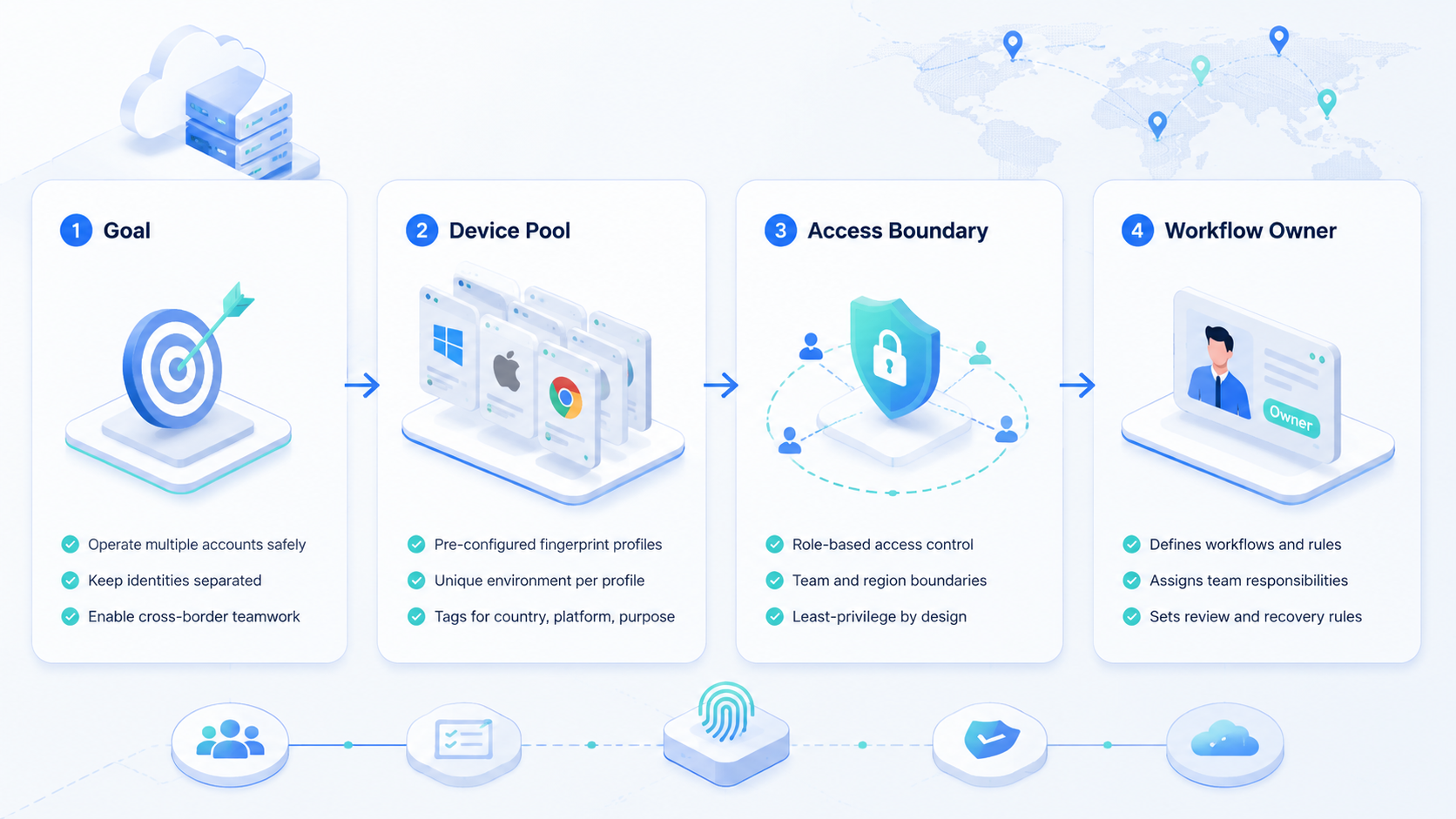
A separated profile system should not be treated as permission to automate everything. Use it to keep workspaces separate, then define what each workspace may do.
Suitable first tasks include competitor monitoring, content preparation, inbox triage, lead qualification, and dashboard checks. Higher-impact actions need review gates. Those include publishing, customer replies, account settings, payment changes, and account support requests.
The MDN glossary on fingerprinting explains that browsers can expose identifying signals. Teams should read that as a reason to keep configurations consistent and documented, not as a reason to make unsafe claims.
Fit and Not-Fit Boundaries
This setup fits cross-border teams that need repeated account work across multiple markets. It also fits agencies that manage client accounts and need clean separation between workspaces.
It is not the right tool for teams with no account process. If operators do not know who owns an account, what tasks are allowed, or who reviews actions, profile separation alone will not solve the problem.
The strongest fit is a team that already has a basic SOP. A controlled profile system then gives that SOP an execution environment.
A simple readiness test helps. If the team can name the account owner, allowed actions, review owner, and recovery rule for each workspace, the system is ready for a pilot. If those answers are unclear, profile setup should wait until the operating model is clearer.
Pilot Plan for Cross-Border Teams
Run the first pilot with one market and one platform. Avoid starting with every region at once.
Use this sequence:
- Choose five to ten accounts in one market.
- Assign one profile per account.
- Define allowed tasks and forbidden actions.
- Assign operators and reviewers.
- Run a small batch of tasks.
- Review failures and update the SOP.
- Add the next market only after review quality is stable.
Measure correction rate and recovery time. Those two metrics show whether the system is clear enough to scale.
Add a weekly review during the pilot. The review should check whether operators used the right workspace, whether approvals happened before sensitive actions, and whether any account was assigned to the wrong market or role. This small discipline prevents profile growth from becoming untracked infrastructure.
Common Mistakes
One mistake is creating profiles without ownership. Every profile should have a clear account owner and operator role.
Another mistake is mixing browser and mobile workflows without a shared account map. Browser profiles and cloud phones should represent the same account structure.
Teams should also avoid unsafe internal language. Talk about separated workspaces, account isolation, and workflow control. Avoid framing the system around bypassing platform requirements.
Finally, do not overbuild the first profile map. A profile system with hundreds of poorly named workspaces becomes hard to review. Start with the accounts that have real daily work, then expand the map as the workflow proves stable.
Frequently Asked Questions
What is a fingerprint browser?
It is a browser profile system that helps teams separate account sessions, settings, and workspace context.
Why do cross-border teams use it?
They use it to keep regional, client, or platform account work separated and easier to review.
Is this only for ads?
No. It can support social media, ecommerce, support, account checks, and customer engagement workflows.
Does it replace a cloud phone?
No. Profile-based browsing handles browser work. A cloud phone handles mobile app execution.
Should each account have its own profile?
For multi-account operations, one profile per account is usually cleaner for ownership and recovery.
What actions need human review?
Publishing, replies, settings changes, payments, and unusual warnings should keep human review.
What should teams measure first?
Measure task completion, correction rate, review time, and profile recovery speed.
Conclusion
A separated profile system is most useful when it supports a clear operating model. Profiles should map to accounts, markets, roles, and review paths.
For cross-border teams, start with workspace separation before heavy automation. Once the profile map is stable, connect browser work to device isolation and mobile execution where the workflow requires it.



