
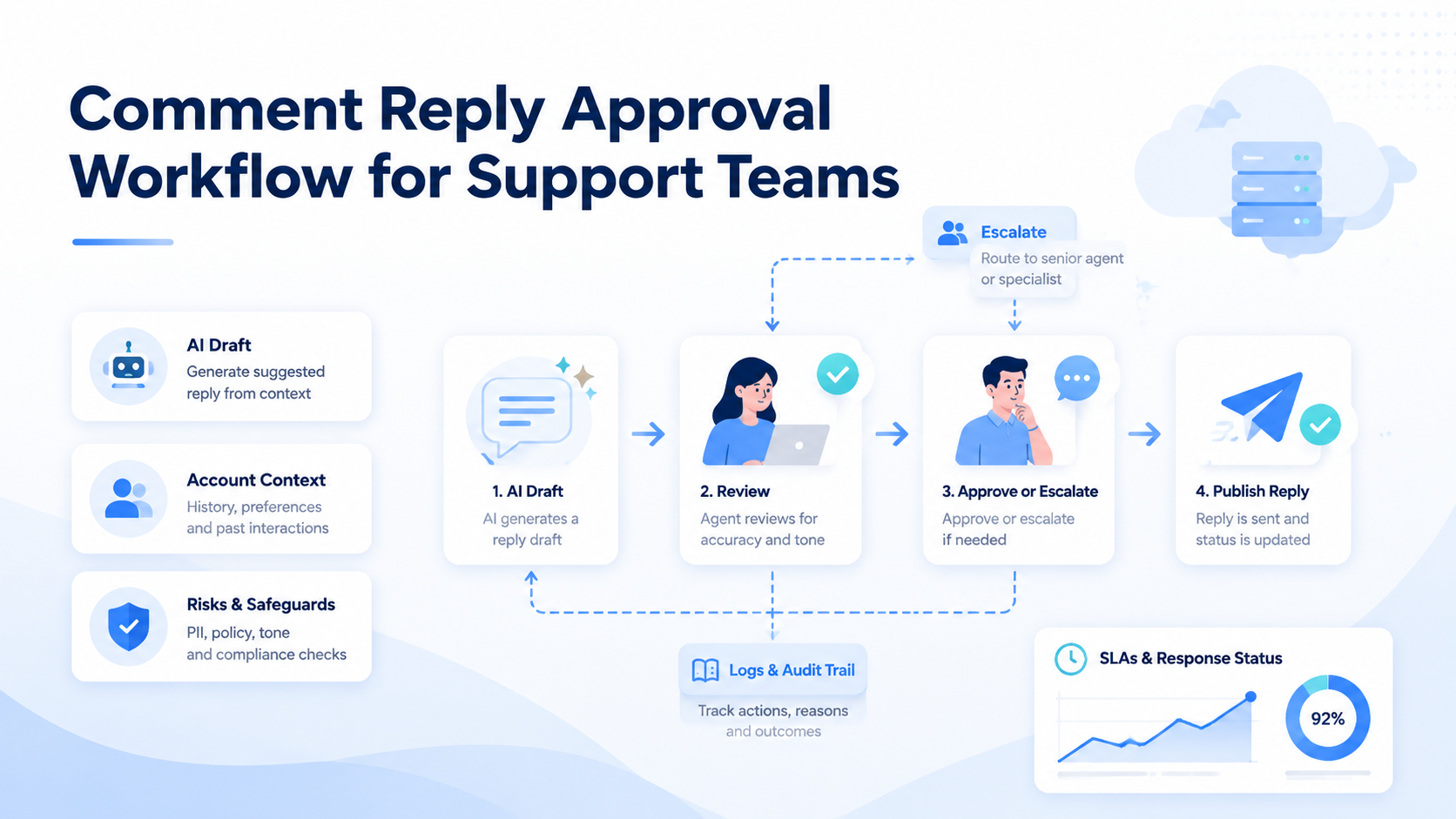
A comment reply approval workflow helps support teams answer public comments with clearer review over tone, accuracy, escalation, and account context. The workflow should define who drafts, who reviews, who publishes, and how each reply is logged.
This matters when a team manages multiple social accounts. AI can draft reply options, but a public support response can affect customer trust. The approval workflow turns AI output into a reviewable support process.
Moimobi connects AI-assisted replies with browser and mobile execution environments, making it easier for teams to manage social support across accounts and platforms.
Key Takeaways
- Use AI to draft and classify replies, not to bypass support review.
- Route complaints, refunds, legal terms, and pricing questions to a reviewer.
- Log every approved reply with account, operator, status, timestamp, and URL.
- Review failed or delayed replies every 24 hours during rollout.
The 5-Stage Workflow
A practical comment reply approval workflow has 5 stages.
| Stage | Owner | Output |
|---|---|---|
| Intake | AI or operator | comment text and account |
| Classification | AI | general, complaint, refund, lead, risk |
| Drafting | AI or support agent | 2 reply options |
| Approval | reviewer | approved, edit, escalate |
| Execution | operator | posted reply and log |
This structure keeps AI useful but bounded. The support team can reduce queue work while still reviewing comments that carry customer or brand risk.
What Should Trigger Approval
Not every reply needs the same review path. A simple thank-you comment can move quickly. A complaint or refund request should not.
Use a 2026 rule set like this:
auto_ready: thanks, emoji-only replies, basic product interest.needs_review: complaint, refund, pricing, sponsor mention, competitor mention.escalate: legal wording, safety issue, personal data, payment dispute.blocked: abusive request, prohibited action, or unclear account context.
The FTC guidance on AI claims is relevant because support replies may include product claims. Teams should review any reply that makes a promise, commitment, or performance statement.
Account Context Matters
A support reply must match the account. A creator account, brand account, marketplace account, and agency client account may all require different tone and escalation rules.
This is why multi-account management is part of reply approval. Each account should have owner, tone guide, blocked topics, escalation contact, and assigned environment.
For public social workflows, social media marketing operations should connect publishing, replies, monitoring, and review instead of treating replies as isolated messages.
Browser and Mobile Execution
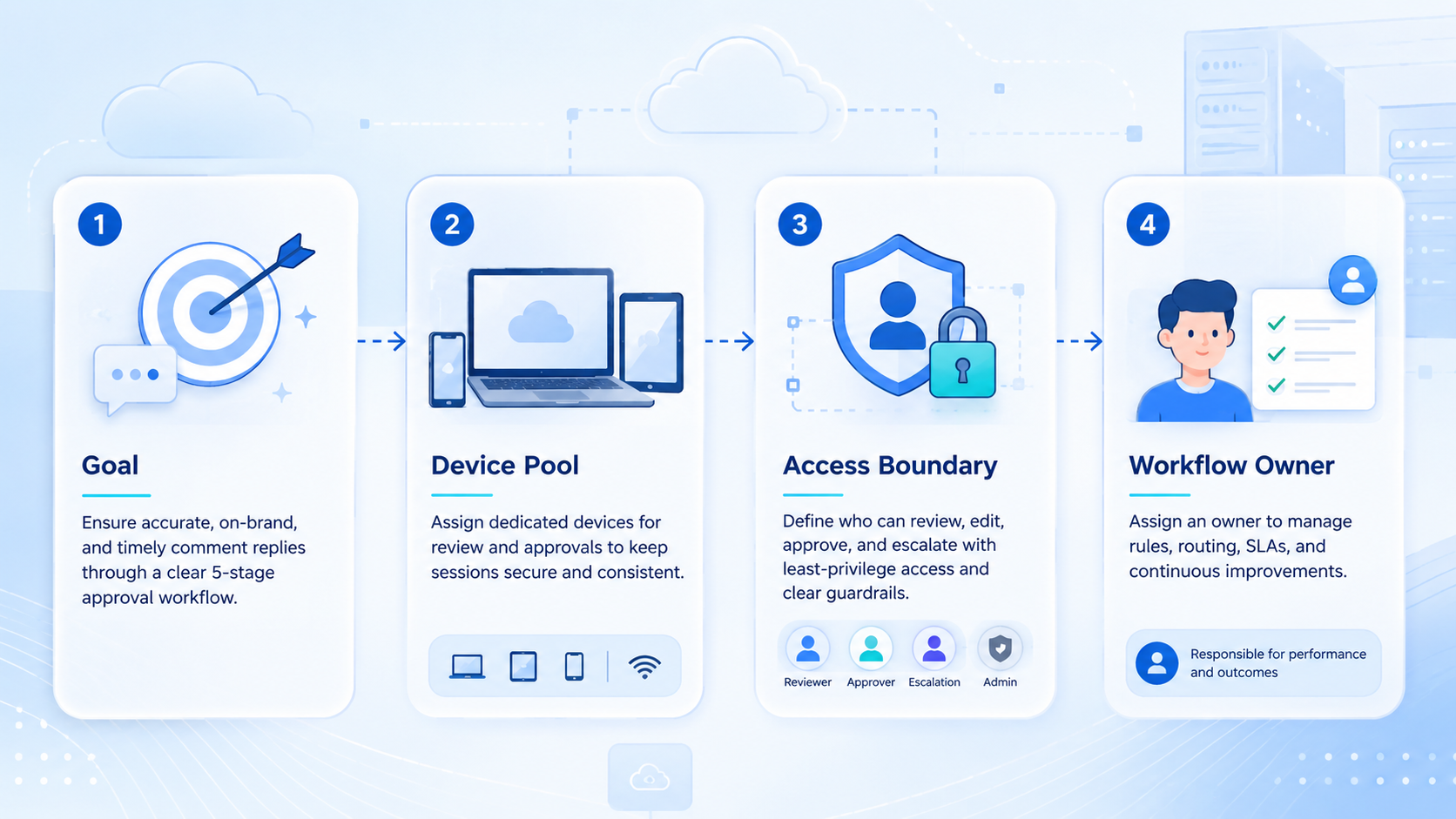
Some replies happen in web dashboards. Others happen inside mobile apps. The workflow should define the execution environment before the reply is sent.
Moimobi's cloud phone environments help teams run mobile-first support workflows. Device isolation helps keep account sessions and reply logs separated.
Platform rules should stay visible. TikTok's Community Guidelines and Meta's Platform Terms are first-party sources teams should review when designing social support automation.
A Review Queue Template
Use a compact review queue so managers can scan work quickly.
| Field | Example |
|---|---|
| Account | support-us-04 |
| Comment type | refund request |
| AI draft count | 2 |
| Reviewer action | approve with edit |
| SLA | 4 hours |
| Status | posted, pending, escalated |
This table can be used for internal SOPs, dashboards, or task records. The point is to make approval visible.
Metrics to Track
Track 7 metrics: reply volume, approval rate, edit rate, escalation rate, average response time, overdue replies, and failed posting attempts.
If the edit rate is above 40% after two weeks, the AI prompt, tone guide, or classification rules need revision. If overdue replies increase, the review queue may be too broad.
Frequently Asked Questions
What is a comment reply approval workflow?
It is a process for drafting, reviewing, approving, posting, and logging replies to social media comments.
Can AI write the replies?
Yes. AI can draft reply options and classify comments, but sensitive replies should stay in a review queue.
Which comments need review?
Refunds, complaints, pricing questions, legal wording, safety issues, and partner or competitor mentions should be reviewed.
What should the log include?
Use account, comment type, draft count, reviewer action, status, timestamp, and posted URL or screenshot.
Is this only for large support teams?
No. Small teams also benefit when they manage multiple accounts or customer-facing social channels.
How often should rules be reviewed?
Review rules every 2 weeks during rollout, then monthly after the workflow is stable.
What is the first workflow to build?
Start with comment classification and review queue routing before automating the final posting step.
Conclusion
A comment reply approval workflow lets support teams use AI while keeping public customer communication reviewable. The best workflow separates drafting, review, execution, and logging.
For multi-account support teams, that structure is what turns comment automation into a reliable service process.



