Key Takeaways
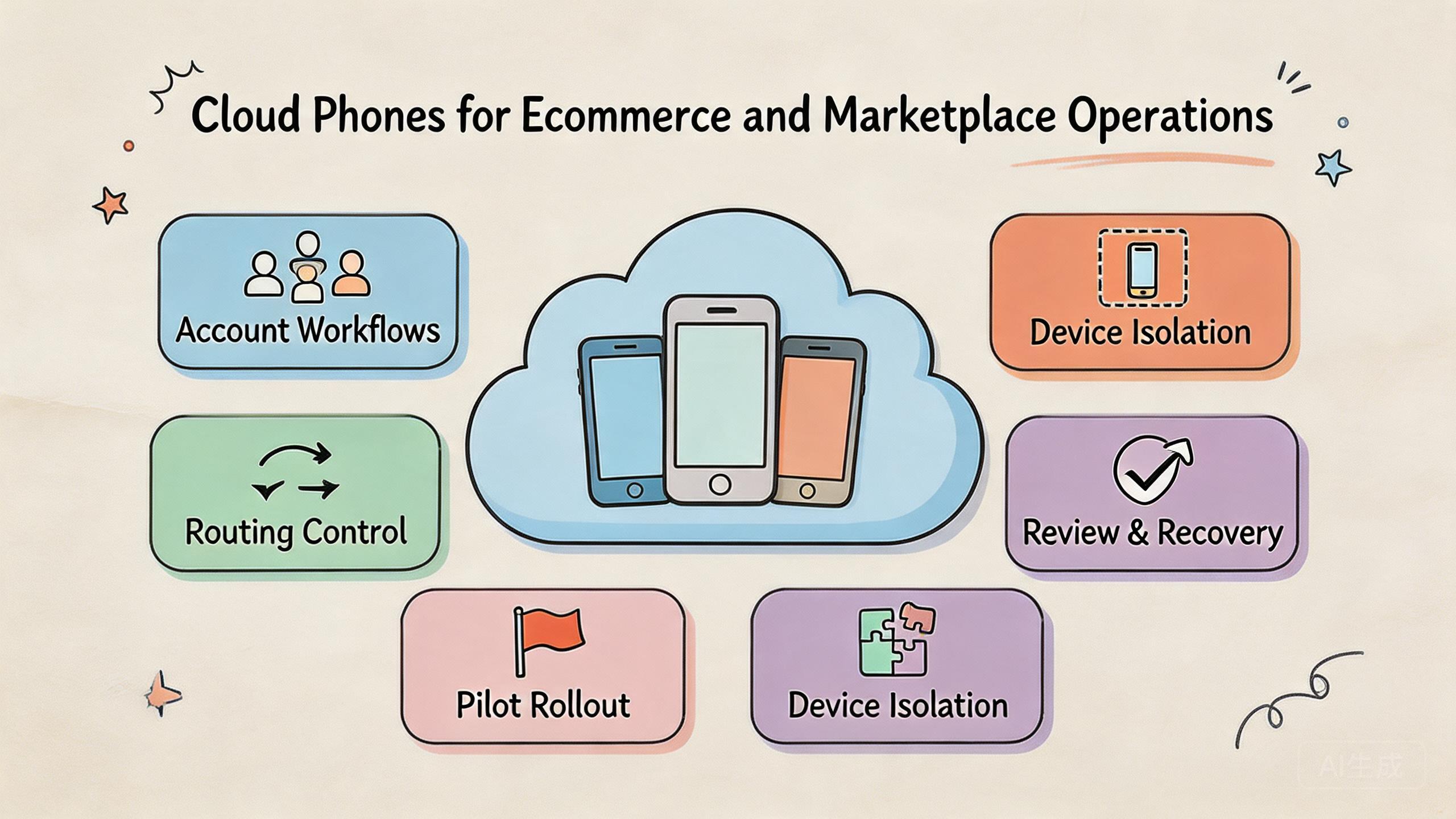
- Cloud phones for ecommerce operations are remote Android environments used to run, review, and manage repeated marketplace workflows.
- The value is not only remote access. The real value is controlled device state, routing policy, account separation, and team handoff.
- Ecommerce and marketplace teams should pilot one workflow before scaling device pools.
- A good setup includes fit boundaries, reset rules, reviewer access, and recovery checks.
Introduction
Cloud phones for ecommerce operations are remote Android devices that teams use to run marketplace tasks through a controlled mobile environment. They can help operators access apps, review account state, repeat workflows, and hand work to another person without relying on a local phone bench.
The core problem is operational clarity. Ecommerce and marketplace work often involves several accounts, regions, roles, apps, and reviewers. A few local phones may work for one person. The setup becomes harder when multiple people need to continue the same work, check the same app state, or recover from a failed run.
Cloud phones can support that process when they are treated as infrastructure. A hosted phone is only one layer. Teams also need device groups, account assignment, route notes, reset rules, and audit habits. Without those controls, more remote screens can create more confusion.
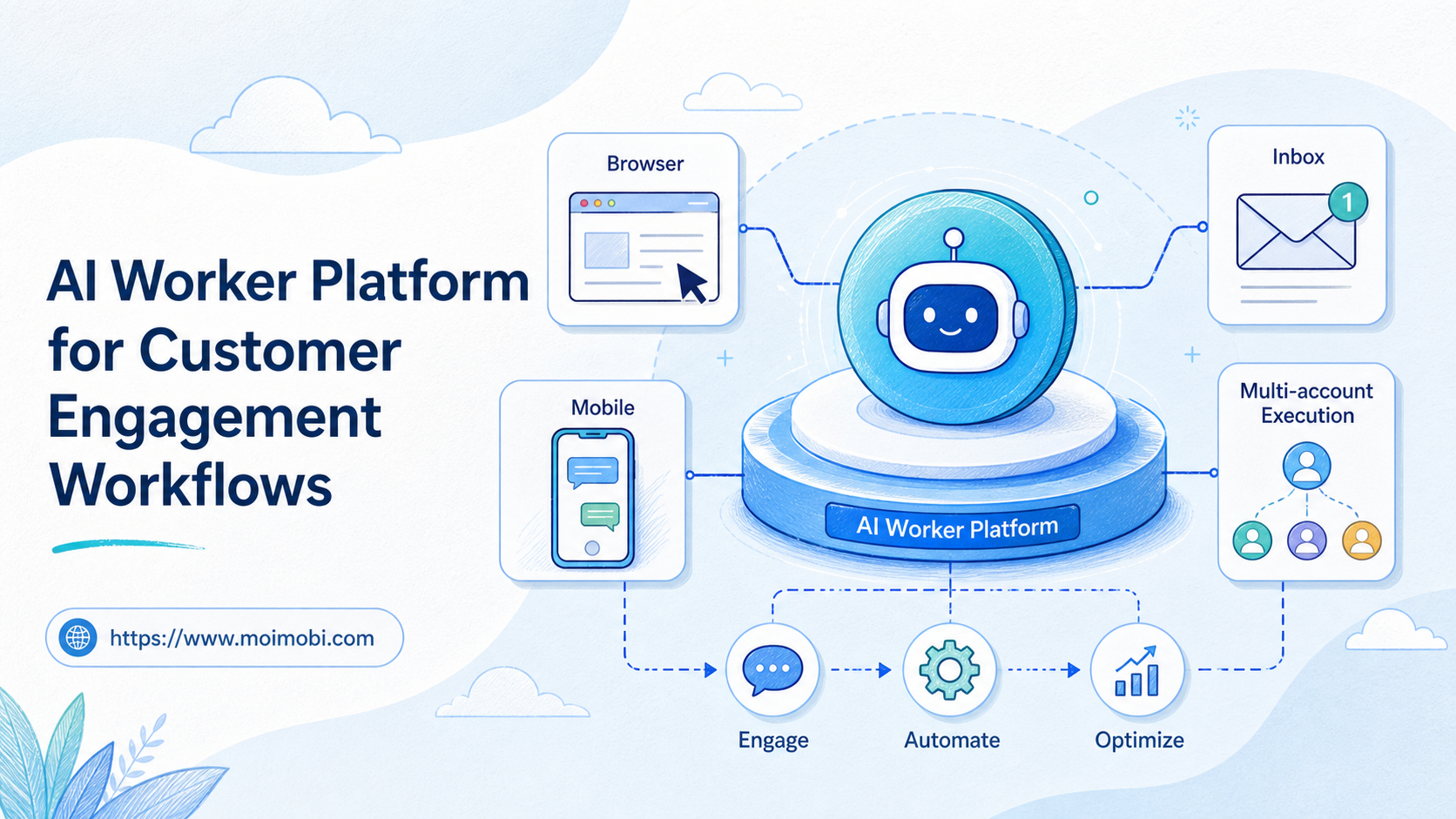
MoiMobi is relevant when a team wants execution infrastructure instead of a temporary remote device. The platform connects cloud phone, phone farm, device isolation, proxy network, and mobile automation. Those layers matter most when the work needs repeatability.
Google Search Central's helpful content guidance focuses on usefulness and clarity for users (Google Search Central). Ecommerce operations need the same discipline. The tool should make the work easier to understand, not just easier to open.
The Core Idea Behind Cloud Phones for Ecommerce and Marketplace Operations and cloud phones for ecommerce operations
The core idea is simple. A marketplace team needs mobile environments that can be assigned, reused, checked, and recovered. Hosted phones give the team a remote Android layer for that work, but the operating rules decide whether the setup is useful.
Device state is the first part of the model. An ecommerce operator may need a known app version, a known login state, and a known workflow history. When device state is unclear, every problem becomes harder to diagnose. The issue might be an app change, account state, route behavior, or a previous operator action.
Account separation is the second part. Marketplace work can involve store accounts, support roles, buyer-facing checks, content workflows, or campaign review. These workflows should not all share the same messy environment. Separation keeps teams from mixing account context and makes review easier.
Routing discipline is the third part. Some marketplace tasks depend on regional context, network behavior, or review consistency. A proxy network can support repeatable routing, but only when the team documents which route belongs to which workflow.
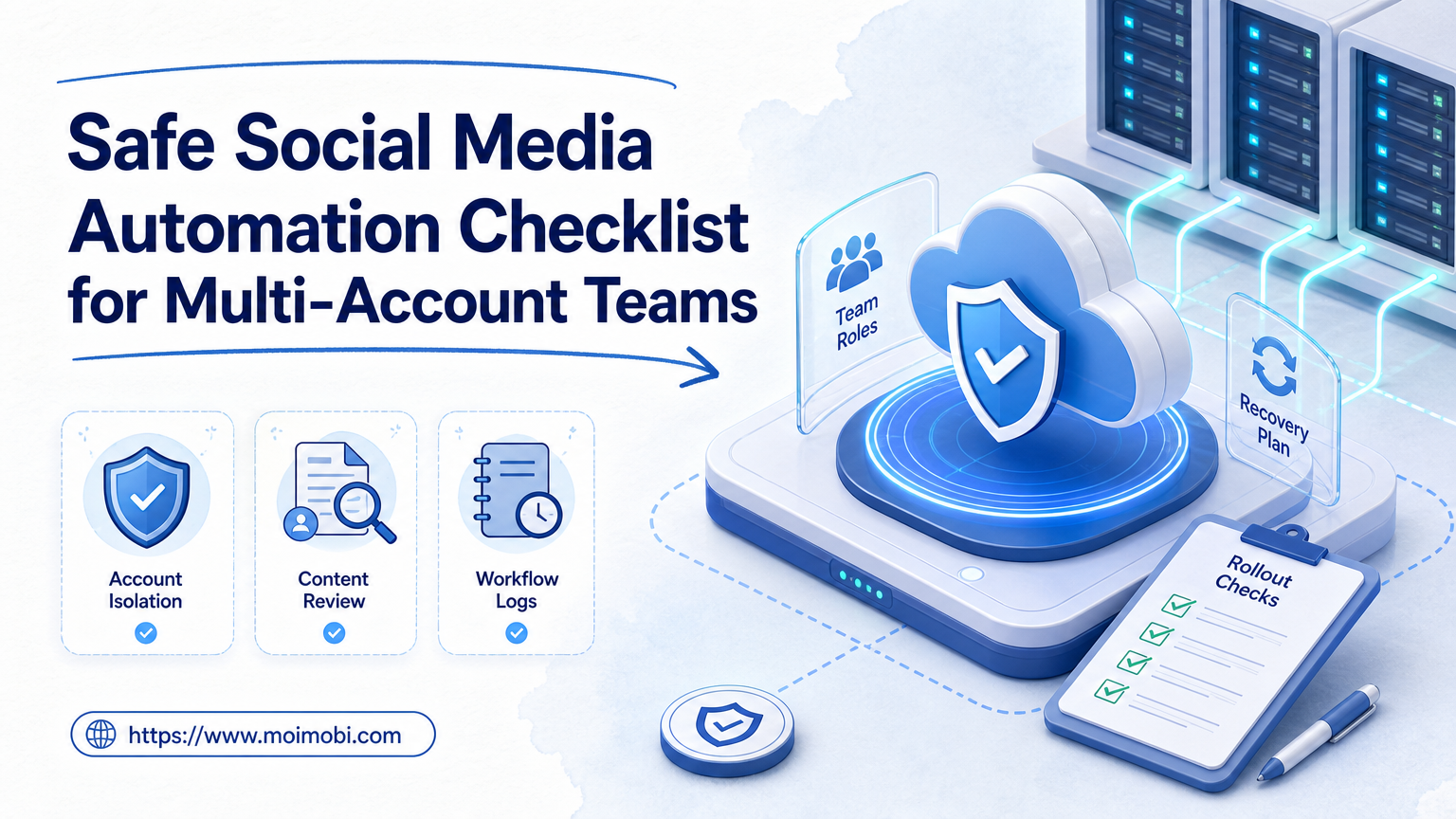
Team access is the fourth part. Operators, reviewers, and admins should not always share the same permissions. Operators may run tasks. Reviewers may inspect results. Admins may reset devices or change pool rules. Clear access roles reduce accidental changes.
Simple operating model:
| Layer | Operational question | Good sign |
|---|---|---|
| Device state | Is the phone clean enough for this workflow? | The device has a clear status before reuse. |
| Account workflow | Who owns the account task? | One person or team owns the current run. |
| Routing | Which route is expected? | Route notes are visible and stable. |
| Review | Who checks the result? | Reviewers can inspect without guessing. |
| Recovery | What happens after failure? | Reset and quarantine rules are documented. |
This is why cloud phones should not be judged only by device count. A smaller pool with clear rules can outperform a larger unmanaged pool. The useful question is whether the setup makes work easier to repeat.
Why Teams Search for This Topic and cloud phones for ecommerce operations
Teams usually search for this topic when local workflows stop scaling. One operator can remember which phone belongs to which marketplace account. Five operators usually cannot. The system starts to depend on chat messages, screenshots, and personal memory.
Marketplace operations also create handoff pressure. A support person may need to inspect an app state. A content person may need to review a listing flow. A manager may need to check whether a task was completed. Shared remote access can reduce waiting, but only if the state is understandable.
Another common reason is device availability. Physical phones can be slow to distribute, maintain, and recover. A cloud setup can make access easier for distributed teams. It can also help managers avoid shipping devices across locations. That does not mean physical devices disappear. Hardware-specific checks may still need local phones.
Workflow repeatability is often the stronger reason. Ecommerce teams run the same patterns many times: login checks, content review, order flow checks, app updates, support verification, or campaign QA. A phone farm can help when those patterns need parallel capacity.
The decision affects daily management. If a lead cannot see device ownership, they cannot manage capacity. If a reviewer cannot see the current state, they cannot approve the work. If a failed run has no recovery path, every issue becomes a meeting.
Google's SEO Starter Guide explains that clear structure helps users understand information (Google Search Central SEO Starter Guide). The same idea applies to operations. A hosted phone setup needs clear rules so people can know what to do next.
For ecommerce and marketplace teams, the practical goal is not novelty. The goal is stable mobile execution. Remote phones are worth considering when they reduce friction around access, state, review, and recovery.
Who Benefits Most and In What Situations
The biggest misunderstanding is that every ecommerce team needs a cloud phone pool. Some teams do not. The strongest fit appears when work is repeated, shared, and mobile-app dependent.
Multi-account marketplace teams are a common fit. They may need different operators to handle account tasks without mixing state. A controlled cloud phone environment can make assignment and review easier. MoiMobi's multi-account management use case is relevant when this is the main problem.
Distributed operations teams may also benefit. A remote team can access mobile environments without shipping phones. Reviewers can inspect work from another location. Admins can reset or reassign devices when rules are clear.
Social commerce teams may need shared mobile workflows. The work may include content checks, app review, support validation, or marketplace campaign operations. A social media marketing workflow has similar needs when several people manage mobile tasks.
QA and support teams can use cloud phones when they need to repeat app paths. A support lead may want to reproduce a customer issue. A QA person may need to check the mobile app after a release. A reviewer may need to inspect the final state.
The fit is weaker when the task depends on hardware inspection. Camera behavior, battery behavior, device-specific sensors, and cable-level debugging may still need physical devices. Cloud phones can support adjacent checks, but they are not a full replacement for every hardware task.
Fit boundary:
- Strong fit: repeated marketplace app tasks, remote operators, account review, shared handoff, and clear reset rules.
- Medium fit: mixed workflows where some checks need cloud access and others need physical phones.
- Weak fit: undefined work, one-off tasks, hardware-specific testing, or teams without ownership rules.
The best starting point is honest workflow mapping. A setup is not ready to scale when ownership, review, and reset rules are still unclear.
How to Evaluate cloud phones for ecommerce operations
Evaluation should start with one workflow. Do not begin with device count. Begin with the task that causes the most coordination friction. That could be account review, app verification, listing checks, support reproduction, or campaign QA.
Use checkpoints instead of a broad feature list:
- Workflow definition: Name the exact task. Write the app path, account type, expected output, and reviewer role.
- Device pool rule: Assign one device group to the workflow. Avoid mixing unrelated tasks in the same pool during the pilot.
- Account state rule: Decide what clean, active, under review, and reset-required mean.
- Routing rule: Document expected route behavior. Make route changes visible.
- Access rule: Separate operator, reviewer, and admin permissions.
- Recovery rule: Define who can quarantine, reset, or return a device to service.
Pass or fail should be clear. The workflow passes when a second operator can continue the task without private explanation. It passes when a reviewer can see enough context to approve or reject the result. It passes when a failed device can be recovered without guessing.
The setup fails when the environment depends on one person's memory. It also fails when routes change without notes, devices are reused without checks, or account state is unclear. These failures are process problems, not only tool problems.
MoiMobi can be evaluated by mapping each checkpoint to a platform layer. Use cloud phone for remote access, device isolation for separation, and proxy network for routing discipline. Add mobile automation only after the manual workflow is stable.
Start with a small pool. Three to five devices can reveal handoff problems faster than a large unmanaged rollout. The point is to learn whether the workflow is repeatable.
Mistakes That Reduce Results
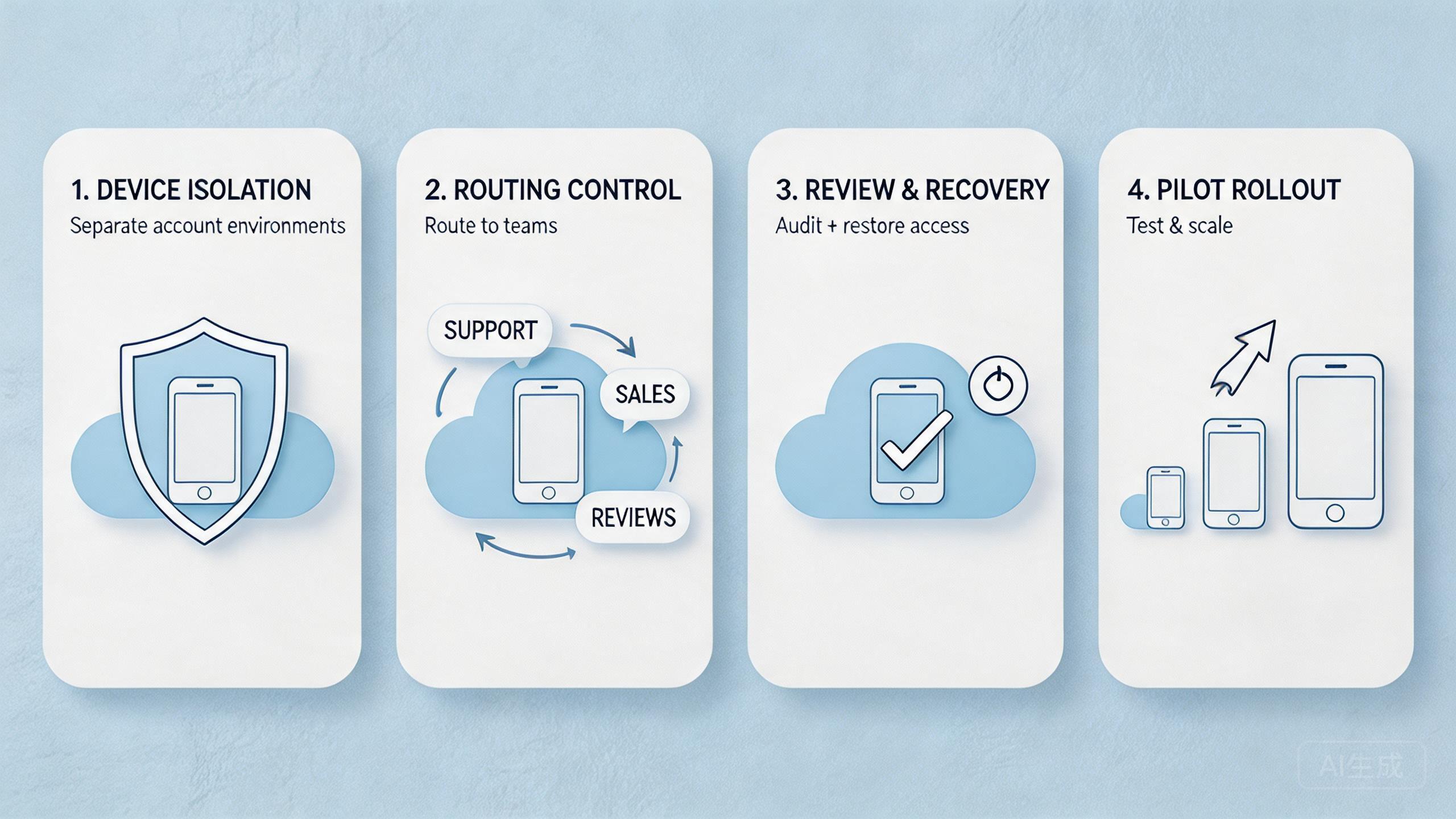
The first mistake is treating cloud phones like a simple rental list. A remote screen alone does not create operational control. The team still needs ownership, routing, review, and recovery rules.
The second mistake is mixing unrelated workflows. Ecommerce teams often put store checks, campaign review, support work, and QA in one shared pool. That may feel efficient at first. Later it becomes hard to tell which task changed the environment.
The third mistake is weak reset discipline. A device that is "probably fine" is not a clear status. Use labels such as reusable, under review, quarantined, and reset-required. Those labels give operators a shared language.
The fourth mistake is flat access. If every user can operate, review, and reconfigure the same environment, accidental changes become normal. Role separation helps the team see who did what and why.
The fifth mistake is overusing automation before the workflow is stable. Automation can repeat known steps. It cannot fix unclear ownership or weak account-state rules. A messy manual workflow usually becomes a messy automated workflow.
The sixth mistake is ignoring policy responsibility. Tools can make work more organized, but they cannot decide whether a marketplace action is acceptable. Teams should keep internal rules for account ownership, content responsibility, and escalation.
The final mistake is expanding before measurement. More cloud phones can increase capacity, but they can also multiply confusion. Expansion should follow evidence from a small pilot, not pressure from a busy week.
When these mistakes appear, slow down. Fix the operating model before adding more devices. This is usually cheaper than cleaning up a large messy pool later.
Pilot Rollout, Measurement, and Recovery Checks
A pilot should test the real workflow, not a demo path. Choose one ecommerce or marketplace task that happens often enough to teach the team something. Assign a small device pool and run the work across several handoffs.
Measure setup time first. Track how long it takes to prepare the cloud phone for the task. If setup takes too long, document the missing state, app, account, or route step.
Measure handoff time next. Ask a second operator to continue the work. If they need a long explanation, the workflow is not clear enough. Add better notes, status labels, or review fields.
Measure recovery time after that. A device will eventually fail, drift, or need cleanup. The team should know who can stop reuse, who checks the issue, and who returns the phone to service.
Track review quality as well. A reviewer should be able to inspect the task without asking for missing context. If every review becomes a private conversation, the system is not yet operational.
Pilot scorecard:
| Signal | Pass condition | Warning sign |
|---|---|---|
| Setup time | Operator can start without rebuilding context. | Setup depends on old chat history. |
| Handoff | Second operator can continue with clear notes. | Work pauses until the first operator explains. |
| Recovery | Reset path has one owner and one rule. | Failed devices return to the pool too early. |
| Review | Reviewer can inspect state and output. | Approval depends on screenshots alone. |
| Routing | Route policy is visible by workflow. | Operators change routes without logging why. |
A pilot becomes useful when it creates decisions. Keep the setup if it reduces confusion. Revise the workflow if handoff is still unclear. Delay expansion if recovery depends on guesswork.
The safest next step is a written operating note. Include the pool name, task owner, account state rule, route rule, reviewer role, and recovery owner. A new operator should be able to read that note and run the same task.
Operations Scorecard for cloud phones for ecommerce operations
Managers need a simple way to decide whether the system is helping. The scorecard should focus on work evidence, not vendor claims. A remote phone pool is useful when it reduces manual coordination and makes repeated work easier to review.
Start with ownership. Every device in the pilot should have a current owner, a workflow label, and a status. Unclear ownership should keep the device out of a shared pool. This rule prevents quiet state drift.
Review routing next. Each workflow should have an expected route note. Operators should record exceptions. The goal is not to make routing complicated. The goal is to keep troubleshooting possible when a result changes.
Check account-state discipline after that. Ecommerce and marketplace teams often work across different roles and accounts. A device should be reusable only when the team can explain what account state remains. Vague answers should trigger reset or quarantine.
Capacity should be measured last. Many teams buy more devices before they know how many stable devices they already have. Count useful capacity, not raw capacity. A phone that needs constant investigation is not full capacity.
Manager-level scorecard:
| Review area | Green signal | Action when unclear |
|---|---|---|
| Ownership | Every active phone has a named workflow owner. | Pause reuse until ownership is assigned. |
| State | Device status is clean, active, under review, or reset-required. | Reset or quarantine vague devices. |
| Routing | Route notes match the workflow. | Record the exception before continuing. |
| Review | A lead can inspect the task result without private context. | Add notes, screenshots, or a reviewer field. |
| Recovery | Failed runs have a stop condition and owner. | Keep the phone out of the pool until reviewed. |
This scorecard also helps budget decisions. If most issues come from unclear state, buying more devices will not fix the workflow. If handoff and recovery are already stable, additional capacity may make sense.
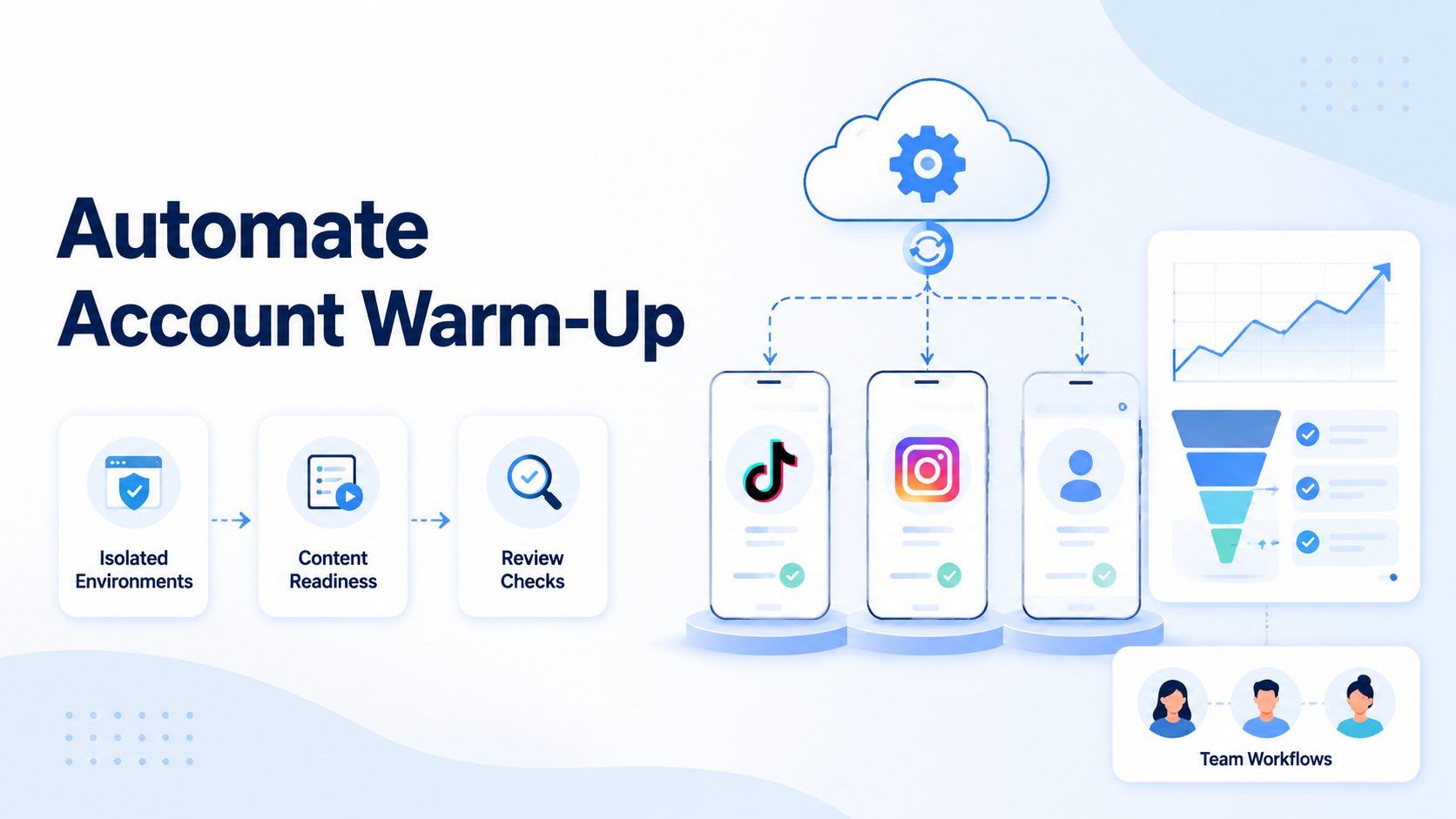
The same logic applies to automation. A mobile automation workflow should run only after the manual path has clear state, route, and recovery rules. Otherwise, automation can repeat confusion faster.
Plain Setup Summary for Daily Teams
Keep the daily setup plain. Each phone should have a name, a task, an owner, and a state. The state can be clean, active, under review, or reset needed. These words are simple, but they help people avoid guesswork.
Start each day with a short check. Ask which phones are ready. Ask which accounts are still in use. Ask which route each task should use. Ask who will review the work. This takes a few minutes and can save a long cleanup later.
End each task with the same habit. The operator should note what was done, what changed, and whether the phone can be used again. A reviewer should not need to search old chat logs to understand the result.
Small rules matter because marketplace work has many moving parts. A clear phone pool helps the team stay calm. People know where to work, what to check, and when to stop. That is the base for safe growth.
Frequently Asked Questions
What are cloud phones for ecommerce operations?
They are remote Android environments used to run and review marketplace or ecommerce mobile workflows. Teams use them for access, handoff, account state checks, and repeatable app tasks.
Are cloud phones better than physical phones?
Not always. Cloud phones fit shared and repeatable workflows. Physical phones still matter for hardware-specific checks, sensor behavior, camera testing, and device-level debugging.
How many cloud phones should an ecommerce team start with?
Start with the smallest pool that can test one real workflow. A small pilot is better than a large pool with unclear ownership. Expand after handoff and recovery are stable.
Do ecommerce teams need device isolation?
Many teams should consider it when multiple accounts, roles, or workflows are involved. Isolation helps reduce mixed state and makes review easier. It does not replace internal rules.
Can cloud phones support marketplace account reviews?
They can support review when the environment is documented and accessible. Reviewers need enough context to inspect account state, task outcome, route notes, and reset status.
When should automation be added?
Add automation after the manual workflow is stable. The team should know the steps, state rules, and recovery path before repeating tasks through automation.
What is the biggest risk in cloud phone operations?
The biggest operational risk is unclear process. If nobody knows device state, account ownership, or recovery rules, the tool becomes harder to manage.
How should teams judge success?
Judge success by repeatability. The workflow should be easier to start, hand off, review, and recover. Device count matters only after those basics work.
Conclusion
Cloud phones for ecommerce and marketplace operations are useful when they make mobile work repeatable. The priority order is simple: define the workflow, separate account state, control routing, assign access, measure handoff, and document recovery.
MoiMobi is strongest when a team needs mobile execution infrastructure rather than one-off remote access. Cloud phones provide the access layer. Device isolation, proxy routing, phone farm capacity, and automation support the broader operating model.
The next step is not a large rollout. Pick one marketplace workflow, run a small pilot, and measure setup, handoff, review, and recovery. Expand the pool carefully when the workflow becomes clearer. Fix the operating rules before adding more cloud phones when the process is still confusing.