
Key Takeaways
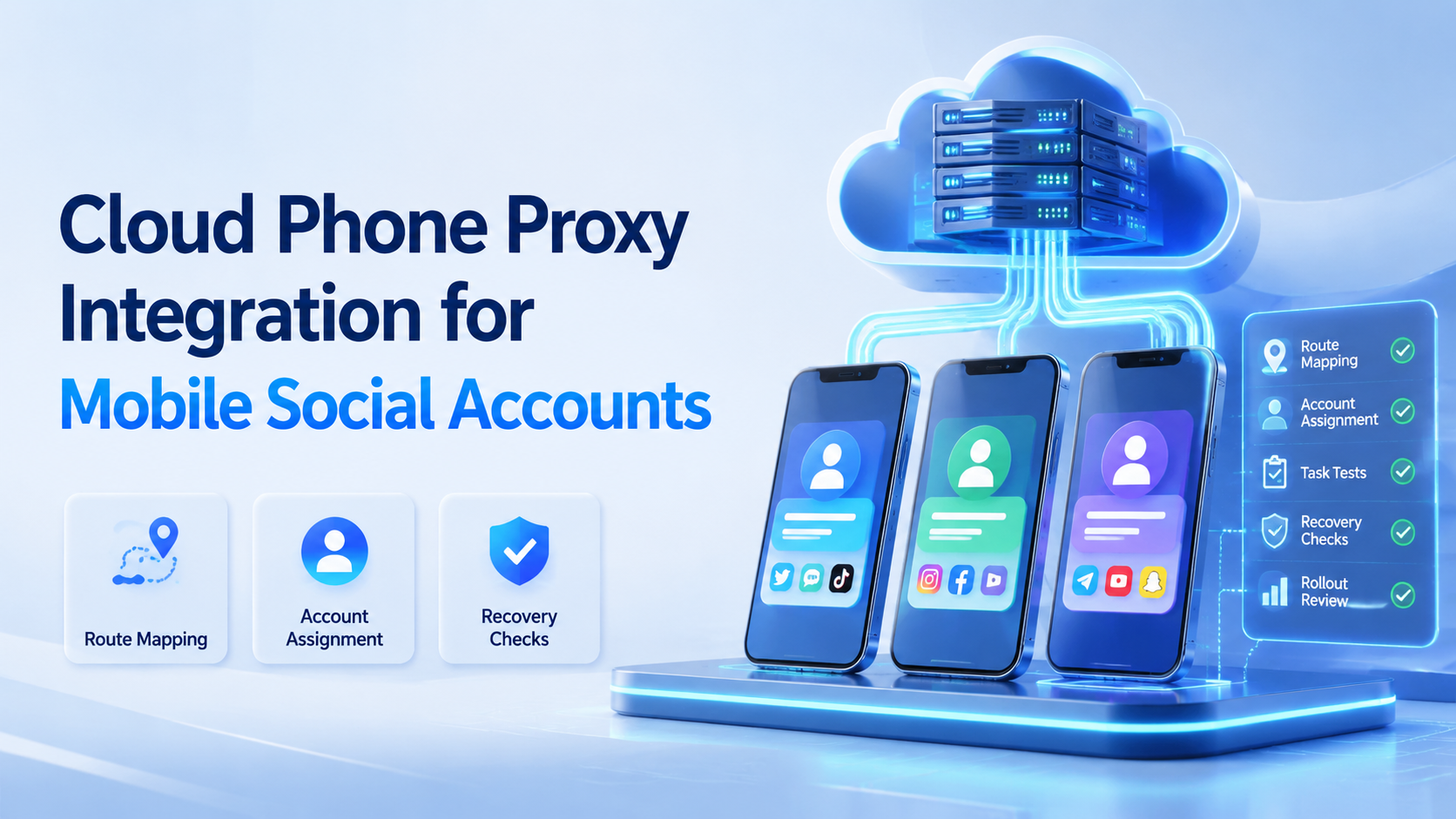
- Map each account to a named phone, route, operator, and recovery owner.
- Test real tasks, not only whether the proxy connects.
- Keep route changes logged before scaling to more accounts.
Cloud phone proxy integration is the process of pairing each cloud Android environment with a controlled network route for mobile social account work. For social teams, the goal isn't to hide bad behavior. The goal is to keep account workspaces, device environments, and routing decisions consistent enough for operators to manage.
This matters when a team runs TikTok, Instagram, WhatsApp, or other mobile-first workflows across many accounts. A cloud phone gives the team a remote Android workspace. A proxy policy defines how that workspace reaches the internet.
What Is Cloud Phone Proxy Integration for Mobile Social Accounts?
A route-integrated cloud phone connects a remote Android device to a chosen network path. A proxy server acts as an intermediary between a client and the destination service, as Cloudflare explains in its proxy server overview. In a social operations workflow, the cloud phone is the client environment.
The practical decision is account mapping. One team may assign one route per account. Another may assign one route per market, client, or campaign group. The right model depends on how the team manages ownership and review.
Moimobi treats this as part of execution infrastructure. The proxy is not a standalone answer. It works with device isolation, cloud phones, task logs, and team permissions.
Example: a cross-border seller may run 3 TikTok accounts for the US, UK, and Germany. Each account should have a named cloud phone, assigned operator, route label, login owner, and recovery note. Without those 5 fields, operators can't tell whether a problem came from the account, device, route, or workflow.
Why Cloud Phone Proxy Integration Matters
Mobile social accounts are operational assets. They have login history, content rules, audiences, language, region, and operator ownership. When routing changes without a plan, the team loses a clear account story.
Network behavior is also part of the device environment. Android's official network security configuration documentation shows that app networking can depend on configuration, trust settings, and transport rules. Social teams do not need to become Android engineers, but they should respect that routing is a technical layer.
For TikTok workflows, platform capabilities also depend on permissions and approved scopes. TikTok's Content Posting API guide describes registered apps, access tokens, user authorization, and review requirements for direct posting. This creates a clear split: API publishing should follow API rules, while cloud-phone execution should handle app-based operations that still need a mobile workspace.
Key Benefits and Use Cases
The main benefit is cleaner operations. A team can assign each account a known mobile workspace and a known route, then review failures more easily.
Common use cases include:
- TikTok account operations by market or client, with one route label per account.
- Instagram mobile review and comment workflows, with reviewer notes stored by workspace.
- WhatsApp customer reply work across regional teams, with clear handoff owners.
- Social listening accounts that need mobile app access, with scheduled check windows.
- Agency workflows where each client account needs separation, logs, and recovery steps.
For TikTok-specific planning, the TikTok operations page is the closest internal hub. For broader social workflows, social media marketing is the better next step.
How to Get Started with Cloud Phone Proxy Integration
Start with a small account group. Keep the first setup narrow enough for one operator to inspect every failure.
Use these setup checks:
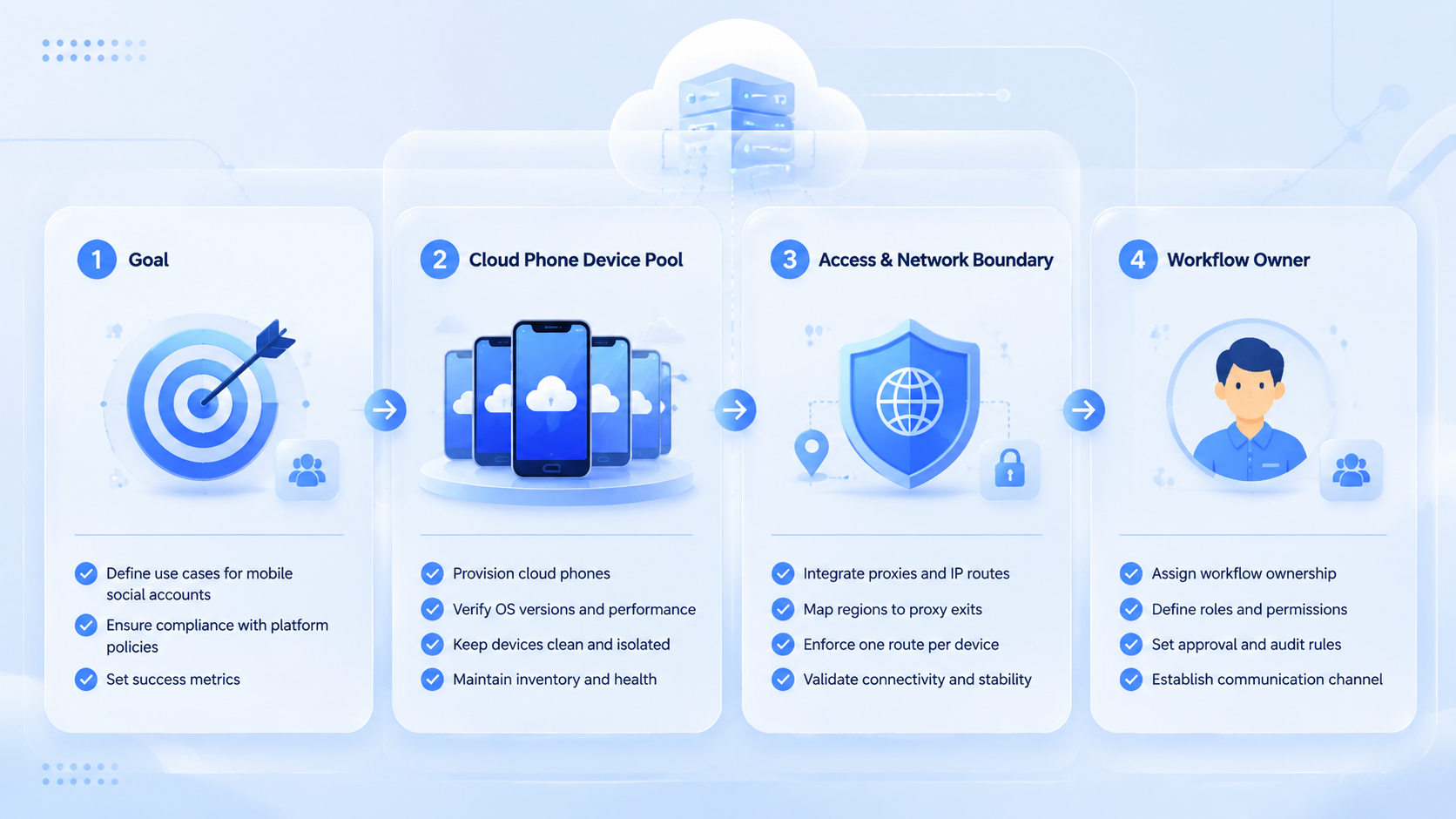
- Account map: each account has one owner, one purpose, and one assigned environment.
- Device map: each cloud phone has a label, login state, and workflow role.
- Route map: each proxy route has a region, provider, purpose, and change log.
- Task map: each workflow defines allowed actions and review points.
- Recovery map: the team knows what to do when login or routing fails.
After setup, run normal tasks. Check login, feed loading, publishing preparation, comment review, inbox access, and reporting. A route that only passes a connection test still needs task-level validation.
Common Mistakes to Avoid
The first mistake is treating a proxy as the whole safety model. A proxy is only one routing component. Account behavior, content quality, device history, and team discipline still matter.
The second mistake is changing routes too often. Frequent unexplained changes make account review harder. Operators should know when a route changed, who changed it, and why.
The third mistake is mixing account ownership. When multiple accounts share one phone, one route, and one operator without rules, recovery becomes messy. A cleaner model records workspace assignments before automation begins.
Teams comparing a cloud phone setup with a physical phone farm should compare recovery time, labeling, routing control, and operator access. The physical phone may be familiar, but it can be harder to audit at scale.
Fit Boundaries and Decision Rules
This setup is a strong match when the team manages mobile-first accounts across regions, clients, or brands. It also helps when account work requires app access rather than only browser dashboards.
The fit is weaker when the team only needs one account and light posting. In that case, a normal phone or a basic scheduler may be enough.
Use this decision rule: when the team cannot explain which phone, route, account, and task belong together, pause expansion. Fix the operating map first.
Pilot Metrics to Track
A pilot should measure stability and review quality. Don't measure only how many actions ran. For a first test, use 3 accounts, 2 operators, and 1 recovery owner.
Track these fields for the first two weeks:
| Metric | What it reveals |
|---|---|
| Successful task runs | Whether the setup supports normal work |
| Login interruptions | Whether account access stays practical |
| Route changes | Whether routing is controlled |
| Operator handoffs | Whether the workspace is clear |
| Recovery time | Whether failures are manageable |
When the pilot fails, don't add more accounts. Review the route map, device assignment, proxy provider, and task rules first.
Frequently Asked Questions
Is cloud phone proxy integration required for every account?
No. The setup is most useful when accounts need separated mobile environments and controlled routing.
Can one proxy serve many cloud phones?
It can, but it may weaken account-level traceability. Teams should map routes based on workflow needs.
Does a proxy prevent account problems?
No. It only controls routing. Account quality, behavior, permissions, and review still matter.
Should TikTok and Instagram use the same route policy?
Not automatically. Their workflows, account regions, and review needs may differ.
How does this compare with a physical phone farm?
A cloud phone setup can be easier to label, access, and audit. A physical farm may feel familiar but adds device handling work.
Where does Moimobi fit?
Moimobi combines mobile automation, cloud phones, isolation, and proxy controls for team workflows.
What should be tested first?
Test login, normal browsing, publishing preparation, replies, and recovery. Connection-only tests are not enough.
Conclusion
A clean proxy setup should start with ownership, then routing, then task execution. The correct order is account map, device map, route map, workflow rules, and recovery checks.
Before scaling, run a small pilot and inspect the failures. If operators can trace each account to a cloud phone, route, task, and reviewer, the system is ready for more accounts.



