
Key Takeaways
- A cloud phone free trial should test real workflows, not only screen access
- The first seven days should cover device speed, app behavior, account separation, and recovery
- Teams should compare cloud phones against emulator workflows using task results
- A useful trial ends with a clear buy, pause, or retest decision
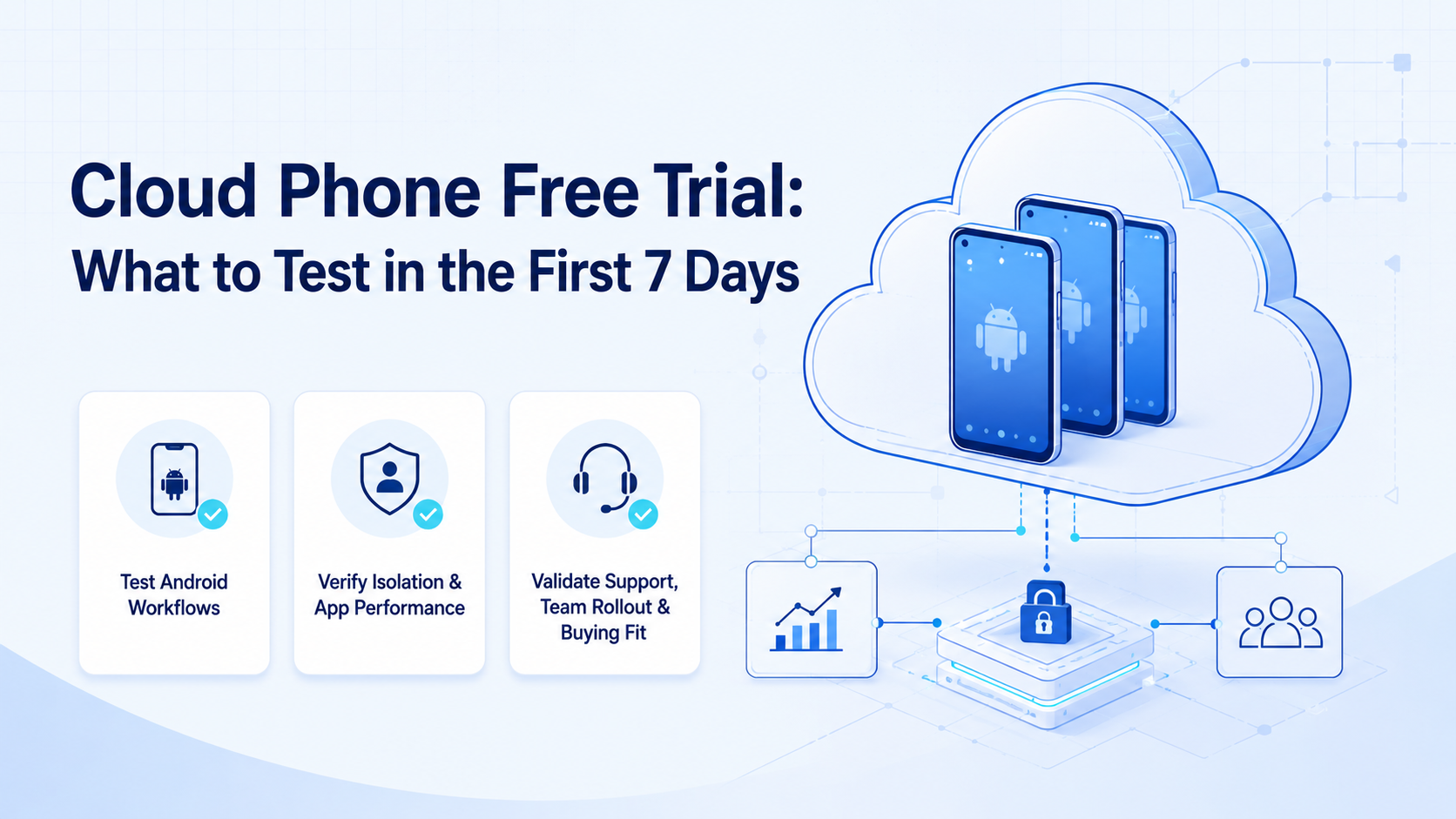
A cloud phone free trial is a short evaluation window for testing whether remote Android devices can support your team's real mobile workflows. Use it to test execution quality, account separation, app behavior, and operational support before committing to paid capacity.
Do not spend the trial only opening apps and checking whether the device turns on. A team trial should answer a harder question: can this environment run daily mobile work with enough control to justify adding it to operations?
The Core Idea Behind a Cloud Phone Free Trial
A good cloud phone free trial is a workflow test. It should include one or two tasks your team already performs manually.
Use a simple seven-day structure:
| Day | What to test |
|---|---|
| 1 | Device access, app install, basic speed |
| 2 | Login flow and account workspace setup |
| 3 | Content upload, file transfer, and draft handling |
| 4 | Repeated task execution inside one app |
| 5 | Multi-account separation and role ownership |
| 6 | Failure recovery, handoff, and support response |
| 7 | Cost, workflow fit, and next-step decision |
MoiMobi's cloud phone model is meant for execution, not just remote viewing. The trial should prove whether your team can run mobile tasks with clear ownership and review.
Why Teams Search for This Topic
Teams search for a trial when they are unsure whether cloud phones are better than local phones, emulators, or browser-only automation. The right answer depends on the workflow.
For example, a social team may need a cloud phone for TikTok automation only when the task depends on mobile app behavior. A support team may test cloud phones for WhatsApp marketing or customer replies when messages, notifications, and account state live inside the app.
The trial reduces uncertainty. It shows whether the Android environment, network setup, app stability, and workflow logs are good enough for real work. Google Search Central's helpful content guidance is a useful parallel: output should serve a real user task. Your trial should do the same.
Who Benefits Most from a Cloud Phone Free Trial
The best fit is a team with repeated mobile app tasks. Common examples include social publishing, inbox replies, account checks, content review, and app-based customer engagement.
The weak fit is a one-time task. If a person only needs to open an app once, a cloud phone platform may add more process than value.
Good trial candidate
- Three or more accounts need the same mobile workflow
- The team needs shared visibility into task status
- Browser automation cannot reach the full workflow
- Operators need remote access without moving physical devices
Not a good first test
- The workflow is not documented yet
- The task is solved through an official API
- No one owns account review or recovery
- The team only wants the lowest device price
Teams running several accounts should also review multi-account management. Device capacity matters less when account ownership is unclear.
How to Evaluate a Cloud Phone Free Trial
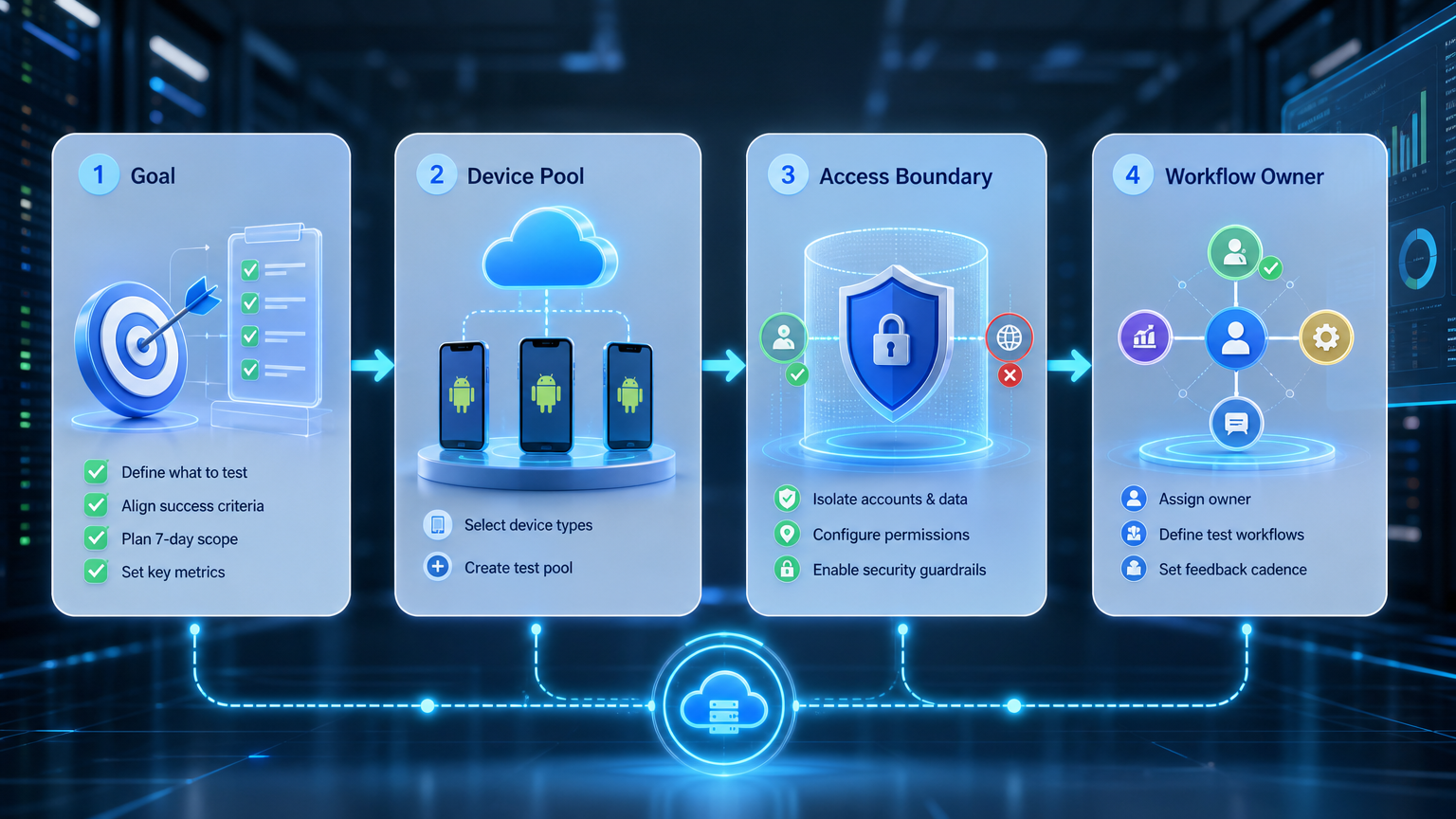
Avoid testing too many workflows at once. A scattered trial produces unclear results.
| Step | Decision check |
|---|---|
| Pick one workflow | Use a task that happens weekly or daily |
| Assign accounts | Keep ownership visible for a small group |
| Repeat the run | One successful run is not enough |
| Record failures | Separate app, device, network, and operator issues |
| Test handoff | Confirm a human can take over without losing context |
| Compare alternatives | Check whether a cloud emulator or browser workflow is enough |
If the trial includes AI agents, use the NIST AI Risk Management Framework as a high-level governance reference. It helps teams discuss measurement, controls, and review paths.
Mistakes That Reduce Results
The first mistake is treating a free trial as a speed test only. Speed matters. However, workflow recovery matters more when the same account task runs every day across several operators.
Another mistake is ignoring app rules and platform expectations before the workflow is even stable. Teams should understand official terms, customer trust, and acceptable use before scaling automation. The Google Play policy center is a useful reminder that Android ecosystems are governed environments.
The third mistake is testing without a decision rule. Before day one, write the pass conditions. For example: "The team can publish one approved draft, check the result, and recover from one failed step."
MoiMobi's device isolation and mobile automation pages are useful follow-up checks if the trial proves the workflow.
Frequently Asked Questions
What should I test first in a cloud phone free trial?
Test the real workflow first. Device access alone does not prove operational fit, because the hard part is usually file movement, login state, review, and recovery.
Is a cloud phone free trial better than using an emulator?
It depends on the app and workflow. Compare task completion, recovery, and account handling, not only setup cost. If the emulator cannot reproduce the app behavior you need, the trial has already answered an important question.
How many accounts should I test?
Start with a small group. Three to five accounts are usually enough to expose workflow issues without making the test hard to review.
Should I test TikTok or WhatsApp workflows during the trial?
Yes, if those apps drive your actual work. Keep the test narrow, review every output, and separate content quality issues from device execution issues.
What if the trial works once but fails later?
Run the same task several times. Repetition shows whether the setup is ready for operations, especially when app screens or network conditions change.
Should AI agents be part of the trial?
Only if the manual workflow is already clear. AI should execute known tasks, not guess the process, because unclear instructions hide device problems.
What is a good final decision?
End with buy, pause, or retest. Do not continue without a written reason.
Conclusion
A cloud phone free trial should prove workflow fit, not just device access. Test one repeated task, a small account group, app behavior, recovery, and review quality.
Before buying, confirm three things: the workflow finished correctly, the team understood every failure, and the account workspace stayed clear. If those checks pass, evaluate the next layer of MoiMobi's phone farm and automation stack.



