
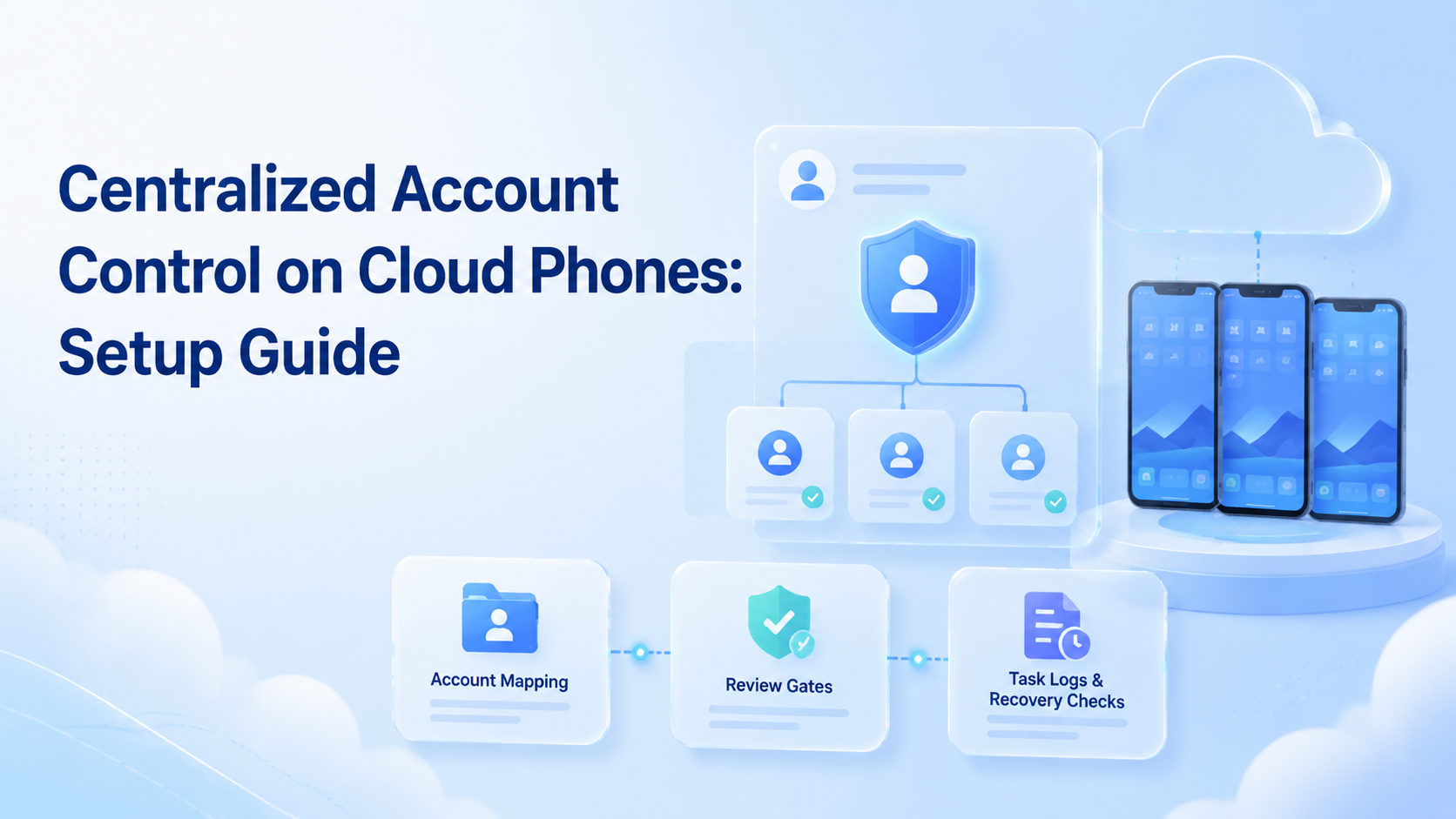
Centralized account control is a team operating model where every account has a known workspace, owner, access path, and task record. On cloud phones, it helps teams manage mobile accounts without passing physical devices around or relying on unclear operator habits.
The goal is not to make risky shortcuts. The goal is to keep mobile execution organized when teams publish, reply, monitor, and recover account workflows across many app environments. Moimobi supports this model through cloud phone, device isolation, and multi-account management.
Key Takeaways
- The control model starts with account mapping, not automation.
- Each account should have one primary cloud phone workspace.
- Teams need owners, review rules, task logs, and recovery paths.
- Fast execution is useful only when account context stays clear.
- A pilot should measure errors, handoffs, and failed task recovery.
The Core Idea Behind centralized account control
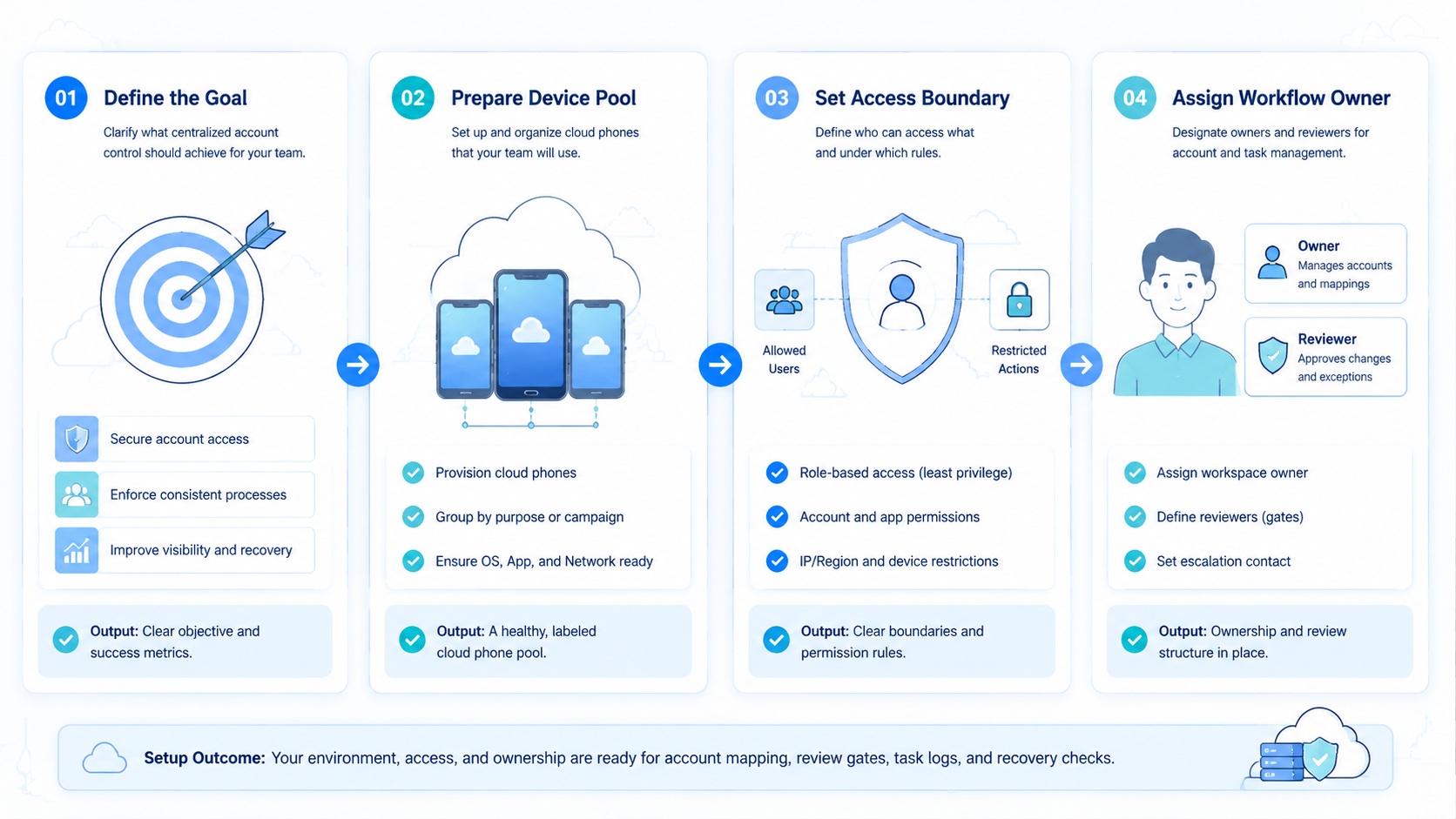
Set up this control model in a clear sequence.
- Map accounts. List account name, platform, role, owner, and current status.
- Assign workspaces. Give each account one primary cloud phone environment.
- Define access. Decide who can publish, reply, monitor, or recover the account.
- Add review gates. Route sensitive replies, complaints, and account changes to a reviewer.
- Log outcomes. Record success, failure, manual takeover, and next step.
Meta's Platform Terms are relevant when teams connect tools or run platform workflows. Instagram's Community Guidelines are also useful for social content and engagement boundaries.
Why Teams Search for This Topic
Teams search for this topic when mobile work starts to spread across too many people and devices. The symptoms are usually simple. Nobody knows which operator used which account. Tasks finish, but the team cannot explain how they finished.
The second problem is handoff. A creator, support agent, and manager may touch the same account during one day. Without a shared control model, the account becomes a shared login instead of a managed workspace.
The third problem is recovery. When a task fails, a team needs the account, device, action, owner, and next step. Cloud phones help only when those fields are visible.
Who Benefits Most and In What Situations
Account governance fits teams that manage repeated mobile workflows. Social media teams use it for publishing, comments, DMs, and monitoring. E-commerce teams use it for marketplace apps, customer messages, and order checks.
Agencies benefit when client accounts need clear separation. A client workspace should not be mixed with another client's daily operations. That keeps ownership and review easier to explain.
Support teams benefit when replies need escalation. Routine messages may move quickly, but complaints, refunds, and sensitive topics should pause for review. The FTC's Endorsement Guides are also relevant when social workflows include paid endorsements or creator campaigns.
- multi-account social teams
- agency client operations
- mobile customer support teams
- teams with repeated app workflows
- one-time app testing
- single-account personal use
- teams with no review process
- workflows that only need desktop browser access
How to Evaluate or Start Using centralized account control
Start small. Choose one account group and one workflow before expanding to every platform.
| Setup item | Practical check |
|---|---|
| Account map | Every active account has an owner |
| Workspace | Every account has one assigned cloud phone |
| Access | Operators only use assigned accounts |
| Review | Sensitive actions have approval rules |
| Logs | Each task records outcome and next step |
| Recovery | Failed tasks have a named owner |
Moimobi's mobile automation is useful after the setup is clear. Automation should run inside assigned workspaces, not replace account ownership.
Mistakes That Reduce Results
The first mistake is building a device pool before building an account map. A large pool can still be messy if accounts move between devices without a clear reason.
The second mistake is treating every task as low risk. Publishing, replies, recovery actions, and profile changes should not use the same approval rule. Some work can move fast. Some work needs review.
The third mistake is ignoring failed tasks. A failed upload, login issue, or reply error should become a record. Without that record, the team repeats the same problem.
Pilot Rollout, Measurement, and Recovery Checks
A pilot should answer one question: can the team run mobile work and explain every result afterward?
Track these checks:
- account-to-workspace match
- operator-to-task match
- wrong-account actions
- manual takeover reasons
- failed task count
- recovery time
- review queue volume
Do not scale only because output increased. Scale when the team can repeat the workflow, review exceptions, and recover failed tasks without confusion.
Frequently Asked Questions
What is centralized account control?
It is a system for mapping accounts, owners, workspaces, permissions, tasks, and recovery rules in one operating model.
Why use cloud phones for this?
Cloud phones give teams remote mobile environments. They are useful when workflows depend on mobile apps and persistent account workspaces.
Does this replace human review?
No. It makes human review easier to route and track. Sensitive actions still need judgment.
How many accounts should a pilot include?
Start with one account group and one workflow. Add more only after logs and recovery steps are clear.
What should each account record include?
Include owner, platform, assigned cloud phone, allowed tasks, review triggers, and recovery owner.
Can centralized control help agencies?
Yes. Agencies can separate client workspaces and reduce confusion between client accounts.
Where does Moimobi fit?
Moimobi fits teams that need cloud phones, isolated workspaces, routing control, and repeatable mobile workflows.
Conclusion
Build the control layer before scaling cloud phone operations. The order is simple: map accounts, assign workspaces, define access, add review gates, and log outcomes.
The next step is a small pilot. Pick one account group, connect it to assigned cloud phones, run one workflow, and review every failed task before expanding.



