
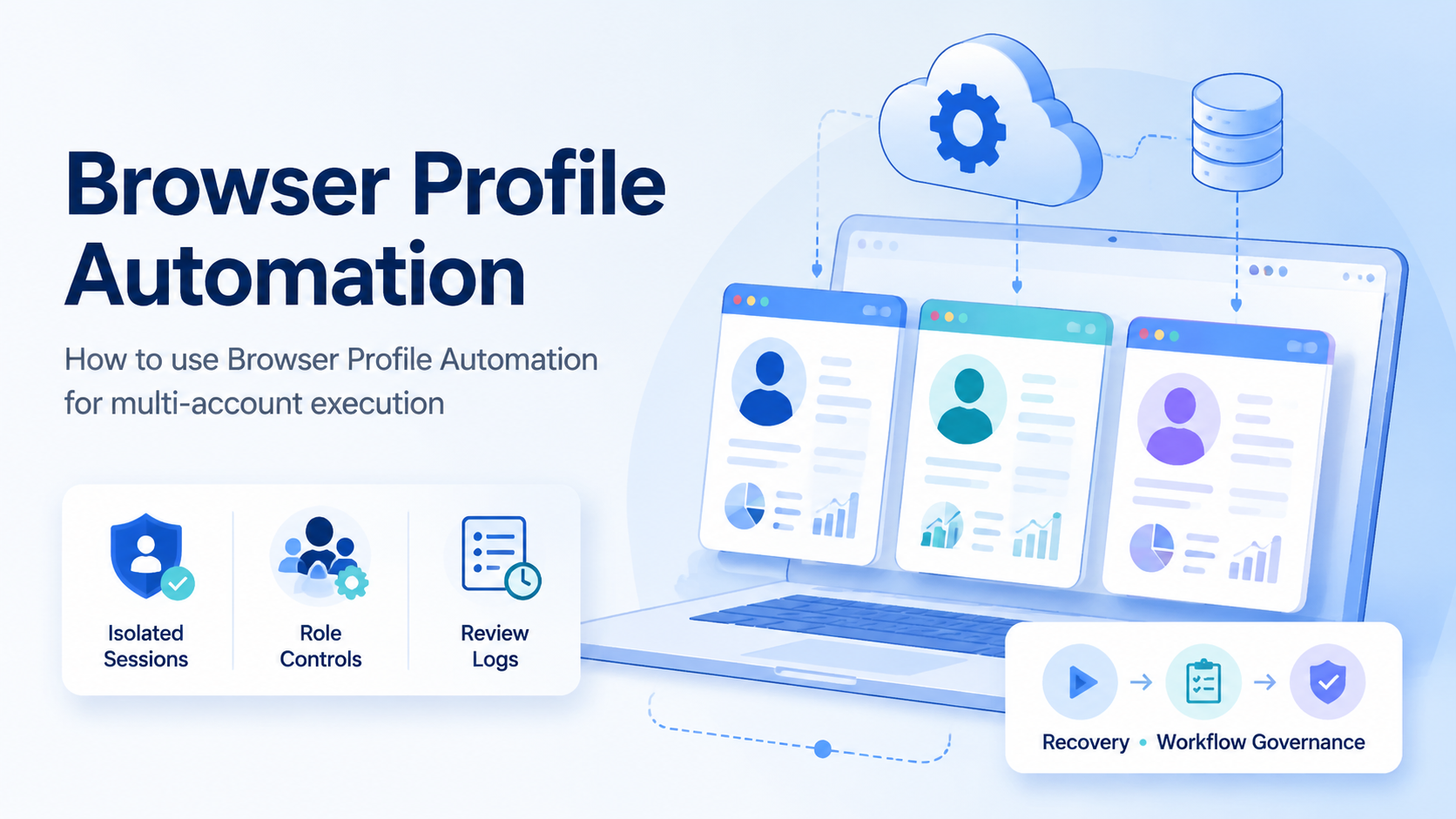
Browser profile automation means running repeatable web tasks inside separated browser profiles, so each account keeps its own session, settings, and workflow context. For multi-account teams, the goal is not only speed. The goal is controlled execution without mixing accounts, operators, or review records.
This matters when teams manage social media, ecommerce, support, or lead workflows across many accounts. A single shared browser can quickly become unclear. A profile-based system gives each account a defined workspace and gives each operator a cleaner task boundary.
Key Takeaways
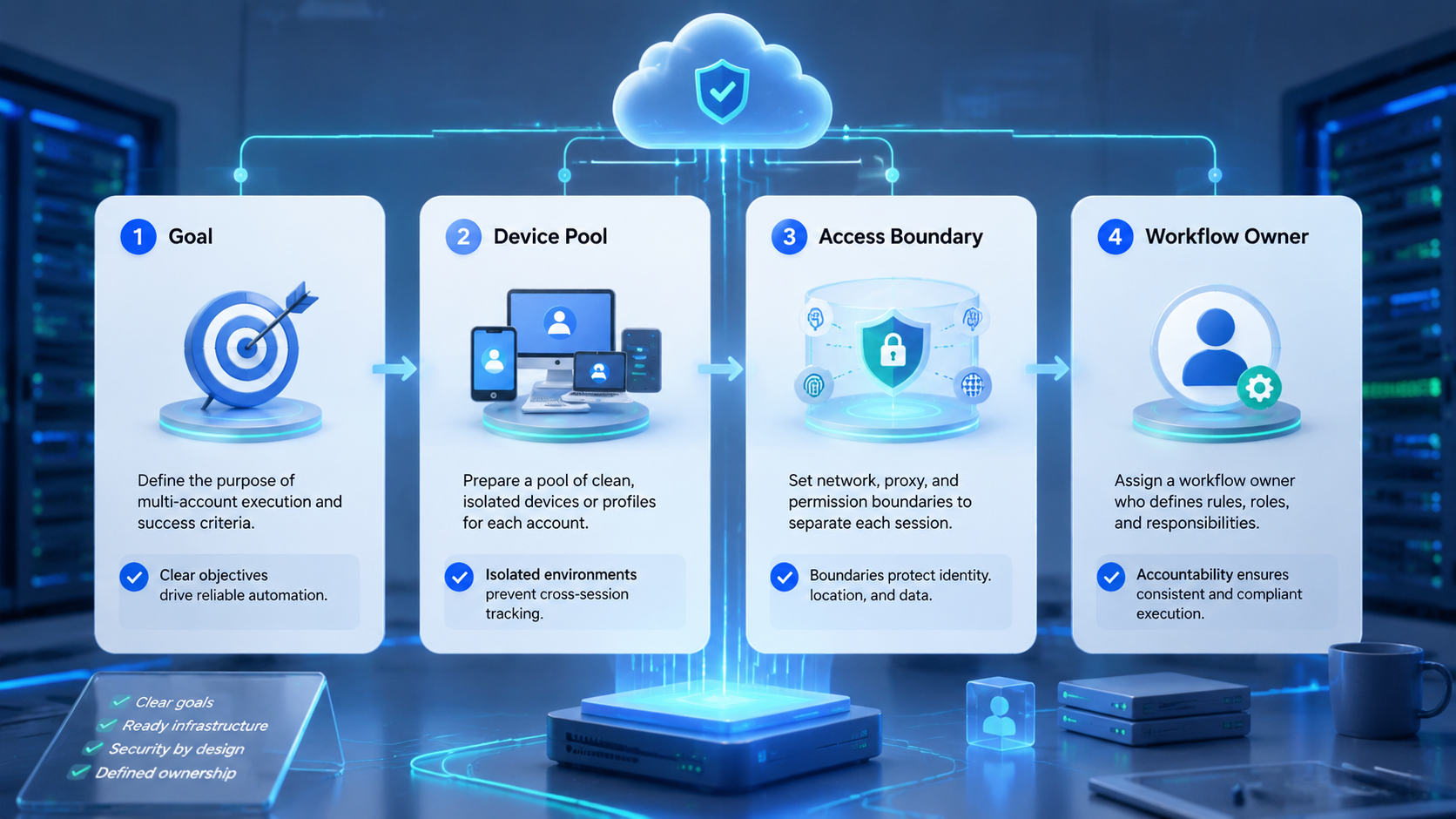
- Profile work should start with account isolation, not scripts.
- Each workspace needs an owner, a purpose, and a recovery path.
- Automation should run defined tasks, not vague account activity.
- Human review is still needed for publishing, replies, and account changes.
- A pilot should measure completion rate, correction rate, and profile health.
Why Profile Automation Matters
Profile automation matters because logged-in web work depends on session context. Cookies, local storage, permissions, and account state can affect what an operator sees and does. Modern browser automation tools also treat sessions as a core concept. The W3C WebDriver specification describes browser automation through sessions, and Playwright browser contexts are designed to isolate browser state during automation.
For operations teams, this technical idea becomes an account workflow rule. One account should not borrow another account's session. One operator should not need to guess which profile is safe to use.
Moimobi connects this model to multi-account management. Browser profiles are not just folders. They become controlled account workspaces.
Identity and session handling also need a governance mindset. NIST's Digital Identity Guidelines discuss session and authenticator controls as part of digital identity management. A marketing team does not need to copy a government security framework word for word, but it should still treat access, session ownership, and recovery as managed controls.
Step 1: Define One Profile Per Account Workspace
Start by mapping accounts to profiles. Do this before adding automation. A messy profile structure will make automation repeat the mess faster.
Each profile should have:
- account name or internal ID
- platform or client
- assigned operator role
- allowed workflow types
- proxy or routing notes when relevant
- review owner
- recovery contact
This structure keeps the profile understandable. It also makes task logs more useful because the team can connect each action to the correct account workspace.
Workflows with mobile app steps should connect the profile model to mobile automation or cloud phone execution. Browser and mobile work should share an account plan, not operate as separate silos.
Step 2: Choose Repeatable Tasks, Not Broad Goals
Automation works best when the task has a clear input and output. "Manage this account" is too broad. "Check five competitor profiles and record post themes" is much better.
Good first tasks include:
| Task | Input | Output | Review point |
|---|---|---|---|
| Content scheduling check | Account profile and date range | Missing slots or conflicts | Before schedule changes |
| Inbox triage | Assigned account inbox | Labels and draft replies | Before sensitive replies |
| Competitor monitoring | Profile list | Observed themes and links | Before strategy changes |
| Lead qualification | Source list | Qualified records | Before outreach |
The profile should only run the task types assigned to it. That keeps automation predictable and reduces review confusion.
Step 3: Add Permissions and Human Takeover
Profile-based automation should not mean full account access for every task. Separate permissions by role. Operators may run daily checks. Reviewers may approve posts. Admins may manage environments.
Human takeover is important because web tasks can change. Pages update, forms move, and account notices can appear. The MDN documentation on browser fingerprinting also explains that browsers expose signals through configuration and behavior. That does not mean teams should chase unsafe tactics. It means profile management should be deliberate and consistent.
Moimobi's device isolation layer is relevant when teams need separated browser and mobile environments for account work.
Step 4: Track Profile Health and Task Results
Do not judge automation only by finished tasks. A workflow can finish quickly while creating messy reviews or hidden account issues.
Track these fields:
- profile ID
- account owner
- task type
- start and finish time
- completion status
- failed step
- human correction
- review decision
- recovery action
This record helps teams improve the SOP. It also shows whether a profile is healthy, overloaded, or assigned to the wrong workflow.
Common Mistakes
One mistake is reusing one profile for many accounts. That can look efficient at first, then become harder to audit later.
The second mistake is letting automation create uncontrolled changes. Publishing, replying, payment settings, and account configuration should have review gates.
Another mistake is ignoring recovery. If a workflow fails, a human should know which profile was used, what the last completed step was, and what should happen next.
Teams should also avoid treating profile setup as a one-time admin task. Profiles need periodic checks. Review who owns the workspace, whether the task scope still matches the account, and whether any old operator access should be removed.
Fit and Not-Fit Boundaries
This model fits teams that already repeat browser-based account work. Agencies, ecommerce teams, social media teams, and support teams often match this pattern.
It is not a strong fit for one-off browsing or unclear lookup work. Tasks that cannot be described in a short checklist should stay manual until the process is clearer.
The strongest first rollout uses one team, one platform, and one profile group. Expand only after the team can review results without confusion.
For a lean agency, that may mean starting with one client and one weekly monitoring workflow. For an ecommerce team, it may mean one marketplace account group and one support triage workflow. The narrower start makes the review easier and gives the team a clearer basis for the second rollout.
Review Checklist Before Scaling
Use a simple go or no-go review before adding more accounts.
- The profile map is current.
- Every workspace has one owner.
- Operators know which actions need approval.
- Failed runs show a clear stop point.
- Reviewers can understand the output without asking for extra context.
- The SOP has been updated after repeated failures.
Scale only when these checks are mostly clean. Teams that still need manual investigation after every run should fix the workflow before adding more profiles.
Frequently Asked Questions
What is browser profile automation?
It is repeatable browser work run inside separated profiles, so each account keeps its own workspace and session context.
Is this the same as a fingerprint browser?
Not exactly. A fingerprint browser manages profile signals. Profile workflow automation focuses on running tasks through those profiles.
How many accounts should one profile handle?
For account-based operations, one profile per account is usually cleaner. Shared profiles make ownership and recovery harder.
Can AI workers use browser profiles?
Yes, when each AI worker has a defined account workspace, task scope, and review path.
What should be reviewed by humans?
Public posts, customer replies, account changes, and unusual warnings should keep human review.
Does profile automation remove all account risk?
No. It reduces operational confusion, but teams still need platform-aware behavior, clean workflows, and review controls.
What should a pilot measure?
Measure task completion, correction rate, review time, failed step type, and recovery speed.
Conclusion
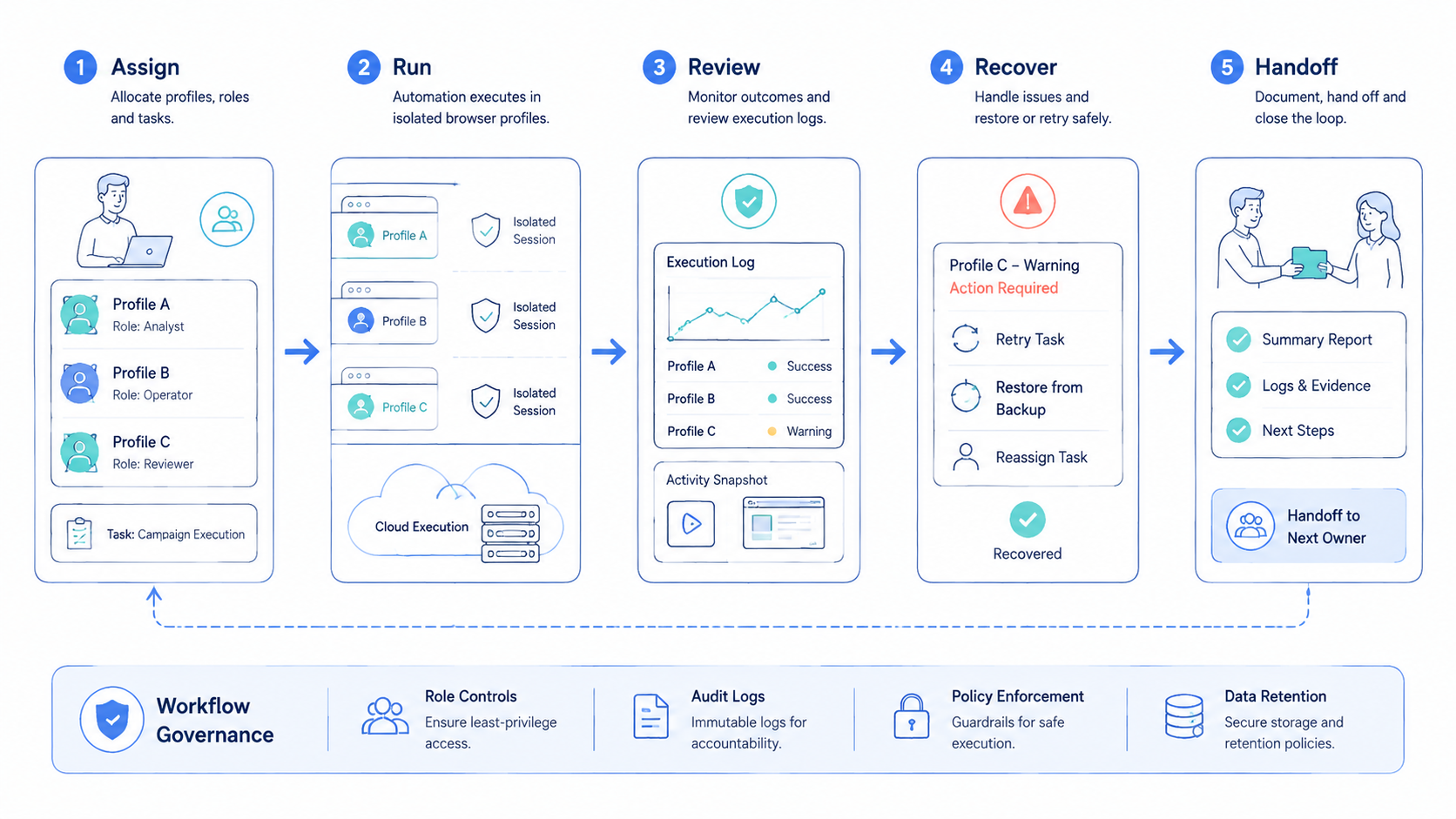
The system works when profiles are treated as account workspaces. Start with one profile group, one task type, and one review rule.
Once the pilot improves completion without increasing review confusion, connect the workflow to broader social media marketing or ecommerce operations.



