
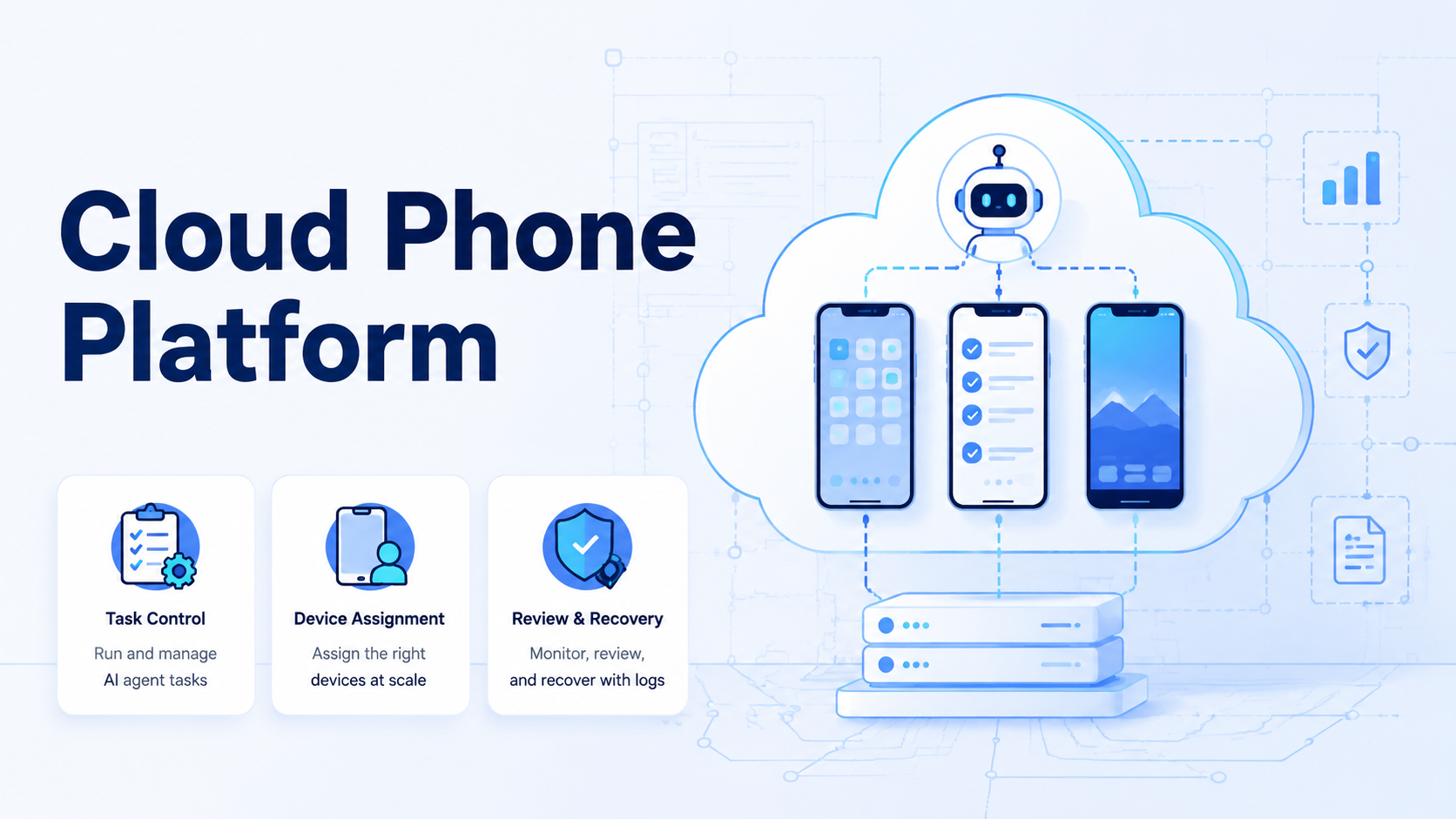
A cloud phone platform for AI agents is a remote mobile execution layer that assigns phones, prepares files, runs app checks, saves proof, and routes review. The best option is not only a screen in the cloud. It is the system that keeps mobile work tied to a task, account, device, and recovery path.
- Audit now.
The first test is direct. A cloud phone workflow should show the task owner, input bundle, assigned device, app state, stop reason, and final proof. If those fields are missing, AI agents will create more mobile activity than the team can manage.
- Pause early.
Source quality still matters.
Google Search Central helpful content, Playwright browser automation documentation, Android developer documentation, and Google Play policy guidance help teams ground claims about content, browser automation, Android environments, and policy-aware operations.
MoiMobi product paths such as cloud phone infrastructure, mobile automation, phone farm, and device isolation show the layers that support mobile execution.
- Check proof.
Key Takeaways
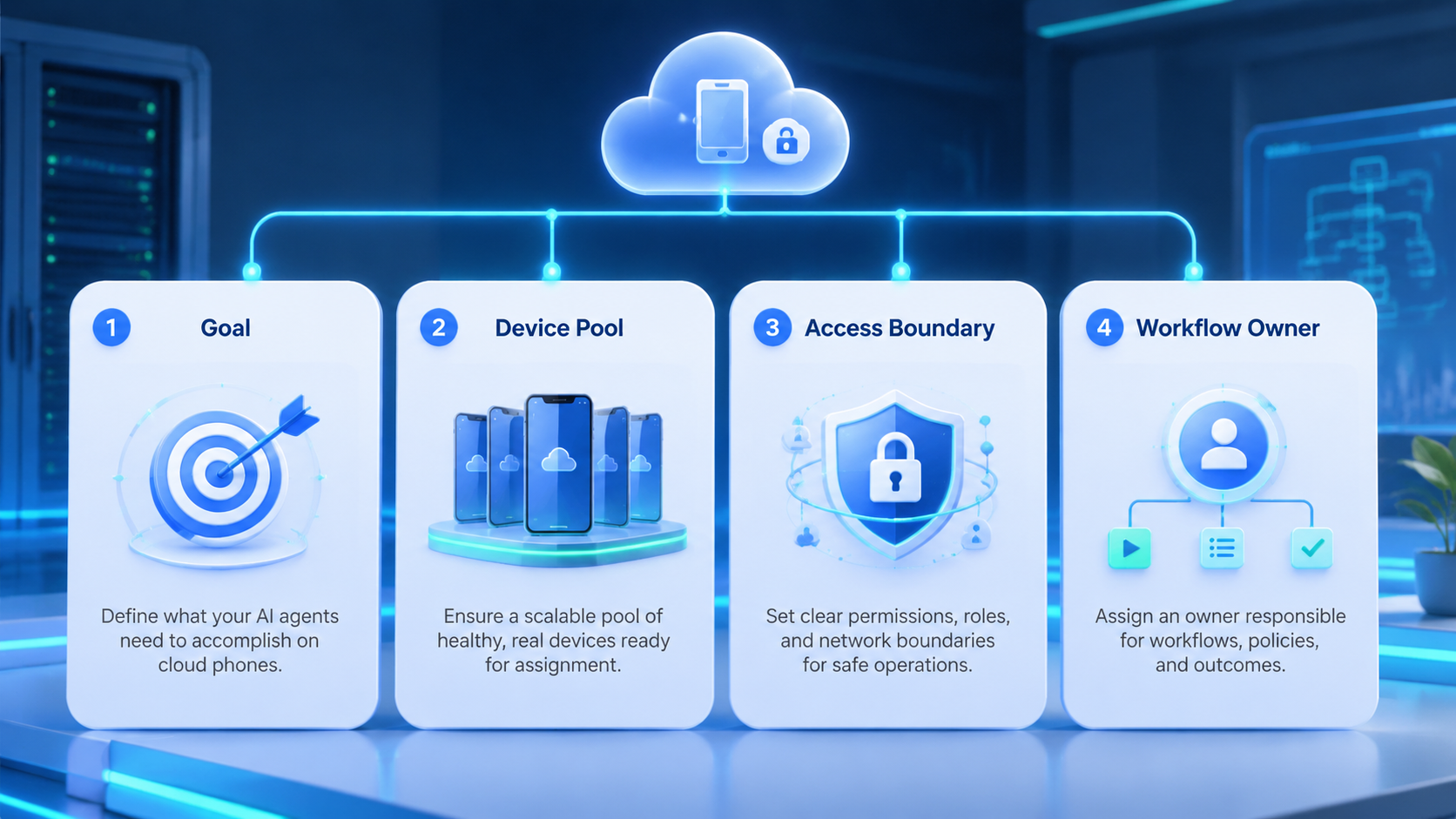
- A cloud phone platform should connect AI agent tasks to assigned mobile environments
- The core buying criteria are device assignment, app proof, review, logs, and recovery
- Browser-to-mobile handoff matters when the final result lives in an app
- Teams should pilot one mobile workflow before adding phone capacity
- Clear stop rules are safer than broad claims about autonomous agents
What a Cloud Phone Platform Must Provide
A cloud phone platform must provide more than remote access. It needs a task model, device model, account model, proof model, and recovery model. AI agents can help plan and act, but the platform must keep the mobile run inside visible boundaries.
- Name the owner.
The platform should answer five questions before any app step begins. Which task is running, and which device is assigned?
- Keep scope small.
Which account or workspace is in scope? What file or link is ready? Who reviews the result?
| Required layer | What it shows | Reason to check it |
|---|---|---|
| Task record | Goal, input, expected result, and owner | Prevents loose mobile work |
| Device assignment | Phone ID, pool, or environment label | Shows where the agent acted |
| Account scope | Client, region, user, or account group | Keeps contexts separate |
| App proof | Screenshot, status, field, or reviewer note | Makes the result inspectable |
| Recovery path | Failure class and next owner | Turns errors into fixes |
A strong cloud phone platform keeps these layers close together. If proof is stored in one place and the task record sits elsewhere, managers lose the thread.
- Review the log.
Cloud Phone Platform Scorecard
Use a scorecard that matches real mobile work. Ask each cloud phone platform to run the same task packet: device assignment, app open, file use, state check, proof save, and reviewer handoff. The test should include at least one pause condition.
- Save the state.
The scorecard should reward boring controls. Clear device labels, prepared files, app state notes, and failure categories matter more than a fast remote screen.
- Mark the reason.
| Score area | Pass signal | Hold signal |
|---|---|---|
| Device control | Assigned phone is visible before the run | Operator chooses a device from memory |
| Material prep | File, image, video, or link is ready | Agent searches for assets during runtime |
| App state | Expected screen is named | Result depends on vague visual judgment |
| Review | Human approval is attached when needed | Sensitive result is marked done alone |
| Recovery | Failure reason has a next owner | Generic error hides the fix |
| Handoff | Browser and mobile steps share one record | Screenshots sit outside the workflow |
A mobile execution system that passes this scorecard is easier to scale. It may still need setup work, but the team can see what happened.
- Watch the handoff.
Why AI Agents Need Mobile Execution
AI agents often start in a browser or chat surface. Many real outcomes, however, appear in mobile apps. A marketplace listing, social post, account notice, order state, or customer-facing screen may need phone-side proof.
- Confirm inputs.
Mobile execution gives agents a controlled place to finish that work. The goal is not to replace human review. The goal is to make the app-side step repeatable, assigned, and visible.
-
Test one failure.
-
Browser work can prepare the task, collect data, or stage content
- Mobile work can check the app screen, upload media, or verify status
- Review can accept the result, reject it, or request a retry
- Recovery can label missing files, login prompts, app mismatch, or device faults
- Reports can show which mobile tasks are stable enough to expand
This shared chain matters because AI agents can otherwise scatter work across chat, browser tabs, local phones, and screenshots. A cloud phone platform should reduce that scatter.
- Close the loop.
Browser-to-Mobile Handoff
The handoff should use one task ID. A browser step may prepare a campaign, update a page, or gather an input. The mobile step should receive the right account context and file bundle, then save proof in the same run record.
- Audit now.
A bad handoff depends on a person remembering which phone, app, file, and account to use. A good handoff names those fields before the agent acts. It also pauses when the app state does not match the expected screen.
- Pause early.
| Handoff field | Example value | Why it matters |
|---|---|---|
| Source run | Browser task 1042 | Connects web work to phone work |
| Target device | Phone pool A, device 07 | Shows the mobile carrier |
| Account label | Brand US test group | Keeps account scope clear |
| Input file | Approved media folder path | Avoids last minute file search |
| Expected screen | Draft preview or order status | Makes proof concrete |
| Stop condition | Login prompt or wrong account | Prevents false completion |
This design works well for AI agent cloud phone workflows because it treats mobile execution as part of the work chain. The phone is not a separate island.
- Check proof.
Cloud Phone Platform Fit and Poor Fit
The best fit is repeated mobile work with known inputs and visible results. Examples include app-side QA, social publishing review, marketplace checks, mobile account status review, content upload proof, and phone-only workflow steps.
- Name the owner.
Poor fit appears when the team wants the agent to make open-ended decisions or bypass platform rules. The mobile layer can carry execution. It should not turn unclear judgment into silent action.
-
Keep scope small.
-
Good fit: verify 15 app screens after web dashboard changes
- Good fit: attach approved media and stop before public publish
- Good fit: check account notices and route them to a reviewer
- Good fit: save phone-side proof for support or operations work
- Poor fit: decide account appeals without a human owner
- Poor fit: make payment or billing changes without review
- Poor fit: run unknown apps with no stop rule
- Poor fit: treat app prompts as normal completion
This boundary keeps the platform useful. AI agents can assist with routine work, but teams still need rules for customer-facing, account-facing, or money-facing steps.
- Review the log.
Pilot Plan for a Cloud Phone Platform
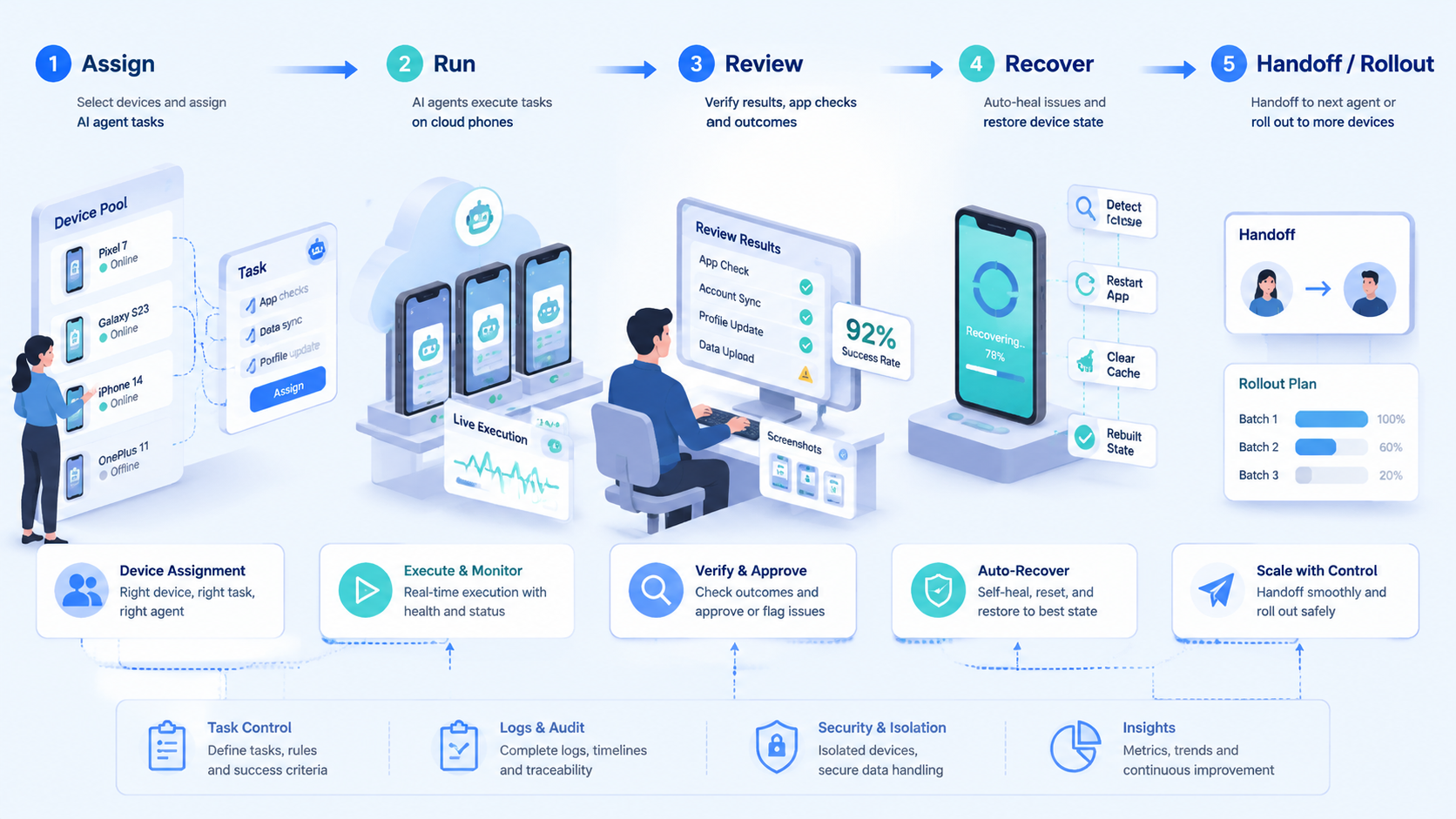
A pilot should use 10 mobile tasks, 2 assigned devices, 1 reviewer, and 5 required fields. The required fields are task name, device ID, account label, input source, and expected proof.
- Save the state.
Add one bad input to the pilot. For example, remove a file, use the wrong account label, or start from an unexpected app screen. The platform should pause with a useful reason.
-
Mark the reason.
-
Pick one mobile workflow with a visible final state
- Assign a small device group and account group
- Prepare files, links, and app targets before runtime
- Define stop rules for login, verification, missing input, and wrong screen
- Run 10 attempts and save proof for each one
- Review done work, paused work, rejected work, and retry reasons
- Expand only after failures have short names and clear owners
This pilot may feel strict. That is good. A cloud phone platform for AI agents needs control before speed.
- Watch the handoff.
Capacity Planning and Recovery
Capacity planning should start from task count, not phone count. Estimate how many mobile tasks run each day, how long each task takes, how often review is needed, and how many failures require retry. Then decide how many devices and operators the workflow needs.
- Confirm inputs.
Recovery review should happen every week during rollout. Group failures by device unavailable, app state mismatch, missing file, login prompt, reviewer rejection, and system error. Each label should lead to a different fix.
- Test one failure.
| Failure label | Likely fix | Owner |
|---|---|---|
| Missing file | Improve input preparation | Workflow owner |
| Wrong account | Fix assignment map | Account owner |
| App mismatch | Update expected screen rule | Recovery owner |
| Login prompt | Route to account owner | Account owner |
| Device unavailable | Add spare capacity or repair device | Ops lead |
| Reviewer rejection | Clarify acceptance rule | Reviewer |
Do not hide recovery data. It is the best way to learn whether the mobile workflow is ready for more agents, devices, and account groups.
- Close the loop.
Cloud Phone Platform Decision Matrix
Use the matrix below before adding more phones. It helps teams judge whether the cloud phone platform is ready for AI agent work or only remote access.
- Audit now.
| Decision field | Ready signal | Risk signal |
|---|---|---|
| mobile task record | Goal input and expected proof are named | The agent starts from a vague command |
| Device assignment | Phone pool and device ID are visible | Operators choose devices by memory |
| Account label | Client brand or region is attached | The app opens with unclear context |
| Input bundle | Media file link or brief is prepared | The agent searches during runtime |
| App state | Target screen and stop screen are listed | The result depends on guesswork |
| Review path | Reviewer can accept reject or retry | The task closes without human decision |
| cloud phone platform proof | Screenshot field value or status note is saved | Proof is outside the task record |
| Recovery owner | Each failure class has a named owner | Generic errors repeat each week |
| Spare capacity | A backup device exists for planned tasks | One offline phone blocks the workflow |
| Scale rule | New devices follow a stable task pattern | Capacity grows before process clarity |
This matrix keeps the buying decision grounded. This platform is valuable when it makes mobile work easier to assign, inspect, and repair.
- Pause early.
Mobile Run Evidence Pack
The evidence pack should be small and strict. AI agents need a clear packet before they touch a phone session.
-
Check proof.
-
Task name and source run ID
- Assigned device or phone pool
- Account label and workspace owner
- Prepared media file or link
- Expected app screen or field
- Stop screens for login verification and wrong account
- Proof type and reviewer name
- Retry owner and failure label
A manager can review this pack without watching the whole run. That saves time and makes failure review less emotional.
- Name the owner.
Operator Review Prompts
Use these prompts at the end of each pilot week. They keep the review focused on visible work rather than model excitement.
-
Keep scope small.
-
Check the device
- The mobile record should show which phone pool device account label and app screen were used
- Save app proof
- A reviewer should see the expected screen status field or screenshot without opening a separate folder
- Name the pause
- The cloud phone platform should classify login prompts wrong accounts missing files and app state mismatch clearly
- Keep files ready
- AI agents should receive media links briefs and source IDs before they touch the mobile session
- Plan spare capacity
- One backup device can prevent a small phone issue from blocking every scheduled mobile task
- Review every retry
- The second mobile run should point to the first failure so the recovery owner can fix the workflow
- Scale by pattern
- A cloud phone platform is safer when new devices follow an existing task shape with known proof
- Close with owners
- Mobile automation improves fastest when each failure label maps to a person who can act
Final Readiness Checks
Use these checks before the team moves from pilot to rollout.
- The cloud phone platform shows the assigned device account label input packet proof type reviewer and retry owner
- The mobile workflow has at least one planned pause case so the team can inspect recovery quality
- The next rollout adds a similar workflow rather than a broad new agent mission
Frequently Asked Questions
What is a cloud phone platform for AI agents?
It is a system that gives AI agent workflows controlled access to remote mobile environments. It should assign devices, prepare inputs, run app checks, save proof, and support review.
- Review the log.
How is it different from a phone farm?
A phone farm focuses on device capacity. A cloud phone platform adds workflow records, task routing, proof, recovery, and review around that capacity.
- Save the state.
Does every AI agent need a cloud phone?
No. An agent needs a cloud phone only when the task must run or verify something in a mobile app. Browser-only work does not need it.
- Mark the reason.
What should teams compare first?
Compare device assignment, account scope, input readiness, app proof, stop rules, review, and recovery. Those fields show whether the system can support operations.
- Watch the handoff.
What are common stop rules?
Common stop rules include login prompts, verification screens, wrong account state, missing files, payment steps, unclear app screens, and public changes that need review.
- Confirm inputs.
How many devices should a pilot use?
Start with a small device group, such as 2 assigned phones for 10 task attempts. Expand only when proof and failure labels are stable.
- Test one failure.
What is the clearest red flag?
The clearest red flag is a mobile run that says done without showing the device, app state, proof, and reviewer path. That record is too weak for scale.
- Close the loop.
Conclusion
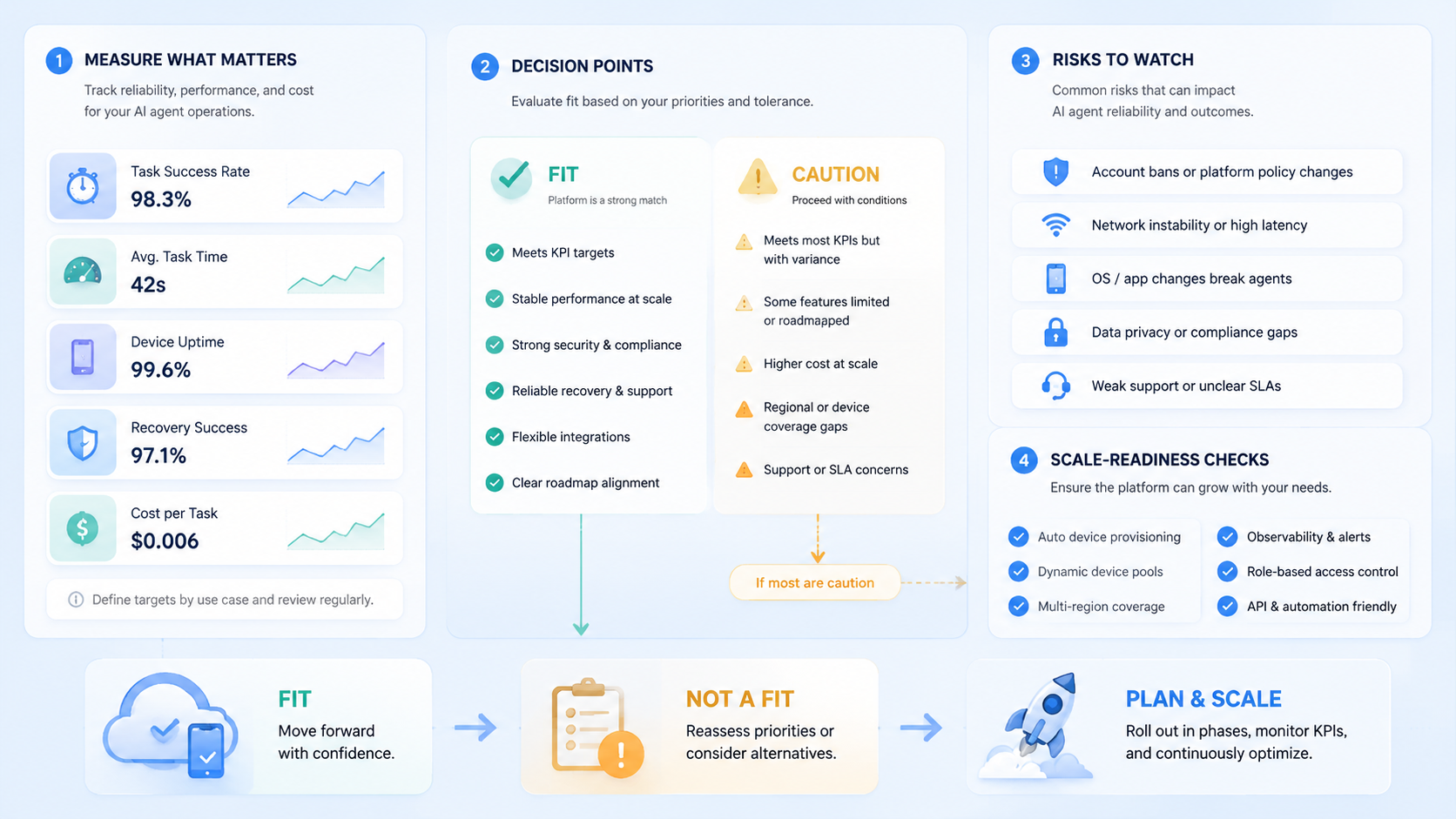
The best cloud phone platform for AI agents is a controlled mobile execution layer. It links task records, device assignment, app proof, review, and recovery so the team can see what happened.
- Audit now.
Choose the platform that makes mobile work inspectable. If it can connect browser steps to phone checks, name stop reasons, save proof, and route failures to owners, it can support broader AI agent workflows. If it only offers remote screens, the team will still need to build the operating system around it.
- Pause early



