
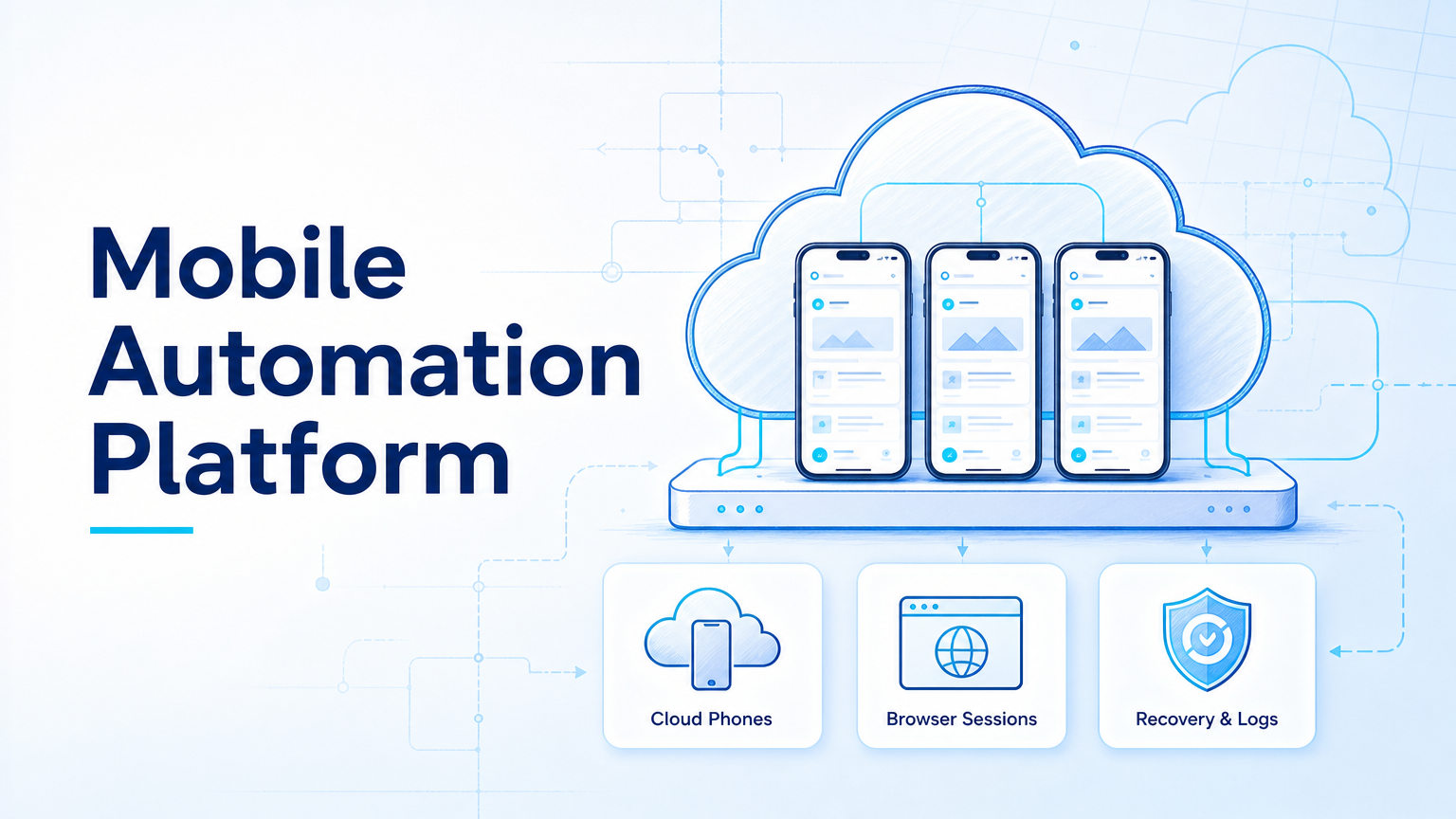
A mobile automation platform for AI agents is execution infrastructure that lets agents work across Android apps, cloud phones, browser sessions, account workspaces, and review queues. The best platform depends on whether the workflow is API-based, browser-based, mobile-first, or split across all three.
For online operations teams, browser automation alone is often not enough. A task may start in a dashboard, continue inside a mobile app, require a human approval, and then return a status report. That is why teams should evaluate browser and mobile execution together.
Key Takeaways
- AI agents need execution environments, not only prompts or API calls.
- Browser automation fits web dashboards, forms, and logged-in SaaS tools.
- Mobile automation fits Android apps, social platforms, messaging workflows, and app-only tasks.
- Cloud phones matter when mobile sessions must persist across repeated workflows.
- Account isolation, review steps, task logs, and recovery rules decide whether the system scales.
- A small pilot should measure completion, review time, app stability, and failure recovery.
What to Look for in a mobile automation platform
The main mistake is comparing tools only by how many actions they can click. A useful platform must support the full workflow around each action.
Start with the work surface. The W3C WebDriver specification defines browser remote control around sessions, navigation, elements, actions, prompts, and screenshots. Playwright documents browser testing with isolation, parallelization, traces, reports, retries, and multiple browser engines. Those references are useful for web execution, but mobile operations add another layer.
Mobile tasks need app state, Android environment access, device assignment, and sometimes persistent login. AWS Device Farm describes remote access to hosted physical phones and tablets, while Firebase Test Lab describes testing mobile apps on real and virtual devices in the cloud. For AI agents, the buying question is how much of that device-style execution can be used for repeatable operations.
MoiMobi combines mobile automation, browser sessions, cloud phones, and account workspaces so teams can run workflows across both web and app environments.
Core Capabilities That Matter Most in a mobile automation platform
The core capability is not one click path. It is controlled repetition. A team should be able to assign a task, choose the account workspace, run the action, inspect the result, and recover when the task fails.
Look for these capability groups:
| Capability | What to check |
|---|---|
| Browser execution | Forms, dashboards, uploads, sessions, screenshots, and logs |
| Mobile execution | Android app access, cloud phones, app state, and human takeover |
| Account control | Separate workspaces, role assignment, and session boundaries |
| Agent workflow | Task queue, prompts, tools, review, retries, and status updates |
| Recovery | Failure reason, screenshot, owner, and next step |
OpenAI's Agents SDK documentation describes agent loops, tools, handoffs, guardrails, sessions, tracing, and human-in-the-loop controls. Those concepts translate well into operations. They show why an agent needs a runtime and evidence trail, not only a model response.
Pricing, Setup, and Team Fit
Pricing should be compared against the cost of manual recovery. A lower monthly price may not help if operators still spend time fixing expired sessions, wrong-account actions, or app state problems.
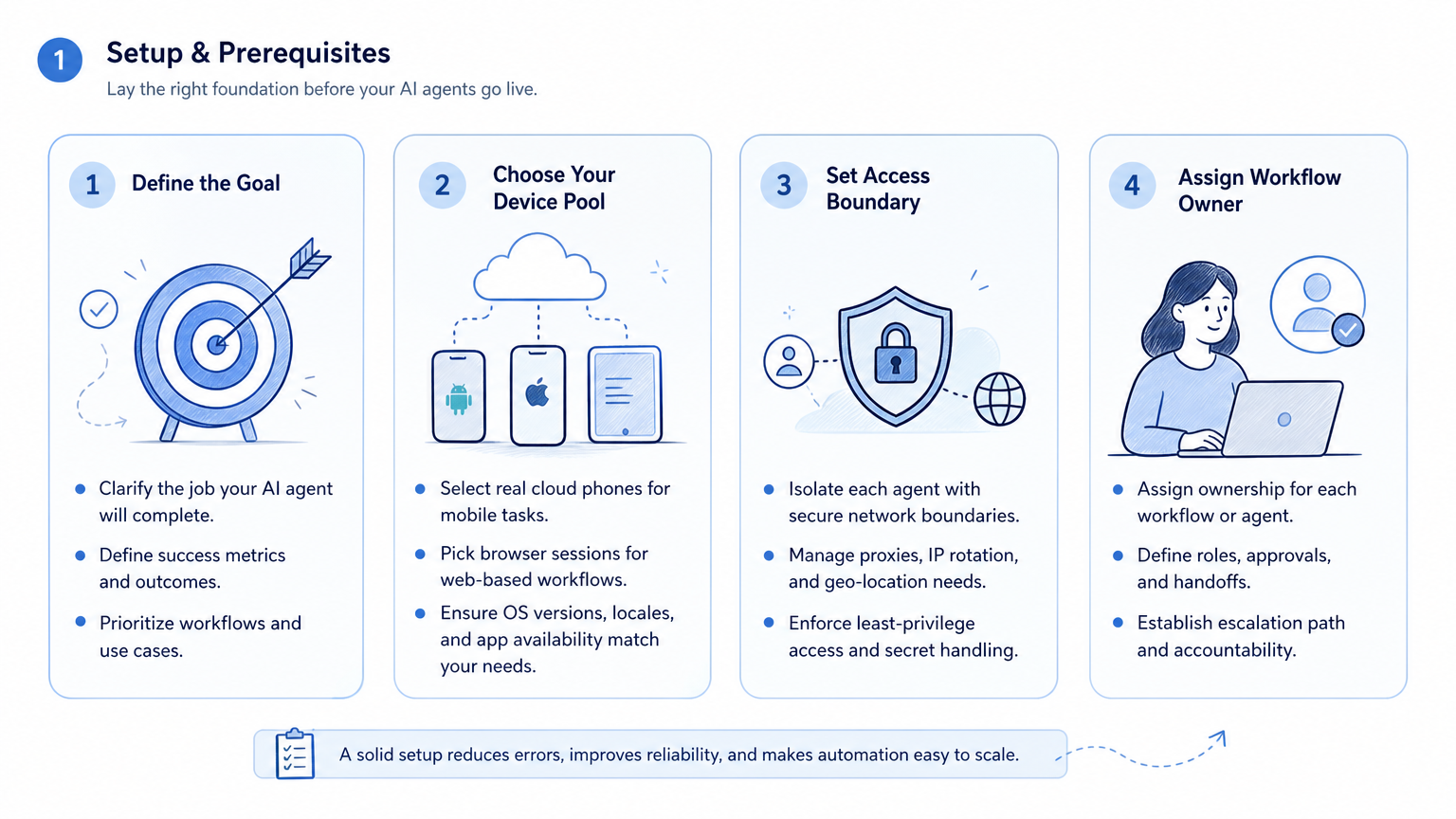
Setup usually includes account mapping, profile or device assignment, workflow fields, task owners, and review rules. An agency may need one workspace per client account. A seller may need a separate environment per marketplace account. A support team may need review lanes for sensitive replies.
Teams should also separate technical ownership from operational ownership. Engineers may configure integrations and browser controls. Operators still need dashboards, queues, logs, and a clear handoff process.
For mobile-first teams, cloud phone capacity is only one part of the cost. The bigger question is whether those phones become manageable execution workspaces.
Best Options for Common Use Cases
Choose browser automation when the task stays inside web apps. Examples include dashboard checks, form updates, CRM actions, research tasks, and report collection.
Choose mobile automation when the task depends on Android apps. Examples include social app publishing, messaging app replies, mobile account checks, or app-only campaign workflows.
Choose combined browser and mobile automation when a team moves between surfaces. A social media agency may plan content in a web dashboard, publish or verify inside mobile apps, and then record outcomes in a shared report.
Choose cloud device testing services when the main job is app QA. AWS Device Farm and Firebase Test Lab are strong references for testing and remote device access. They are not automatically the same as an operations platform for AI workers.
Choose MoiMobi when the workflow needs AI-assisted execution, device isolation, browser profiles, cloud phones, and multi-account task management in one operating model.
Fit and Not-Fit Guide
Good fit
- Teams that run workflows across websites and Android apps.
- Agencies managing multiple client social accounts.
- E-commerce operators checking web dashboards and mobile apps.
- Customer teams that need AI reply drafts plus human review.
- Growth teams that need account-level task logs and recovery ownership.
Not the first fit
- Teams that only need one-off AI writing.
- Workflows that live entirely inside one internal API.
- QA teams that only need short automated test runs.
- Teams without a review process for public or customer-facing actions.
This boundary matters because mobile automation can touch live accounts and customer interactions. The platform should make review, ownership, and recovery visible before the workflow expands.
Selection Checklist
Use this checklist before choosing a browser and mobile automation platform:
- Does the platform support both web and Android app execution?
- Can each account use a separate browser profile or mobile environment?
- Can AI agents receive task context and return structured results?
- Can humans approve, pause, or take over sensitive steps?
- Are screenshots, logs, and status records stored after each run?
- Can failed tasks create a recovery queue with an owner?
- Can operators run multiple workflows without mixing client or account state?
- Does the pricing model match device usage, workflow volume, and team review time?
For agency workflows, multi-account management should be tested early. It affects how work is assigned, not just how accounts are counted.
Document the rejected options too, so future buyers understand why a narrower tool was not selected.
Pilot Rollout, Measurement, and Recovery Checks
Start with one workflow that crosses at least one real execution surface. A useful pilot might check a web dashboard, open a related Android app, verify an account status, and write a task result.
Measure the following:
- Task completion rate.
- Browser session success.
- Mobile app session success.
- Human review time.
- Failed step and reason.
- Wrong-account or wrong-workspace events.
- Recovery time after failure.
- Operator confidence in the logs.
Do not scale only because the first run succeeds. Scale when failures are visible and recoverable. That is the difference between a demo and an operating system.
What Not to Automate First
Avoid starting with public replies, bulk publishing, or high-value account changes. These workflows carry more review pressure and are harder to recover when context is incomplete.
Start with observation tasks instead. Good first runs include dashboard checks, account status summaries, failed-post detection, inbox labeling, or competitor monitoring. These workflows let the team test browser sessions, mobile sessions, screenshots, and task logs without immediately changing a live customer touchpoint.
After the observation workflow is stable, move to assisted execution. For example, let the agent draft a reply or prepare a publishing step, then require human approval before the action goes live. This staged approach shows whether the platform can support real work without hiding the operator's judgment.
Frequently Asked Questions
What is a mobile automation platform for AI agents?
It is infrastructure that lets AI agents execute app-based tasks through Android devices, cloud phones, task queues, and review controls.
How is mobile automation different from browser automation?
Browser automation controls web pages. Mobile automation controls app workflows, Android sessions, app state, and device-level execution.
When do teams need both browser and mobile execution?
They need both when a workflow moves between web dashboards, mobile apps, account checks, and shared reporting.
Are cloud phones the same as emulators?
No. Emulators are virtual development environments. Cloud phones are typically hosted remote mobile environments used for testing, access, or operations.
What should agencies test first?
Agencies should test one client workflow with a small account set, visible review steps, and recovery logs.
Can AI agents publish or reply automatically?
They can assist with publishing or replies when the workflow and platform allow it. Public-facing actions should keep human review where risk is meaningful.
What makes a platform scalable?
Separate workspaces, clear logs, recovery ownership, review controls, and enough device or browser capacity make scaling practical.
How does MoiMobi fit this category?
MoiMobi fits teams that need browser execution, cloud phones, Android workflows, and multi-account operations for AI-assisted work.
Conclusion
The best browser and mobile automation platform for AI agents is the one that matches the actual workflow surface. Use browser automation for web tasks, mobile automation for app tasks, and combined execution when work crosses both.
For teams managing social media, e-commerce, or customer engagement accounts, prioritize account isolation, review control, logs, and recovery. Those details decide whether AI agents become reliable operators or another source of manual cleanup.



