
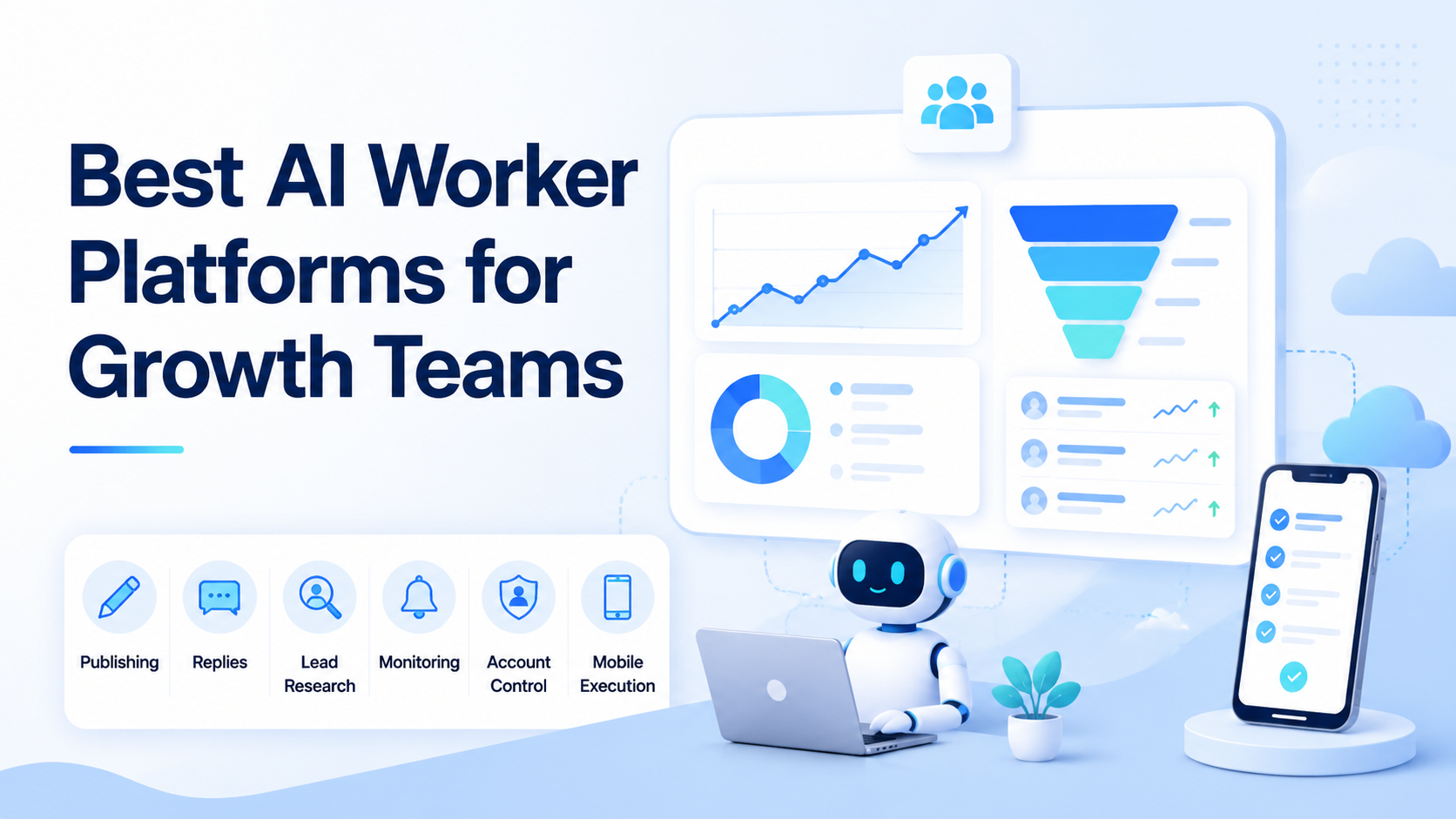
An AI worker platform is a system that lets growth teams assign repeatable tasks to AI workers, then control how those workers use content, accounts, browser sessions, mobile apps, and human review. For growth teams, the best platform is the one that can run the workflow where customer attention actually happens.
That usually means social platforms, inboxes, short video workflows, CRM tools, research lists, and account workspaces. A generic AI assistant may draft copy, but it does not automatically solve account routing, publishing checks, reply review, or task recovery. Growth teams need AI help plus execution control.
Key Takeaways
- Growth teams should evaluate AI worker platforms by workflow fit, not by model claims.
- Publishing, replies, outreach, lead research, and monitoring need different execution controls.
- Browser and mobile execution matter when work happens inside logged-in platforms or mobile apps.
- Account isolation and review logs become more important as more profiles join the workflow.
- The first pilot should measure completion, response quality, exceptions, and recovery time.
- Avoid platforms that hide execution steps or make it hard to inspect failed actions.
What to Look for in an AI worker platform
Start with the growth motion. A creator agency, cross-border seller, B2B outbound team, and social support team do not need the same AI worker platform.
Use a simple rule: the platform must match the task surface.
| Growth workflow | What the platform must handle |
|---|---|
| Short video publishing | Assets, captions, account assignment, mobile or API posting, and verification |
| Comment and DM replies | Drafting, tone rules, approval, escalation, and send logs |
| Lead research | Source lists, enrichment steps, browser checks, and CRM handoff |
| Competitor monitoring | Repeated account checks, notes, screenshots, and trend summaries |
| Multi-account operations | Separated workspaces, permissions, queues, and recovery ownership |
OpenAI's Agents SDK describes agents as LLMs with instructions and tools, plus features such as handoffs, guardrails, sessions, tracing, and human-in-the-loop controls. Microsoft Copilot Studio describes agents with instructions, context, knowledge sources, tools, inputs, triggers, and flows. These are useful references because growth automation needs more than text generation.
For teams that work inside real accounts, MoiMobi sits closer to the execution layer. It combines AI browser and cloud phone infrastructure with account workspaces, mobile execution, and team workflows.
Core Capabilities That Matter Most in an AI worker platform
The first capability is controlled execution. Growth work often touches public channels, customer conversations, or prospect lists. The platform must make it clear which worker ran which task, in which account, and with what result.
The second capability is review before impact. A draft caption, reply, or outreach note can be useful before it goes live. A platform should let humans approve sensitive actions, pause bad runs, and inspect the task path.
The third capability is environment separation. Growth teams often run multiple accounts, brands, regions, or clients. Shared sessions make operations hard to audit. Device isolation gives each account or task lane a clearer operating space.
The fourth capability is repeatable recovery. Failed uploads, expired sessions, missing assets, duplicate replies, and wrong-account selections should create a visible recovery task. They should not disappear inside an automation log.
Pricing, Setup, and Team Fit
The cheapest tool is not always the lowest-cost tool. A platform that saves subscription cost but creates manual recovery work may slow the team down.
Growth teams should separate three setup costs. First, there is technical setup, such as connectors, accounts, devices, proxies, or browser profiles. Second, there is operating setup, such as approval rules, task queues, and ownership. Third, there is training, because operators need to know when to let the worker continue and when to intervene.
A developer-heavy growth team may prefer an SDK or low-level agent runtime. It can build custom tools and control every integration. A lean agency may need a productized platform with browser sessions, mobile devices, queues, and visible account assignment.
Use a small pilot before comparing long-term pricing. A two-week test can show whether the AI worker platform reduces missed actions or only moves the work into a different queue.
Best Options for Common Growth Use Cases
Choose an agent runtime when growth work depends on custom data, APIs, and internal tools. This fits teams that can build and maintain their own agent loop, tools, guardrails, and monitoring.
Choose an enterprise automation suite when the workflow is already inside tickets, CRM objects, approvals, and structured business systems. UiPath's agentic automation material frames agents, robots, people, and process orchestration as parts of a broader automation system. That model fits teams with formal operations.
Choose a no-code automation platform when the workflow is mostly trigger-and-action. For example, a new form submission can create a CRM task, send a notification, and update a table.
Choose a browser and mobile execution platform when growth work depends on real web or app sessions. This is where MoiMobi is strongest. Teams can use mobile automation to run app-based actions, while keeping account work separated.
For TikTok-heavy teams, the execution layer becomes more specific. TikTok's Content Posting API documentation shows that direct posting requires registered apps, approved scopes, authorized users, and valid media. When a workflow cannot use an official API path, teams need controlled mobile execution rather than fragile shortcuts. MoiMobi's TikTok account workflows page is the closer internal next step for that use case.
Fit and Not-Fit Guide
Strong fit
- Growth teams managing social accounts across several brands or regions.
- Agencies handling publishing, replies, and monitoring for clients.
- Cross-border sellers running TikTok, Instagram, WhatsApp, or Telegram workflows.
- Teams that need AI drafts plus real browser or mobile execution.
- Operators who need account-level logs and recovery ownership.
Weak fit
- Teams that only need one-off copywriting.
- Workflows that are fully internal and never touch accounts or apps.
- Teams without a review process for public replies or outreach.
- Use cases that depend on spam behavior or unsupported platform actions.
This fit boundary is important. A growth AI worker should not be treated as a traffic shortcut. It should be treated as a repeatable operator with a defined account, task, approval path, and recovery owner.
Selection Checklist
Before committing to an AI worker platform, run this checklist with one real workflow.
- Does the platform reach the actual work surface?
- Can it run inside browser profiles, cloud phones, Android devices, APIs, or the tools your team uses?
- Can every action be tied to an account, worker, and task record?
- Can humans approve public-facing content before it is sent?
- Can failed tasks create a recovery queue?
- Can the same workflow run across multiple accounts without session mixing?
- Can the platform report completion rate, exceptions, and handoff status?
For account-heavy teams, multi-account management should be part of the first evaluation. It is not a later administrative detail. It affects how safe, clear, and scalable the operating model feels.
Pilot Metrics for Growth Teams
A pilot should be small enough to inspect manually. Start with one workflow, three to five accounts, and a fixed review window.
Track these metrics:
- Number of tasks assigned.
- Number completed without human repair.
- Number escalated to an operator.
- Average review time per task.
- Wrong-account or wrong-workspace events.
- Failed uploads, failed sends, or expired sessions.
- Content quality after human edits.
- Lead or reply outcomes, when measurable.
Do not treat the first week as proof of scale. Treat it as failure discovery. The goal is to learn which task fields, review rules, and recovery paths must be tightened before expansion.
Frequently Asked Questions
What is the best AI worker platform for growth teams?
The best AI worker platform is the one that matches the team's growth workflow. A social team may need browser and mobile execution. A CRM-heavy team may need API automation.
How is an AI worker platform different from an AI chatbot?
An AI chatbot mainly responds. An AI worker platform should assign tasks, use tools, preserve task state, support review, and record execution outcomes.
Do growth teams need cloud phones?
They need cloud phones when workflows depend on mobile apps, persistent Android sessions, or mobile-first account operations. API-only workflows may not need them.
Can AI workers publish content automatically?
They can support publishing workflows when the platform and account setup allow it. Teams should keep approval and verification for public-facing posts.
What should an agency test first?
Test one repeatable client workflow, such as comment triage, post verification, or competitor monitoring. Measure review time and failure reasons.
Is AI worker software useful for lead generation?
Yes, when the workflow includes source research, enrichment, note drafting, and CRM handoff. Human review is still useful for outreach quality.
How many internal controls are enough?
At minimum, use account assignment, human approval for sensitive actions, task logs, recovery ownership, and workspace separation.
What is the biggest mistake in choosing a platform?
The biggest mistake is buying for AI output alone. Growth teams need execution, review, account separation, and measurable recovery.
Conclusion
Pick the AI worker platform that fits the growth job first. Rank execution access before feature volume, review control before speed, and account separation before scale.
For API-first growth operations, compare agent runtimes and automation suites. For social, e-commerce, and customer engagement teams that work across browser profiles and mobile apps, evaluate MoiMobi as a browser and mobile execution platform. The practical next step is one bounded pilot with clear logs, human review, and recovery checks.



