
Key Takeaways
- Android Debug Bridge is useful when teams need controlled device communication
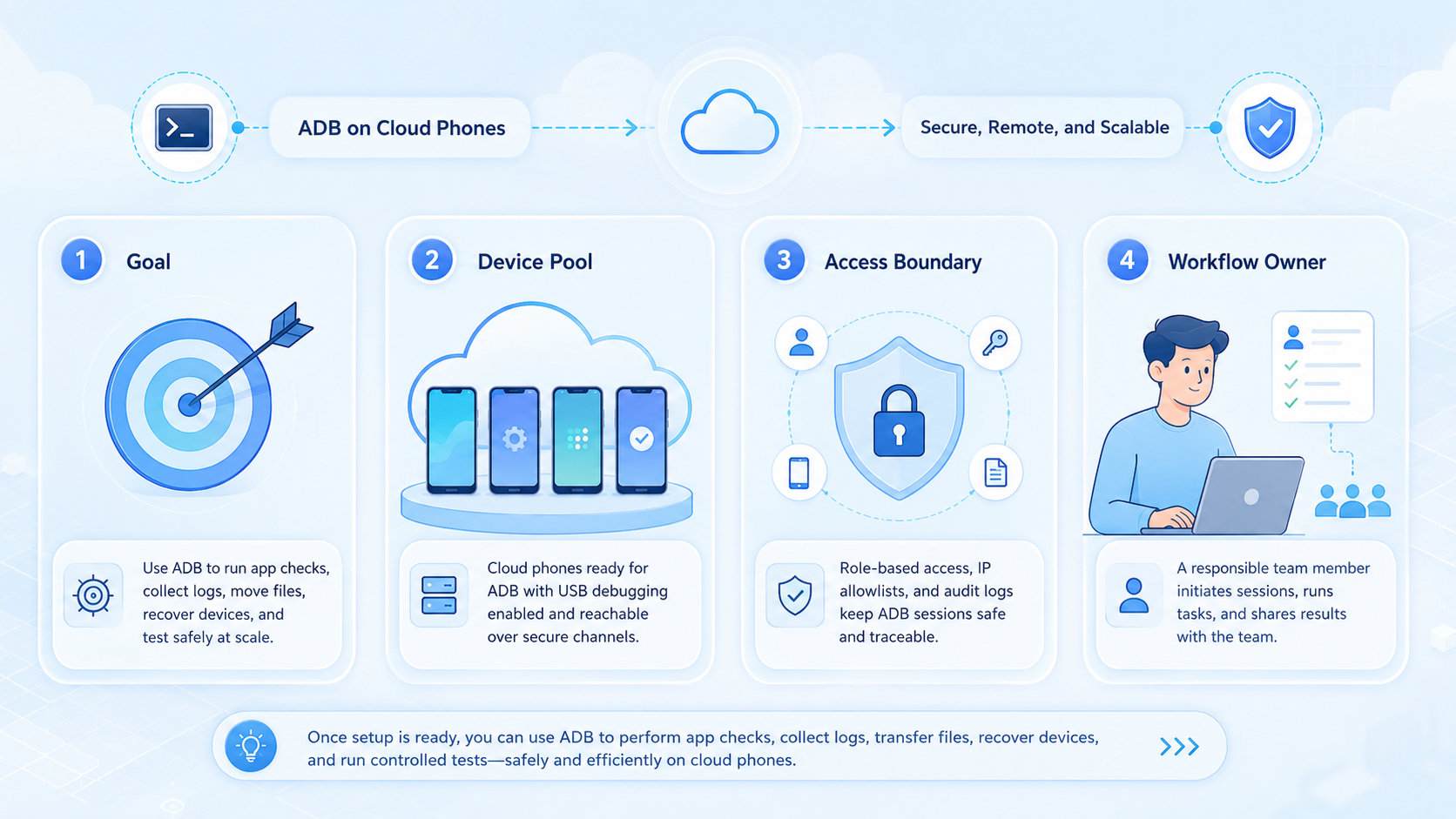
- Cloud phone ADB use should be scoped to testing, logs, file movement, and recovery
- Teams need permissions, audit logs, and stop rules before using ADB at scale
- A small pilot should prove device access, command safety, and workflow value
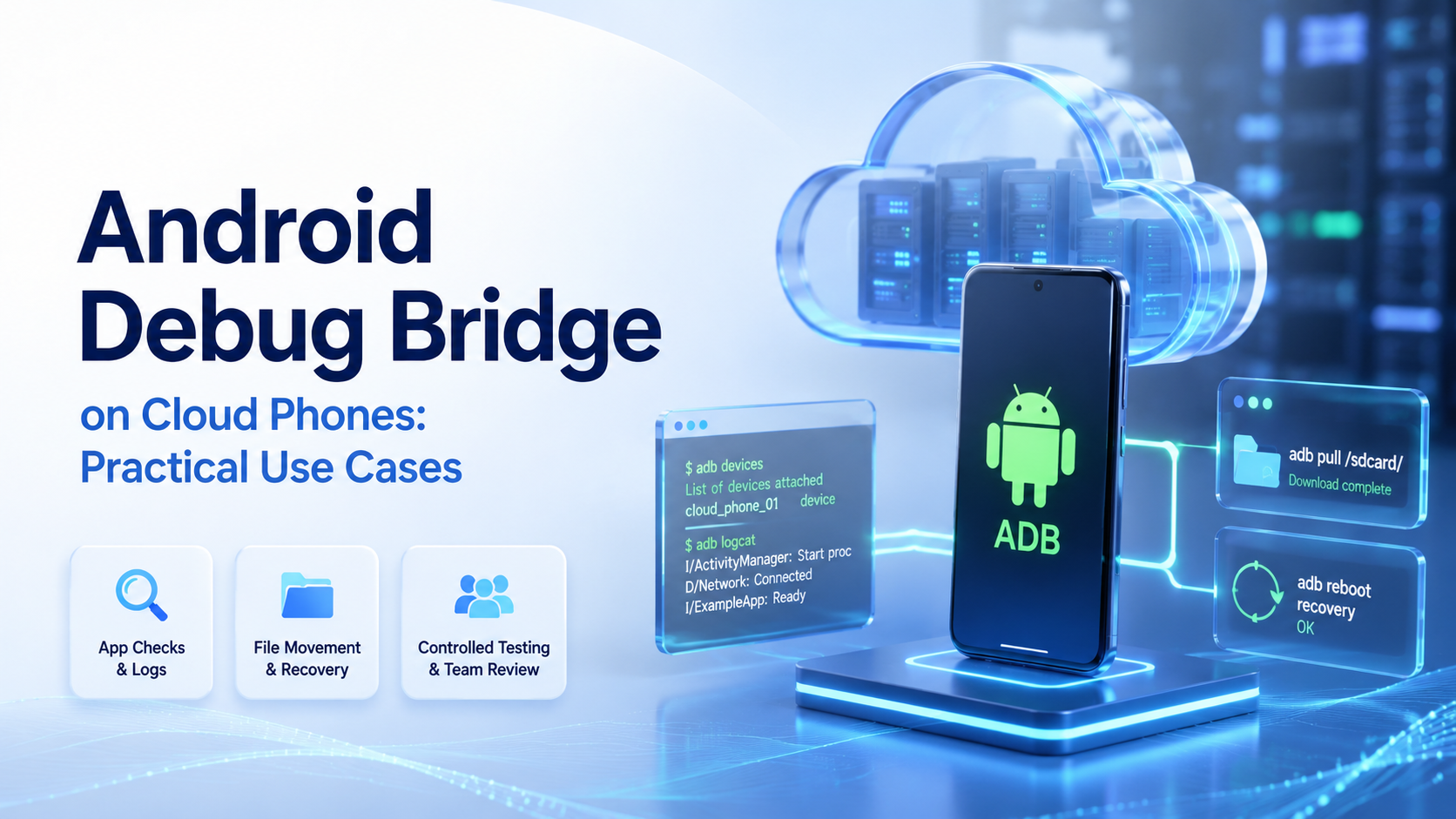
Android Debug Bridge is a command-line tool that lets a workstation talk to an Android device, emulator, or supported remote Android environment. On cloud phones, ADB is most useful for controlled tests, logs, file movement, and recovery work.
Android's own docs describe adb as a way to talk to a device from a command line, which is enough for most planning. That definition matters for teams: ADB is not a growth shortcut. It is a work interface that needs access rules, logs, and narrow task scope.
The Core Idea Behind Android Debug Bridge
Do not treat Android Debug Bridge as a substitute for product workflows. Treat it as a lower-level control channel.
On a cloud phone, ADB may support tasks such as checking connected devices, collecting logs, installing a test app, pushing files, or running scripted diagnostics. The exact access depends on the cloud phone provider and the permissions exposed to the team.
For ops teams, the question is simple: does ADB make a known mobile workflow easier to test, recover, or observe? If it does not, command access only adds risk and extra work.
Why Teams Search for This Topic
Teams search for ADB on cloud phones when the normal screen interface is too slow for checks. A support engineer may need logs. A QA lead may need to confirm app behavior. An ops lead may need to move approved assets into a mobile workspace and note which device changed.
The Android Debug Bridge documentation is the main source for core ADB behavior. It explains that commands are issued from a command line and can communicate with connected devices. Use that model as the baseline before adding scripts, wrappers, dashboards, or custom task runners.
MoiMobi's cloud phone layer focuses on mobile work at team scale. ADB can be one tool inside that system, but it should not replace task ownership or human review.
Who Benefits Most from Cloud Phone ADB
The best fit is a technical team that already knows what it wants to inspect or move. ADB is useful when the task has a clear command, target device, permission boundary, and success signal.
Good fit
- QA teams checking app behavior on remote Android devices
- Operations teams moving approved assets into device workspaces
- Support teams collecting logs for device or app issues
- Automation teams testing repeatable mobile recovery steps
Weak fit
- Non-technical teams without command review
- Unclear workflows where no one owns the result
- Tasks better handled through app UI or official APIs
- High-volume scripts without logs, limits, or stop rules
Teams managing many accounts should pair ADB access with multi-account management, not loose device lists.
Practical Use Cases for Android Debug Bridge
Use cases should stay narrow. ADB is strongest when the team needs technical visibility or controlled device actions.
| Use case | Practical value |
|---|---|
| Device check | Confirm which cloud phone is connected before a task |
| Log capture | Collect app or device logs for support review |
| File movement | Push approved media, configs, or test files into a workspace |
| Test app install | Install an internal build during QA checks |
| Recovery command | Restart a known state after a failed test |
| Scripted diagnostics | Run the same device check across 5 or 10 phones |
A python ADB automation library can help skilled teams wrap repeated checks. However, scripts should be reviewed and limited to approved workflows.
Use a plain rule before any script runs: name the device, command, owner, and stop condition. If the team cannot write those 4 fields in one line, the task is not ready for ADB.
Keep the first run small. Use 1 command, 1 device, and 1 reviewer. Save the result, then decide whether the step belongs in a workflow.
How to Evaluate Android Debug Bridge Safely
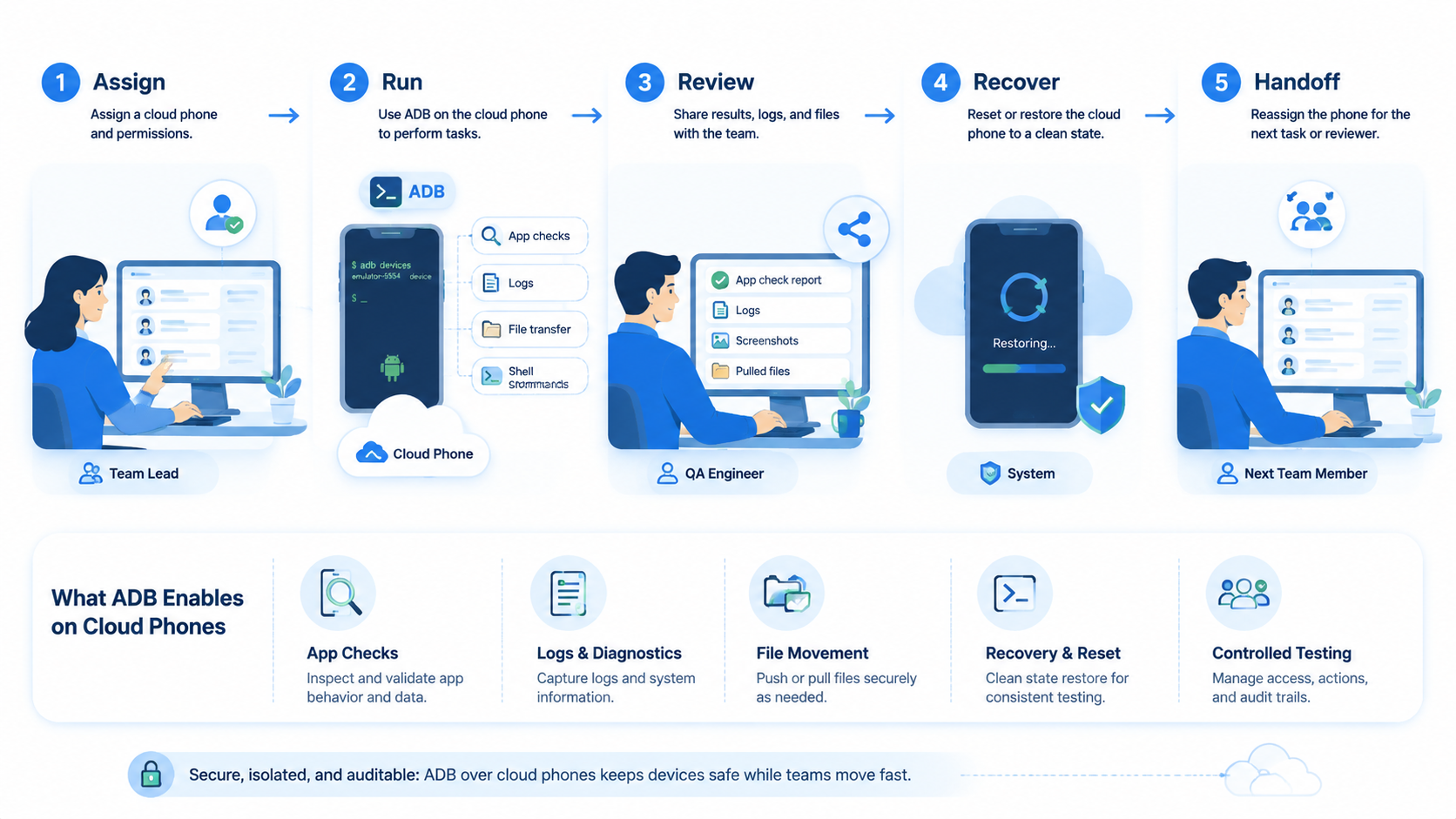
Start with a pilot, not full access for every operator. A useful ADB pilot can run for 7 days on 3 devices with 1 workflow.
Use these checkpoints:
| Checkpoint | Pass condition |
|---|---|
| Access | Only approved users can run commands |
| Device targeting | Each command maps to the correct cloud phone |
| Logging | The team can see command time, user, device, and result |
| Recovery | Failed commands create a review action |
| Workflow value | ADB reduces support or QA time without hiding risk |
MoiMobi's mobile automation and device isolation pages are useful next checks when ADB becomes part of a larger execution system.
Mistakes That Reduce Results
The first mistake is giving broad ADB access before defining command boundaries. That creates confusion when multiple operators touch the same device.
The second mistake is using ADB when an app UI, platform API, or managed workflow would be clearer. Command access is powerful, but clarity matters more than control.
The third mistake is missing audit data. If a command changes files, app state, or device state, the team needs a record. Without that record, troubleshooting becomes guesswork.
For AI-assisted mobile execution, teams can use the NIST AI Risk Management Framework as a governance reference. It helps frame measurement, oversight, and escalation before command-driven automation expands.
Pilot Rollout, Measurement, and Recovery Checks
A good pilot measures fewer things with more care. Track command success, device targeting accuracy, time saved, failed command reasons, and operator review time.
Set stop rules before running scripts. Stop when a command targets the wrong device, when logs are missing, when an app state is unclear, or when a human cannot explain the result.
Also review content and workflow quality. Google's helpful content guidance is not an ADB manual, but its user-first principle applies: technical automation should support a real operational task.
Frequently Asked Questions
What is Android Debug Bridge?
It is a command-line tool for communicating with Android devices, emulators, and supported remote Android environments.
Can ADB work with cloud phones?
It can when the provider exposes supported access. Check provider permissions, security limits, and logs before planning workflows.
What is cloud phone ADB useful for?
It is useful for logs, file movement, app testing, device checks, and controlled recovery actions.
Should every operator get ADB access?
No. Limit access to trained users with clear command scope and review rules, and remove access when a role no longer needs it.
Can ADB replace mobile automation tools?
No. It supports device tasks. Business workflows still need task owners, schedules, and review.
What should a pilot measure?
Measure command success, wrong-device attempts, time saved, failure reasons, and human review time.
What should stop an ADB workflow?
Stop when logs are missing, the device target is unclear, or the command result cannot be reviewed.
Conclusion
Prioritize control before command volume. Start with device targeting, user permissions, logs, and recovery rules.
If those checks pass, test one real workflow across a small device group. For broader operations, connect ADB use with MoiMobi's phone farm, proxy network, and mobile execution stack.



