

An Airtable social media automation workflow is a structured database and task process for planning content, assigning accounts, tracking approvals, and recording publishing outcomes. It gives multi-account teams a shared operating view.
Airtable is useful because social work often starts as structured data: account, platform, asset, caption, deadline, owner, status, and result. The automation value comes from connecting that data to execution and review.
Moimobi helps with the execution layer. Teams can use Airtable as the planning record while Moimobi provides controlled browser and mobile workspaces for account-based tasks.
Key Takeaways
- Airtable works best as the source of truth for content and task status.
- Multi-account teams need account ownership fields before automation.
- The workflow should separate planning, approval, publishing, and review.
- Moimobi can connect structured planning to browser and mobile execution.
- The pilot should measure missed posts, approval delays, and failed handoffs.
What the Workflow Should Track
Begin with a base that operators can actually maintain. Too many fields will slow the team.
| Field | Why It Matters | Example |
|---|---|---|
| Account | Shows where work belongs | Instagram US |
| Platform | Sets publishing rules | TikTok, Instagram |
| Content asset | Links approved media | Video file or URL |
| Status | Tracks workflow stage | Draft, approved, posted |
| Owner | Controls responsibility | Operator or reviewer |
| Result | Records outcome | Posted, blocked, needs edit |
Official platform resources explain why platform-specific status matters. Instagram for Business covers professional account and commerce surfaces. TikTok for Business describes business campaign workflows. Facebook business help documents page management tools.
Those tools are where work happens. Airtable can hold the workflow record.
Step 1: Build the Content Queue
The first table should be a content queue. Each row represents one asset or post task. Keep the fields simple: platform, account, asset, caption, owner, approval status, publish window, and result.
Use consistent status values:
- Idea.
- Draft.
- Needs approval.
- Approved.
- Ready to publish.
- Published.
- Blocked.
These statuses help operators see where work is stuck. They also help managers find approval delays before the posting window is missed.
Step 2: Add Account Ownership
Multi-account teams need an account table. Each account should have an owner, platform, environment, market, campaign, and review rule.
This table should connect to Moimobi’s multi-account management model. The account record should explain which workspace is used and who can operate it.
Do not let one post row float without an account owner. If the owner is unclear, the workflow should block the task.
Step 3: Connect Approval to Execution
Approval should happen before execution. A task should not reach publishing until the caption, asset, account, and review owner are clear.
For browser-based publishing, the operator may use a profile-based workspace. For mobile-first work, mobile automation can support app-based execution.
The workflow should record the final result after execution. If the task fails, the Airtable row should show why: missing asset, login issue, page state, app state, or approval gap.
Step 4: Add Review and Recovery
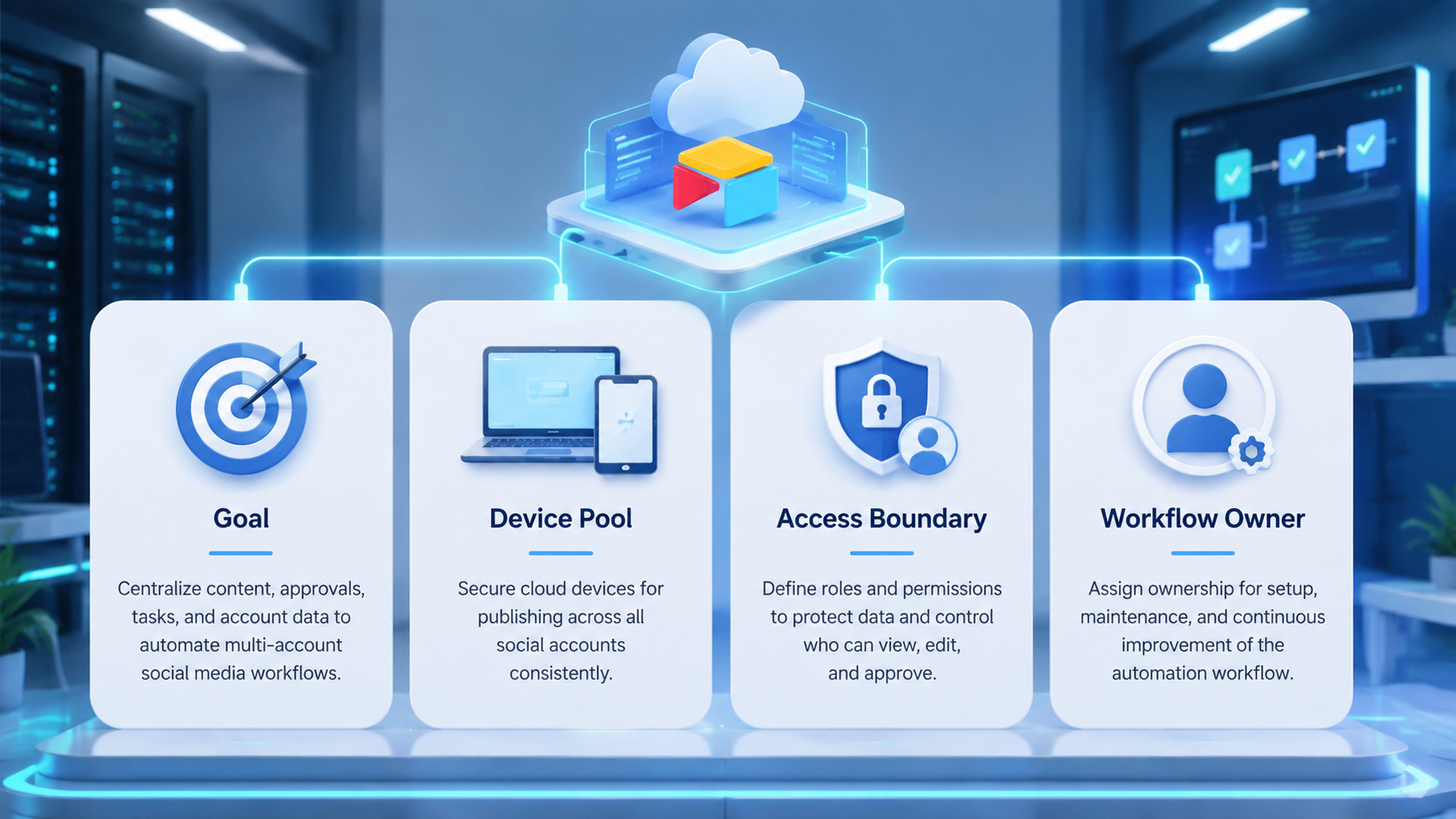
Airtable is useful after the post is published too. The same row can hold comment review status, follow-up owner, and recovery notes.
Use recovery fields such as blocked reason, next action, reviewer, and due time. These fields keep the team from losing unfinished work between shifts.
Moimobi’s device isolation layer is useful when account work happens in separate browser or mobile environments. The workflow record should point to the correct environment.
Pilot Metrics
Run the first Airtable workflow on one campaign or account group. Keep the goal narrow.
Track missed posts, approval delays, blocked tasks, edited captions, failed publishing attempts, and recovery time. These numbers show whether the base improves operations or just adds admin work.
If the team updates Airtable after the work is done, the workflow is too heavy. The record should help operators during the work, not only after it.
Common Mistakes
The first mistake is using Airtable as a content archive only. The base should manage active work.
The second mistake is missing account ownership. Every task needs a specific account and owner.
The third mistake is separating execution notes from planning rows. Publishing results should return to the same workflow record.
The fourth mistake is automating too early. Build a clean manual workflow before adding triggers or AI assistance.
Frequently Asked Questions
What is an Airtable social media automation workflow?
It is a structured Airtable base and task process for managing content, accounts, approvals, publishing, and results.
Why use Airtable for social media operations?
It gives teams a flexible database for content, status, account ownership, and handoffs.
What should the first base include?
Use content queue, account table, owner, approval status, publish window, and result fields.
Can Airtable publish posts by itself?
Airtable can trigger workflows, but execution still needs platform tools, browser workspaces, or mobile environments.
How does Moimobi fit?
Moimobi can provide the browser and mobile execution environments connected to the planning record.
What should be automated first?
Prioritize status updates, reminders, approval routing, and blocked-task alerts.
What should not be automated first?
Do not automate final publishing until account ownership and approval rules are stable.
How should success be measured?
Measure missed posts, approval delay, blocked tasks, failed handoffs, and recovery time.
Conclusion
An Airtable social media automation workflow works when Airtable becomes the shared record for content, accounts, approval, execution, and review.
Begin with one campaign, one account group, and a short status model. Once the workflow is reliable, connect it to Moimobi execution environments for browser and mobile tasks.



