Title: AI Employee Platform for Teams Running Online Workflows
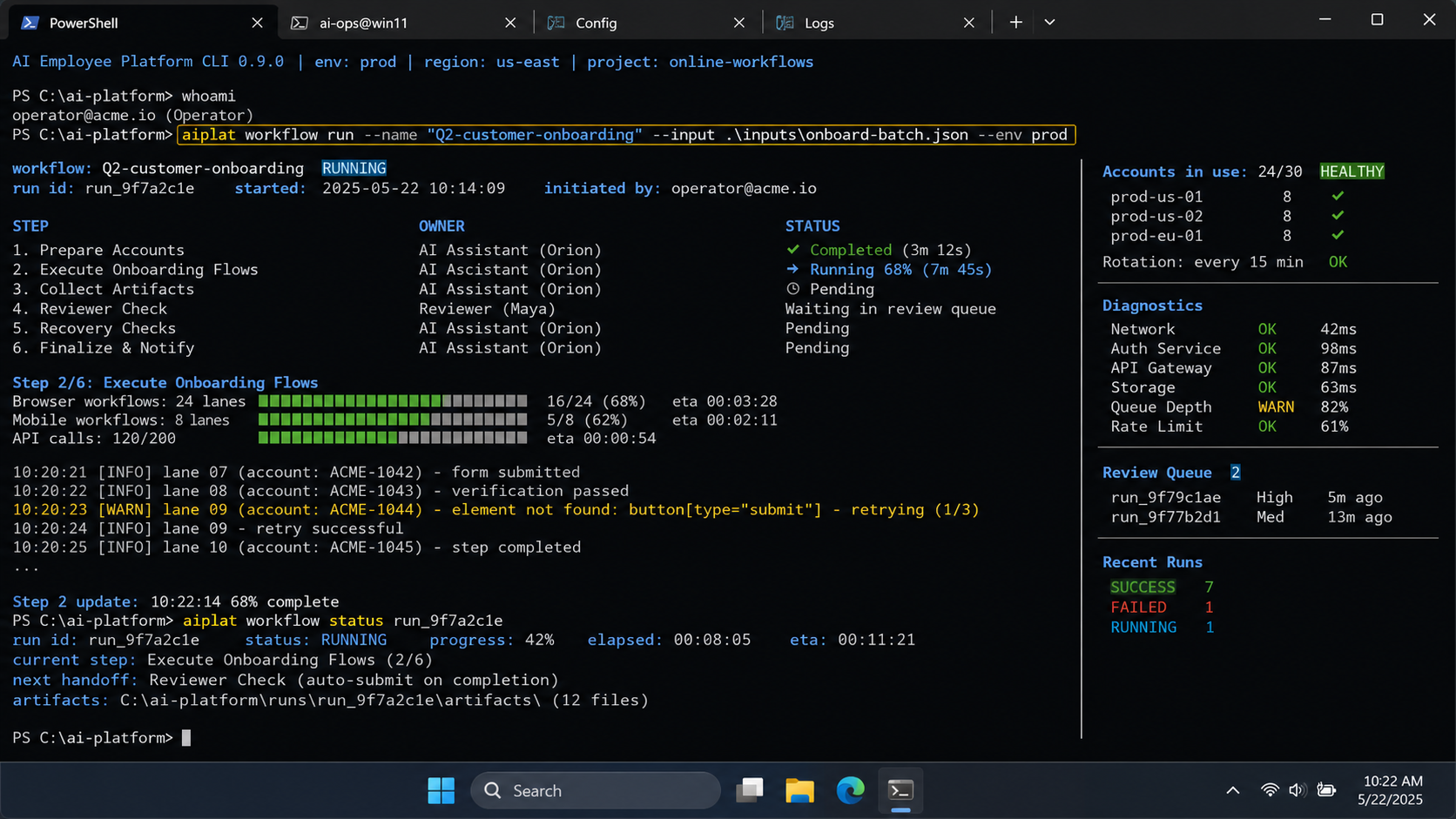
An AI employee platform is software that connects AI planning, task instructions, execution environments, and team review into repeatable online workflows. It is not only a chatbot, and it is not only browser automation. Its value appears when work can move from intent to execution inside controlled browser and mobile environments.
Teams search for this category when daily online work becomes hard to coordinate. A social team may need content drafts, account assignment, browser sessions, mobile app checks, customer replies, and task records. A sales or support team may need lead research, CRM updates, inbox triage, and follow-up tracking.
The core question is simple: can the system help a team complete real work without mixing accounts, losing ownership, or creating an unreviewed automation queue?
Key takeaways
- An AI employee platform should combine AI planning with real execution environments.
- Browser tasks and mobile tasks need different runtime controls.
- Account isolation, task ownership, review queues, and recovery records matter more than raw task volume.
- Teams should start with one workflow, one account group, and clear success metrics.
- A good pilot tracks completed work, blocked reasons, review time, and recovery actions.
The Core Idea Behind an AI Employee Platform
The basic model gives teams a way to assign repeatable online tasks to AI-assisted workers. Those workers still need a place to work. For web tasks, that place may be an AI browser execution platform. For mobile tasks, it may be a cloud phone or managed Android environment.
The useful distinction is between generation and execution. AI can draft a reply, summarize a lead, or suggest a campaign plan. Execution begins when that output must be used inside a logged-in account, a browser profile, a mobile app, or a team workflow.
Browser automation has real technical boundaries. The W3C WebDriver standard describes browser automation through sessions, commands, navigation, windows, elements, cookies, and prompts. Those are not abstract AI concepts. They are runtime objects that affect whether a task can actually run.
Mobile workflows have their own boundaries. A mobile task may need an app session, device status, permissions, a prepared media file, and a clean route. AWS Device Farm is built for testing rather than operations, but its documentation still shows an important pattern: real device pools, run status, and device availability shape what can execute.
That is why an AI employee platform should be judged as execution infrastructure. The question is not whether the AI can write instructions. The question is whether the team can assign, run, review, and recover work reliably.
A practical platform also separates four responsibilities. AI interprets the task. The environment carries the session. The workflow defines what should happen. The team decides what needs review. When these responsibilities blur, small failures become hard to diagnose.
Why Teams Search for AI Employee Platform Tools
Teams usually reach this category after spreadsheet coordination stops working. One person may own the content calendar. Another may manage account logins. A third may handle replies. The task itself crosses several systems, so a simple AI writing tool does not remove the operational load.
Consider a team that manages social accounts across TikTok, Instagram, and messaging apps. The work may include content research, publishing, comment review, customer follow-up, and weekly reporting. Some steps happen in web dashboards. Other steps happen in mobile apps. Some actions need approval before they go live.
That operating model needs more than prompts. It needs:
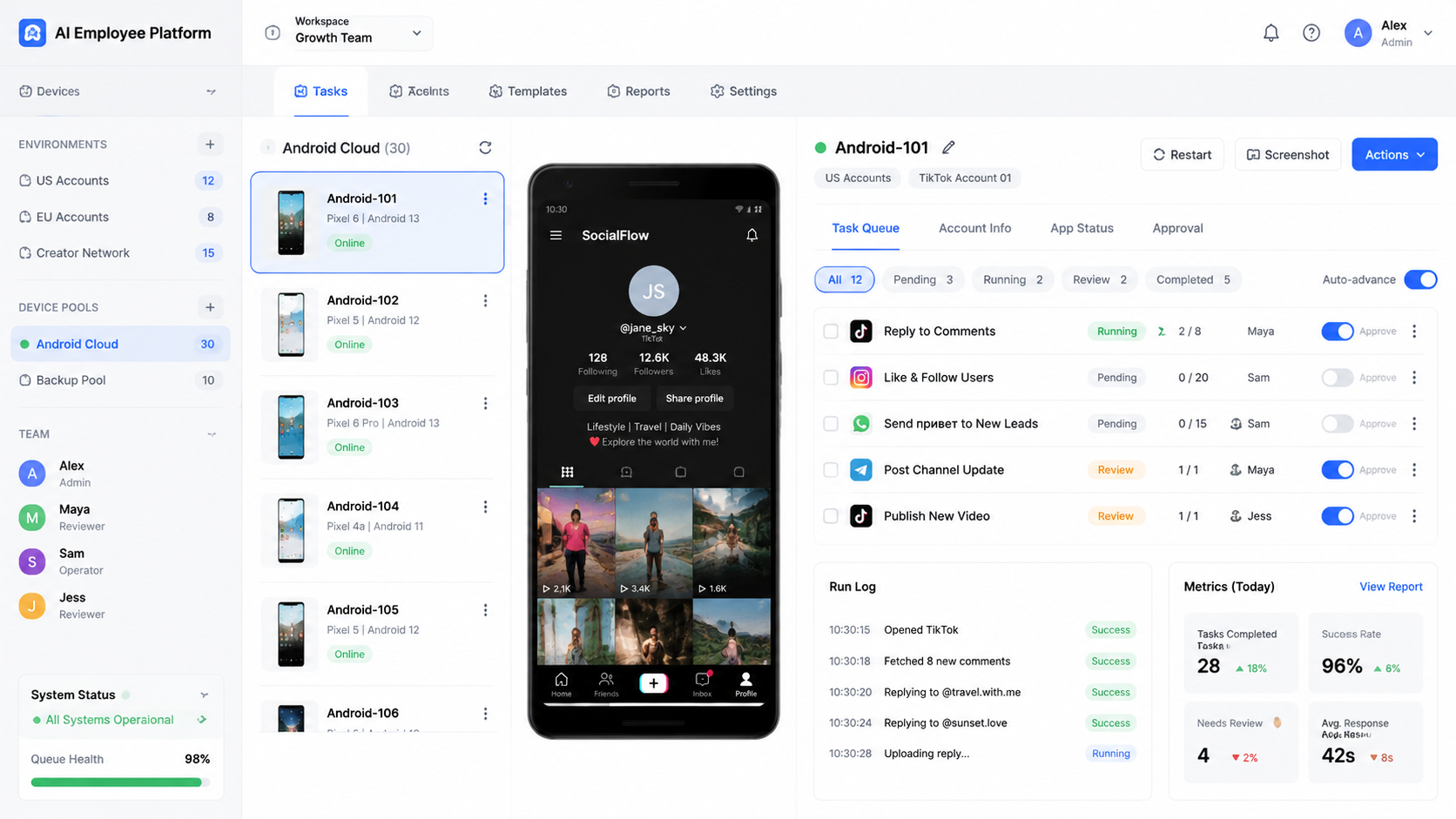
- account environments that stay separated
- task queues tied to accounts and owners
- browser or mobile execution slots
- review rules for public-facing actions
- failure records when a task cannot continue
This is also where multi-account management becomes part of the AI employee decision. If every account shares one vague workspace, the team cannot tell which account is ready, which task failed, or who should recover it.
There is another reason teams search for this topic. Many operations teams have already tried lightweight automation scripts. Scripts can work for narrow tasks, but they rarely solve ownership, review, account assignment, and failure recovery together. The search shifts from "can this action be automated?" to "can this workflow be operated by a team?"
Scenario Map: Roles, Tasks, and Metrics
A useful AI employee rollout starts with a concrete scenario. Do not begin with every task the team can imagine. Begin with one account group and one repeatable workflow.
| Role | Online Task | Execution Environment | Success Signal |
|---|---|---|---|
| Content operator | Prepare post drafts and captions | Browser workspace plus content library | Approved drafts per week |
| Social account owner | Publish and check account activity | Browser profile or cloud phone | Completed posts and account status |
| Support operator | Review comments and message replies | Mobile app or social inbox | Resolved conversations and review time |
| Team lead | Inspect failures and reassign tasks | Operations dashboard | Blocked reasons reduced over time |
This table is not a feature list. It is an operating map. Each AI employee needs a role, a task boundary, an environment, and a metric. Without those four fields, the system becomes a loose automation queue.
The scenario also shows why one generic AI worker is rarely enough for team operations. The content operator and the support operator may both use AI, but they should not share the same approval rules. The account owner may need execution permissions. The team lead may only need visibility, reassignment, and recovery controls.
Account Environments and Task Assignment
Account environments are the operating base for AI workers. Each environment should connect an account, a browser profile or mobile device, a workflow scope, and a responsible owner. This makes execution traceable when something needs review.
For browser-heavy work, a profile can hold login state, browser session context, and task-specific workspace data. For mobile-heavy work, a device or cloud phone can hold app state, permissions, and mobile account context. Android Enterprise materials describe managed Android as a model for controlling devices, apps, and work data in business settings. The exact Moimobi use case is different, but the management principle is relevant: mobile work needs controlled device context.
Teams should avoid assigning accounts only through informal notes. A better assignment record includes:
- account name or account group
- owner and reviewer
- execution environment
- approved workflow types
- current status
- latest failure reason
- next recovery action
This level of detail keeps AI worker software from becoming invisible background activity. Operators can see whether a task is safe to start, waiting for review, blocked by login, or paused for recovery.
Who Benefits Most and Where It Does Not Fit
The best fit is a team with repeated online workflows and clear account ownership. Agencies, social media teams, e-commerce operators, support teams, and lead research teams often have this pattern. The same tasks recur every day, but the context changes by account, platform, customer, or campaign.
The fit is weaker when the work is one-off, undefined, or fully creative. If the team cannot describe the task, the approval rule, and the expected result, an AI worker will not fix the process. It may only produce more drafts and more decisions to review.
- Repeated browser or mobile tasks
- Multiple accounts with clear ownership
- Reviewable actions such as drafts, replies, and reports
- Known failure states such as login required or missing asset
- Undefined work with no task boundary
- Actions that require judgment on every step
- No account assignment or recovery owner
- Teams that only want unmanaged bulk execution
Moimobi is best understood as execution infrastructure for teams that need browser and mobile capacity. The mobile automation layer matters when the workflow must run inside mobile apps, not only web dashboards.
How to Evaluate an AI Employee Platform
Start with checkpoints instead of a long feature checklist. The right questions expose whether the system can carry work through execution.
-
Environment readiness
Confirm where each task runs. Web dashboards need browser sessions. Mobile app workflows may need cloud phones or Android devices. Playwright documentation on auto-waiting and actionability checks is a useful reminder that automation depends on UI state. A planned click is not useful if the target is not actionable. -
Account assignment
Each account should have a workspace, owner, and status. A shared login pool may look convenient, but it makes failure recovery harder. -
Review control
Decide which actions need human approval. Public replies, outbound messages, and sensitive updates should not be treated like low-risk data collection. -
Failure handling
Define what happens when a task stops. Common states include login required, device offline, missing asset, blocked workflow, and needs human review. -
Evidence and records
Track what ran, where it ran, who approved it, and why it failed. Without records, AI employees software becomes hard to audit.
For teams evaluating device-heavy workflows, device isolation is part of the evaluation. The goal is separated workspaces and cleaner operational records, not a promise that every platform risk disappears.
One more checkpoint matters for daily operations: handoff. If an AI worker prepares a reply, who approves it? If a mobile app task needs login repair, who takes over? If a workflow fails twice, should it retry, pause, or move to a human queue? These handoff rules decide whether automation reduces work or simply moves the mess to another screen.
Mistakes That Reduce Results
The biggest mistake is treating an AI employee platform as a way to skip operations design. The tool can help run work, but it cannot invent good ownership rules for a team that has none.
Another mistake is counting AI outputs as completed work. A generated reply is not the same as a resolved customer conversation. A task plan is not the same as a completed workflow. Completion should mean the right account, environment, approval rule, and result all line up.
Avoid these patterns:
- launching too many workflows before one pilot is stable
- using the same account environment for unrelated tasks
- letting every AI draft bypass review
- measuring only started tasks, not completed tasks
- ignoring blocked reasons until operators complain
There is also a compliance and platform-policy angle. Any workflow that touches accounts, messages, or customer data should be designed with permission, review, and user expectations in mind. Use cautious rules when the action is public-facing or customer-facing.
Do not let naming hide operational risk. Calling something an "AI employee" does not remove the need for permissions, queues, logs, and recovery. It only gives the team a clearer way to package repeatable work.
Pilot Rollout, Measurement, and Recovery Checks
A practical pilot can start with one workflow and one account group. For example, assign AI workers to prepare social post drafts, collect competitor examples, and queue reply suggestions. Keep the final publish or reply step under human review at first.
Run the pilot for two weeks and measure more than output volume. Track how many tasks were completed, how many needed review, how many failed, and how long recovery took. Also track whether the same failure repeats across accounts or environments.
- Pick one workflow: choose publishing support, reply triage, lead research, or monitoring.
- Assign one account group: avoid testing every account at once.
- Set review rules: decide what AI can prepare and what humans must approve.
- Track blocked reasons: login, device offline, missing asset, unclear instruction, or needs human.
- Review weekly: improve the workflow before adding more accounts.
The recovery review is the most useful part. If most failures come from account login state, fix account readiness. If failures come from unclear instructions, improve the task template. If the review queue is the bottleneck, reduce which actions require approval or add more reviewers.
For social teams, social media marketing workflows are a good starting point because they combine research, publishing, replies, monitoring, and reporting in one operating loop.
After the pilot, expand only one dimension at a time. Add more accounts, more workflow types, or more operators, but not all three at once. This keeps the cause of failure visible. If completion rate drops after adding mobile tasks, investigate device readiness. If review time increases after adding accounts, inspect approval capacity.
What a Good Operating Review Looks Like
A weekly review should be short and evidence-based. It should not become a meeting where every operator tells stories from memory. The platform should provide enough task records to identify patterns.
Review these fields first:
- completed tasks by workflow
- blocked tasks by reason
- average review wait time
- repeated failures by account
- environments that stayed offline or busy
- tasks that needed human takeover
- workflow templates that produced unclear outputs
The review should end with one decision. The team may update a task template, pause a weak account group, add a reviewer, or move one workflow from manual review to sampled review. Small changes are easier to measure than a broad automation reset.
Frequently Asked Questions
What is an AI employee platform?
It is a system that helps teams assign AI-assisted workers to repeatable tasks, then run those tasks inside controlled browser or mobile environments.
Is AI employee software the same as a chatbot?
No. A chatbot mainly answers or generates text. AI employee software should connect instructions, environments, workflow status, review, and task results.
Do AI employees replace human operators?
Not in a well-run rollout. They usually take over preparation, monitoring, drafting, and repeated execution steps. Humans still set rules, approve sensitive actions, and handle exceptions.
Why does an AI employee need a browser or cloud phone?
Online work often happens inside logged-in web apps or mobile apps. The AI needs an execution environment where the task can actually run.
How should a team choose its first workflow?
Choose a frequent task with clear inputs, clear outputs, and a simple review rule. Avoid starting with high-risk or judgment-heavy actions.
What metrics matter most?
Track completed tasks, blocked reasons, review time, recovery time, and repeated failures. Started tasks alone are not enough.
Can one AI worker manage many accounts?
It may be possible in some workflows, but account-based teams usually need clear account assignment. One worker per account group is easier to monitor.
When is a cloud phone needed?
A cloud phone is useful when the task must run in a mobile app environment. Web-only work may be better suited to browser profiles.
What is the safest next step?
Map one workflow from instruction to review to recovery. Then test it with a small account group before expanding.
Conclusion
An AI employee platform is useful when it turns repeatable online work into assigned, reviewable, and recoverable workflows. The strongest teams do not start with the broadest automation claim. They start with one workflow, one account group, and one clear measurement loop.
The next step is to map your current work into four fields: task, account environment, owner, and success signal. If those fields are clear, an AI employee platform can become execution infrastructure. If they are unclear, fix the workflow before scaling automation.
References