
Key Takeaways
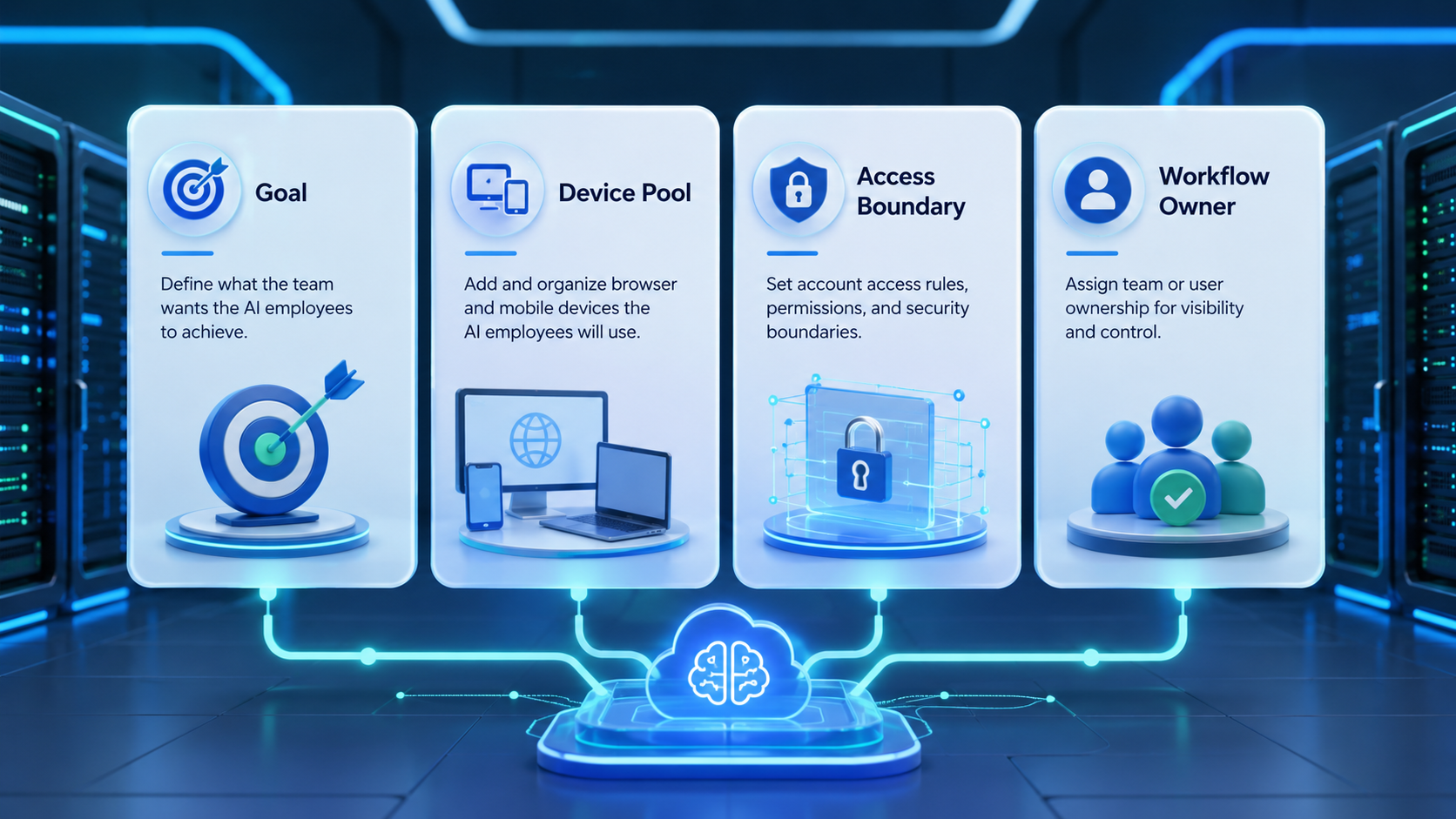
- An AI employee platform needs task scope, environment scope, and review rules
- Multi-workflow teams should separate browser, mobile, and account workspaces
- The first rollout should focus on one repeatable workflow, not every team process
- Good measurement tracks completed work, paused tasks, and recovery time
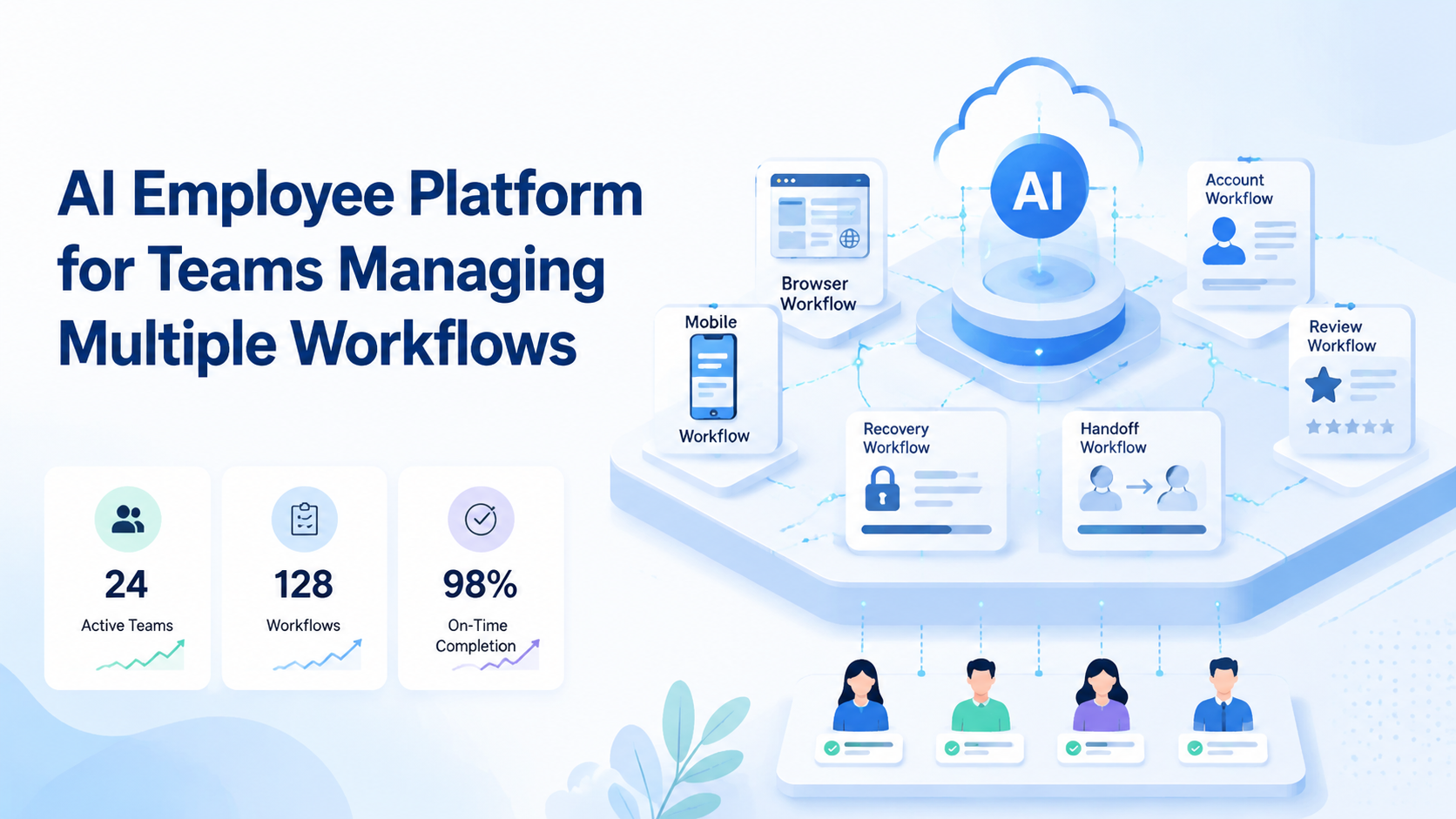
An AI employee platform is a system for assigning repeatable digital work to AI workers with defined tools, environments, owners, and review rules. For teams managing multiple workflows, the platform matters because work rarely stays in one app.
A support reply may start in a browser dashboard. A content task may continue inside a mobile app. A manager may need to approve the final step. Moimobi is built around this execution problem: connected browser, cloud phone, and account environments for team operations.
What Is an AI Employee Platform for Teams Managing Multiple Workflows?
An AI employee platform turns repeated online work into assigned workflows. It should define what the worker can do, where it can work, and when it must pause for a human decision.
The useful unit is not a prompt. It is a worker assigned to an environment and a task boundary.
One worker may handle customer replies, while another prepares content and a third monitors competitor activity for review notes. Keep the roles small.
For browser tasks, structured automation matters. W3C WebDriver defines browser sessions, commands, and responses for remote browser control (W3C WebDriver). AI employee workflows should follow the same operating habit: session, action, result, and trace.
Why an AI Employee Platform Matters for Multiple Workflows
The common misunderstanding is that AI workers only need instructions. Instructions help, but cross-platform work also needs account state, environment boundaries, and recovery rules.
A team with three workflows needs three kinds of control:
| Control | What it answers |
|---|---|
| Task scope | What is the worker allowed to do? |
| Environment scope | Which browser profile or phone should it use? |
| Review scope | When should a human approve or recover the task? |
Playwright's browser automation documentation shows how modern web work depends on reliable actions, waits, and assertions (Playwright). AI does not remove that need. It adds planning and language work on top of execution.
Key Benefits and Use Cases
The strongest benefit is workflow separation. Teams can avoid mixing customer replies, publishing tasks, lead research, and monitoring into one vague automation queue.
Practical use cases include:
- Publishing content from a prepared asset queue
- Replying to customer messages with review for sensitive cases
- Updating CRM fields after web research
- Monitoring social or marketplace pages
- Moving failed mobile tasks into recovery review
Moimobi's multi-account management layer is important when these workflows touch several accounts. Account pools need clear owners, clean routing, and visible task status.
How to Get Started with an AI Employee Platform
Do not begin with "automate everything." Start with one workflow where the start state and result are easy to confirm.
Use this rollout:
| Step | Decision |
|---|---|
| 1 | Choose one workflow, such as reply review or daily publishing |
| 2 | Pick one account group and one owner |
| 3 | Map the workflow to a browser profile, cloud phone, or both |
| 4 | Define pause events, such as unclear prompts or failed steps |
| 5 | Track results for seven days before adding another workflow |
AWS Device Farm remote access shows how hosted devices can be controlled through a browser session (AWS Device Farm). For operations teams, the lesson is clear: remote execution still needs session control and task visibility.
Common Mistakes to Avoid
Avoid three failure patterns:
| Mistake | Better rule |
|---|---|
| Mixing workflows too early | Keep replies, publishing, and lead research in separate queues |
| Ignoring environment ownership | Use the browser or phone assigned to the account |
| Skipping recovery | Give every failed task a named owner and next action |
This prevents a quiet failure mode. The team should not move unclear manual work into an automated queue and call it progress.
Who It Fits and When It Is a Strong Match
This model fits teams with repeated digital operations across browser and mobile surfaces. Agencies, ecommerce teams, support teams, and growth teams are common examples.
Strong fit:
- Several workflows run daily
- Multiple accounts need separate workspaces
- Tasks have clear pass or fail signals
- Human review is already part of the process
- Operators need clean handoff between shifts
Weak fit:
- One person owns one account
- The process changes every day
- The outcome depends mostly on judgment
- The team has no task status system
Moimobi's device isolation is most useful when account context and device context affect workflow quality.
Workflow Design Fields for an AI Employee Platform
Good workflow design starts with fields the team can reuse. Do not rely on long free-text notes as the main control layer.
At minimum, record:
- Workflow name
- Account group
- Assigned worker
- Browser profile or mobile workspace
- Allowed actions
- Stop conditions
- Review owner
- Recovery owner
- Last result
These fields keep the work portable. A manager can check the same record before a shift change, after a failed task, or during a weekly review. The worker also gets a clearer boundary because the account, environment, and task are not hidden inside a prompt.
For teams with both web and app work, add one extra field: primary surface. Mark each workflow as browser-first, mobile-first, or mixed. This small label helps the team route work to the right environment before execution starts.
Pilot Rollout, Measurement, and Recovery Checks
Measure the first pilot as an operating system, not a demo. The question is whether the team can trust the record of work.
Track:
- Tasks completed
- Tasks paused for review
- Failed steps by platform
- Human takeover events
- Time to recovery
- Missing context incidents
- Reopened tasks after approval
NIST SP 800-53 includes controls for accountability and audit events in organizational systems (NIST). A workflow platform does not need the same formal structure, but owners and traces still matter.
Frequently Asked Questions
What is an AI employee platform?
It is software that gives AI workers task rules, tools, environments, and review paths.
Is this the same as AI chat?
No. Chat answers questions. An execution platform helps work move through browser and mobile environments.
Which workflow should start first?
Choose a repeated task with a clear result, such as reply review or content publishing.
Does every workflow need mobile execution?
No. Use mobile execution only when the task must run inside an app or mobile account workspace.
How many AI employees should a team start with?
Start with one or two focused workers. Add more after the workflow is measurable.
What should humans review?
Review sensitive replies, unclear prompts, failed steps, and account recovery decisions.
Where does Moimobi fit?
Moimobi connects mobile automation, browser profiles, cloud phones, and account workspaces.
Conclusion
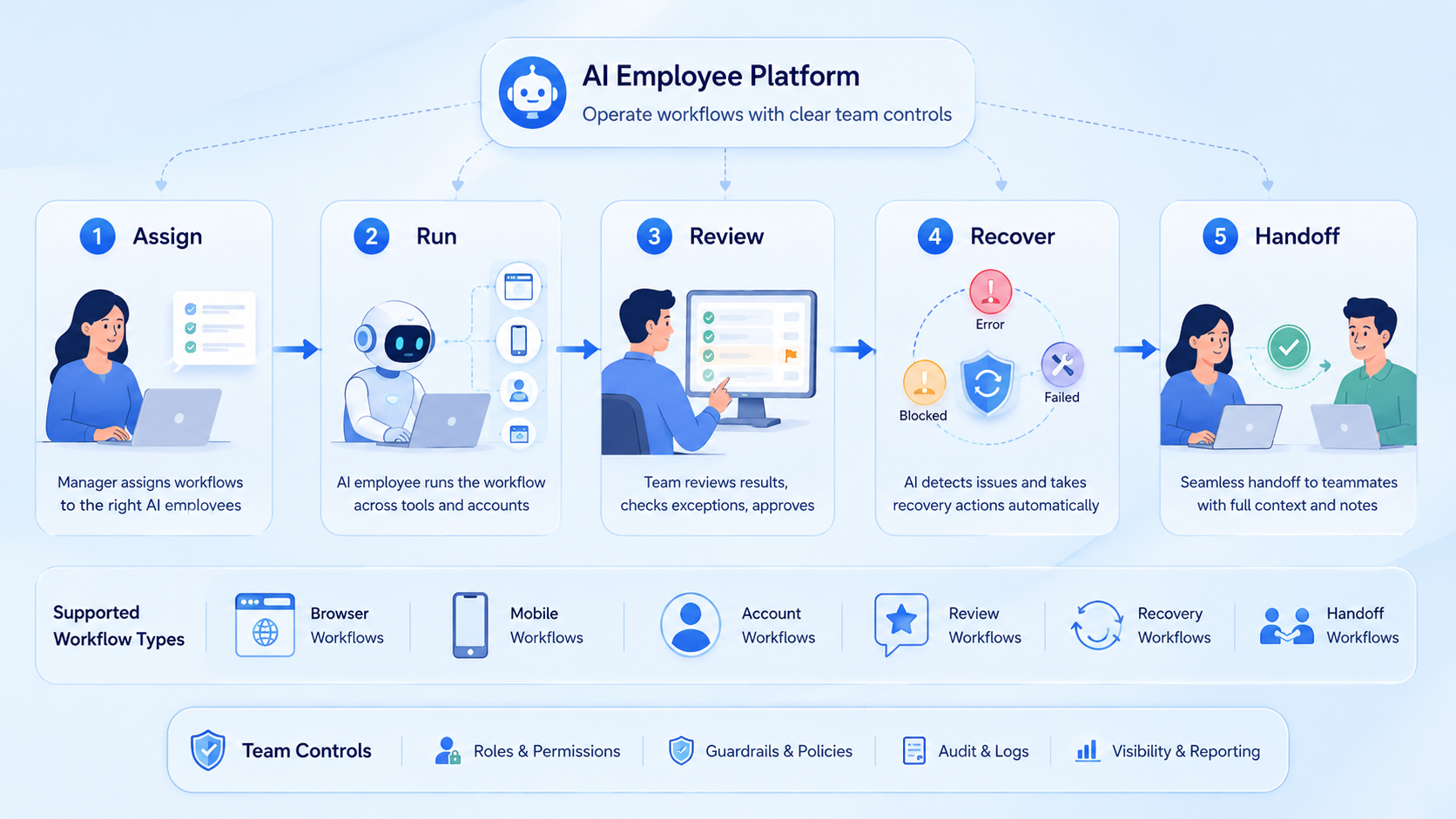
An AI employee platform works best when the team treats it as execution infrastructure. Start with one workflow, one account group, and one review owner.
Before expanding, check whether completed tasks are visible, failures have owners, and handoff does not depend on private chat. If those signals are weak, improve the workflow before adding more AI employees.



