
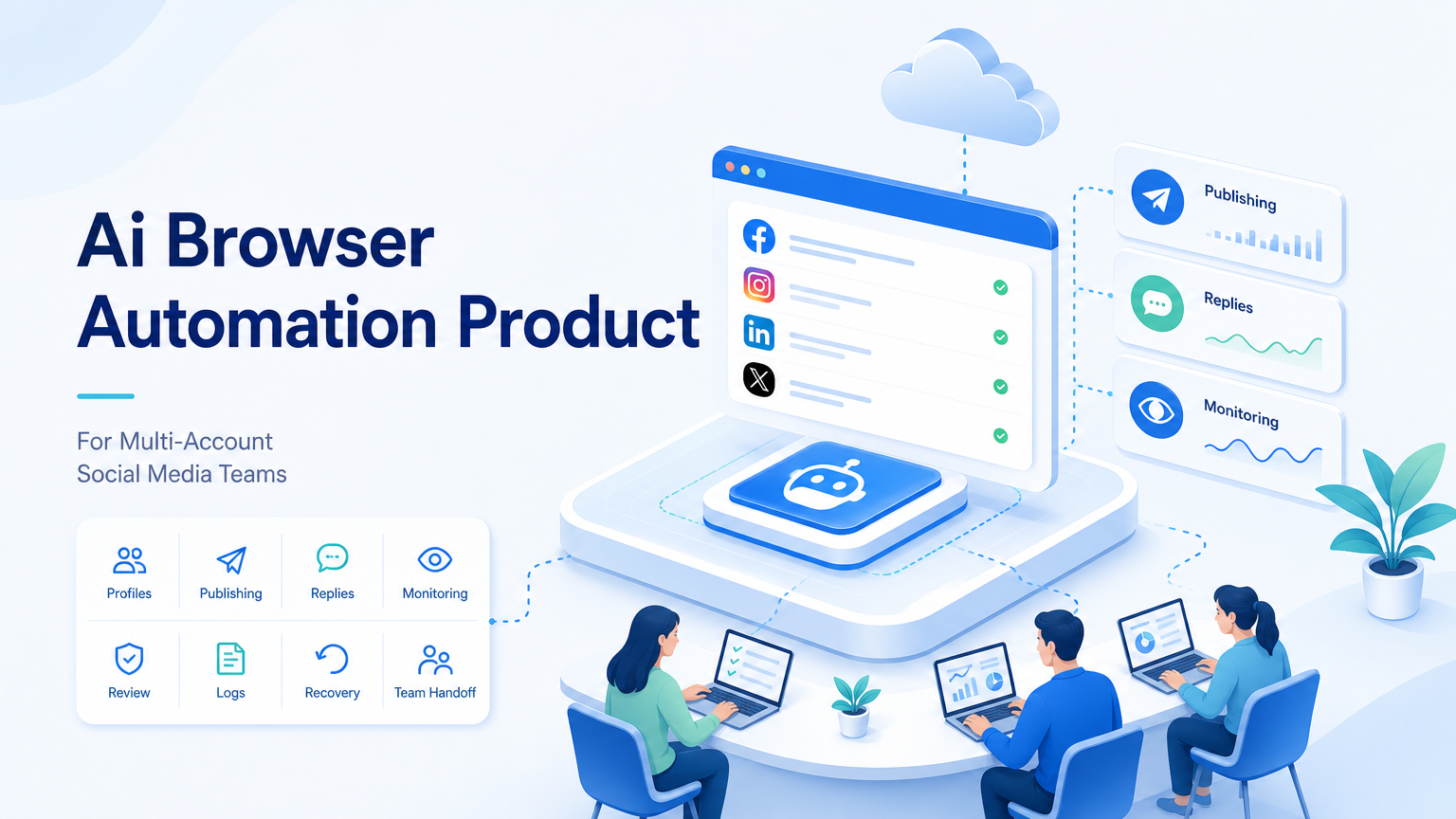
Controlled browser workspaces define an AI browser automation product for social media teams. For multi-account teams, the value is not only faster clicking. The value is account separation, repeatable SOPs, review steps, and visible task history.
Social media teams often work across dashboards, creator tools, inboxes, analytics pages, and client accounts. A useful AI browser setup gives AI-assisted tasks a place to run without mixing every account in one uncontrolled session.
Key Takeaways
- Multi-account social teams need separate browser workspaces for accounts, clients, and roles.
- AI browser automation should support drafts, reviews, task logs, and exception handling.
- Browser automation standards such as W3C WebDriver show why session state matters.
- Tools such as Playwright frame automation around actions, assertions, and repeatable flows.
- A pilot should measure completion rate, review edits, account boundaries, and recovery time.
What an AI Browser Automation Product Does
The product gives AI-assisted workflows access to web tasks. It can help prepare captions, open the correct workspace, check a dashboard, collect a status, or draft a reply for approval.
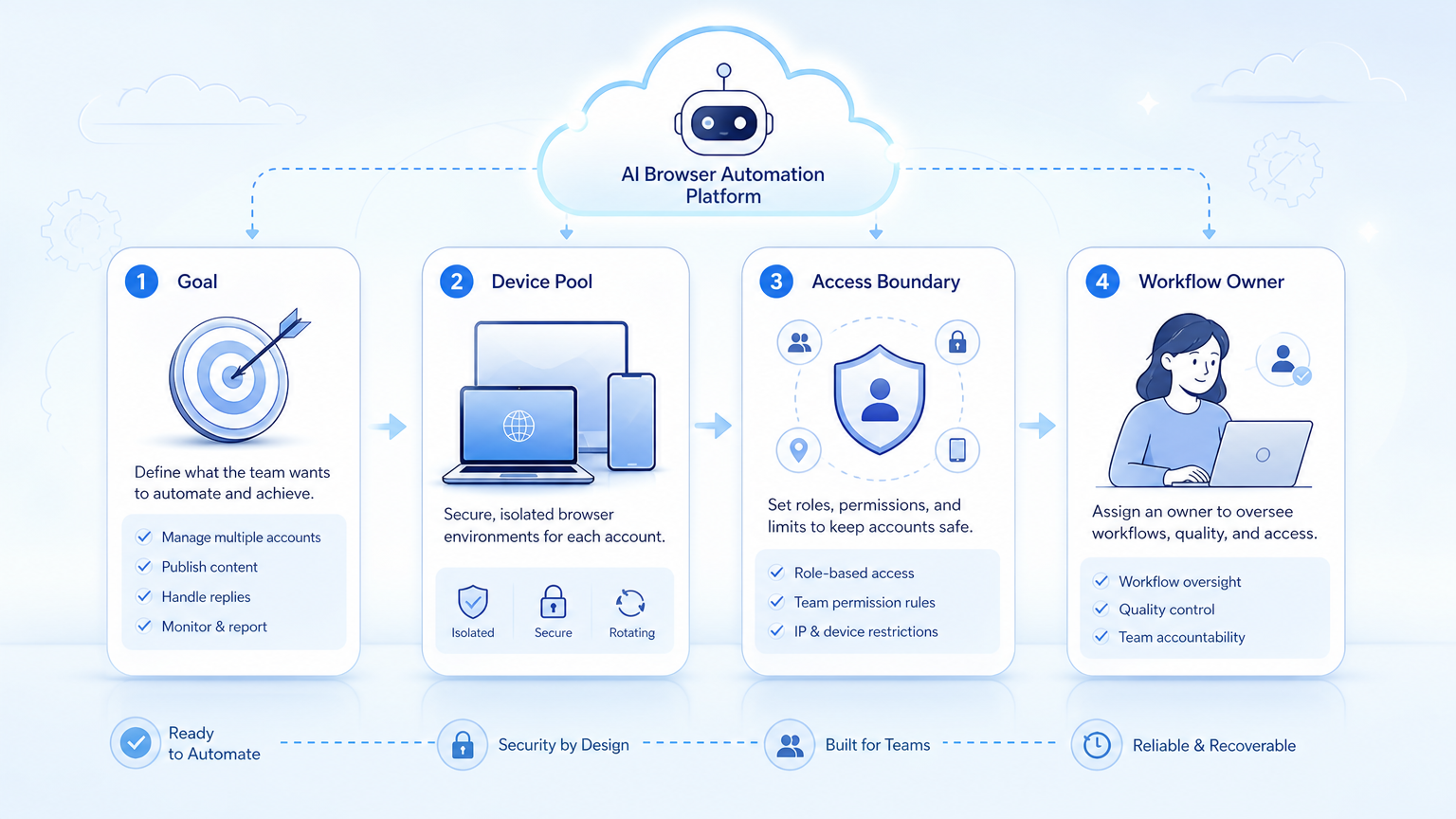
The platform should not act like one shared browser for every account. Social media work depends on context. A brand account, agency client account, and creator account may need different sessions, permissions, assets, and posting rules.
MoiMobi treats this as execution infrastructure. Browser automation can connect with multi-account management, cloud phones, device isolation, and team handoff. The system is strongest when each workflow has an owner, account workspace, and review path.
Why Multi-Account Teams Need Browser Workspaces
Social media operations become messy when every task shares the same environment. Operators lose track of which account is open, which role approved a reply, and which campaign a task belongs to.
A browser workspace reduces that confusion. Each account can have a profile, login state, proxy route, asset folder, and task history. The workflow becomes easier to review because the environment matches the account being operated.
The W3C WebDriver model is built around browser sessions and commands. That technical design reflects a simple operational point: browser work has state. A team cannot manage state well if every task is thrown into one tab.
Use Cases for Social Media Operations
The strongest fit is a workflow that is frequent, structured, and reviewable.
| Workflow | AI-assisted task | Human control |
|---|---|---|
| Publishing | Prepare caption, open account workspace, check asset readiness. | Approve final post and timing. |
| Comment replies | Draft response from context and label intent. | Review sensitive or brand-risk replies. |
| Inbox triage | Sort messages by urgency, source, and required action. | Escalate sales, refund, or complaint cases. |
| Monitoring | Check dashboards, competitor pages, or campaign status. | Review exceptions and update the plan. |
These workflows are not only content tasks. They include account state, timing, approvals, and feedback. That is why the browser layer matters.
How to Evaluate an AI Browser Automation Product
Start with the account model. Ask whether the product can keep accounts, roles, and sessions separated. If the answer is unclear, the platform may become hard to control as the team grows.
Next, test workflow review. A useful product should show what the AI did, where it stopped, and what a human approved. Browser automation without logs becomes difficult to trust.
Then check environment coverage. Browser tasks may not be enough for TikTok, Instagram, or messaging workflows that depend on mobile apps. In those cases, connect browser execution with cloud phone and mobile automation.
Scenario: Agency Comment Triage Across Client Profiles
Consider a small agency managing twelve client profiles across three operators. The daily job is not complex, but it has many small failure points. Operators must open the right account, read recent comments, label intent, draft replies, and send anything sensitive to a reviewer.
The workflow should break that work into fields the team can inspect:
- Account profile: client name, platform, workspace, and assigned operator.
- Comment status: new, drafted, reviewed, replied, escalated, or ignored.
- Reply source: AI draft, human edit, saved response, or escalation note.
- Review reason: complaint, pricing question, public issue, or uncertain context.
- Run result: completed, stopped, failed login, missing context, or waiting for approval.
A field-level structure gives the pilot a measurable shape. The team can see whether AI drafts reduce preparation time, whether reviewers still rewrite most replies, and whether account workspaces stay clean.
The stop rule is just as important as the success rule. If a comment mentions payment, refund, legal concern, personal data, or a brand-risk topic, the workflow should pause. The reviewer sees the account, comment, draft, and reason for escalation before any reply is sent.
Common Mistakes to Avoid
The first mistake is using AI to scale unclear SOPs. If a human team cannot explain the steps, AI will not make the workflow easier to manage.
The second mistake is automating public actions too early. Publishing, messaging, and profile changes need review gates. Start with draft preparation, monitoring, or internal status checks before broader execution.
The third mistake is ignoring platform boundaries. Official platform rules and developer docs should guide what a team automates. For example, Meta's Platform Terms define responsibilities for developers using Meta platform tools. Teams should use that type of source when setting policy boundaries.
Pilot Rollout and Measurement
Run the first pilot on one workflow and a small account group. A social media agency might choose comment triage across three client profiles. A creator team might choose draft caption preparation before publishing.
Track these fields:
- Account workspace used.
- Task owner and reviewer.
- Run status and final outcome.
- Human edits made before approval.
- Failure reason, such as missing asset, expired session, unclear context, or policy stop.
These measures show whether the AI browser automation product is ready for more accounts. If review edits are high, improve instructions. If failures come from environment drift, improve profile and session controls.
Procurement Checklist for Team Leads
Before buying, test the product against the work your team actually performs. A short demo can show navigation, but it may not prove role control, review depth, or recovery.
Use this checklist:
- Can each account run inside a separate browser profile or workspace?
- Can the team assign operators and reviewers separately?
- Does the workflow record what the AI did before the human approved it?
- Can managers filter failed runs by account, task, and reason?
- Does the product support both browser tasks and mobile follow-up when needed?
- Can sensitive actions be paused before posting, replying, or changing account settings?
- Does the vendor explain how logs, permissions, and environment settings are stored?
If the product cannot answer these questions, keep the pilot narrow. Run monitoring or draft preparation first, then expand only after the team sees clean logs and manageable review load.
Run Record Fields to Require
A serious pilot should define the run record before automation starts. Without a run record, the team cannot tell whether the product improved operations or only moved work into another black box.
Require these fields for every run:
workspace_id: the browser profile or account workspace used.account_owner: the person responsible for the account group.task_type: publishing, reply draft, monitoring, inbox triage, or reporting.input_source: content calendar, comment queue, inbox, dashboard, or uploaded asset.review_state: not reviewed, approved, edited, escalated, or rejected.stop_reason: login issue, missing asset, sensitive topic, page change, or unclear instruction.final_state: completed, waiting, failed, recovered, or cancelled.
These fields create decision rules. If stop_reason repeats for one account, fix the workspace. If review_state is often edited, improve the prompt and SOP. If final_state often fails during publishing, move that workflow back to human review until the environment is stable.
Example Pilot Scorecard
Use a numeric scorecard for the first 30 days. Treat the numbers as internal thresholds, not vendor promises.
| Metric | Green range | Yellow range | Stop rule |
|---|---|---|---|
| Review edits | Under 20% of runs need major edits. | 20% to 40% need major edits. | Above 40% means the SOP or prompt is not ready. |
| Workspace accuracy | 100% of runs use the intended account workspace. | One mismatch in 30 days. | Any repeated mismatch stops expansion. |
| Recovery time | Failed runs recover in under 15 minutes. | Recovery takes 15 to 45 minutes. | More than 45 minutes means logs are too weak. |
| Monthly operating delta | Manual effort drops enough to offset the tool cost. | Savings are unclear after 30 days. | The team cannot explain the cost change in dollars or hours. |
The scorecard gives managers a go or no-go rule. It also stops teams from expanding only because the workflow looks impressive in a demo.
Frequently Asked Questions
Is an AI browser automation product a social scheduler?
No. A scheduler mainly plans and publishes content. An AI browser automation product focuses on execution workspaces and repeated browser tasks.
Does every social media team need browser automation?
No. It fits teams with repeated account workflows, client accounts, dashboards, inboxes, or review-heavy operations.
Can it work with mobile apps?
Yes, if the platform connects browser work with cloud phones or mobile execution environments.
What should be automated first?
Start with monitoring, draft preparation, or structured triage. Save public actions for reviewed workflows.
What is the biggest operational risk?
The biggest risk is uncontrolled execution across the wrong account or workspace.
How many accounts should a pilot include?
Use a small set first. Measure reliability before expanding the account pool.
How does MoiMobi fit this category?
MoiMobi combines browser and mobile execution environments for teams managing repeated social workflows.
Conclusion
Social operations should become more controlled, not more chaotic. The right test is one workflow, one account group, and one clear review path.
Before scaling, confirm that the platform preserves account workspaces, logs task results, and supports recovery when a session, asset, or instruction fails.



