
Key Takeaways
- A handoff trail records who owned an account, what changed, and what should happen next
- Shared teams need account, environment, task, reviewer, and recovery fields
- The audit trail should support browser and mobile workspaces together
- Start with a small pilot and measure missing context before adding automation
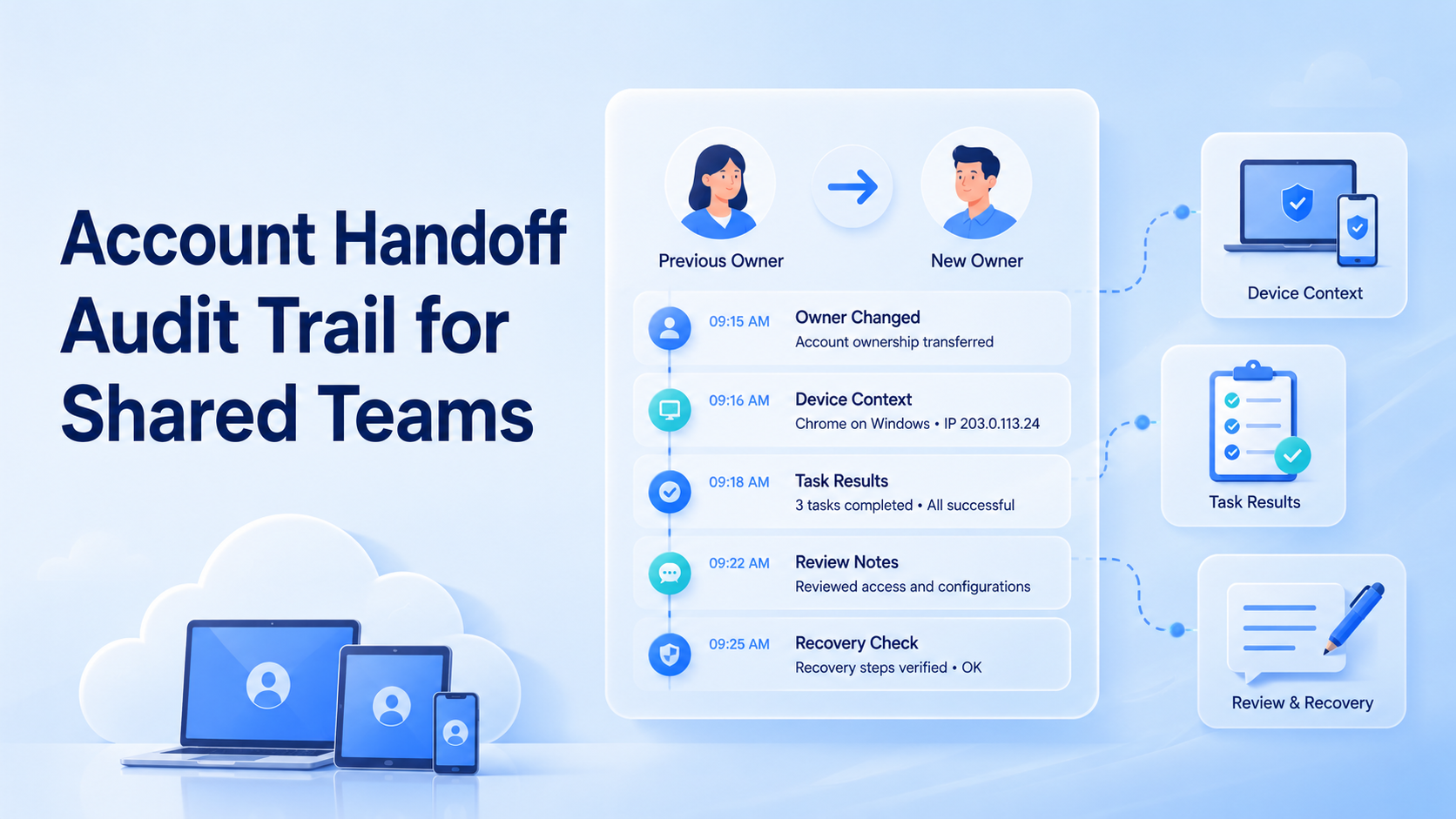
A handoff audit trail is a record of who owned an account workflow, what action happened, what context moved, and who is responsible next. It helps shared teams avoid losing task state between operators.
This matters when several people touch the same account across browser profiles, cloud phones, mobile apps, or customer inboxes. The handoff is not complete until the next operator can understand the current state.
What an Account Handoff Audit Trail Records
A useful audit trail is not a long narrative. It is a compact operational record.
Capture these fields:
| Field | Example |
|---|---|
| Account ID | client-a-instagram |
| Environment | browser-profile-04 or cloud-phone-12 |
| Previous owner | operator-a |
| New owner | operator-b |
| Last action | reply reviewed, content posted, prompt checked |
| Next action | continue, pause, escalate, recover |
| Evidence | screenshot, task note, timestamp |
| Recovery owner | named person |
NIST SP 800-53 includes audit and accountability controls for tracking system events (NIST). Shared account teams can use the same principle at an operations level: important actions should be attributable and reviewable.
Why Account Handoff Records Matter for Shared Teams
The risky part of shared account work is usually not one missed click. It is unclear ownership.
One operator may finish a reply. Another may see the same account later and repeat the work. A third may find an app prompt and not know whether it is expected. The result is rework, confusion, and slower recovery.
A transfer trail turns private memory into a team record. That is essential for multi-account management, where each account may have a different owner, workflow, and review rule.
Fit and Not-Fit Boundaries
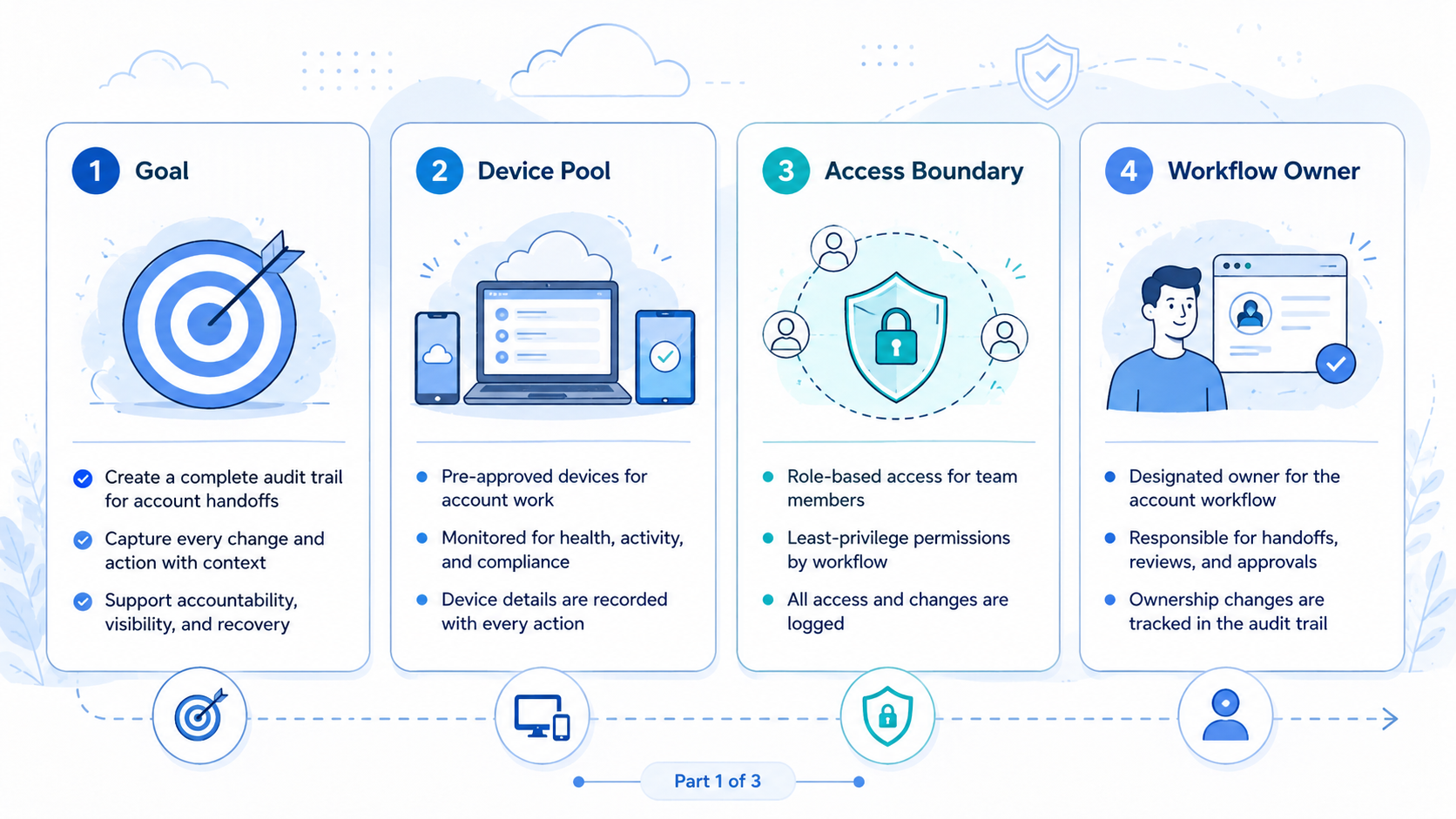
This workflow fits teams with shared responsibility. Agencies, support teams, growth teams, and social media operators often need it.
It is not required for every account. A solo founder with one profile may not need a formal trail.
Strong fit:
- Shift-based customer reply work
- Multi-account social media operations
- Account recovery workflows
- Client account transfers
- Shared cloud phone or browser profile pools
Not fit:
- One person owns all account actions
- Work is low volume and easy to inspect
- The team already has a reliable task system
- The account is used only for testing
When mobile app work is part of the flow, connect the audit trail to cloud phone workspaces and device isolation.
How to Build the Shared Account Workflow
Do not start with a complex compliance system. Start with a simple rule: no account changes owner without a record.
Use this sequence:
| Step | Check |
|---|---|
| 1 | Identify the account and environment |
| 2 | Record the current owner and next owner |
| 3 | Mark the last completed action |
| 4 | Add the next action or stop reason |
| 5 | Attach evidence only when it helps review |
| 6 | Confirm the new operator can continue |
| 7 | Remove access that is no longer needed |
Microsoft Entra audit logs document how identity systems record activity such as user and group changes (Microsoft Learn). Account operations do not need the same technical format, but the concept is useful: changes should leave a trace.
Pilot, Measurement, and Recovery Checks
Run a pilot before applying the trail to every account. Pick one team, one workflow, and five shared accounts.
Measure:
- Handoffs completed with all required fields
- Tasks repeated because status was missing
- Recovery cases with no named owner
- Access left open after owner changes
- Time spent asking for context in chat
A pass means the next person can continue work from the record. A fail means the record exists but still does not answer the next action.
For workflows that include app-based actions, connect the trail to mobile automation only after manual handoffs are stable.
The weekly review should be practical. Look for fields that operators skip, tasks that reopen, and recovery cases with no owner. If the same account creates repeated gaps, narrow the workflow before adding more devices or more people.
Use two labels for exceptions: blocked and unclear. Blocked means the task cannot continue until a specific condition changes. Unclear means the next operator needs a reviewer to decide. These labels keep the trail readable without forcing every operator to write long notes.
Review the trail by account, not only by teammate. That exposes account-specific friction that a people-only report can hide. For example, one account may repeatedly stop at mobile login prompts, while another may fail because reply approvals are slow.
Keep the first dashboard plain. Count complete records, incomplete records, reopened tasks, and recovery cases without owners. Those four numbers usually show whether the workflow is improving before the team adds more account groups.
A good review meeting should finish with decisions, not just status. Assign one owner to clean incomplete records, one owner to fix repeated workflow gaps, and one owner to review access that should be removed. That keeps the audit trail connected to daily operations.
For browser work, the review may focus on profile ownership, web task notes, and dashboard updates. For mobile work, it may focus on app prompts, device workspace state, and recovery notes. Splitting the review this way helps the team avoid one vague backlog.
Common Mistakes to Avoid
| Mistake | Better rule |
|---|---|
| Tracking only owner changes | Track task state and next action too |
| Recording long free-text notes | Use fields first and notes only for exceptions |
| Separating browser and mobile records | Connect workspaces under one account ID |
| Treating the trail as a blame log | Use it to make the next action obvious |
Frequently Asked Questions
- What is a handoff: transfer of account responsibility from one operator to another
- What makes it auditable: owner, environment, action, timestamp, next step, and recovery fields
- Do small teams need this: yes, when two people touch the same account
- Should every action be logged: start with owner changes, sensitive steps, failed tasks, and recovery actions
- Can this work across browser and mobile: yes, with one account ID and separate environment IDs
- What is the biggest failure signal: the next operator still needs chat messages
- When should automation start: after the manual record explains the next action reliably
Final Check
A handoff audit trail is a practical operating layer for shared teams. It keeps ownership, context, task status, and recovery work visible.
Before adding more accounts or devices, test one question: can a teammate continue work from the record alone? If not, improve the fields before scaling.



