
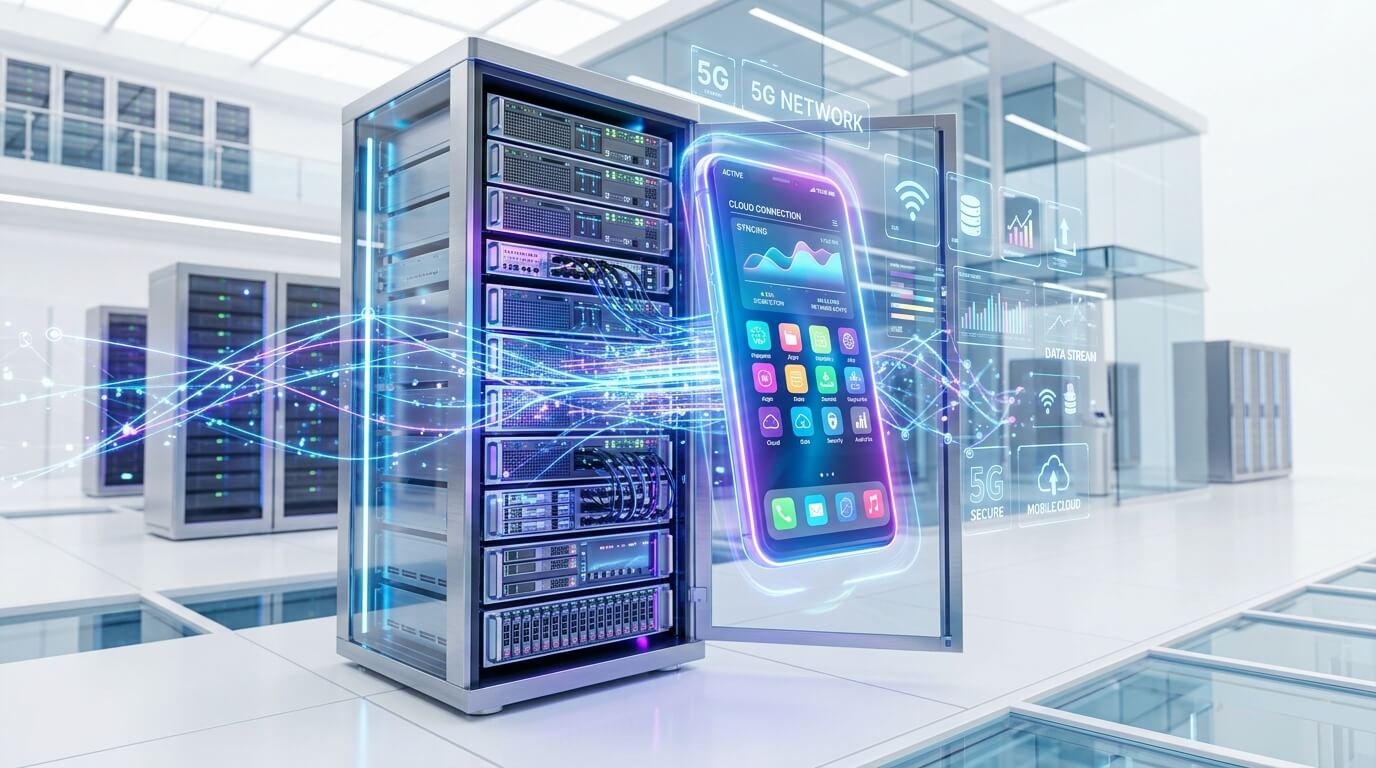
In today's digital-first business environment, scaling mobile operations is a significant challenge. Whether you are managing multiple social media accounts, running automated marketing campaigns, or grinding in mobile games, relying on physical devices quickly becomes a logistical nightmare. Enter the cloud phone.
This comprehensive business guide will break down exactly what a cloud mobile phone is, how the technology works, why businesses are shifting away from physical phone farms, and how you can leverage cloud phones to scale your operations safely and efficiently.
1. What Exactly Is a Cloud Phone? (Clearing the Confusion)
To understand the true value of this technology, we must first clear up the industry terminology. The term "cloud phone" generally has two different meanings depending on who you ask:
- Definition 1: Cloud-Based PBX/VoIP (The Traditional View): A business phone system that uses the internet to make and receive voice calls (e.g., answering customer support calls). This is NOT what we are discussing in this guide.
- Definition 2: Cloud-Hosted Virtual Mobile Device (The Modern View): A fully functioning smartphone operating system (usually Android) running on a remote cloud server. You control the device interface via a web browser or a client app on your computer, but the actual processing, app execution, and storage happen in the cloud.
For the remainder of this guide, when we say Cloud Phone, we mean a Virtual Android Device hosted in the cloud. Think of it as having dozens, hundreds, or even thousands of physical Android smartphones sitting in a highly secure server room, all of which you can control from a single laptop screen.
Core Characteristics of a Cloud Phone:
- Native Android Environment: It acts exactly like a real smartphone. You can download apps from the Google Play Store, swipe, click, and type.
- Remote Streaming: What you see on your screen is a low-latency video stream of the device's UI, while your clicks and swipes are sent back to the server as commands.
- Hardware Independence: It doesn't use your local computer's RAM or CPU to run the mobile apps.
2. How Does a Cloud Phone Work Technically?
Understanding the underlying technology helps explain why cloud phones are superior to standard computer emulators (like BlueStacks or NoxPlayer) for business operations.
ARM Architecture vs. x86 Emulation
Most desktop computers run on x86 architecture (Intel/AMD chips), while almost all mobile apps are designed to run on ARM architecture (Snapdragon, Apple Silicon). When you use an emulator on your PC, your computer has to translate ARM instructions into x86 instructions in real-time. This translation process consumes massive amounts of CPU and RAM, making it incredibly inefficient to run multiple emulators at once.
Cloud phones solve this by using actual ARM-based servers.
Providers build massive server racks filled with ARM microchips. When you rent a cloud phone, you are essentially renting a dedicated slice of an ARM server. Because the server architecture matches what the mobile apps expect, there is no heavy translation required. The apps run natively, smoothly, and without crashing, allowing providers to host thousands of instances simultaneously.
The Video Streaming Protocol
Once the Android OS is running on the ARM server, the visual output (the screen) is encoded into a video format (like H.264 or H.265) and streamed over the internet to your local browser. When you click your mouse on the browser screen, the coordinates are sent back to the cloud server and registered as a "finger touch." This entire loop happens in milliseconds, providing a seamless user experience.
3. Top Business Use Cases: Why Do Companies Use Cloud Phones?
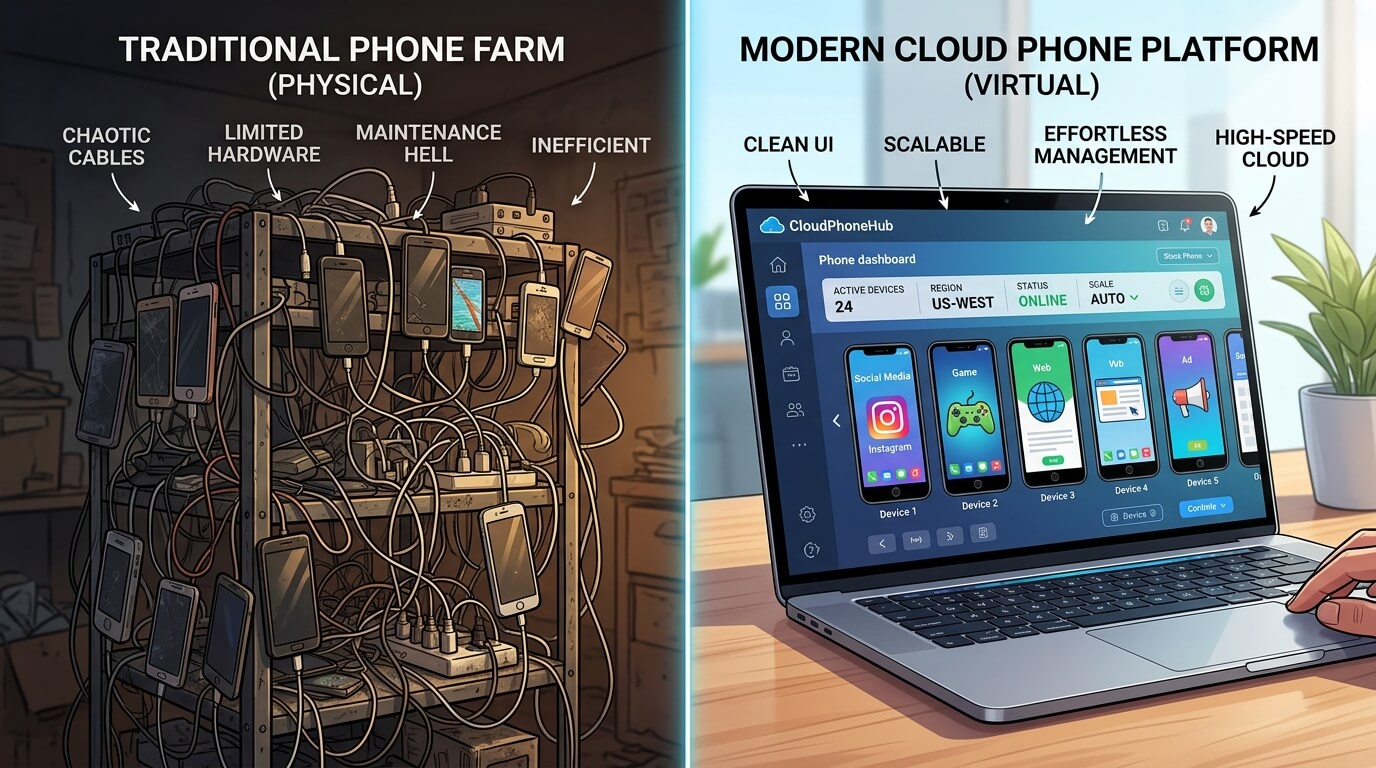
Physical phone farms—racks of cheap smartphones connected by USB cables—used to be the standard for scaling mobile tasks. Today, businesses are migrating to cloud phones for stability, scale, and account safety. Here are the primary use cases:
A. Social Media Multi-Account Management
Platforms like TikTok, Instagram, and Facebook have strict anti-spam systems. If they detect multiple accounts logging in from the same physical device or the same IP address, they will shadowban or permanently suspend those accounts. Cloud phones allow teams managing social media marketing to assign one dedicated cloud device and one dedicated Proxy IP to each account. This isolates the digital footprint, ensuring the platform views each account as a legitimate user on a unique mobile phone.
B. Mobile App Automation & AI Agents
Running automation scripts (like auto-liking, auto-messaging, or data scraping) on physical phones is prone to failure. Batteries swell, Wi-Fi drops, and screens turn off. Cloud phones run 24/7 in climate-controlled data centers with enterprise-grade internet. Furthermore, modern platforms are integrating AI Visual UI Understanding. Instead of writing brittle scripts, businesses can deploy AI agents that visually "read" the cloud phone screen and execute complex Standard Operating Procedures (SOPs) autonomously.
C. Cross-Border E-commerce & Affiliate Marketing
Sellers on platforms like Shopee, Lazada, or Amazon often need to manage multiple storefronts across different geographic regions. By using cloud phones paired with local residential proxies, an e-commerce operator in London can manage a mobile storefront as if they were physically holding a smartphone in Jakarta, bypassing regional restrictions and app availability issues.
D. Lead Generation & Outreach
B2B and B2C sales teams use messaging apps like WhatsApp or Telegram for direct outreach. Managing 50 WhatsApp business accounts on physical phones requires a desk full of devices and constant charging. A cloud phone dashboard allows a single operator to oversee dozens of outreach lanes simultaneously, seamlessly passing warm leads to human closers.
4. Cloud Phone vs. Emulators vs. Physical Phone Farms
When deciding how to scale your mobile operations, comparing physical phone farms vs cloud phones is usually the first step. The table below breaks down the pros and cons of each approach.
5. Core Benefits of Using Cloud Phones for Business
If you are still on the fence about migrating to a cloud infrastructure, consider these strategic advantages:
1. Ultimate Device Isolation
The primary reason social accounts get banned is "association." If Account A gets banned for spam, the platform will ban Account B if it detects they share the same hardware ID (IMEI, MAC address) or network. Professional cloud phone platforms provide Android Antidetect features, ensuring every single virtual phone has a unique, customizable device fingerprint that looks exactly like a real Samsung, Google Pixel, or Xiaomi phone.
2. Zero Hardware Depreciation
Physical smartphones become obsolete. Batteries degrade after 500 charge cycles, and older Android versions stop supporting new apps. With a cloud phone subscription, you never have to worry about e-waste or hardware upgrades. The provider upgrades the server infrastructure behind the scenes.
3. Seamless Proxy Integration
Changing IP addresses on physical phones often requires installing VPN apps that easily leak data. Professional cloud phone platforms allow you to inject proxy settings directly at the system network layer. This guarantees that all traffic coming from that specific virtual device is routed perfectly through your chosen residential or datacenter proxy.
4. Unified Dashboard Control
Instead of manually picking up 20 different phones, a cloud platform provides a "Console" view. A manager can see all 20 phone screens running in real-time on one monitor, monitor which automation tasks are queued, which are running, and quickly intervene if an app requires manual verification.
6. How to Choose the Right Cloud Phone Provider
The market for cloud phones is growing rapidly, but not all providers cater to business needs. Many are built for gamers who just want to AFK (Away From Keyboard) farm in mobile RPGs. If you need a solution for marketing, social media, or AI automation, look for these features:
- Root Access Control: Depending on your automation software, you may need the ability to easily toggle Root access on or off.
- Device Fingerprint Customization: The platform must allow you to alter IMEI, Android ID, brand, model, and GPS location. If it doesn't, it is useless for multi-account management.
- API Availability: For advanced teams, you want an API to programmatically reboot devices, change IP addresses, or install APKs across 100 devices simultaneously.
- Team Management: Look for platforms that allow you to create sub-accounts. You should be able to grant an employee access to specific virtual devices without giving them your master password.
- Automation Integration: Forward-thinking platforms are integrating built-in RPA (Robotic Process Automation) or AI execution environments to streamline workflows.
7. Frequently Asked Questions (FAQ)
Are cloud phones legal to use?
Yes, cloud phones are entirely legal. They are simply virtualized hardware. However, how you use them must comply with the Terms of Service of the specific apps you are running. Using a cloud phone to manage multiple legitimate business accounts is a standard practice; using them to launch malicious DDoS attacks or generate fake clicks violates platform policies.
Will social media platforms know I am using a cloud phone?
Basic cloud phones or cheap emulators are easily detected. However, premium "Antidetect" cloud phones specifically engineered for marketing modify the Android kernel to hide virtualization markers. To platforms like TikTok or Facebook, a high-quality cloud phone appears identical to a standard user sitting in a coffee shop holding a physical device.
Do I still need proxies if I use a cloud phone?
Absolutely. A cloud phone provides a unique hardware fingerprint, but if you run 50 cloud phones on the default IP address provided by the data center, social platforms will instantly flag them. You must pair each cloud phone with a high-quality proxy (preferably Residential or Mobile IP) to ensure both the hardware ID and the network IP remain isolated.
Can I play heavy 3D games on business cloud phones?
While technically possible, business-oriented cloud phones are usually optimized for 2D app stability, networking, and automation rather than high-framerate 3D rendering. If your sole purpose is gaming, you might look for consumer-focused cloud gaming providers. For app management, social media, and automation, business cloud phones are the superior choice.
Conclusion: The Future of Mobile Operations
The transition from physical phone farms to cloud phones is identical to the transition from physical servers to AWS or Google Cloud a decade ago. It is an inevitable step toward better scalability, lower maintenance, and enhanced security.
For modern businesses, building a mobile execution team no longer means buying hundreds of physical devices. By leveraging cloud phones, companies can deploy AI agents, automate repetitive tasks, manage massive social media networks, and scale their digital footprint from a single unified dashboard. If you are struggling with account bans, broken scripts, or hardware limits, migrating to a cloud phone architecture is the most strategic upgrade you can make.



