
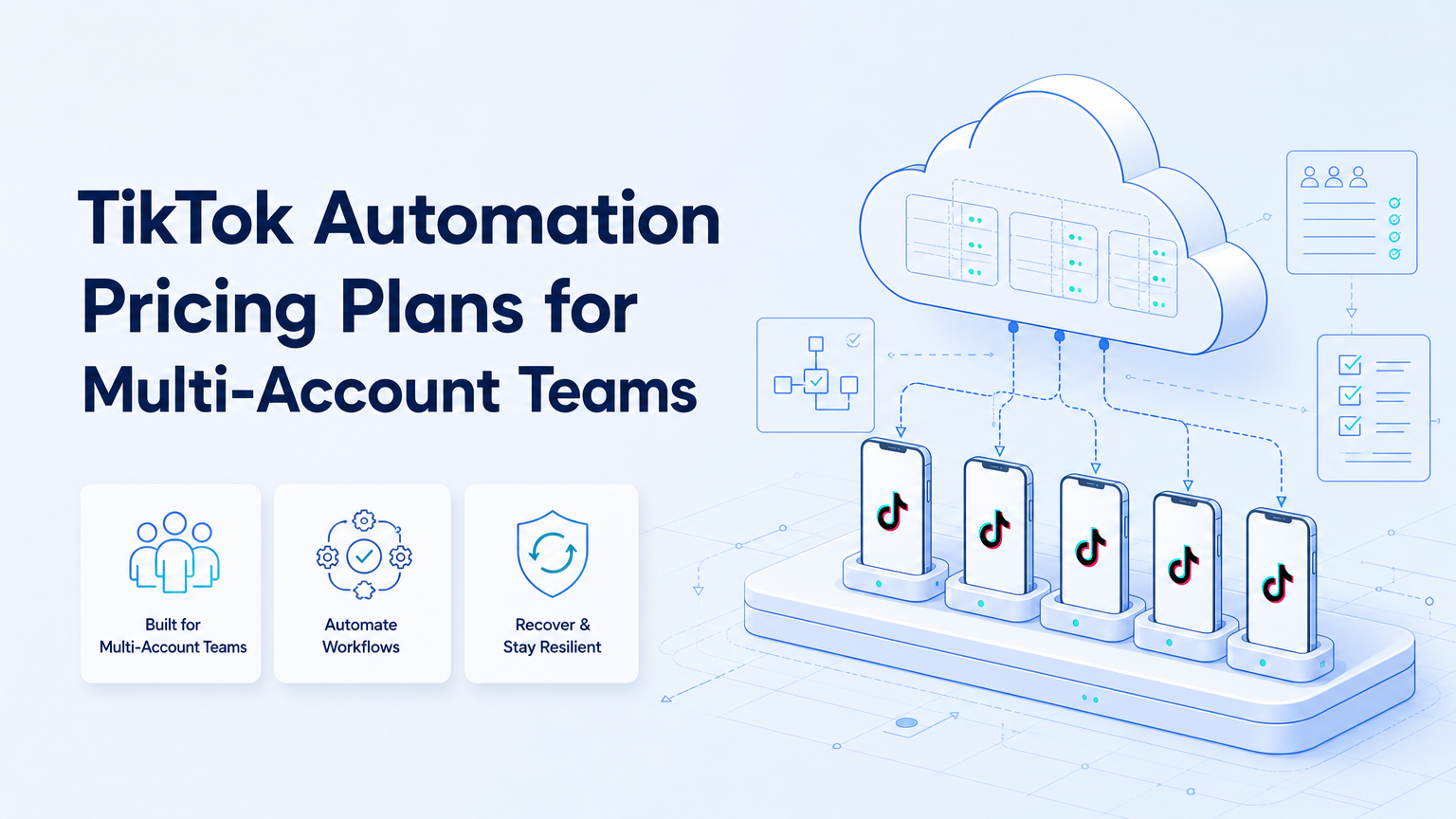
TikTok automation pricing plans are usually best compared by workflow scope, account count, execution environments, and review controls. A cheap tool may be enough for a simple scheduler. A multi-account team needs a pricing model that reflects account workspaces, mobile capacity, team roles, and recovery support.
The key question is not only monthly price. The better question is what the plan lets the team run safely and repeatedly inside a controlled cloud phone for TikTok workflow.
Key Takeaways
- Pricing should match account count, workflow complexity, and execution capacity.
- Multi-account teams need account workspaces, review controls, and logs.
- Mobile-first workflows may require cloud phones, not only web scheduling.
- Official platform docs should shape automation boundaries and data access.
- The best pilot compares total workflow cost, not only subscription price.
What TikTok Automation Pricing Plans Usually Include
TikTok automation pricing plans can cover very different products. Some tools focus on scheduling. Others focus on inbox work, analytics, asset management, or account operations. Execution platforms add another layer: browser profiles, cloud phones, device isolation, and team workflow control.
This difference matters because TikTok work often touches mobile behavior, content review, publishing steps, comments, and account context. A pricing page may look simple, but the real cost depends on how many accounts and workflows the team must manage.
MoiMobi should be evaluated as an execution layer, not only a posting tool. The relevant plan question is whether the team needs cloud phone capacity, multi-account workspaces, and controlled mobile execution.
Cost Drivers for Multi-Account Teams
The main cost drivers are predictable.
| Cost driver | Why it matters | What to check |
|---|---|---|
| Account count | More accounts need more workspace separation. | Profiles, seats, phones, or account limits. |
| Workflow scope | Posting, replies, monitoring, and reporting require different controls. | Included workflows and review gates. |
| Execution environment | Mobile-first tasks may need cloud phones or Android devices. | Cloud phone capacity and device persistence. |
| Team operations | Agencies need roles, approvals, and handoff. | Seat model, logs, and permissions. |
The pricing comparison should include hidden operating cost. A low subscription can become expensive if operators still switch accounts manually all day.
Where Official Platform Boundaries Matter
TikTok automation planning should respect platform access boundaries. The TikTok for Developers documentation explains official developer platform access and API concepts. Teams should use official channels when the workflow depends on integrations or data access.
For advertising or business workflows, TikTok Business documentation is also relevant. The TikTok Business Help Center provides official guidance for ad account and business tool usage. It should inform how teams separate marketing tasks from organic account operations.
This does not mean every workflow must use an API. It means pricing should include the cost of compliant process design, human review, and operational limits. A plan that ignores those boundaries may create more cleanup work later.
How to Compare TikTok Automation Pricing Plans
Use a checklist instead of comparing headline prices.
- List the number of TikTok accounts and brands.
- Separate workflows into publishing, reply, monitoring, research, and reporting.
- Mark which workflows require mobile execution.
- Count the operators, reviewers, and managers who need access.
- Check whether the plan includes logs and recovery history.
- Estimate manual time saved after review, not before review.
This method gives a more realistic view of cost. It also separates a content tool from an execution system.
Pricing Plan Types to Compare
Most teams should compare plans by operating model, not only by vendor category. A single-account creator, a small agency, and a cross-border seller may all search for TikTok automation, but they usually need different cost structures.
| Plan type | Best fit | Pricing question |
|---|---|---|
| Scheduler-only | Simple content calendars and low account volume. | How many profiles and scheduled posts are included? |
| Social inbox | Teams replying to comments or DMs with review. | Are seats, approvals, and message history included? |
| Execution platform | Teams running browser and mobile workflows across accounts. | How are cloud phones, profiles, roles, and logs priced? |
| Agency workspace | Client teams that need separation and reporting. | Can each client have separate roles, assets, and approvals? |
This structure prevents a common mismatch. A scheduler can look cheap because it does not include mobile execution. An execution platform can look higher at first, but it may replace manual switching, device handling, and spreadsheet tracking.
Example Budget Worksheet
Build a simple worksheet before choosing a plan. Keep it operational, not theoretical.
Start with accounts. Count active TikTok profiles, backup profiles, test profiles, and client profiles separately. Each group may need a different workspace rule.
Add workflows next. Mark which tasks are publishing, reply preparation, comment triage, account checks, competitor monitoring, or reporting. Then mark whether each task needs a browser, mobile app, or both.
Add team roles last. Count operators, reviewers, managers, and technical admins. A plan that charges only by seat may fit one team. A plan based on cloud phone capacity may fit another.
The worksheet should also include failure cost. If a task fails because a session expires or an asset is missing, the team spends time recovering it. Good pricing analysis includes that recovery time.
Common Pricing Mistakes
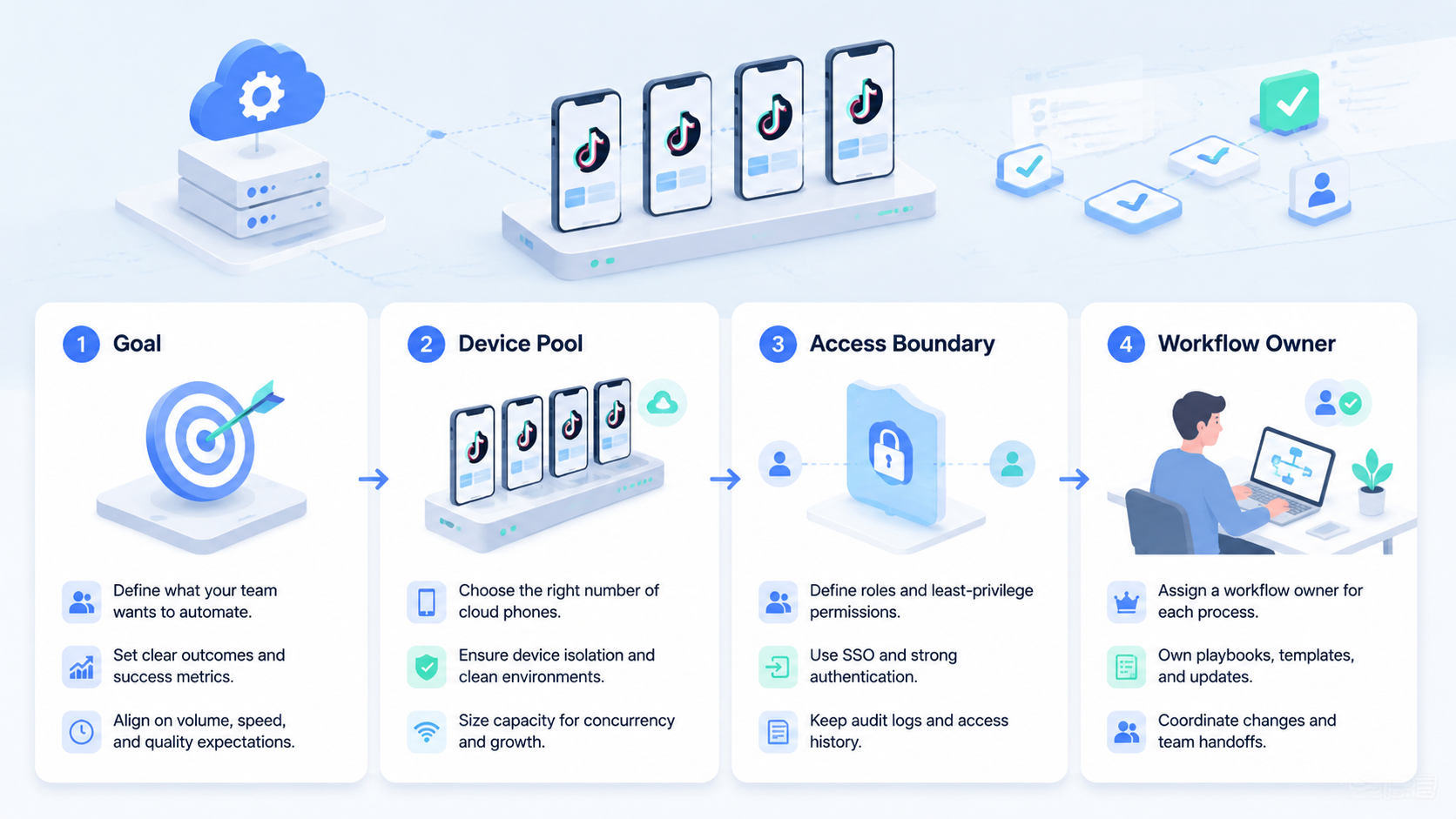
The first mistake is buying only for the current account count. Multi-account teams often add accounts after a campaign works. Pricing should make the next step clear before expansion starts.
The second mistake is ignoring device capacity. If the workflow depends on Android environments, a browser-only plan may not cover the real operating need. Compare it with mobile automation and device isolation requirements.
The third mistake is skipping review cost. AI can prepare drafts and repeat steps, but public posts and customer replies still need review rules. A plan without approval flow can move work faster in the wrong direction.
Fit and Not-Fit Guide
TikTok automation pricing plans fit multi-account teams when the work is repeated and measurable. Agencies, ecommerce sellers, creator operations teams, and cross-border growth teams usually need more than a calendar.
They are a weaker fit when the team only posts occasionally. A simple scheduler may be enough for one account with low volume.
An execution platform is a stronger match when the team needs account separation, mobile environments, and repeatable workflows. That is where multi-account management becomes part of the pricing decision.
Pilot Budget and Measurement
Run a pilot before choosing a larger plan. Pick one account group and one workflow, such as comment triage or scheduled publishing with review.
Measure:
- Time spent per completed workflow.
- Number of review edits per post or reply.
- Failed runs by reason.
- Account workspace accuracy.
- Recovery time after session or asset issues.
The right plan should reduce total operating cost, not only software cost. If review edits stay high, improve workflow instructions before buying more capacity.
Questions to Ask Vendors Before Upgrading
Ask direct questions before moving from a basic plan to a larger multi-account plan.
- What counts as an account, workspace, device, profile, or seat?
- Are cloud phones persistent or temporary?
- Can one reviewer approve work across multiple account groups?
- Are task logs included, exported, or limited by plan?
- What happens when a workflow stops because login, asset, or page state changes?
- Can browser and mobile execution be managed from the same workflow view?
- Does the plan support separate client workspaces for agencies?
These questions reveal whether a price is only software access or a real operating package. For multi-account teams, that distinction affects daily workload.
When to Choose a Higher Plan
Choose a higher plan only when the extra capacity removes a clear bottleneck. More seats help when reviewers block approvals. More cloud phones help when mobile workflows queue behind too few environments. More logs help when managers cannot explain why tasks fail.
Do not upgrade only because the team wants more automation. First identify the constraint. A TikTok team may discover that the issue is not posting speed, but asset approval. Another team may find that account switching creates most of the delay. The right plan depends on the bottleneck.
For a multi-account team, the upgrade trigger should be tied to a workflow metric. Examples include missed publish windows, long review queues, repeated login recovery, or too many manual handoffs between browser and mobile work.
Frequently Asked Questions
Are TikTok automation pricing plans usually per account?
Some are per account, while others price by seat, device, workflow, or usage. Read the plan limits carefully.
Is a scheduler enough for multi-account teams?
Sometimes. A scheduler fits simple publishing. Multi-account operations may also need account workspaces and mobile execution.
Why do cloud phones affect pricing?
Cloud phones add persistent Android environments. They matter when workflows depend on mobile apps or mobile-first account operations.
Should pricing include human review time?
Yes. Review time is part of the real operating cost.
What should agencies compare first?
Agencies should compare account limits, client workspaces, reviewer roles, and logs.
Can AI lower TikTok operations cost?
It can reduce repetitive preparation work, but only when workflows are clear and reviewable.
How does MoiMobi fit pricing evaluation?
MoiMobi is relevant when pricing must include browser, cloud phone, and multi-account execution capacity.
Conclusion
Compare TikTok automation pricing plans by the workflow they actually support. Account count, mobile execution, review controls, and recovery history matter more than a low headline price.
Before upgrading, run one pilot workflow and measure the real cost per completed, reviewed, and recoverable task.



