
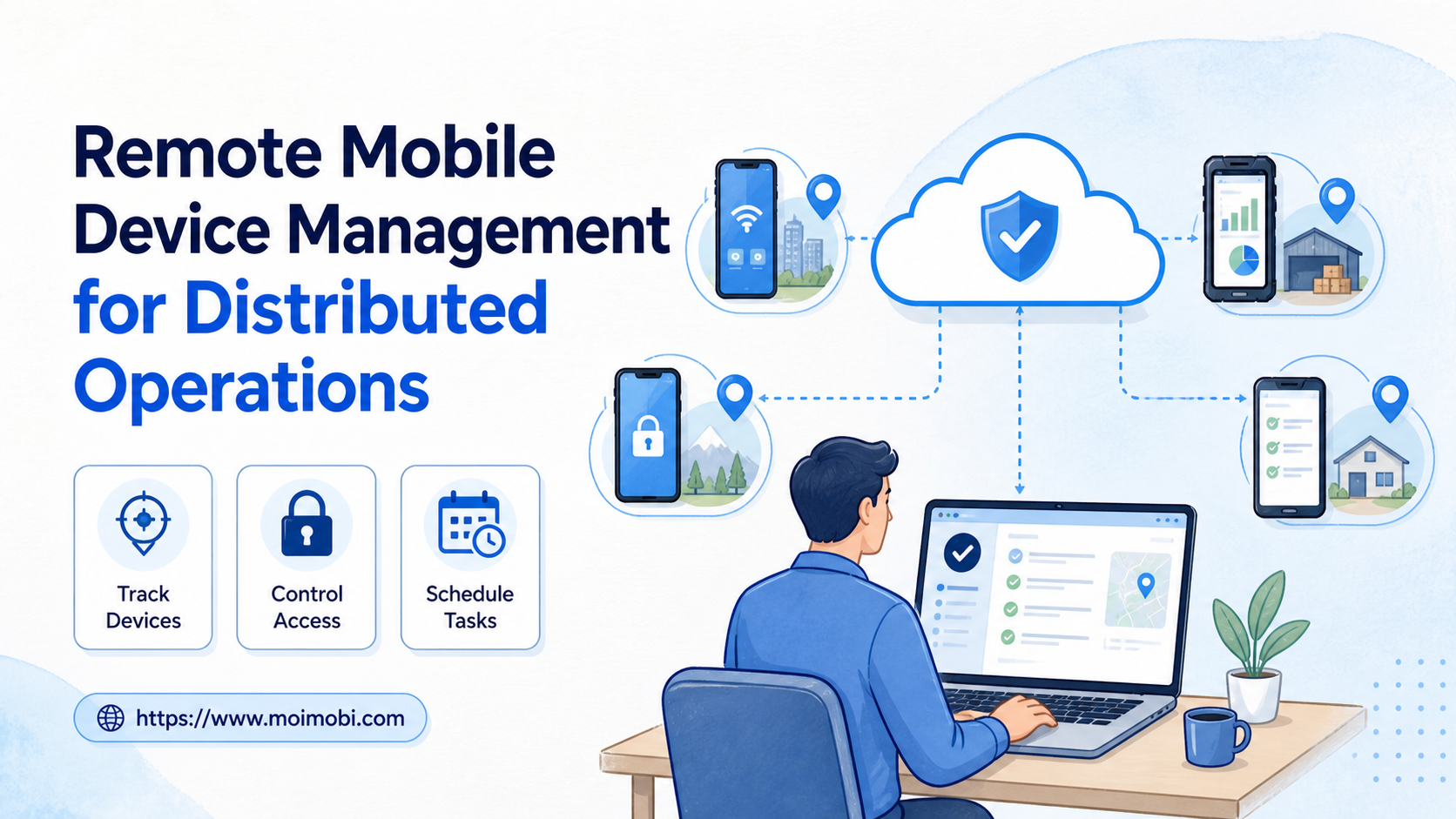
Remote mobile device management is the operating process for registering devices, controlling access, assigning tasks, checking device state, and recording recovery actions from a distance. For distributed operations, it replaces informal handoffs with a visible record of who owns each device and what work is allowed on it.
For a distributed operations team, the managed object is more than a phone on a remote screen. It is a mobile execution environment connected to an account lane, an operator, a task queue, and a review rule. That definition helps teams separate device administration from content decisions, customer work, and account ownership.
This matters when operators work from different locations, time zones, or client teams. A remote screen alone is not enough. The team also needs a device inventory, permission model, task queue, evidence trail, and stop rule. A cloud phone can be one execution environment inside that model, but management quality comes from the process around the environment.
Key Takeaways
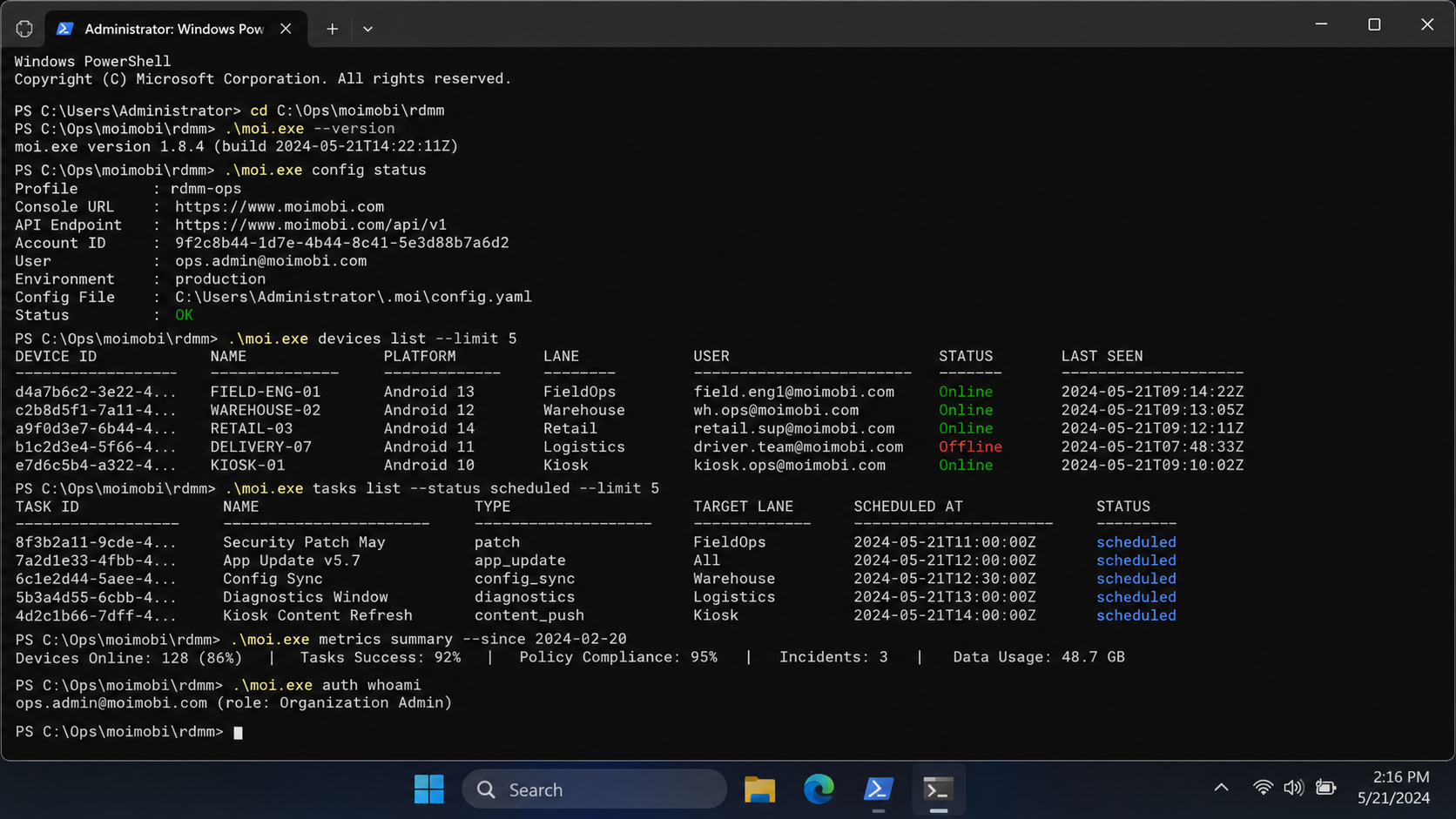
- Remote mobile device management combines device records, access rules, task control, health checks, and recovery history.
- Distributed teams need one source of truth for device ownership, account assignment, app state, and current work.
- Remote access should be separated from approval and recovery permissions.
- Start with a small device group and measure handoffs, failures, review time, and task completion.
Remote Mobile Device Management Starts with a Device Record
The basic unit is not the operator session. The device record is the durable unit. It should identify the device, its environment, current owner, assigned account or task lane, health state, and the next review date.
Apple's platform deployment documentation treats organizational device management as a combination of device enrollment, management services, configuration, apps, and network preparation. That model is useful beyond Apple fleets. It shows why registration and configuration must be treated as separate steps instead of assuming that a device is ready as soon as someone can open its screen.
For a distributed team, the device record should answer five questions quickly:
- What device is this?
- Which account, client, or workflow is assigned to it?
- Who is allowed to operate it?
- What task is running or waiting?
- What should happen if the state is abnormal?
The minimum management fields
| Area | Fields to record | Review question |
|---|---|---|
| Identity | Device name, model, platform, serial reference | Can the team identify the correct device? |
| Ownership | Client, account, primary owner, backup owner | Who is responsible for the current state? |
| Access | Operator role, reviewer role, expiry or change event | Who can act, approve, or recover? |
| Runtime | App state, connection, storage, last check | Is the device ready for the next task? |
| Work | Task, priority, schedule, status, result | What is the device doing now? |
| Recovery | Failure reason, evidence, next action, owner | Can another operator continue safely? |
The table is deliberately operational. It avoids treating “online” as a complete health signal. A device can be reachable while the wrong account is open, a required app is signed out, or a queued task is waiting for review.
Why Remote Mobile Device Management Matters for Distributed Operations
Distributed work multiplies small ambiguities. A local team can ask someone to check a phone. A distributed team needs a record that survives handoffs, time-zone changes, and staff rotation.
Without a shared management process, common failures include duplicate work, stale assignments, unreviewed tasks, and unclear recovery responsibility. The issue is not that every operator is careless. The issue is that the system does not show enough context at the moment of action.
The management layer should therefore connect four views:
- Inventory view: what devices exist and whether they are available;
- Assignment view: which account or client lane owns each device;
- Execution view: what task is queued, running, paused, or failed;
- Review view: what evidence was captured and what decision comes next.
A fleet operating model is useful when the team needs these views across many remote devices. It should not become a decorative dashboard. Every displayed state needs an owner and a next action.
Remote Mobile Device Management and Access Control
Remote access and management permission are different things. An operator may need to interact with an app, while a reviewer needs to approve a task and a manager needs to reassign capacity. Giving all three roles the same access makes attribution and recovery harder.
Apple Business documentation describes assigning, reassigning, and unassigning devices to a device management service. It also supports individual, batch, and default assignment patterns. For an operations team, the lesson is to record assignment changes as explicit events. Do not silently overwrite the current owner and lose the previous state.
Use role boundaries that match the work:
| Role | May do | Should not do by default |
|---|---|---|
| Operator | Execute an approved task and report the result | Change account ownership or recovery policy |
| Reviewer | Approve, reject, pause, or request changes | Take over every device without a task record |
| Manager | Assign capacity, change owners, review metrics | Bypass the normal approval trail |
| Recovery owner | Investigate failures and restore a workflow | Mark a task complete without evidence |
For account-sensitive work, separate account workspaces help keep device and account context distinct. The goal is controlled separation, not a promise that any environment removes all operational risk.
How to Set Up Remote Mobile Device Management
Use the following sequence for a new device group or a process redesign.
Step 1: Define the operating scope
List the platforms, apps, client lanes, account types, and task classes. Mark which actions require approval. Do not start with a generic “automate everything” requirement. A task that publishes content has different review needs from a task that checks an inbox or captures a status screenshot.
Step 2: Register devices and environments
Create one record per device or managed environment. Record its platform, access method, configuration state, and current availability. If the team uses both physical devices and virtual Android environments, keep the environment type explicit.
Step 3: Create the account and owner map
Assign each active account to a device, primary owner, backup owner, client, and workflow lane. Record changes as events. This prevents a handoff from becoming a private message that nobody else can verify.
Step 4: Build the task queue
Every task needs an input, priority, schedule, approval state, stop condition, and expected result. A task queue control layer can coordinate repeatable work, but the queue still needs human-readable statuses such as pending review, ready, running, paused, failed, and completed.
Step 5: Add state checks and recovery rules
Before running a task, check connection, app state, account assignment, and recent failures. After the task, record the result and any evidence. If the state is abnormal, pause the task and route it to the recovery owner. Do not hide a failure by immediately retrying without a reason.
Screenshots, Logs, and State Verification
Remote operations need evidence that another person can interpret. A screenshot is useful when it proves app state, task progress, or an exception. It is not useful when it is captured without a timestamp, device identity, or associated task.
AWS Device Farm offers a clear example of this principle in a testing context. Its remote access documentation describes browser-based interaction with physical devices, screenshots, video, and logs. It also notes that simultaneous sessions are limited by device slots. This is a testing service, not a general account-operations recommendation, but it shows why session evidence and capacity constraints should be modeled explicitly.
Use a simple verification checklist after each important task:
- the assigned device matches the task record;
- the expected account or app state is visible;
- the task result is recorded;
- any screenshot or log has a reason and timestamp;
- the next owner or action is clear;
- a failed task is paused or escalated rather than silently retried.
Who Benefits Most and Who Does Not
This model fits teams that have more than one operator, multiple client lanes, repeated app tasks, or a need to review work after execution. It is especially useful when a manager cannot personally inspect every device.
The model may be unnecessary when one person operates one device for a small, low-change workflow. It may also be the wrong first investment when the team has not yet defined account ownership, approval rules, or a measurable task outcome.
Use a fit check before rollout:
| Situation | Better starting point |
|---|---|
| One operator, one device, irregular work | A documented manual checklist |
| Several operators sharing a device pool | Central device and task records |
| Client accounts with separate approval rules | Account mapping plus role-based access |
| Browser-only work | Browser workspace management |
| Native app work across many environments | Remote mobile management and task queues |
| Unclear task outcomes | Define success and stop conditions first |
The right system is the smallest one that makes ownership and recovery visible. More devices without better records can increase the amount of confusion.
Common Mistakes That Reduce Results
Treating online status as health
Reachability does not prove that the correct app, account, or task is ready. Add state checks that match the workflow.
Mixing approval with execution
The person who runs a task does not always need authority to approve it. Separating these steps makes review and accountability clearer.
Reassigning without a handoff record
A new owner needs the previous state, open tasks, and known exceptions. Otherwise, the same setup work is repeated and old failures disappear from view.
Using screenshots without context
Store the device, task, timestamp, and reason with the screenshot. A loose image folder is not a management system.
Retrying every failure automatically
Some failures need a new network path, a signed-in app, a permission change, or a human decision. A retry policy should distinguish transient errors from state errors.
Pilot, Measurement, and Recovery Review
Start with one workflow lane and a small group of devices. Keep the ownership map fixed for the first run. Require one reviewer and one recovery owner so the team can observe the complete path from assignment to closure.
Measure these signals weekly:
- handoff time between primary and backup owners;
- percentage of tasks with complete result records;
- time from failure detection to an assigned recovery action;
- number of tasks paused because the device or account state was unclear;
- review delay between task completion and approval;
- unused capacity during scheduled work windows.
Use the results to change the process, not just the dashboard. If most failures come from wrong assignments, improve the account map. If failures come from app state, add a preflight check. If recovery waits for one specialist, document the recovery path and train a backup.
A useful daily review board has three columns: ready work, active work, and exceptions. Each card should show the device, account lane, owner, last state check, and next action. That small structure helps a distributed manager spot stale tasks before they become missed handoffs. It also gives the backup operator enough context to continue without opening unrelated accounts or repeating completed work.
Expand only when a second operator can complete the workflow without asking the first operator to explain missing context. That is a stronger readiness signal than a large device count.
Frequently Asked Questions
What is remote mobile device management?
In practical terms, remote mobile device management coordinates the registration, access, assignment, monitoring, and recovery of remote mobile devices.
Is remote access the same as device management?
No. Remote access provides interaction. Device management adds inventory, permissions, assignments, task state, evidence, and recovery rules.
Does it only apply to physical phones?
No. The same records can describe physical phones, cloud phones, and other managed mobile environments. The environment type should remain explicit.
How should teams assign devices to accounts?
Use an explicit mapping with a primary owner, backup owner, client, workflow lane, and assignment history.
Should every task require manual approval?
Not necessarily. Set approval requirements by task class. Sensitive or irreversible work usually needs a stronger review step than routine checks.
What should happen when a device is offline?
Pause or reroute the task according to a documented rule. Record the condition and assign an owner instead of allowing the queue to become ambiguous.
Can remote mobile management support distributed teams?
Yes, when the system keeps ownership, task state, evidence, and recovery responsibility visible across operators and time zones.
How do teams know whether the rollout worked?
Run a controlled pilot and measure handoffs, task records, review delay, failure recovery, and assignment accuracy.
Conclusion: Make Device State Traceable
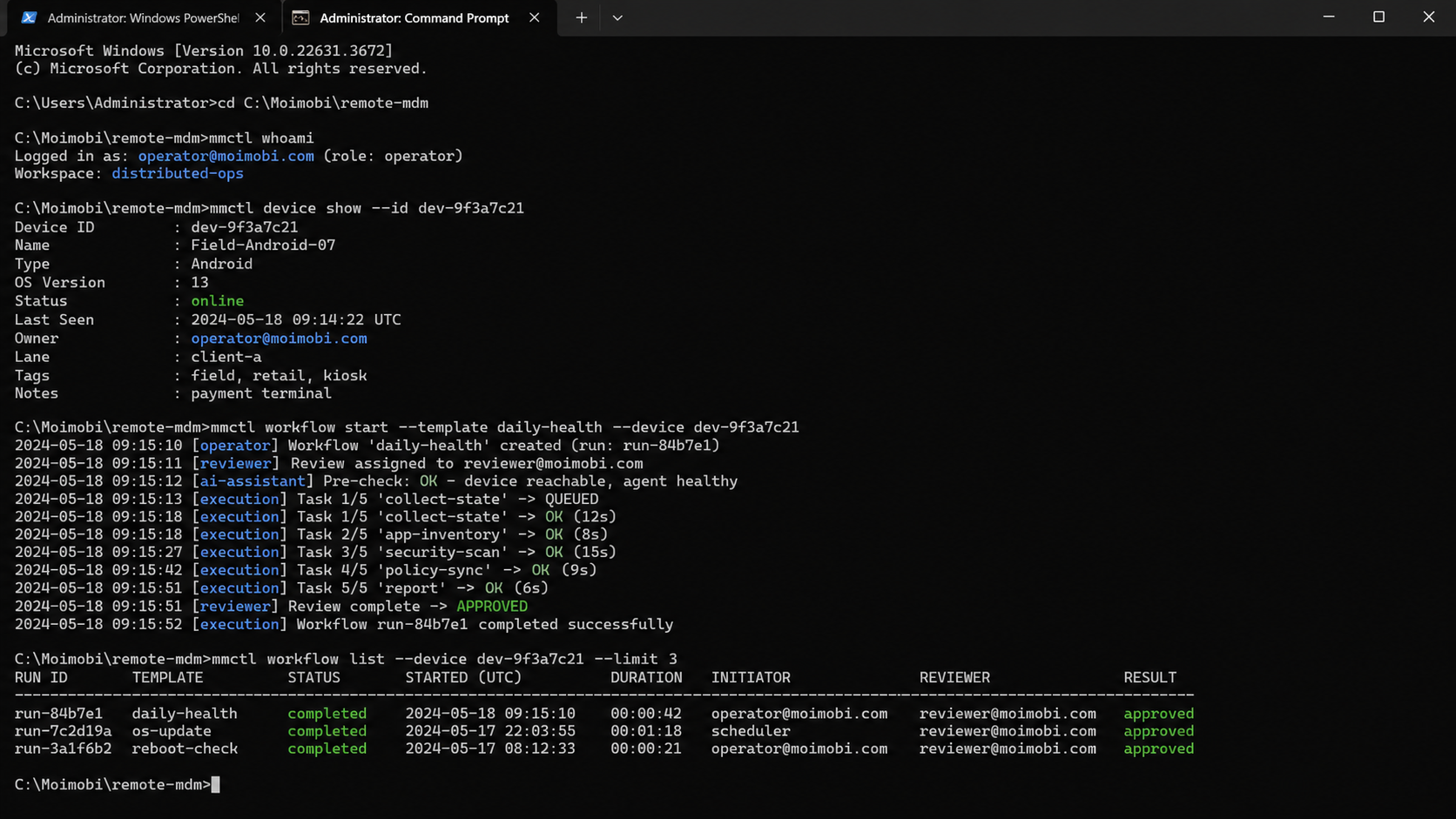
For distributed operations, the result is a way to make device state, account ownership, task progress, and recovery responsibility traceable. The useful unit is not a remote screen. A complete operating record lets another person understand and continue the work.
Begin with one workflow lane. Register the devices, map the accounts, assign roles, define stop conditions, capture evidence, and review the recovery path. Once the second operator can repeat the process without losing context, expand the device group or add another client lane.


