

Gmail browser profile automation starts with an approved mailbox assignment and an identity check. Prepare a named browser environment, a permitted operator and a read-only task. The expected output is evidence that the correct mailbox opened in the assigned workspace. A successful browser launch alone does not establish that result.
This guide separates three objects: the browser profile, the signed-in Google Account and the mailbox being managed. It focuses on Gmail's account switcher and delegation behavior, rather than repeating a general profile-management tutorial. No live Gmail account or sending workflow was tested for this article.
Key Takeaways
- Profile names and mailbox addresses are different identifiers.
- Google account switching can occur inside one browser environment.
- Evaluate supported delegation before sharing a signed-in profile.
- Verify the mailbox before actions that alter or send messages.
- Stop on ambiguous identity instead of silently switching accounts.
Prepare Gmail browser profile automation around the mailbox
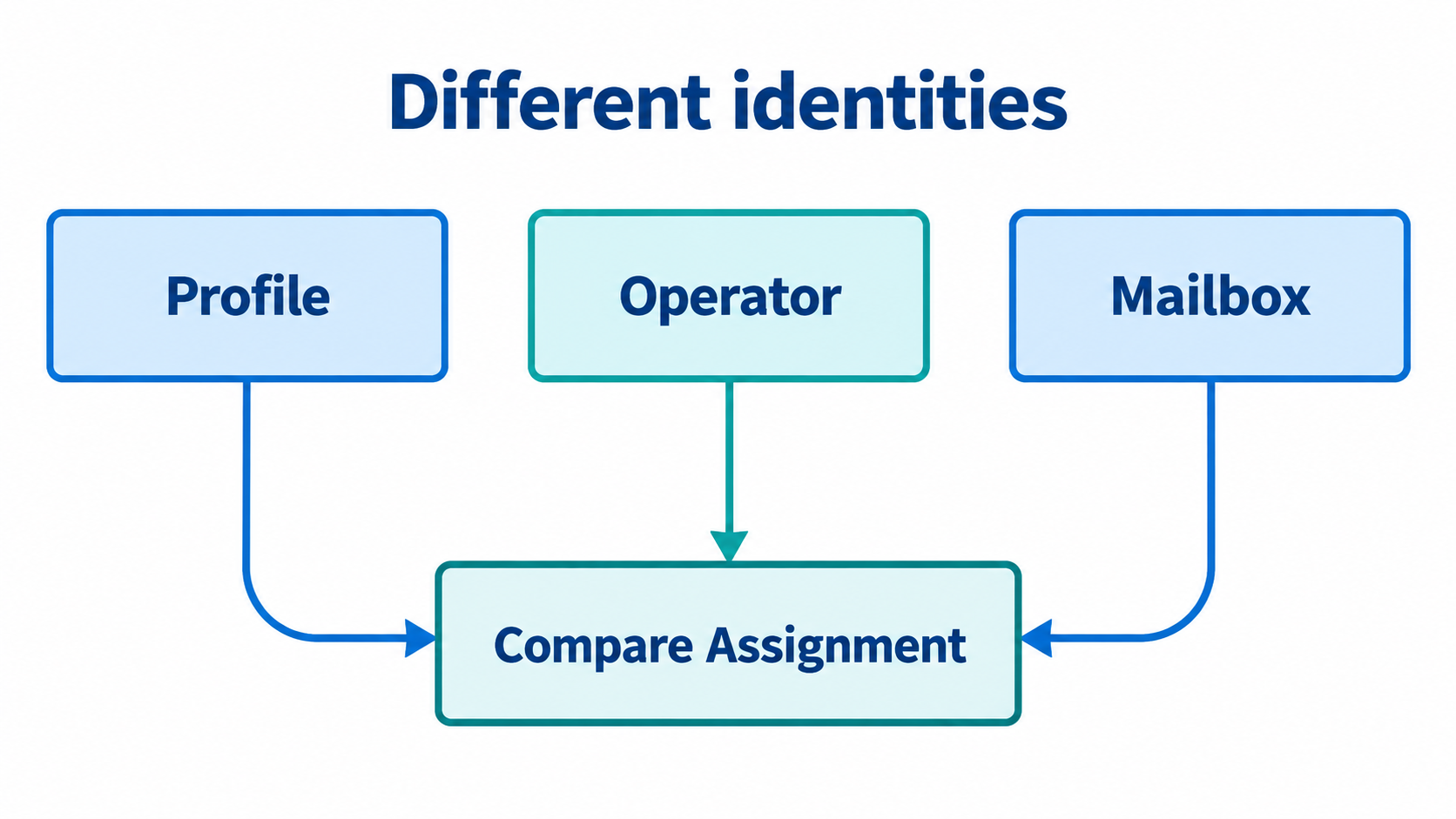
Create an assignment record with environment reference, operator identity, intended mailbox and permitted task. For delegated work, record the owner mailbox separately from the delegate's own account. Avoid recording passwords, cookies or private message content in this register.
Chrome's profile documentation describes separate bookmarks, history, passwords and settings. It also warns that someone with device access can switch to another Chrome profile. Treat the profile as an organizational workspace, not as proof that another person on the same machine cannot access it.
Decide how mailbox access is authorized before preparing the environment. Gmail's delegation guidance describes delegated access to read, send and delete email. That is meaningful account access. Ask the owner or administrator to decide whether it fits the operator's role; do not grant it merely to make automation easier.
For teams considering broader profile tooling, review the browser workspace alternatives. Tool selection does not replace Gmail-specific access approval or mailbox verification.
An ordered mailbox verification sequence
- Select the assigned environment. Match its reference to the approved record before opening Gmail. A descriptive color or name is a reminder, not the final identity check. Stop if the environment assignment is unknown.
- Inspect the signed-in account. Open the account menu and compare the displayed identity with the permitted operator. Google documents multiple-account sign-in, with some default-account settings potentially applying. Do not assume that a new window selects the intended account.
- Open the intended mailbox. If using approved delegation, follow the account switcher route. Gmail documents an account marked Delegated opening the owner's inbox in a new tab. Confirm the email address at the top, as its guidance instructs. Keep the operator account and owner mailbox distinct in the record.
- Check the task boundary. Compare the observed mailbox with the approved read-only task. Inspect only the information needed to establish readiness. Do not send a message or alter existing mail merely to prove that the workspace is usable.
- Record the outcome. Note the environment reference, mailbox match, reviewer and unresolved issue. Redact identifiers where the record will be shared beyond authorized staff. Mark a mismatch as stopped, not complete.
This proposed sequence supplies checkpoints for a team's implementation. It does not invent a Moimobi API or a Gmail selector that will work across every interface version. The executor still needs supported tooling and its own permitted test.
Verify Gmail browser profile automation before external actions
The completion record should distinguish environment readiness from mailbox readiness. An opened browser proves only the first stage. The selected account and visible mailbox must also match the assignment. Use an owner-approved test scenario when evaluating the sequence, rather than a private customer's correspondence.
Before enabling message changes, review how the executor reacts to a login prompt, account menu change or unfamiliar page. A task should fail visibly when its mailbox identity cannot be confirmed. Silent fallback to whichever inbox is available defeats account separation.
Delegated inbox links deserve extra care. Gmail's guidance advises using its account switcher instead of bookmarking the delegated inbox directly, because the access link can change. Do not hardcode a remembered tab address as your sole mailbox identity test. Recheck the visible address after opening the delegated view.
For a cross-team responsibility map, use a named-account operating structure. Record who may approve work and who reviews a mismatch. The structure should describe actual responsibility, not imply that every task is automated successfully.
Failure paths and limits
An expired login requires the account owner's approved authentication process. Pause the task and retain only the necessary failure note. Borrowing a colleague's session file would create a new access decision, not repair the existing assignment.
A mailbox mismatch requires investigation before any external action. Confirm whether the operator opened their own inbox, a delegated inbox or another signed-in account. Change the assignment only after the owner resolves the difference. Repeated clicking through accounts is not an acceptable substitute for that decision.
Delegation may not fit every organization or task. Ask the administrator about eligibility and supported access instead of assuming that every account has the same options. A delegated email role also should not be treated as unrestricted access to all Google Account settings.
Mobile-only work is separate. If the approved task requires an Android app, evaluate the cloud phone environment independently. Browser checks do not establish app access or mobile session continuity. Moimobi's platform positioning is not evidence of a tested Gmail connector or autonomous sending capability.
Frequently Asked Questions
Is a browser profile the same as a Gmail account?
No. A profile is a browser workspace. Gmail account and mailbox identities require their own checks.
Can multiple Google Accounts appear in one profile?
Google documents simultaneous sign-in to multiple accounts. Inspect the current identity instead of relying only on the profile label.
Should an assistant receive the owner's password?
Review supported delegation with the owner or administrator first. Profile sharing and credential sharing are separate access decisions.
Can I bookmark a delegated inbox for automation?
Gmail advises against directly bookmarking it. Use the documented account-switching route and confirm the mailbox address.
What counts as a successful readiness check?
The assigned environment opens, the intended mailbox is verified, and the permitted task boundary remains intact. Record any unresolved gap.
Should the test send an email?
Not for this read-only readiness task. A sending test needs separate authorization, approved recipients and a clear review step.
Does Moimobi already automate Gmail for this procedure?
That capability was not verified here. Confirm current supported tooling and access requirements before relying on any implementation.
Conclusion
Gmail account separation depends on explicit identity checks, not just separate windows. Keep environment, operator and mailbox references distinct. Use supported delegation when it fits, and stop when the active mailbox cannot be confirmed.
Begin with one owner-approved, read-only readiness task. Verify its outcome before extending the procedure to message changes or sending.



