
Cloud Phone
Use our cloud phones instead of physical devices: reliable and always accessible. Run mobile apps, manage multiple accounts, automate actions—do it all in the cloud.
Bring runtime, execution, and ownership back into one board
This page is not just a virtual phone demo. It should show how cloud phones support multi-account environments, team execution, and controlled review.
Cloud Phone Status Overview
Monitor the real-time running status of your cloud phone devices, manage virtual device fingerprint attributes and network configurations to ensure secure multi-account operations.
Device Activity
Device Status
Current device characteristics
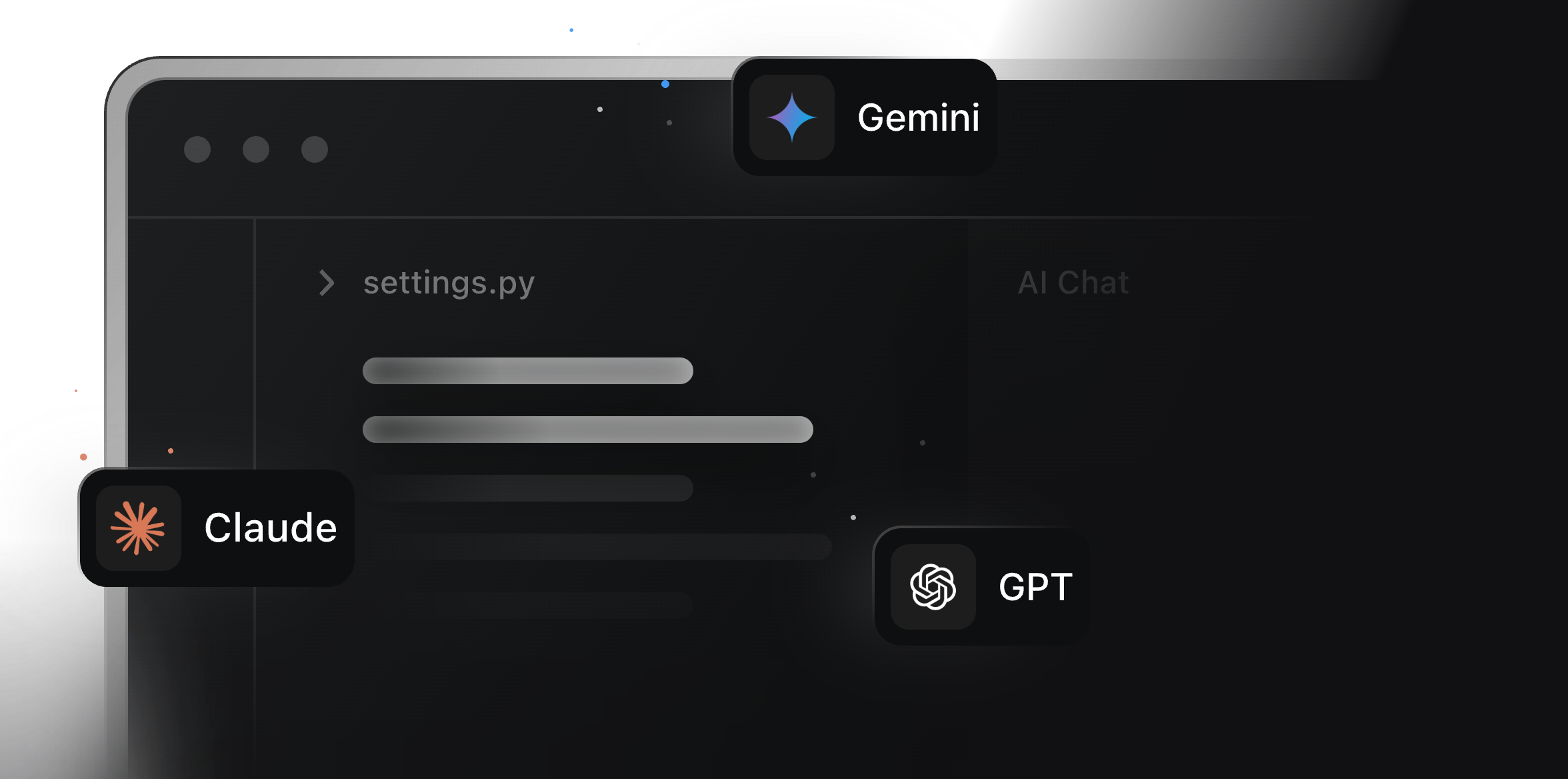
AI Model Integration
Integrate GPT, Gemini, Claude and more to power generation, automation and decisions.
Device Configuration
Customize device attributes
Control Cloud Phones from Your Computer
Think of cloud phones as Android phones placed in the cloud. They can be accessed through a computer and provide the same functionality as real phones. With our cloud phones, you don't have to buy or maintain physical devices for testing or account management anymore. Do everything in the cloud, save money, and be more efficient.
Keep device runtime and account separation inside one controlled cloud phone layer.
Keep apps, sessions, and device state online without relying on local phones.
Separate account environments so execution does not drift across shared devices.
cloudPhone.controlFromComputer.runtimeCard.layers.layer03.body
Three layers behind a scalable execution team
MoiMobi keeps every environment stable, lets multiple workers run in parallel, and turns repeated work into reusable execution flows.
Virtual Phones
Our virtual phones operate in the cloud and work the same as real phones. Access them whenever, wherever you need.
Unique Fingerprint
Each cloud phone has its own unique device fingerprint, so your activity looks exactly like you're using a real mobile phone.
Bulk Actions
Optimize your workflows by controlling multiple cloud phones at once.
Batch/Synchronization
Set up multiple cloud phones for different application scenarios, with one-click control for hundreds or thousands of cloud phones for easy switching and operation.
Break Physical Limitations
Supports 24/7 online operation, with no shutdowns, overheating, power outages, or local resource consumption.
Elastic Scaling
All computing occurs in the cloud, using a container architecture solution that enables dynamic scaling of CPU/GPU/memory resources with flexible upgrades.
Real Device Simulation
Features shake, scan, screenshot and other common real device functions with an ecosystem Android system, compatible with market apps for download and upload without root.
Set Up Proxies and Switch Geolocations
Set up proxies on each cloud phone to mask your actual location for bypassing GEO-restrictions and accessing the resources you need. We support configuration of all types of proxies, including HTTP(S), SOCKS, and mobile.
Automate Account Actions with AI
We offer synchronizer and AI-powered automation templates for automating tasks like clicking, typing, video editing, post scheduling, and a lot more. This frees up your time, so you can focus on what really matters.
Team Up, Scale Up
Our team collaboration features make it easy for your team to work together, no matter where they're located. Create roles, assign permissions, and share cloud phones, making teamwork simple and efficient.
cloudPhone.team.workspace
Why Should You Use Cloud Phones?
"Our cloud phone is a virtual Android device hosted in the cloud, designed as an antidetect solution for managing multiple mobile accounts securely and efficiently. Unlike traditional Android emulators or antidetect browsers, we provide a fully functional mobile environment that mimics real smartphones, complete with unique device fingerprints such as MAC addresses, IP addresses (via proxy integration), and system parameters. These features make our cloud phones perfect when you need to run a lot of mobile apps at once. Using cloud phones saves you the cash and hassle of buying and keeping up physical devices, and you get a way better Android experience than those emulators can offer. Plus, our cloud phones help you speed things up with automation tools that can handle phone actions like clicking, opening apps, logging in, posting, and a whole lot more. If you're working with a team, we let everyone jump on shared cloud phones with different permission levels. So even if your team's spread out all over, you can still work together efficiently."